manuals.online logo
Brands
  1. Home
  2. •
  3. Brands
  4. •
  5. Vodavi
  6. •
  7. VoIP
  8. •
  9. Vodavi Express VoIP User manual

Vodavi Express VoIP User manual

Popular VoIP manuals by other brands

Minitar MVA11A user manual

Minitar

Minitar MVA11A user manual

Fanvil D800 Quick installation guide

Fanvil

Fanvil D800 Quick installation guide

ZyXEL Communications FMG3024-D10A Series user guide

ZyXEL Communications

ZyXEL Communications FMG3024-D10A Series user guide

Avaya Communication Manager Administrator's guide

Avaya

Avaya Communication Manager Administrator's guide

Quintum Tenor DX Product guide

Quintum

Quintum Tenor DX Product guide

Linksys SPA 2102 ATA Setup & troubleshooting

Linksys

Linksys SPA 2102 ATA Setup & troubleshooting

RTS RVON-16 user manual

RTS

RTS RVON-16 user manual

Allied Telesis AT-VP504E FXS Administration manual

Allied Telesis

Allied Telesis AT-VP504E FXS Administration manual

Talkswitch 240 Configuration guide

Talkswitch

Talkswitch 240 Configuration guide

Net2Phone MAX 4 quick start guide

Net2Phone

Net2Phone MAX 4 quick start guide

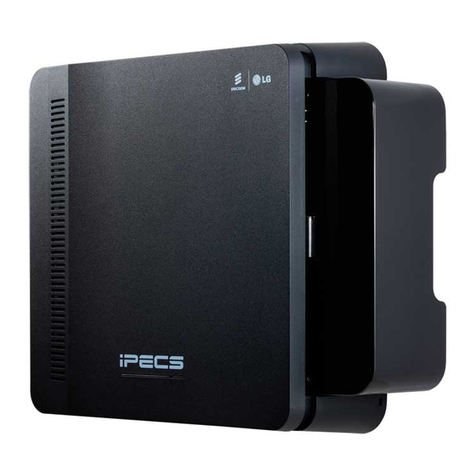
iPECS eMG80 installation guide

iPECS

iPECS eMG80 installation guide

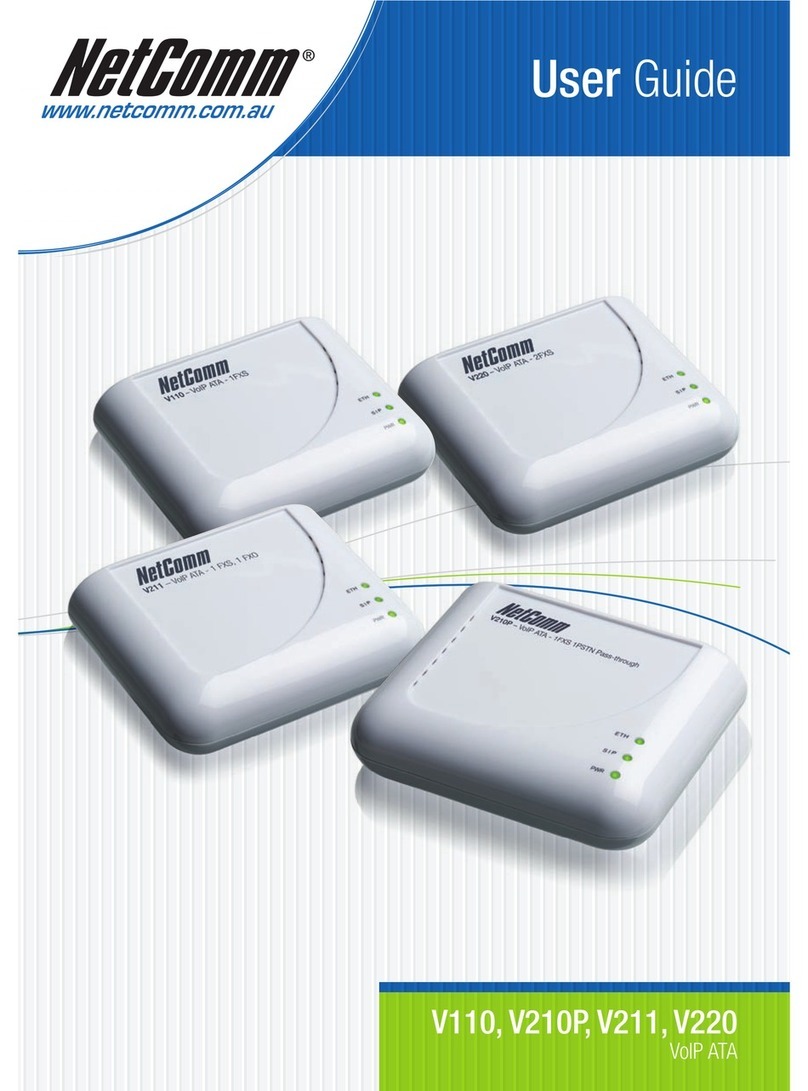
NetComm V210 Setup guide

NetComm

NetComm V210 Setup guide

NetComm NB16WV Setup guide

NetComm

NetComm NB16WV Setup guide

D-Link DVG-5004S user manual

D-Link

D-Link DVG-5004S user manual

NETGEAR WGR615VV2 manual

NETGEAR

NETGEAR WGR615VV2 manual

Hubbell GAI-TRONICS RED ALERT 393-710 manual

Hubbell

Hubbell GAI-TRONICS RED ALERT 393-710 manual

ZyXEL Communications VOP1372G-61 user guide

ZyXEL Communications

ZyXEL Communications VOP1372G-61 user guide

Alcatel-Lucent VoIP for Enterprise brochure

Alcatel-Lucent

Alcatel-Lucent VoIP for Enterprise brochure

manuals.online logo
manuals.online logoBrands
  • About & Mission
  • Contact us
  • Privacy Policy
  • Terms and Conditions

Copyright 2025 Manuals.Online. All Rights Reserved.

Express Connectivity
This non-proprietary adjunct gateway
connects to an available analog CO port
on an existing telephony system to
provide Voice-over-IP connectivity to
other VoIP enabled devices.An analog
phone can also be connected directly
to the Express VoIP gateway giving a
remote site or home office simple VoIP
connectivity right to the main office.This
allows telecommuters to avoid the hassle
of adding up all business related long
distance charges by accessing the main
office’s telephone system to place
outbound long distance calls instead.
Express Installation
The ExpressVoIP installs easily connecting
directly to available analog CO ports to
provideVoIP capability on any phone system.
Express Administration
All administration is easily performed
through a web browser. Remote
configuration changes are quick
and simple.
Express VoIP
Low-Cost VoIP Functionality for Most Phone Systems
Highlights
Integration
• VoIP enables most KSU/PBX
systems
• Remote office long-distance
savings
• Low-cost IP functionality
• Dial internal extensions between
remote sites
• Maximizes existing data
connection value
• Web-based administration
• Express VoIP integrates with
all Vodavi phone systems.
Express VoIP installs in minutes giving any phone system an instant VoIP upgrade
without the cost of a new system. Remote offices can easily be reached while avoiding
long-distance charges using the existing IP connection. ExpressVoIP is an economical
solution without sacrificing functionality.
Features and specifications are subject to change without notice. ©2004 Vodavi Technology, Inc. Express VoIP and Vodavi are trademarks of Vodavi Technology, Inc. L3039 04/04
G.723.1 now
supported!