Step
TO CONNECT IPAD TO WIFI
1: Go to settings on the iPad
2: Press Wifi (in order for everything to
work, you must be sure to connect the
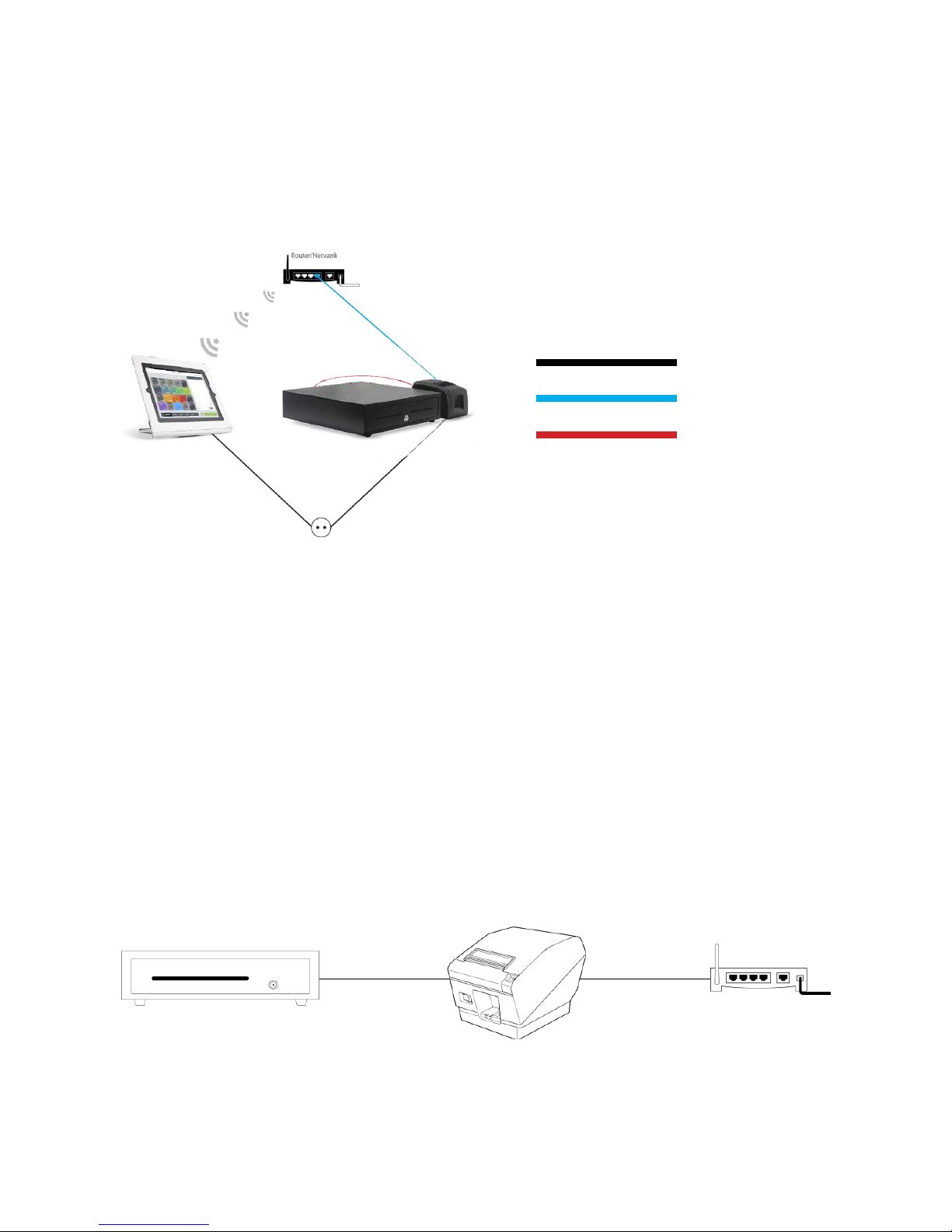
iPad to the same wireless network as the
printer and cash drawer)
CONNECT PRINTER AND CASH DRAWER
TO THE IPAD
1: Login
2: Press the BackOffice button
3: Choose Settings
4: Then choose Printers.
5: The program automatically searches for
all available printers. When it has found
the printer, choose the desired function
and you are now ready to print receipts,
for example.
Everything is now set up and you can start
using your OneStore POS.
TO GET THE PRINTER AND CASH DRAWER TO
COMMUNICATE WITH THE IPAD, THE IPAD
MUST BE CONNECTED TO THE SAME
NETWORK VIA WIFI.
4/4