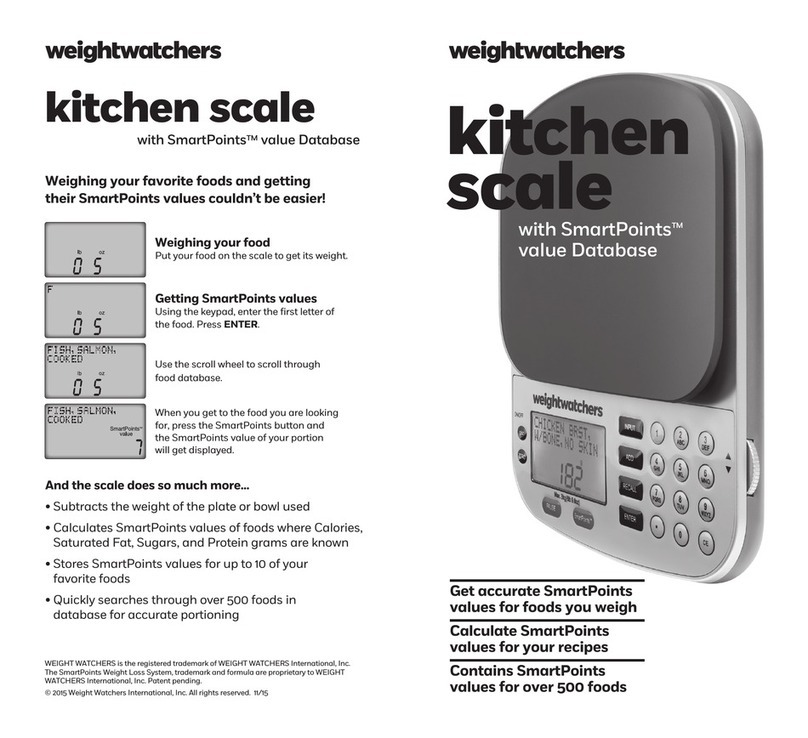
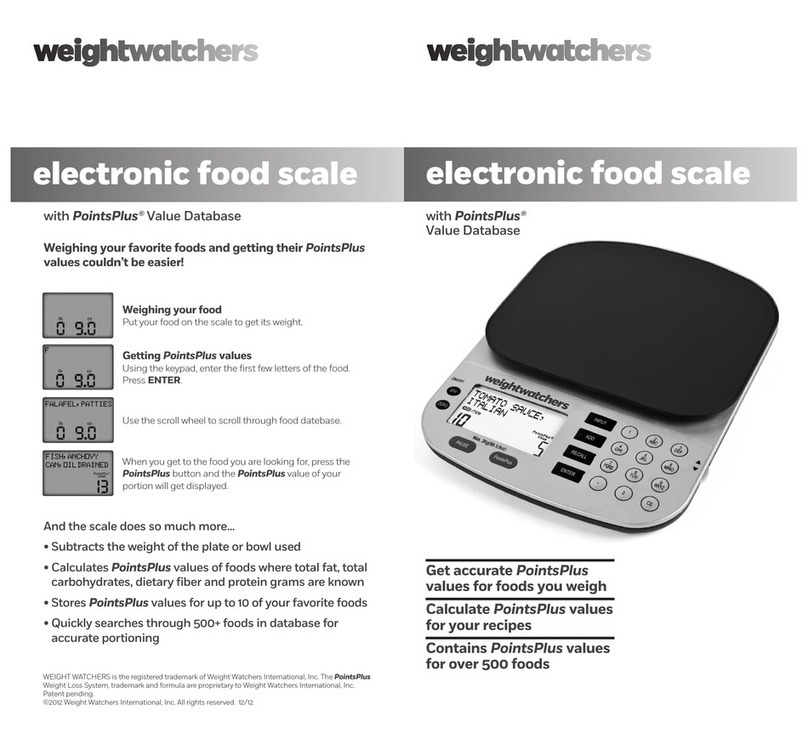
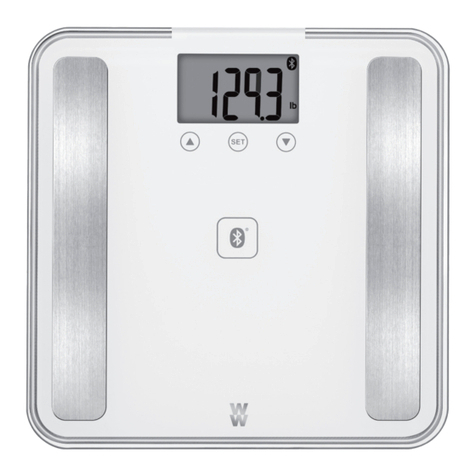
Congratulations! You now own the Weight Watchers® Electronic
Food Scale - the only scale designed to weigh foods, and give you
accurate PointsPlus TM values.
Using your scale couldn’t be easier. First of all, your scale already has the
names of over 500 popular foods stored in it. Plus, you can even add your
own favorite foods right into the scale’s memory. You can also calculate
PointsPlus values for recipes that you prepare, using the new RECIPE
BUILDER feature. It’s simple to set up and easy to use.
TABLE OF CONTENTS:
IM ORTANT TO KNOW ....................................................................... 3
SETTING U YOUR SCALE ................................................................... 3
Loading the Battery .......................................................................... 3
Unlocking and Locking the Weighing Platform ................................. 4
Screen and Platform Protector .......................................................... 4
USING YOUR SCALE............................................................................. 4
Key by Key ........................................................................................ 5
Turning on the Scale ......................................................................... 6
WEIGHING YOUR FOOD ...................................................................... 6
FINDING THE PointsPlus VALUE OF A FOOD LISTED
IN THE SCALE’S DATABASE .............................................................. 7
WEIGHING YOUR FOOD WITH A BOWL OR LATE ............................ 8
USING RECIPE BUILDER TO CALCULATE PointsPlus VALUES
FOR A RECI E ................................................................................. 10
Adding Foods to Your Recipe ........................................................... 10
Clearing a Food from Your Recipe .................................................... 13
Adding Foods to Your Recipe that are Not Included in the Scale ..... 14
Clearing the RECIPE BUILDER Memory ............................................. 15
CALCULATING PointsPlus VALUES OF ACKAGED FOODS .............. 16
To Calculate PointsPlus Values ....................................................... 16
Saving Your Favorite Packaged Foods .............................................. 17
Getting the PointsPlus Values for the Portions of
Favorite Foods that You Weigh ...................................................... 18
Deleting a Favorite Food from Memory .......................................... 19
FOOD LIST ......................................................................................... 20
IM ORTANT TO KNOW...
before using your scale
Store your scale securely, making sure it’s locked when it’s not being
used. To lock the scale, see Unlocking and Locking the Weighing
Platform on page 4. Locking the scale between uses will help
protect the weighing platform, which is very delicate. If excess
pressure is put on the platform, the scale may no longer work.
Clean your scale platform between food weighings with a
damp cloth.
Be sure to lock the scale before cleaning the platform to
prevent overloading from excessive pressure.
Overload the scale. Make sure the items you place on the platform
do not exceed 3kg (6 lbs., 9.8 oz) or the scale will no longer work.
Excessively pressing on the weighing platform or placing the
scale upside down may cause damage.
LEASE NOTE: any damage caused by such overloading will not
be covered by your warranty.
Immerse the scale in water or put it in a dishwasher, as this may
cause it to malfunction.
SETTING U YOUR SCALE
Loading the Battery
1. To insert the battery, turn the scale over, being careful not to press
down on the weighing platform.
2. Press and push the battery cover on the base of the scale to remove.
3. Load the battery into the battery compartment.
4. Make sure that the positive and negative ends are facing correctly
(see diagram inside battery compartment), and that the ribbon is
under the battery. This makes it easier to remove the battery.
5. Replace the battery compartment cover, making sure that it closes
securely and clicks shut.
23
DO...
DO NOT...
835 WW Elect onicScaleManual_FINAL_Layout 1 5/19/10 1:26 PM Page 2