manuals.online logo
Brands
  1. Home
  2. •
  3. Brands
  4. •
  5. Weslo
  6. •
  7. Home Gym
  8. •
  9. Weslo Pursuit 310 Cs User manual

Weslo Pursuit 310 Cs User manual

Other manuals for Pursuit 310 Cs

3

This manual suits for next models

1

Other Weslo Home Gym manuals

Weslo Cadence 10.5 User manual

Weslo

Weslo Cadence 10.5 User manual

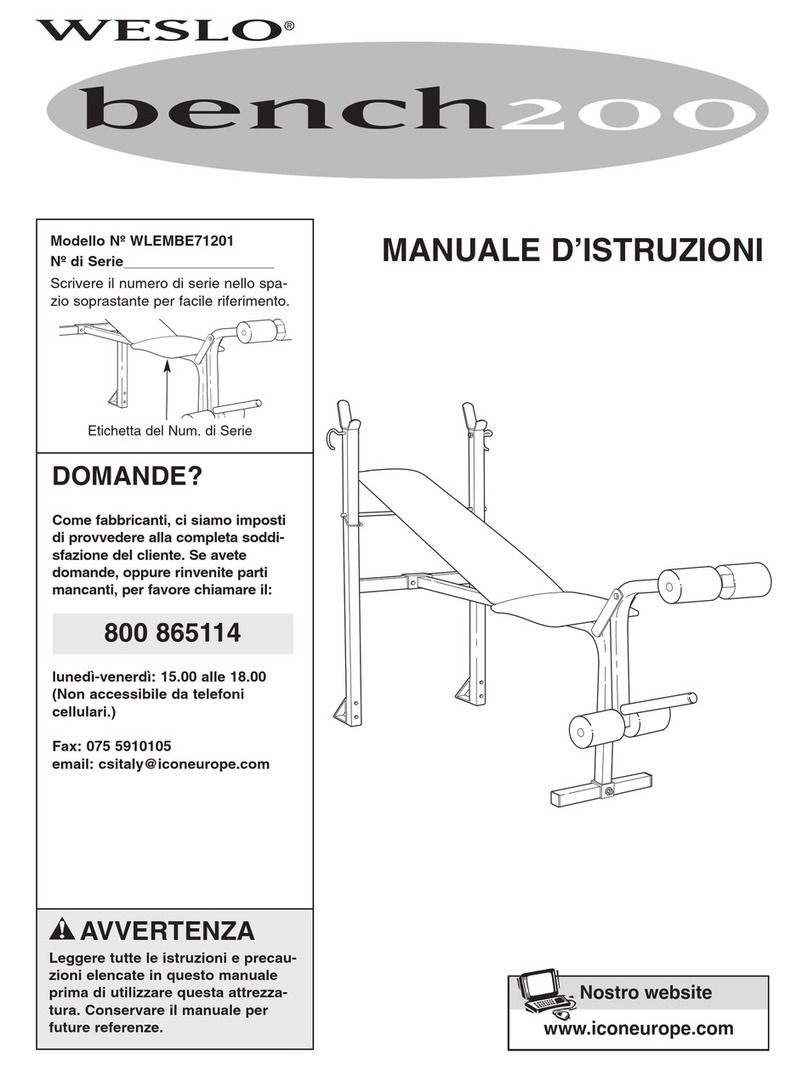
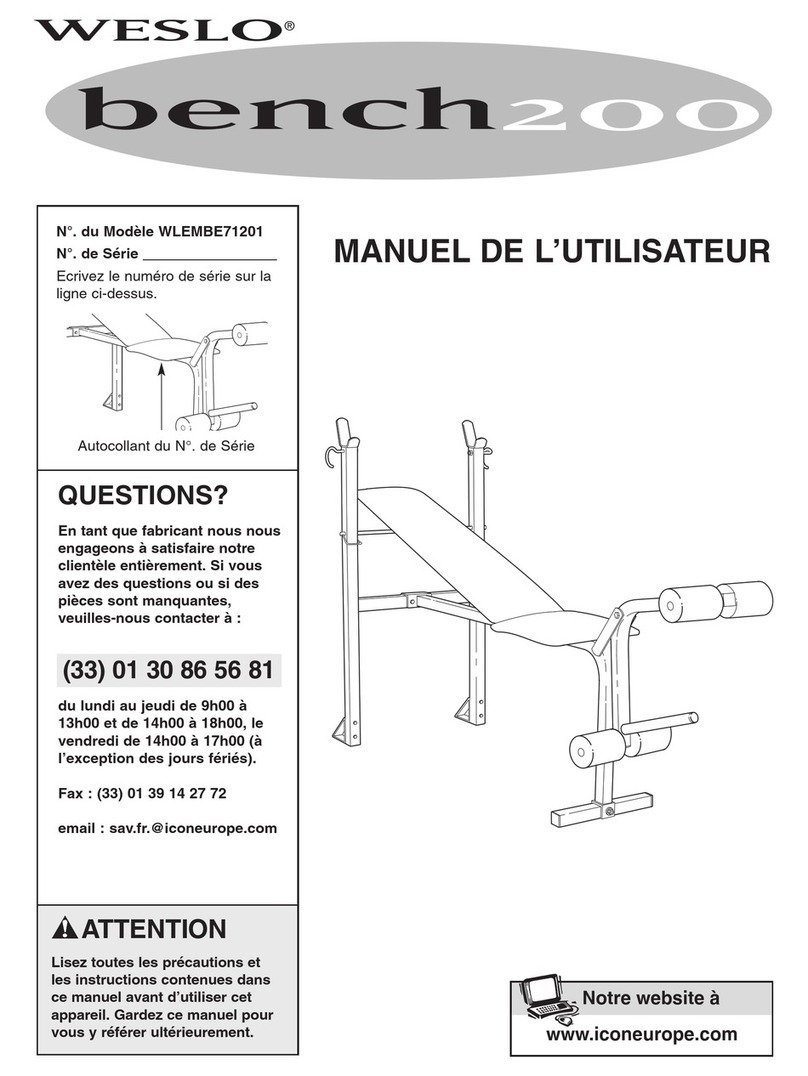
Weslo Bench 200 User manual

Weslo

Weslo Bench 200 User manual

Weslo WLRW39916.1 User manual

Weslo

Weslo WLRW39916.1 User manual

Weslo Cadence Flex 3xt Treadmill User manual

Weslo

Weslo Cadence Flex 3xt Treadmill User manual

Weslo Ski Master Xc5 User manual

Weslo

Weslo Ski Master Xc5 User manual

Weslo Bench 200 User guide

Weslo

Weslo Bench 200 User guide

Weslo Powerglide 80 Skier/rower User manual

Weslo

Weslo Powerglide 80 Skier/rower User manual

Weslo 450T User manual

Weslo

Weslo 450T User manual

Weslo Bench 200 Operating and maintenance manual

Weslo

Weslo Bench 200 Operating and maintenance manual

Weslo Concentrat0r User manual

Weslo

Weslo Concentrat0r User manual

Weslo WLTL46080 User manual

Weslo

Weslo WLTL46080 User manual

Weslo Powerglide 50 User manual

Weslo

Weslo Powerglide 50 User manual

Weslo Bench 200 User manual

Weslo

Weslo Bench 200 User manual

Weslo gym4000 User manual

Weslo

Weslo gym4000 User manual

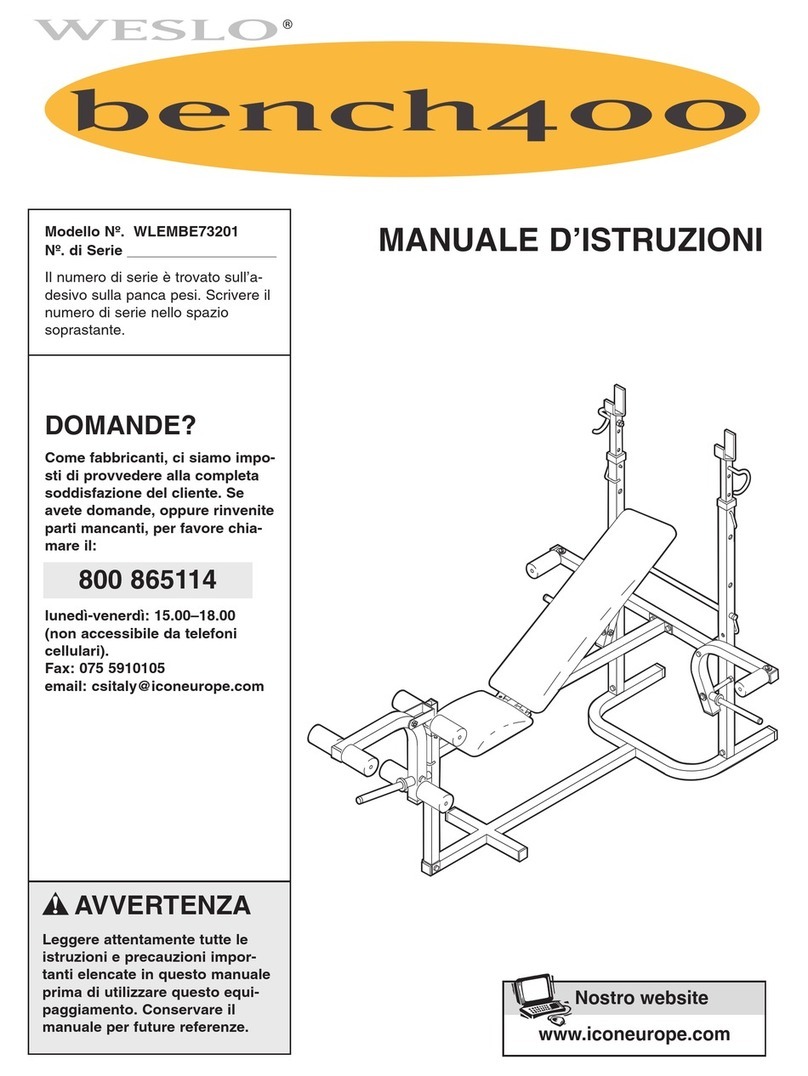
Weslo Bench 400 User manual

Weslo

Weslo Bench 400 User manual

Weslo 795I User manual

Weslo

Weslo 795I User manual

Weslo 550 User manual

Weslo

Weslo 550 User manual

Weslo Bench 400 Operating and maintenance manual

Weslo

Weslo Bench 400 Operating and maintenance manual

Weslo Cardioglide 950 User manual

Weslo

Weslo Cardioglide 950 User manual

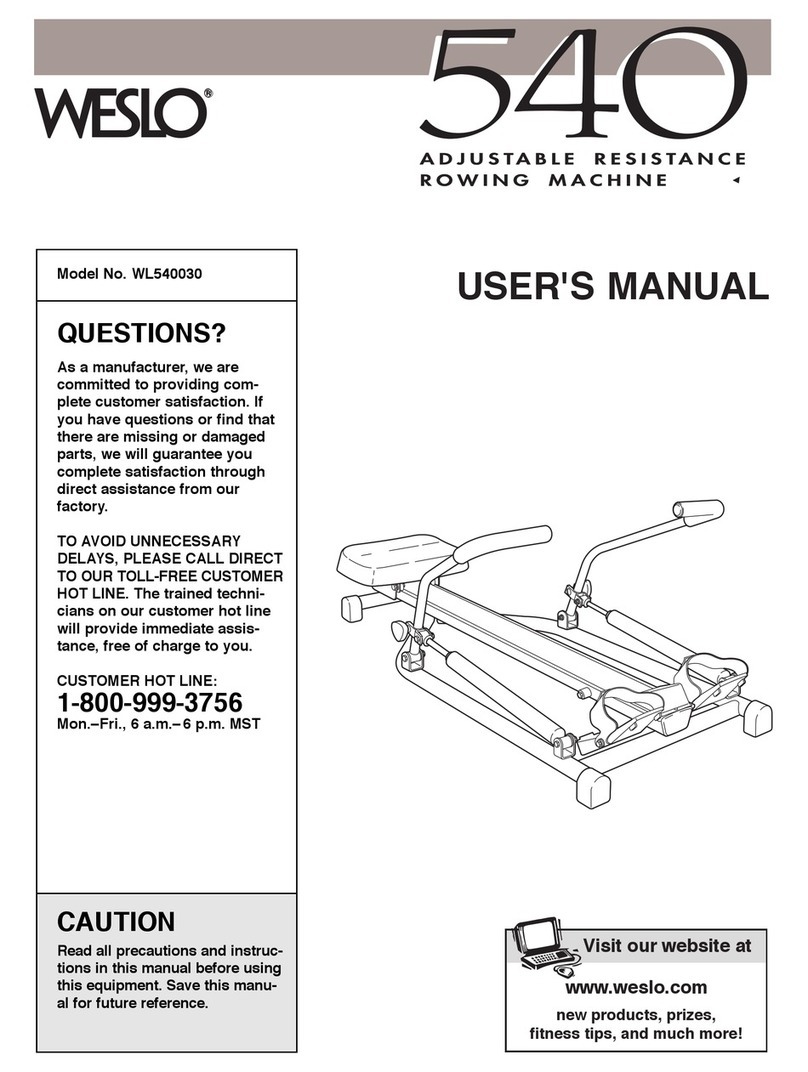
Weslo 540 Rower User manual

Weslo

Weslo 540 Rower User manual

Weslo bench200 WLEMBE71201 User manual

Weslo

Weslo bench200 WLEMBE71201 User manual

Weslo Bench 400 User manual

Weslo

Weslo Bench 400 User manual

Weslo Cardio Glide Tr2 User manual

Weslo

Weslo Cardio Glide Tr2 User manual

Weslo 2000 Skier User manual

Weslo

Weslo 2000 Skier User manual

Popular Home Gym manuals by other brands

Horizon Fitness OXFORD 6 manual

Horizon Fitness

Horizon Fitness OXFORD 6 manual

Energetics Multi Trainer 5.1 owner's manual

Energetics

Energetics Multi Trainer 5.1 owner's manual

Matrix MG-PL Series Service manual

Matrix

Matrix MG-PL Series Service manual

Reebok Tbr2i Manuale d'istruzioni

Reebok

Reebok Tbr2i Manuale d'istruzioni

Weider 8300 Hard Drive manual

Weider

Weider 8300 Hard Drive manual

Pure Fitness 8526HE owner's manual

Pure Fitness

Pure Fitness 8526HE owner's manual

Weider 8700 I Bedienungsanleitung

Weider

Weider 8700 I Bedienungsanleitung

Bowflex Sport 001-6961 Assembly instructions

Bowflex

Bowflex Sport 001-6961 Assembly instructions

NordicTrack E8200 Competition Bench Bedienungsanleitung

NordicTrack

NordicTrack E8200 Competition Bench Bedienungsanleitung

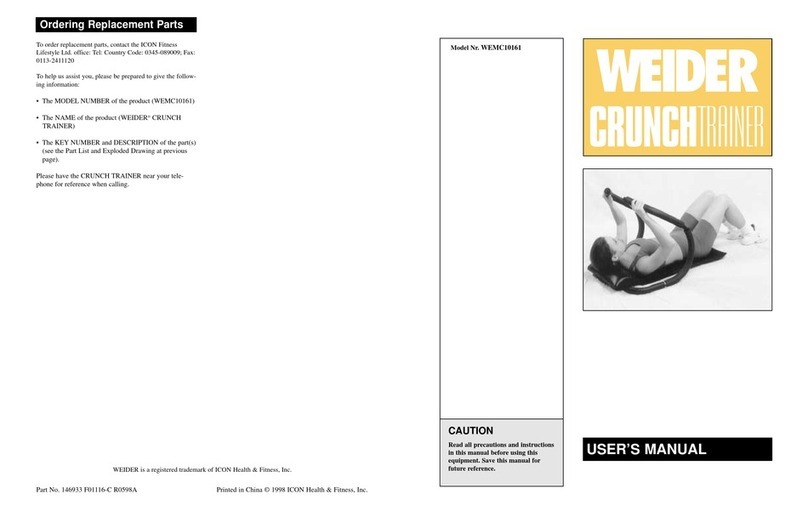
Weider WEMC10161 user manual

Weider

Weider WEMC10161 user manual

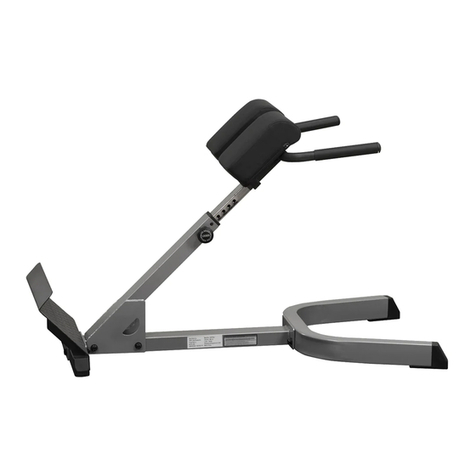
Body Solid GHYP-345 owner's manual

Body Solid

Body Solid GHYP-345 owner's manual

Evo TAHOE 5105 user manual

Evo

Evo TAHOE 5105 user manual

ParaBody 40 Assembly instructions

ParaBody

ParaBody 40 Assembly instructions

JLL Ventus Pro Air Power instruction manual

JLL

JLL Ventus Pro Air Power instruction manual

Trojan Colorado 370 user manual

Trojan

Trojan Colorado 370 user manual

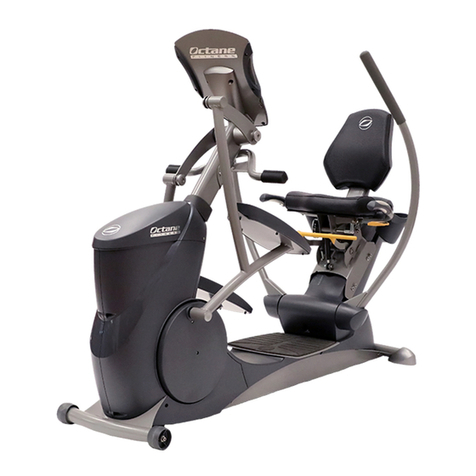
Octane Fitness xRide xR650 Operation manual

Octane Fitness

Octane Fitness xRide xR650 Operation manual

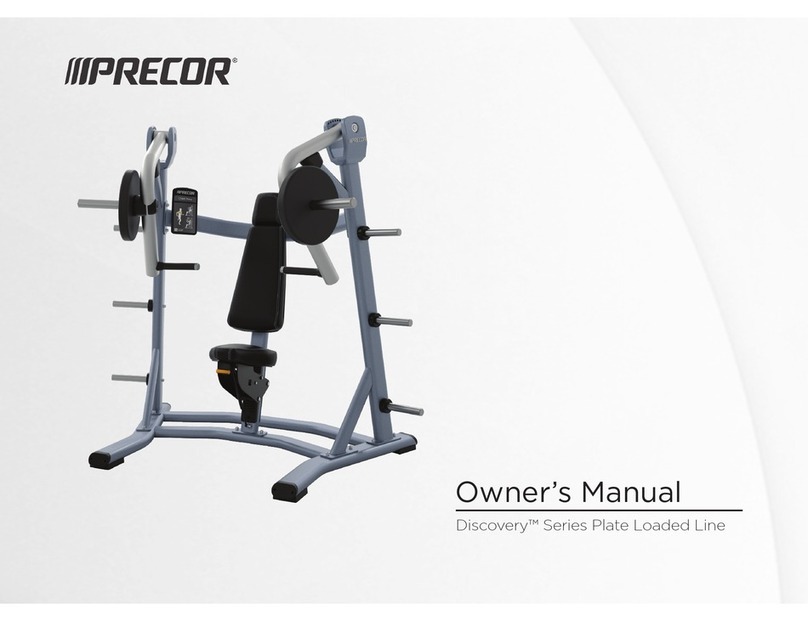
Precor Discovery Series owner's manual

Precor

Precor Discovery Series owner's manual

Insportline RW600 user manual

Insportline

Insportline RW600 user manual

manuals.online logo
manuals.online logoBrands
  • About & Mission
  • Contact us
  • Privacy Policy
  • Terms and Conditions

Copyright 2025 Manuals.Online. All Rights Reserved.

USER'S MANUAL
CAUTION
Read all precautions and instruc-
tions in this manual be ore using
this equipment. Keep this manual
or uture re erence.
Serial
Number
Decal
Model No. 831.283100
Serial No.
Visit our website at
www.weslo.com
new products, prizes,
fitness tips, and much more!
SEARS, ROEBUCK AND CO.,
HOFFMAN ESTATES, IL 60179
2
TABLE OF CONTENTS
IMPORTANT PRECAUTIONS . . . . . . . . . . . . . . . . . . . . . . . . . . . . . . . . . . . . . . . . . . . . . . . . . . . . . . . . . . . . .2
BEFORE YOU BEGIN . . . . . . . . . . . . . . . . . . . . . . . . . . . . . . . . . . . . . . . . . . . . . . . . . . . . . . . . . . . . . . . . . . .3
ASSEMBLY . . . . . . . . . . . . . . . . . . . . . . . . . . . . . . . . . . . . . . . . . . . . . . . . . . . . . . . . . . . . . . . . . . . . . . . . . . .
HOW TO OPERATE THE EXERCISE CYCLE . . . . . . . . . . . . . . . . . . . . . . . . . . . . . . . . . . . . . . . . . . . . . . . . .8
MAINTENANCE AND TROUBLESHOOTING . . . . . . . . . . . . . . . . . . . . . . . . . . . . . . . . . . . . . . . . . . . . . . . . .10
CONDITIONING GUIDELINES . . . . . . . . . . . . . . . . . . . . . . . . . . . . . . . . . . . . . . . . . . . . . . . . . . . . . . . . . . . .12
PART LIST . . . . . . . . . . . . . . . . . . . . . . . . . . . . . . . . . . . . . . . . . . . . . . . . . . . . . . . . . . . . . . . . . . . . . . . . . . .1
EXPLODED DRAWING . . . . . . . . . . . . . . . . . . . . . . . . . . . . . . . . . . . . . . . . . . . . . . . . . . . . . . . . . . . . . . . . .15
ORDERING REPLACEMENT PARTS . . . . . . . . . . . . . . . . . . . . . . . . . . . . . . . . . . . . . . . . . . . . . . . .Back Cover
FULL 90 DAY WARRANTY . . . . . . . . . . . . . . . . . . . . . . . . . . . . . . . . . . . . . . . . . . . . . . . . . . . . . . .Back Cover
1. Read all instructions in this manual be ore
using the exercise cycle.
2. Use the exercise cycle only as described in
this manual.
3. It is the responsibility o the owner to ensure
that all users o the exercise cycle are ade-
quately in ormed o all precautions.
4. Use the exercise cycle indoors on a level sur-
ace. Keep the exercise cycle away rom
moisture and dust. Place a mat under the
exercise cycle to protect the loor.
5. Inspect and properly tighten all parts regular-
ly. Replace any worn parts immediately.
6. Keep children under the age o 12 and pets
away rom the exercise cycle at all times.
7. Wear appropriate clothes when exercising; do
not wear loose clothes that could become
caught on the exercise cycle. Always wear
athletic shoes or oot protection.
8. The exercise cycle should not be used by
persons weighing more than 250 pounds.
9. Always keep your back straight while using
the exercise cycle; do not arch your back.
10. I you eel pain or dizziness while exercising,
stop immediately and cool down.
11. The exercise cycle does not have a ree
wheel; the pedals will continue to move until
the lywheel stops.
12. The exercise cycle is intended or home use
only. Do not use the exercise cycle in
a commercial, rental, or institutional setting.
WARNING:Be ore beginning this or any exercise program, consult your physician. This
is especially important or persons over the age o 35 or persons with pre-existing health problems.
Read all instructions be ore using. SEARS assumes no responsibility or personal injury or property
damage sustained by or through the use o this product.
IMPORTANT PRECAUTIONS
WARNING:To reduce the risk o serious injury, read the ollowing important precau-
tions be ore using the exercise cycle.

3
Congratulations for selecting the new WESLO®
PURSUIT 310 CS exercise cycle. Cycling is one of
the most effective exercises for increasing cardiovas-
cular fitness, building endurance, and toning the body.
The PURSUIT 310 CS exercise cycle offers a selec-
tion of features designed to let you enjoy this healthful
exercise in the convenience and privacy of your
home.
For your bene it, read this manual care ully be ore
you use the exercise cycle. If you have questions
after reading the manual, please call our toll-free
HELPLINE at 1-800-736-6879, Monday through
Saturday, 7 a.m. until 7 p.m. Central Time (excluding
holidays). To help us assist you, please note the prod-
uct model number and serial number before calling.
The model number is 831.283100. The serial number
can be found on a decal attached to the exercise cycle
(see the front cover of this manual for the location of
the decal).
Before reading further, please familiarize yourself with
the parts that are labeled in the drawing below.
Water Bottle Holder*
*No water bottle is included
Resistance Knob
REAR
FRONT
Seat
Adjustment Knob
Pedal
Console
Handlebar
RIGHT SIDE
BEFORE YOU BEGIN
4
ASSEMBLY
Assembly requires two persons. Place all parts of the exercise cycle in a cleared area and remove the packing
materials. Do not dispose of the packing materials until assembly is completed.
Assembly requires the included tools and your own adjustable wrench , Phillips screw-
driver , and pliers .
Use the part drawings below to identify the small parts used in assembly. The number in parenthesis below
each drawing refers to the key number of the part, from the PART LIST on page 1 . The second number refers
to the quantity needed for assembly. Note: Some small parts may have been pre-attached or shipping. I a
part is not in the parts bag, check to see i it has been pre-attached.
M x 16mm
Screw ( 9)– M8 x 15mm Button
Screw (3 )–6 M10 x 65mm Carriage Bolt (30)–
M10 Nylon
Locknut (33)–
M8 Nylon
Locknut (10)–
M8 Split
Washer ( 2)–10
1. While another person lifts the front of the Frame (1)
slightly, attach a Stabilizer (2) with two M10 x 65mm
Carriage Bolts (30) and two M10 Nylon Locknuts (33).
2
33
30
1
1
2. While another person lifts the rear of the Frame (1)
slightly, attach a Stabilizer (2) with two M10 x 65mm
Carriage Bolts (30) and two M10 Nylon Locknuts (33).
30
2
1
233
33
5
3
3. The Console (16) requires three AA batteries; alkaline
batteries are recommended. Insert three batteries into
the battery compartment. Make sure that the batter-
ies are oriented as shown by the markings inside
the battery compartment.
16
Batteries
5. While another person holds the Handlebar (15) near
the Upright (13), insert the console wire down through
the Upright. Attach the Handlebar to the Upright with
three M8 x 15mm Button Screws (3 ) and three M8
Split Washers ( 2). Be care ul to avoid pinching the
console wire. Note: The console wire is longer than
shown.
15
3
2
13
2
3
3
5
Console Wire
. Hold the Console (16) near the Handlebar (15). Insert
the console wire into the indicated hole in the
Handlebar. Note: The console wire is longer than
shown.
Attach the Console (16) to the Handlebar (15) with four
M x 16mm Screws ( 9). Be care ul to avoid pinch-
ing the console wire.
16
Be care ul to
avoid pinching
the console wire.
Be care ul
to avoid
pinching the
console
wire.
15
9
9
Hole
Console
Wire
6
7. Attach the Seat (12) to the Seat Post (5) with four M8
Split Washers ( 2) and four M8 Nylon Locknuts (10).
Note: The Split Washers and Nylon Locknuts may be
preattached to the underside of the Seat.
7
2
12
2
10
10
5
6
2
3
3
19
5
1
13
3
2
Console Wire
6. While another person holds the Upright (13) in the
position shown, connect the console wire to the Reed
Switch Wire ( 3). Next, connect the Resistance Cable
(19) to the Lower Cable ( 5) in the following way:
• See drawing A. Pull up on the metal bracket on the
Lower Cable ( 5), and insert the tip of the Resistance
Cable (19) into the wire clip inside the metal bracket
as shown.
• See drawing B. Firmly pull up the Resistance Cable
(19) and slide it into the top of the metal bracket as
shown.
• See drawing C. Using pliers, squeeze the prongs on
the upper end of the metal bracket together.
Push the excess Cable (19, 5) and the excess console
wire down into the Frame (1), and insert the Upright into
the Frame. Be care ul to avoid pinching the Wires
and Cables. Attach the Upright to the Frame with
three M8 x 15mm Button Screws (3 ) and three M8
Split Washers ( 2).
ABC
5
19 19 Metal
Bracket
Metal
Bracket
5
Be care ul to
avoid pinching
the wires and
cables while
inserting the
Upright.
7
10. Make sure that all parts are properly tightened be ore you use the exercise cycle. Note: After assembly is
completed, some extra parts may be left over. Place a mat beneath the exercise cycle to protect the floor.
9. Identify the Left Pedal (2 ), which is marked with an
“L.” Using an adjustable wrench, irmly tighten the
Left Pedal counterclockwise into the left arm of the
Crank (21). Tighten the Right Pedal (not shown) clock-
wise into the right arm of the Crank. Important:
Tighten both Pedals as irmly as possible. A ter
using the exercise cycle or one week, retighten the
Pedals. For best per ormance, the Pedals must be
kept tightened.
9
8. Turn the indicated Adjustment Knob (9) counterclock-
wise and remove it. Insert the Seat Post (5) into the
Frame (1). Align one of the adjustment holes in the
Seat Post with the indicated hole in the Frame. Insert
the Adjustment Knob into the Frame and the Seat Post,
and turn the Knob clockwise until it is tight. Make sure
that the Knob is inserted through one o the
adjustment holes in the Seat Post. 1
5
Hole
Adjustment
Holes
9
8
2
21
Tab
8
HOW TO OPERATE THE EXERCISE CYCLE
HOW TO ADJUST THE SEAT POST
For effective exer-
cise, the seat
should be at the
proper height. As
you pedal, there
should be a slight
bend in your knees
when the pedals
are in the lowest
position. To adjust
the height of the
seat, first turn the
indicated knob
counterclockwise
and remove it.
Next, slide the seat post up or down and align one of
the adjustment holes in the seat post with the indicated
hole in the Frame. Insert the knob into the frame and
the seat post, and turn the knob clockwise until it is
tight. Make sure that the knob is inserted through
one o the adjustment holes in the seat post.
HOW TO ADJUST THE PEDALING RESISTANCE
To increase the
resistance of the
pedals, turn the
resistance knob
clockwise; to
decrease the resis-
tance, turn the knob
counterclockwise.
Important: Stop
turning the knob
when turning
becomes di icult,
or damage may
result.
Seat Post
Knob
Hole
Seat Resistance
Knob
9
FEATURES OF THE CONSOLE
The easy-to-use console features five modes that pro-
vide instant exercise feedback during your workouts.
The modes are described below.
Speed—This mode displays your pedaling speed, in
miles per hour or kilometers per hour.
Time—This mode displays the elapsed time. Note: If
you stop pedaling for a few seconds, the time mode
will pause.
Distance—This mode displays the distance you have
pedaled, in miles or kilometers.
Calorie—This mode displays the approximate number
of calories you have burned.
Scan—This mode displays the speed, time, distance,
and calorie modes, for a few seconds each, in a
repeating cycle.
HOW TO OPERATE THE CONSOLE
Make sure there are batteries in the console (see
BATTERY REPLACEMENT on page 10). If there is a
thin sheet of clear plastic on the console, remove it.
Follow the steps below to operate the console.
1. To turn on the power, press the On/Reset button or
begin pedaling. The entire display will briefly
appear; the console will then be ready for use.
2. Select one of the modes:
Scan mode—
When the power
is turned on, the
scan mode will be
selected automati-
cally. A mode indi-
cator will appear
below the word
“SCAN” to show
that the scan
mode is selected,
and a second
mode indicator will show which mode is currently
displayed. Note: If you have selected a different
mode, repeatedly press the Mode button to rese-
lect the scan mode.
Speed, time, dis-
tance, or calorie
mode—To select
one of these
modes for continu-
ous display,
repeatedly press
the Mode button.
The mode indica-
tors will show
which mode is selected. Make sure there is not a
mode indicator below the word “SCAN.”
Note: The console can display speed and dis-
tance in either miles or kilometers. To change
the unit o measurement, press the On/Reset
button or about ive seconds. The letters mph or
km/h will appear in the display to show which unit of
measurement is selected. When the batteries are
replaced, it may be necessary to reselect the
desired unit of measurement.
3. To reset the display at any time, press the
On/Reset button.
. To turn off the power, simply wait for a few minutes.
The console has an “auto-o ” eature. I the
pedals are not moved and the console buttons
are not pressed or a ew minutes, the power
will turn o automatically to save the batteries.
Mode Indicators
10
Inspect and tighten all parts of the exercise cycle reg-
ularly. Replace any worn parts immediately.
To clean the exercise cycle, use a damp cloth and a
small amount of mild detergent. Important: To avoid
damage to the console, keep liquids away rom
the console and keep the console out o direct
sunlight.
BATTERY REPLACEMENT
If the console display becomes dim, the batteries
should be replaced; most console problems are the
result of low batteries. To replace the batteries, refer
to step on page 5 and remove the console from the
handlebar. Next, refer to step 3 on page 5 and insert
three batteries into the console. Reattach the console
to the handlebar, being careful not to pinch the wires.
HOW TO ADJUST THE RESISTANCE STRAP
If the resistance knob is turned to the highest setting
and there is not enough resistance, the resistance
strap may need to be adjusted. To adjust the resis-
tance strap, you must first remove the left side shield.
Using an adjustable wrench, turn the Left Pedal (2 )
clockwise and remove it. Next, remove the five M x
25mm Screws ( 1) and the M x 16mm Screw ( 9)
from the Left Side Shield (17). Carefully remove the
Left Side Shield.
Next, turn the resistance knob to the lowest setting
(see HOW TO ADJUST THE PEDALING RESIS-
TANCE on page 8).
Open the Strap Clamp (3) and pull the end of the
Resistance Strap (11) slightly downward to increase
resistance. Close the Strap Clamp and turn the
Flywheel (37) to make sure there is not too much
resistance.
When the resistance strap is properly adjusted, re-
attach the left side shield and the left pedal.
MAINTENANCE AND TROUBLESHOOTING
1
9 17
1
2
3
11
37