manuals.online logo
Brands
  1. Home
  2. •
  3. Brands
  4. •
  5. Wild tech
  6. •
  7. Floodlight
  8. •
  9. Wild tech ME2603-1 User manual

Wild tech ME2603-1 User manual

Other Wild tech Floodlight manuals

Wild tech WT-KLD-HID User manual

Wild tech

Wild tech WT-KLD-HID User manual

Wild tech inferno User manual

Wild tech

Wild tech inferno User manual

Popular Floodlight manuals by other brands

V-TAC VT-5192S installation instructions

V-TAC

V-TAC VT-5192S installation instructions

Major tech HLF30CW instruction manual

Major tech

Major tech HLF30CW instruction manual

EuroLite LED Cube user manual

EuroLite

EuroLite LED Cube user manual

EuroLite LED IP FL-100 SMD user manual

EuroLite

EuroLite LED IP FL-100 SMD user manual

Cooper Wheelock XB12 specification

Cooper Wheelock

Cooper Wheelock XB12 specification

Allen + Roth 17624-000 user manual

Allen + Roth

Allen + Roth 17624-000 user manual

ADJ 4 STAGE PAK User instructions

ADJ

ADJ 4 STAGE PAK User instructions

Cooper Lighting EGL91SW233 Specification sheet

Cooper Lighting

Cooper Lighting EGL91SW233 Specification sheet

Max 37496 instruction manual

Max

Max 37496 instruction manual

BEGA 85 143 Instructions for use

BEGA

BEGA 85 143 Instructions for use

Cameo CLPST64Q8W user manual

Cameo

Cameo CLPST64Q8W user manual

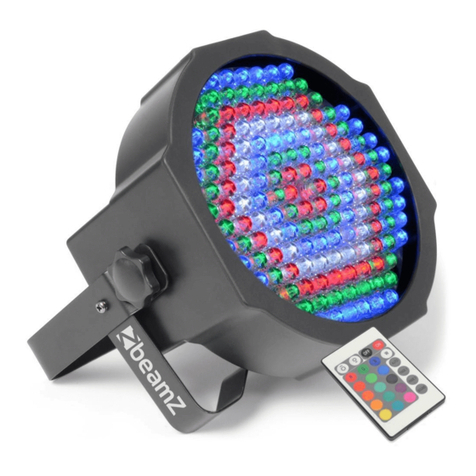
Beamz 151.226 user manual

Beamz

Beamz 151.226 user manual

EuroLite LED IP FL-8 user manual

EuroLite

EuroLite LED IP FL-8 user manual

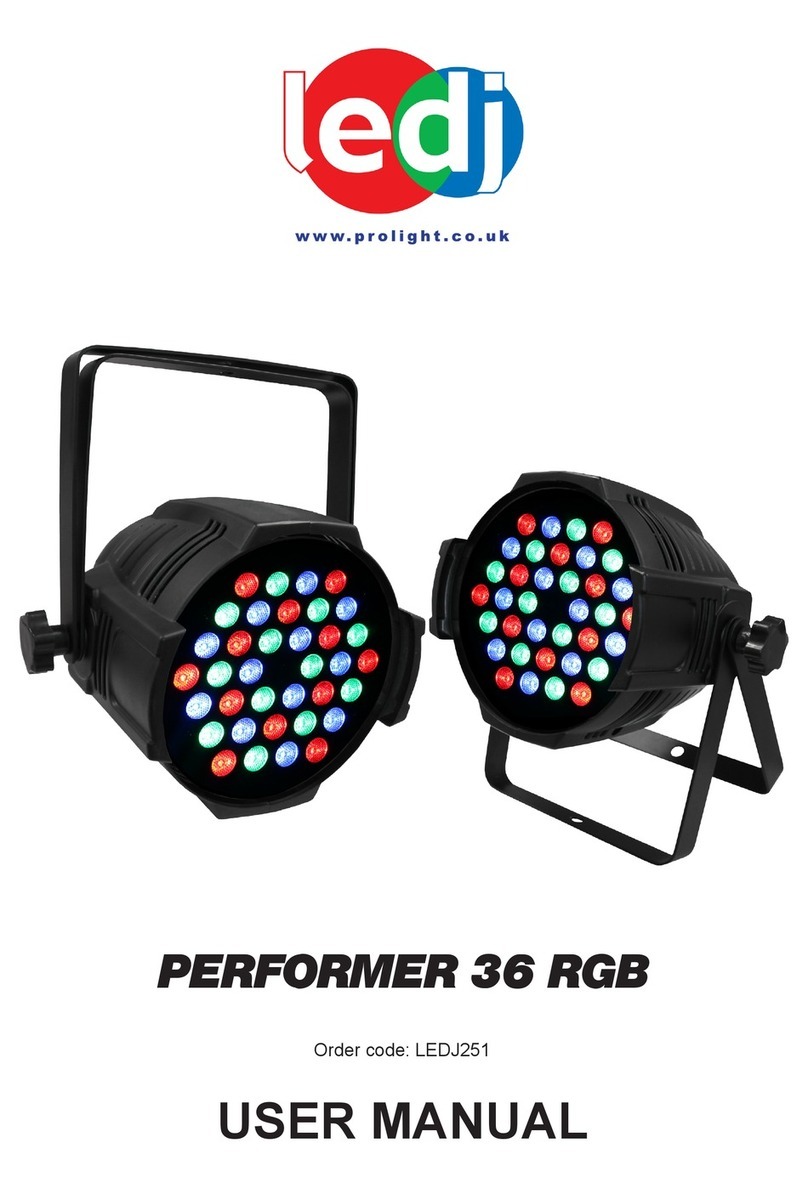
Ledj PERFORMER 36 RGB user manual

Ledj

Ledj PERFORMER 36 RGB user manual

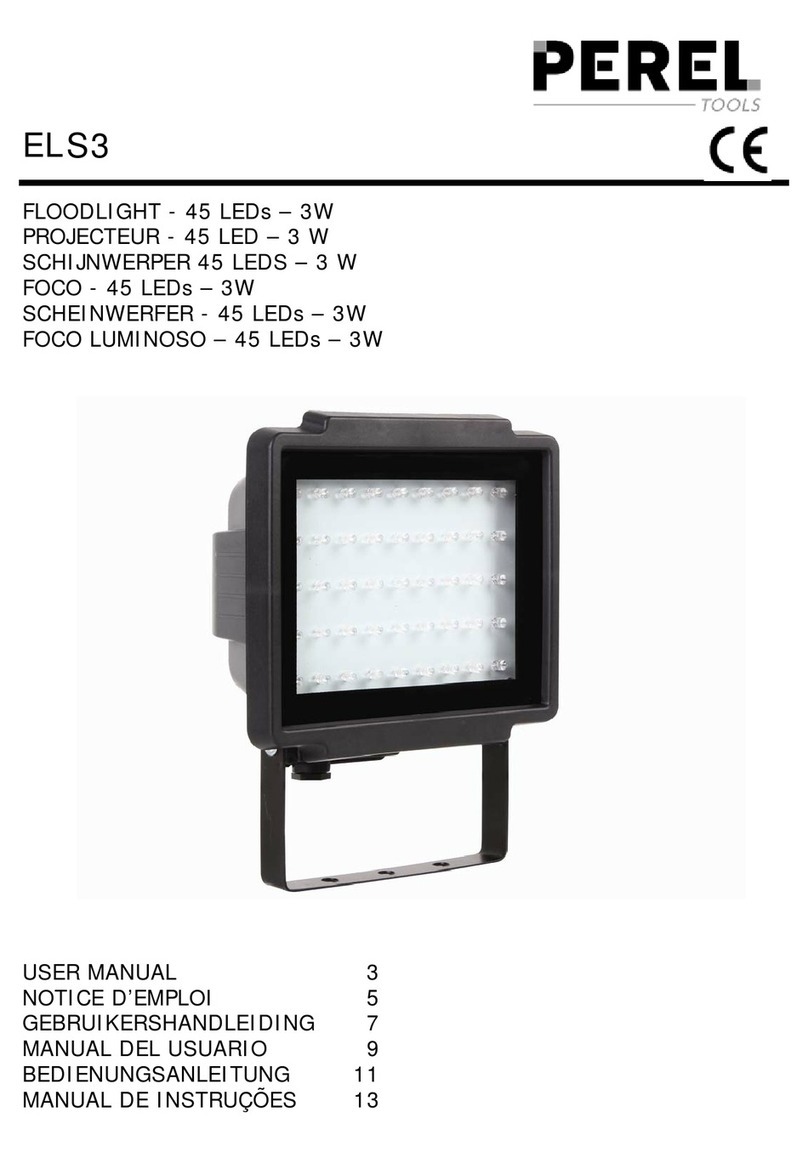
Perel ELS3 user manual

Perel

Perel ELS3 user manual

Perel ELS3WD user manual

Perel

Perel ELS3WD user manual

Xtricity 4-80053 instructions

Xtricity

Xtricity 4-80053 instructions

Stahl 6521/4 Series operating instructions

Stahl

Stahl 6521/4 Series operating instructions

manuals.online logo
manuals.online logoBrands
  • About & Mission
  • Contact us
  • Privacy Policy
  • Terms and Conditions

Copyright 2025 Manuals.Online. All Rights Reserved.

8. FixtureCleaning
The cleaning of internaland externalopticallensesand/or mirrorsmust be carried out
periodicallyto optimize lightoutput.Cleaning frequencydepends onthe environmentin
whichthe fixtureoperates: damp, smokyor particularly dirtysurrounding cancause greater
accumulationofdirt onthe unit soptics.
Ÿ Cleanwithsoftclothusing normal glass cleaning fluid.
Ÿ Always drythe partscarefully.
Ÿ Cleantheexternaloptics at leastevery20days.Cleanthe internalopticsat least
every30/60 days.
ECDeclaration of Conformity
Wedeclare that our products(lightingequipments)complywiththe following
specification andbears CEmarkinaccordancewiththeprovisionof the
ElectromagneticCompatibility(EMC) Directive 89/336/EEC.
EN55014-2: 1997 A1:2001, EN61000-4-2: 1995;EN61000-4-3:2002;
EN61000-4-4: 1995;EN61000-4-5:1995, EN61000-4-6:1996,
EN61000-4-11: 1994.
&
HarmonizedStandard
EN60598-1: 2004
IEC60598-1:2003+ corrigendum 2004
Part 1:Generalrequirements and test
Followingthe provisions of the low voltage directive 73/23/EEC and 93/68/EEC
Innovation , Quality, Performance
ME2603-1UserGuide
ProfessionalEntertainmentTechnology
.
TABLEOF CONTENTS
1.Introduction
2.SafetyInstruction
3.Description
4.Operationand TechnicalSpecification
5.Exchanging rotatinggobos/Changelamp
6.BeamAngle
7.Troubleshooting
8.FixtureCleaning
1. Introduction
ThankyouforpurchasingWildTechsME2603-1 .It isapowerful250Weffect lights,
featuring a slow rotating effects wheel and a static effectglass. Itprojects abeam through
effect glasses onto a multi-colored dichroic dish,creating a hallucinatoryeffect.
7. Troubleshooting
ProblemProbablecause(s) Suggestedremedy
Nopowerto the fixture Checkpower connections
Blown fuseIfpower is applied butdoesnot
light, pleasecheckandreplace
fuse if necessary.
Burned outlampInstallnew lamp.
No light
Fixture too hot Allow tocooldown. Improve air
flowaround the unit.
Sound too lowtoactivate
controlcircuit
Increasevolume.No action
Electricalmalfunction Refer to service technician.
5. Exchanging rotatinggobos/Changelamp
Always switchoffthe mainssupplybefore installing or replacing the lamp.
Never tryto replace the lampwhenitishot.
Do not touch the bulb with bare hands. If this does happen, cleanthe lamp with denatured
alcohol and wipewitha lintfree clothbeforeinstalling.
6. Beam angle
It is best tobeplaced5meters from wall,and from thisdistance the lighteffect will cover an
area of 8.5m x5 m.
Exchanging rotating gobos
Change lamp
2. SafetyInstruction
WARNING
♦ Pleasekeepthis UserGuide forfuture consultation. If yousell theunit toanotheruser,
be sure that they also receive this instructionbooklet.
♦ Unpack and check carefully there is no transportation damage before using the unit.
♦ Beforeoperating,ensure thatthe voltageandfrequencyof power supplymatchthe
power requirementsofthe unit.
♦ Itsimportanttogroundtheyellow/greenconductortoearthin orderto avoidelectric
shock.
♦ The unitis forindoor use only.Use onlyin a drylocation.
♦ The unitmust be installedinalocationwithadequate ventilation,atleast 50cmfrom
adjacentsurfaces.Be sure thatno ventilationslots are blocked.
♦ Disconnect mains powerbeforefuse/lamp replacementor servicing.
♦ Replace fuse/lamponly withthe same type.
♦ Makesure there is no flammable materials close tothe unitwhile operating as it is fire
hazard.
♦ Use safetycable whenfixesthisunit.
♦ Maximumambient temperatureisTA: 40 .Dont operateitwhere thetemperature is
higher than this.
♦ Unitsurfacetemperature mayreachupto 85 .Don ttouch thehousingbare-hand
duringits operation.Turnoff the powerand allowabout 15 minutesfor theunit tocool
down before replacing bulborserving.
♦ Inthe eventof serious operatingproblem, stopusing theunit immediately.Never tryto
repairthe unitbyyourself. Repairs carried outbyunskilledpeople canlead todamage
or malfunction.Please contactthe nearestauthorizedtechnicalassistance center.
Alwaysuse the same type spare parts.
♦ Dontconnect the deviceto any dimmer pack or power pack.
♦ Do not touchany wire during operationashighvoltage mightbe causingelectric
shock.
Please readcarefullytheinstruction,whichincludes important information
about theinstallation,usageandmaintenance.
.
Warning
♦ Topreventor reduce theriskof electrical shock orfire, donotexpose the unit to rainor
moisture.
♦ Never touchbulbwithbarefingers as itis veryhot after using.
♦ Hot lampexplosionhazard. Donot opentheunitwithin fiveminutesafter switching off.
♦ Do not start on the unitwithoutbulb enclosureor housing aredamaged.
♦ The housing,thelenses,ortheultraviolet filter mustbereplacediftheyare visibly
damaged.
♦ Do not lookdirectly at the light while the bulb is on.
Caution
There are nouser serviceablepartsinsidethe unit. Donot open thehousing or attempt
any repairs yourself. In the unlikely event your unitmayrequireservice, please contact
yournearest dealer.
Rigging the fixtures
The unitshould bemounted via itsscrewholes on the bracket. Alwaysensure that the
unit is firmly fixed toavoid vibrationand slipping while operating. Always ensure that the
structureto whichyouareattachingtheunitissecure and isabletosupportaweightof
10 times oftheunit sweight.Alsoalwaysuse asafetycable that can hold12 times ofthe
weight of the unitwheninstalling the fixture.
The installation mustbe carried outbyqualified service people only.The deviceshould
be installed outof reachof peopleandoutside areaswhere persons maywalk byor be
seated.
3. Description
1.Optical lenswithmanualfocus adjustment.
2.Hangingbracketwith2knobs on both sides to fasten theunitand a mounting holetofixa
mounting hook.
3.Mains inputwith IECsocketand integrated fuse holder, connect the suppliedmainscable
here.
4.Lamp compartment, to be openedwiththis screw.
5.Internalmicrophone.
6.Selectorswitchto selectbetweenauto,sound activation,orstatic function.
7.Cooling fan.
8.Goboflower.
4. Operationand TechnicalSpecification
Plugginginto themainspower,thefixture startsrunning. It runsin automaticorsound
activated mode.
Focus adjustable,and fancooled.
Specification:
Voltage: AC120V~60Hz
•Fuse: 20mm glass250V T6.3A/20mm glass 250VT5A
Bulb: ELC 24V 250W
Dimension:270 x192 x120 mm
Weight:5.3 kgs