manuals.online logo
Brands
  1. Home
  2. •
  3. Brands
  4. •
  5. Zonet
  6. •
  7. Print Server
  8. •
  9. Zonet ZPS1002 - User manual

Zonet ZPS1002 - User manual

Other manuals for ZPS1002 -

1

Other Zonet Print Server manuals

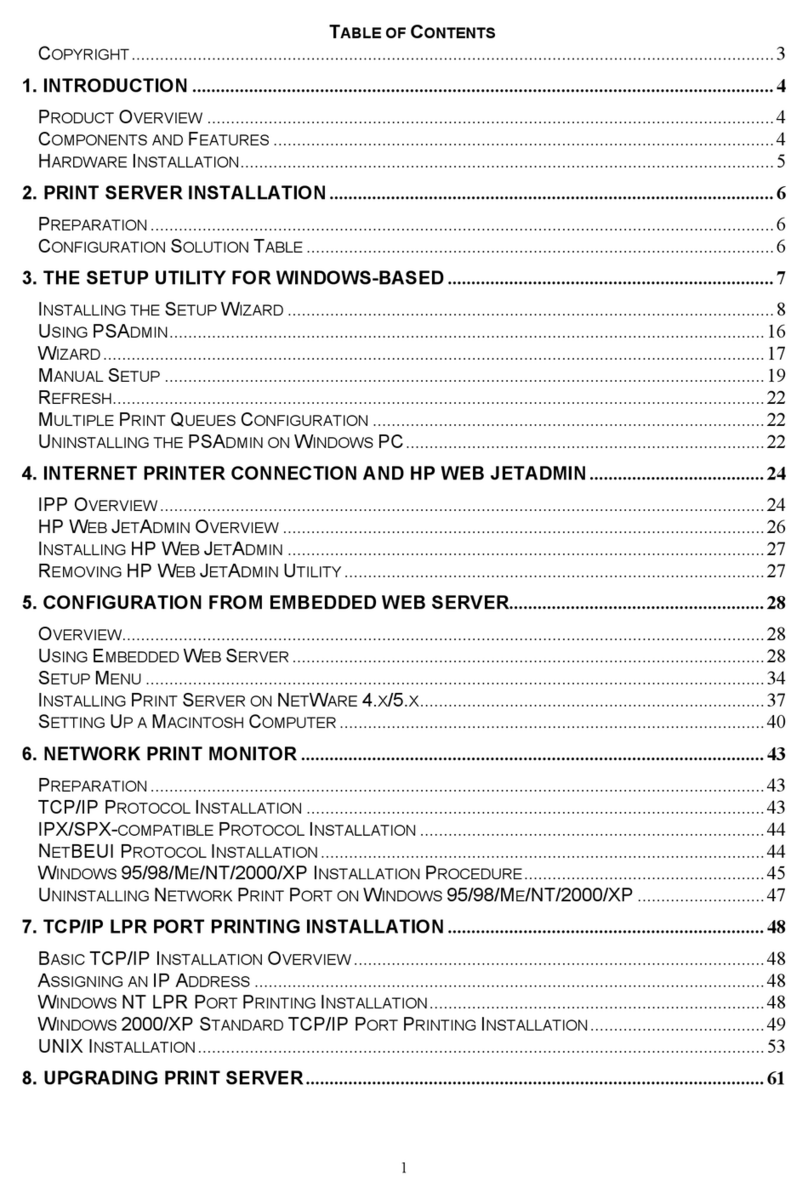
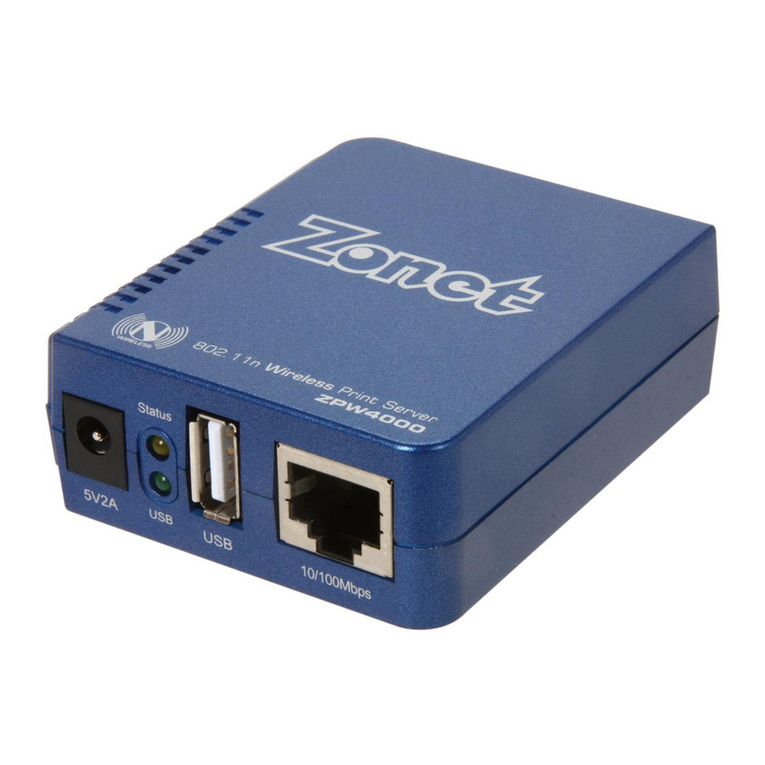
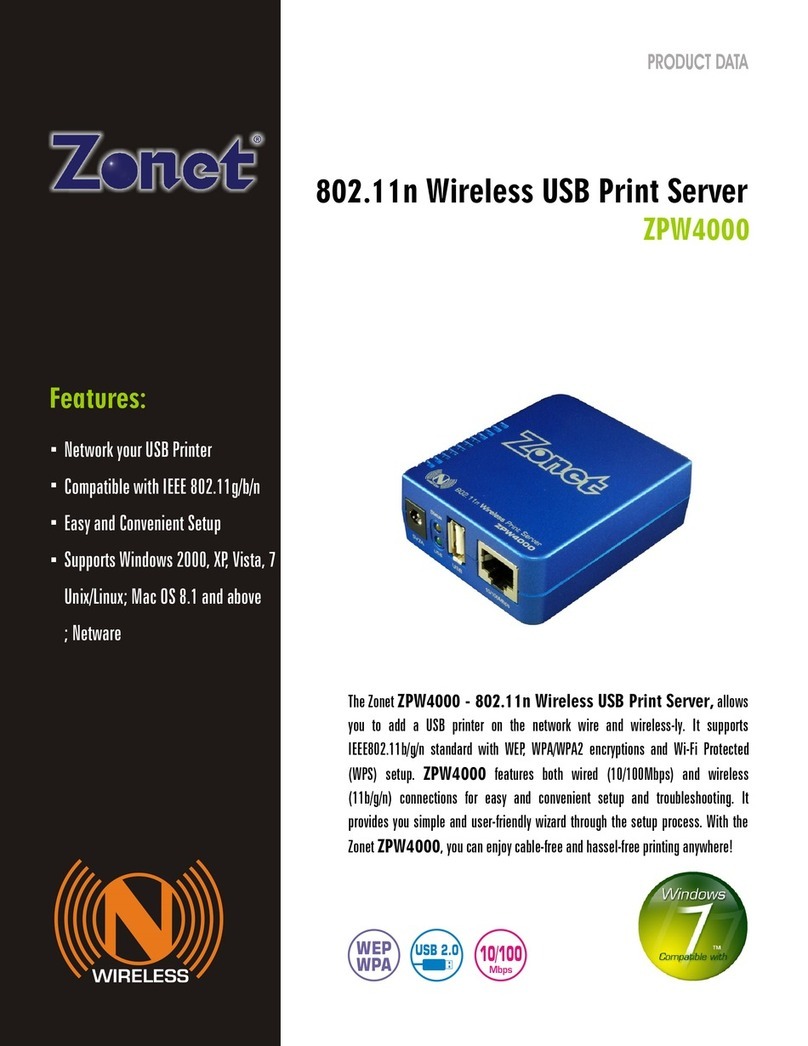
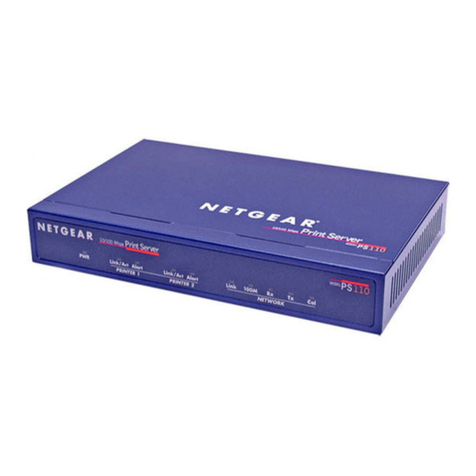
Zonet ZPW4000 User manual

Zonet

Zonet ZPW4000 User manual

Zonet ZPS1000 User manual

Zonet

Zonet ZPS1000 User manual

Zonet ZPS1002 - User manual

Zonet

Zonet ZPS1002 - User manual

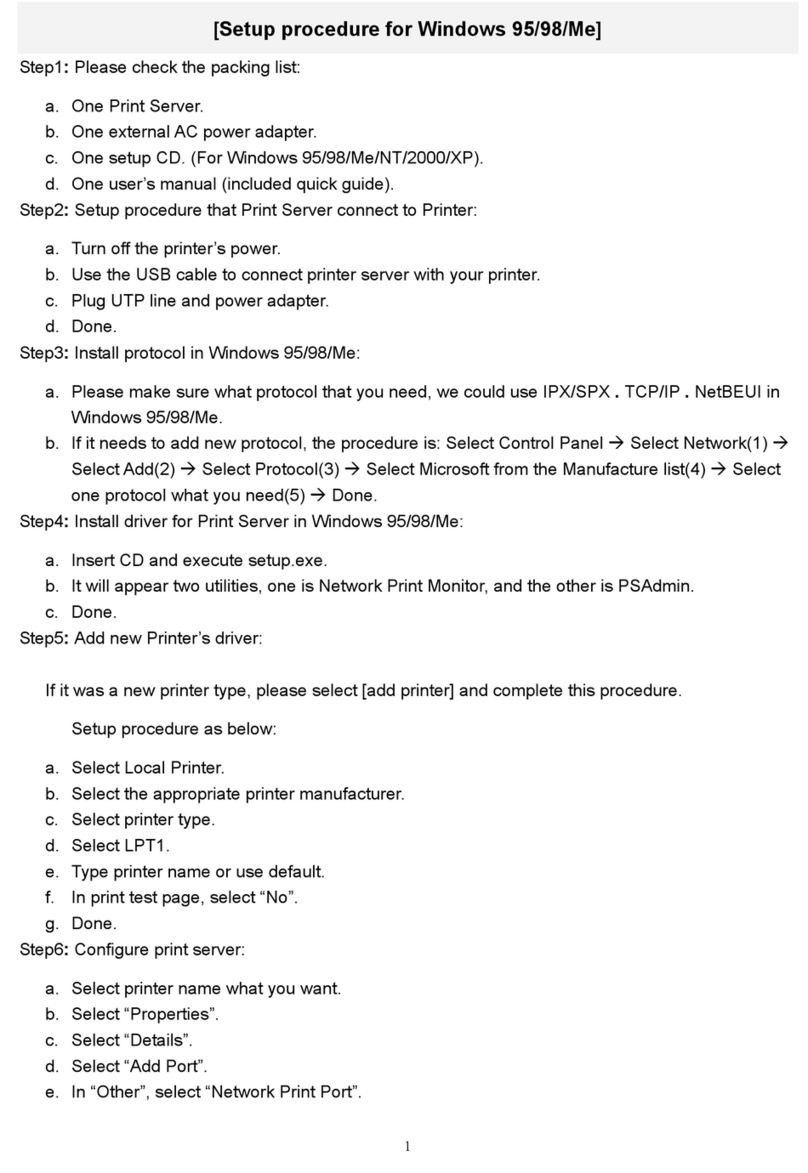
Zonet ZPS2102 - SETUP PROCEDURE FOR WINDOWS... User manual

Zonet

Zonet ZPS2102 - SETUP PROCEDURE FOR WINDOWS... User manual

Zonet ZPS1000 User manual

Zonet

Zonet ZPS1000 User manual

Zonet ZPW4000 User manual

Zonet

Zonet ZPW4000 User manual

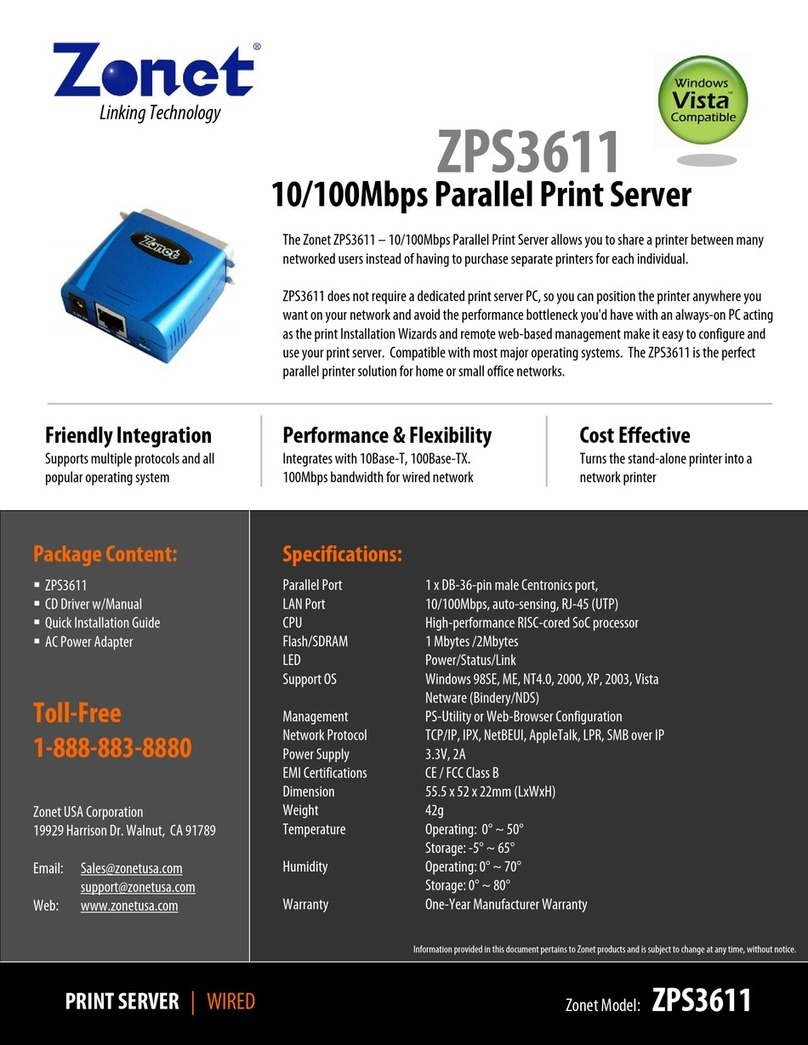
Zonet ZPS3611 - QUICK User manual

Zonet

Zonet ZPS3611 - QUICK User manual

Zonet ZPW4000 Operation manual

Zonet

Zonet ZPW4000 Operation manual

Popular Print Server manuals by other brands

Atlantis Land NETSERVER A02-PSU_GX02 quick start guide

Atlantis Land

Atlantis Land NETSERVER A02-PSU_GX02 quick start guide

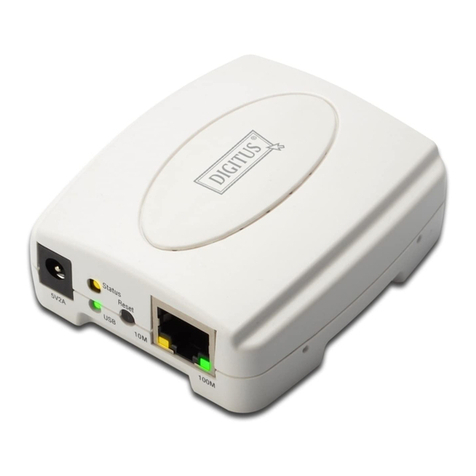
Digitus DN-13003-1 user manual

Digitus

Digitus DN-13003-1 user manual

Intellinet 509077 user manual

Intellinet

Intellinet 509077 user manual

Buffalo LPV4-U2-300S user manual

Buffalo

Buffalo LPV4-U2-300S user manual

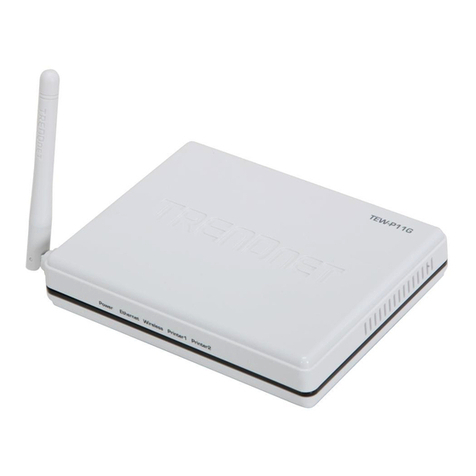
TRENDnet TEW-P11G datasheet

TRENDnet

TRENDnet TEW-P11G datasheet

Axis 140 BJC user manual

Axis

Axis 140 BJC user manual

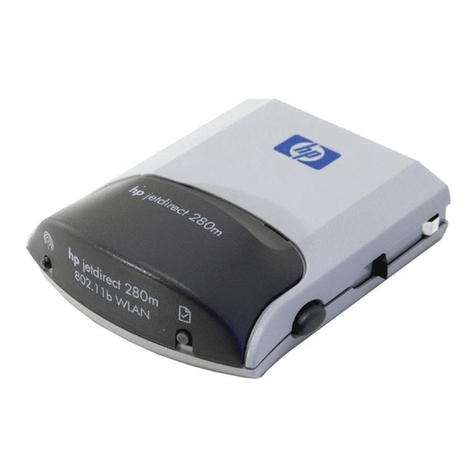
HP Jetdirect 280m - 802.11b Wireless Print... user guide

HP

HP Jetdirect 280m - 802.11b Wireless Print... user guide

MicroNet SP766W user manual

MicroNet

MicroNet SP766W user manual

Buffalo LPV4-U2-300S Quick setup guide

Buffalo

Buffalo LPV4-U2-300S Quick setup guide

Axis 5600+ user manual

Axis

Axis 5600+ user manual

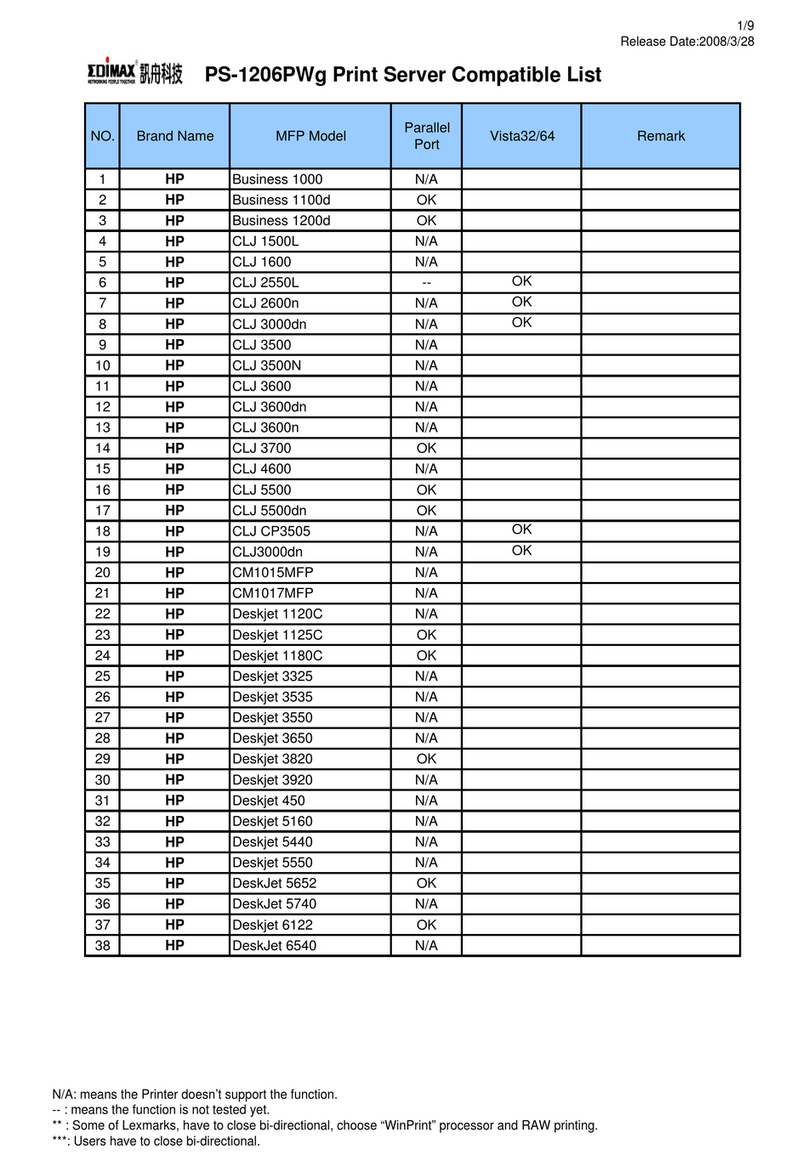
Edimax PS-1206PWg Compatibility listing

Edimax

Edimax PS-1206PWg Compatibility listing

Epson C823622A - Interface Type B Print Server brochure

Epson

Epson C823622A - Interface Type B Print Server brochure

Axis 540 series Quick installation guide

Axis

Axis 540 series Quick installation guide

D-Link DP-300+ user manual

D-Link

D-Link DP-300+ user manual

Hawking HPS1U Quick installation guide

Hawking

Hawking HPS1U Quick installation guide

LevelOne WPS-9123 user manual

LevelOne

LevelOne WPS-9123 user manual

D-Link DP-300+ manual

D-Link

D-Link DP-300+ manual

LevelOne FPS-1032 user manual

LevelOne

LevelOne FPS-1032 user manual

manuals.online logo
manuals.online logoBrands
  • About & Mission
  • Contact us
  • Privacy Policy
  • Terms and Conditions

Copyright 2025 Manuals.Online. All Rights Reserved.

Specifications:
Standards IEEE 802.3 10Base-T
IEEE 802.3u 100Base-TX
Printer
Interface USB 2.0, 1.1 Compliant USB Type A Port
LAN Port 10/100Mbps Auto-Negotiation UTP/STP RJ-45 Port
CPU/ SDRAM /
Flash ROM RDC R2886 133MHz / 2MByte / 1MKByte
LEDs Power, USB, Link/Act
Protocol TCP/IP, IPX, NetBEUI, AppleTalk, LPR, SMB over TCP/IP
OS Support Windows 98SE/Me/2000/XP/Vista,
Mac OS 8.1 or higher, UNIX/Linux, NetWare
(Bindery/NDS)
Management Web interface, Web-Browser Configuration
Power 3.3V, 2A
Dimension 73.16(Length) x 64.75(Width) x 28.39(Height) mm
Weight 58g
Temperature Operating: 0°~50°C
Storage: -5°~55°C
Humidity 10%~90% (non-condensing)
Certification CE, FCC
Friendly Integration
Supports multiple protocols and all
popular operating system
Performance & Flexibility
Integrates with 10Base-T, 100Base-TX.
100Mbps bandwidth for wired network
Cost Effective
Turns the stand-alone printer into a
network printer
Information provided in this document pertains to Zonet products and is subject to change at any time, without notice.
Package Content:
ZPS1002
CD Driver w/Manual
Quick Installation Guide
AC Power Adapter
Toll-Free
1-888-883-8880
Zonet USA Corporation
19929 Harrison Dr. Walnut, CA 91789
Email: [email protected]
[email protected]
Web: www.zonetusa.com
Linking Technolog
y
PRINT SERVER | WIRED Zonet Model: ZPS1002
The Zonet ZPS1002 – USB 2.0 Print Server allows any networked
computer to share an USB printer. It provides users with an auto-
sensing 10/100Base-T port. It works with either 10BaseT or 100BaseT
networks. This unit also supports multiple protocols and multiple
operating systems, and it integrates Internet Printing Protocol (IPP) in
this print server to allow users to print from any computer over a
LAN/WAN or the Internet by specifying the device's URL. The built-in
web management feature provides more convenience by allowing the
user to configure and monitor via a web browser. This eliminates the
need to place the printer right next to the computer.
USB 2.0 Print Server
ZPS1002