Installing The Cable
The SuperStack II Advanced RPS and its modules
may be hot-connected to SuperStack II units.
Connecting Cables
Before attaching the cables, check that the power
demand of the product does not exceed the
capacity of the Power Module you are connecting.
This information is given in the Power Module user
guide (DUA1607-2AAA0X), your Advanced RPS
Chassis user guide (part number DUA1607-0AAA0X)
and the product user guide. If you are unable to
find the information or are unsure, please contact
your supplier.
When mating the special RPS connectors
to the inlet and outlet sockets, take care to
ensure that the retaining spring, where
fitted, locates outside the plug casing.
Redundancy
Use a standard DC cable (as supplied with your
power module) to provide managed redundancy
connecting the outlet of the power module to the
inlet of the product. The product you are
connecting must be one with the auto-enable
feature present for this redundancy.
Full Redundancy
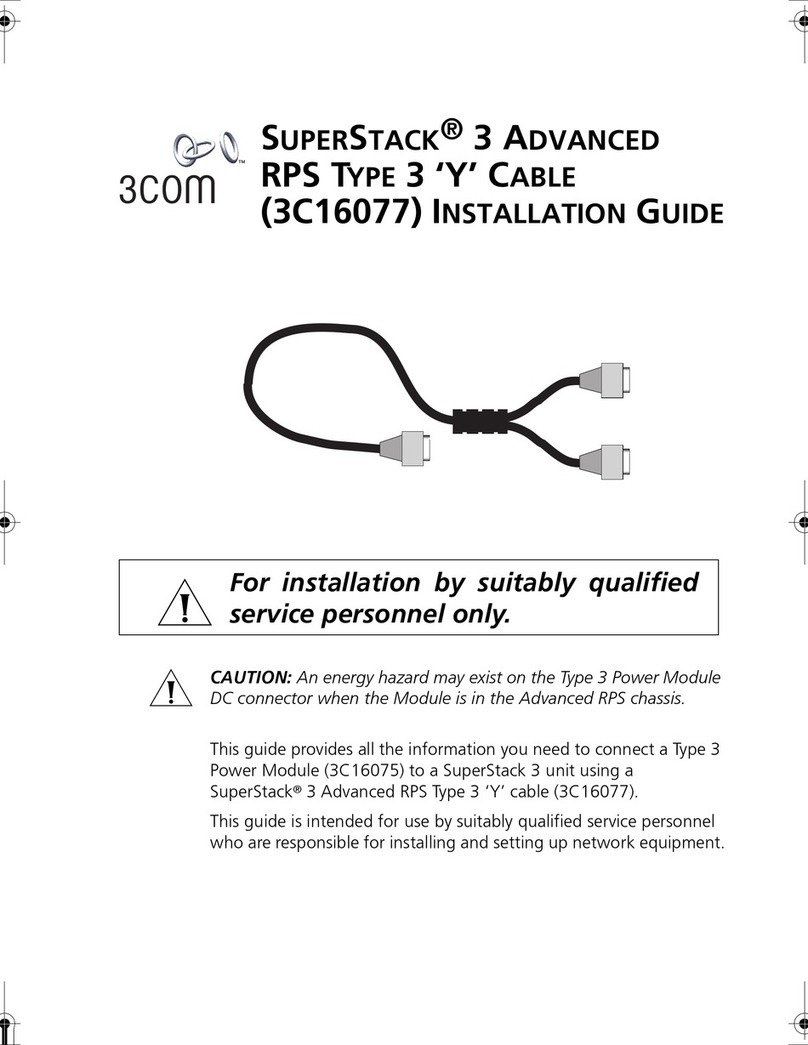
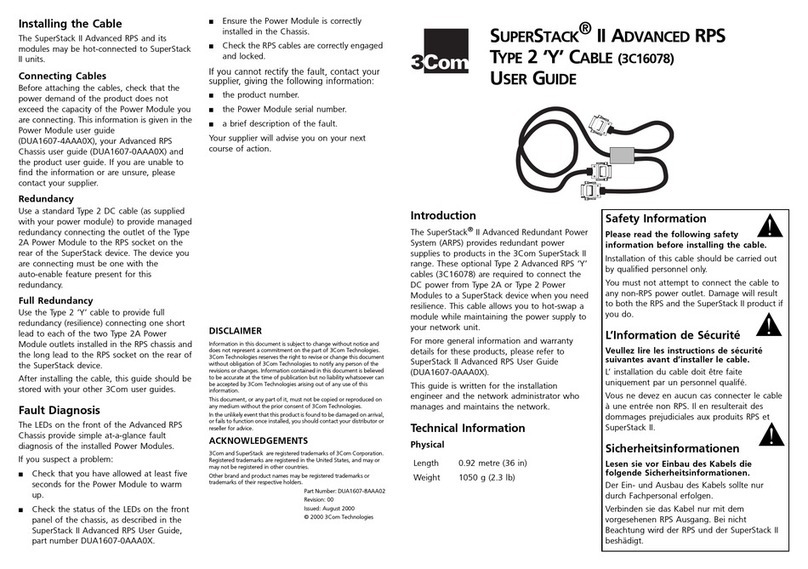
Use the ‘Y’ cable to provide full redundancy
(resilience) connecting one short lead to each of
two module outlets on the RPS and the long lead to
the product inlet.
After installing the cable, this guide should be
stored with your other 3Com user guides.
Fault Diagnosis
The LEDs on the front of the Advanced RPS Chassis
provide simple at-a-glance fault diagnosis of the
installed Power Modules.
If you suspect a problem:
■
Check that you have allowed at least five
seconds for the Power Module to warm up.
■
Check the status of the LEDs on the front panel
of the chassis, as described in the SuperStack II
Advanced RPS User Guide, part number
DUA1607-0AAA0X.
■
Ensure the Power Module is correctly installed
in the Chassis.
■
Check the RPS cables are correctly engaged
and locked.
If you cannot rectify the fault, contact your supplier,
giving the following information:
■
the product number.
■
the Power Module serial number.
■
a brief description of the fault.
Your supplier will advise you on your next course of
action.
DISCLAIMER
Information in this document is subject to change without notice and
does not represent a commitment on the part of 3Com Ireland. 3Com
Ireland reserves the right to revise or change this document without
obligation of 3Com Ireland to notify any person of the revisions or
changes. Information contained in this document is believed to be
accurate at the time of publication but no liability whatsoever can be
accepted by 3Com Ireland arising out of any use of this information.
This document, or any part of it, must not be copied or reproduced on
any medium without the prior consent of 3Com Ireland.
In the unlikely event that this product is found to be damaged on
arrival, or fails to function once installed, you should contact your
distributor or reseller for advice.
ACKNOWLEDGEMENTS
3Com, SmartAgent and LinkBuilder are registered trademarks of 3Com
Corporation. Registered trademarks are registered in the United
States, and may or may not be registered in other countries.
SuperStack is a trademark of 3Com Corporation.
Other brand and product names may be registered trademarks or
trademarks of their respective holders.
Part Number: DUA1607-9AAA01
Revision: 00
Issued: February 28th1997
© 1997 3Com Ireland
A
D
V
A
N
C
E
D
RPS ‘Y’ C
A
B
L
E
(3C16079)
U
S
E
R
G
U
I
D
E
Introduction
The SuperStack II Advanced RPS (3C16070/1) is
designed to provide redundant power supplies to
the products in 3Com’s SuperStack II range. These
special RPS ‘Y’ cables (3C16079) are required to
connect the DC power to the active units when you
need resilience. This cable allows you to hot-swap a
module while maintaining the power supply to your
network unit.
For more general information and warranty
details for these products, please refer to
SuperStack II Advanced RPS User Guide,
part number DUA1607-0AAA0X.
This guide is written for the installation engineer
and the network administrator who manages and
maintains the network.
Technical Information
Physical
Length
1 metre (39 in)
Weight
550 g (1.21 lb)
Safety Information
Please read the following safety information
before installing the cable.
Installation of this cable should be carried out by
qualified personnel only
.
You must not attempt to connect the cable to any
non-RPS power outlet. Damage will result to both
the RPS and the SuperStack II product if you do.
L’Information de Sécurité
Veullez lire les instructions de sécurité
suivantes avant d’installer le cable.
L’ installation du cable doit être faite uniquement par
un personnel qualifé.
Vous ne devez en aucun cas connecter le cable à une
entrée non RPS. Il en resulterait des dommages
prejudiciales aux produits RPS et SuperStack II.
Sicherheitsinformationen
Lesen sie vor Einbau des Kabels die folgende
Sicherheitsinformationen.
Der Ein- und Ausbau des Kabels sollte nur durch
Fachpersonal erfolgen.
Verbinden sie das Kabel nur mit dem vorgesehenen
RPS Ausgang. Bei nicht Beachtung wird der RPS und
der SuperStack II beshädigt.
!
!
!