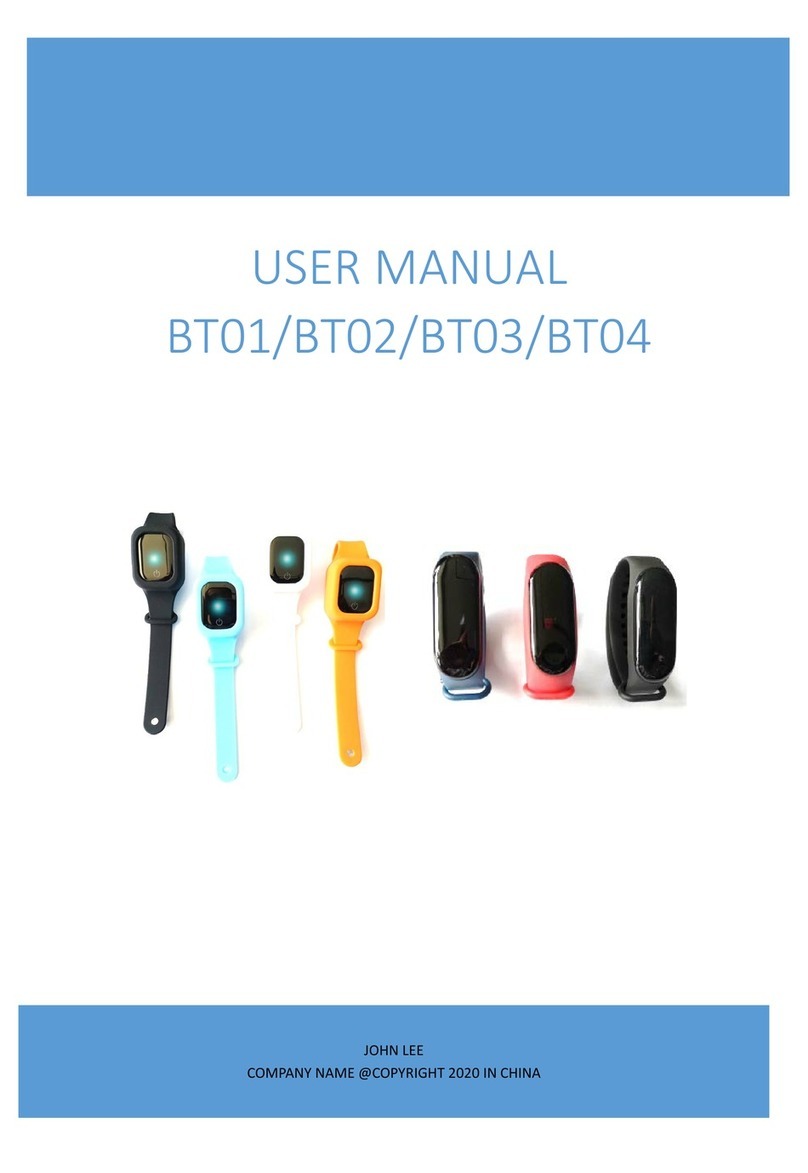
3PLUS L38I User manual

1
L38I User's Manual
1 Packing List
A B C D
A:Tracker module
B:Charger cradle
C:User Manual
D:USB-cable
2 Install APP
Setting the wristband, reviewing and saving exercise data in the “3PLUS ELITE”APP.
Please log in http://appscomm.cn or scan the following QR codes to download the
“3PLUS ELITE”APP.
Device compatibility: apple’s device and android device with Bluetooth4.0

2
System compatibility: iOS7.0 and above, Android 4.3 and abov.
3 Charging
Low power
Charging process
Charging process
Charging
completed
Screen is always light on during charging
When full charged, power icon is full. Screen keeps light on for 1min and then will be
off.
Move out the charger, the device will display full charging for 3s, and then in standby
interface.
4 Switch Interface
Your wristband will show an icon device number 。
If there is no operation on the device, screen light off
If pairing is successful, your wristband will show a time icon 。

3
4.1 Device connected
1、turn on the Bluetooth on you mobile device.
2、open the APP on your mobile device. please register or login with an existing
account .click”setup”after entering your personal information.
3、make sure that the band is nearby ,select APP from your Bluetooth menu.
4、The wristband will show pair requirement ,click to pair
5 If pairing is successful, your wristband will show a “connected” icon
; If pairing is failure,the wristband will show an “disconnected”
icon
When APP search out several devices, connect the right one, wristband will
automatically get into bluetooth pair interface. Click to pair. If fail to pair, it will
be back to bluetooth pair interface.
5 Switch Interface
Main Interface
time steps exercise distance calories
Sport time hear

4
5.1 Time
After logging in the phone APP and binding the device successful, the tracker’s time
will be synchronized with the phone automatically.
5.2 Flip screen
Vertically rotatable screen display:
This function allows you to choose the orientation of the band which best suited
to your wrist. To flip the screen, enter the “Flip screen?” at the setting menu.
Flip the screen towards left Tap the “Flip screen?” option to
enter the confirmation screen to select either option.
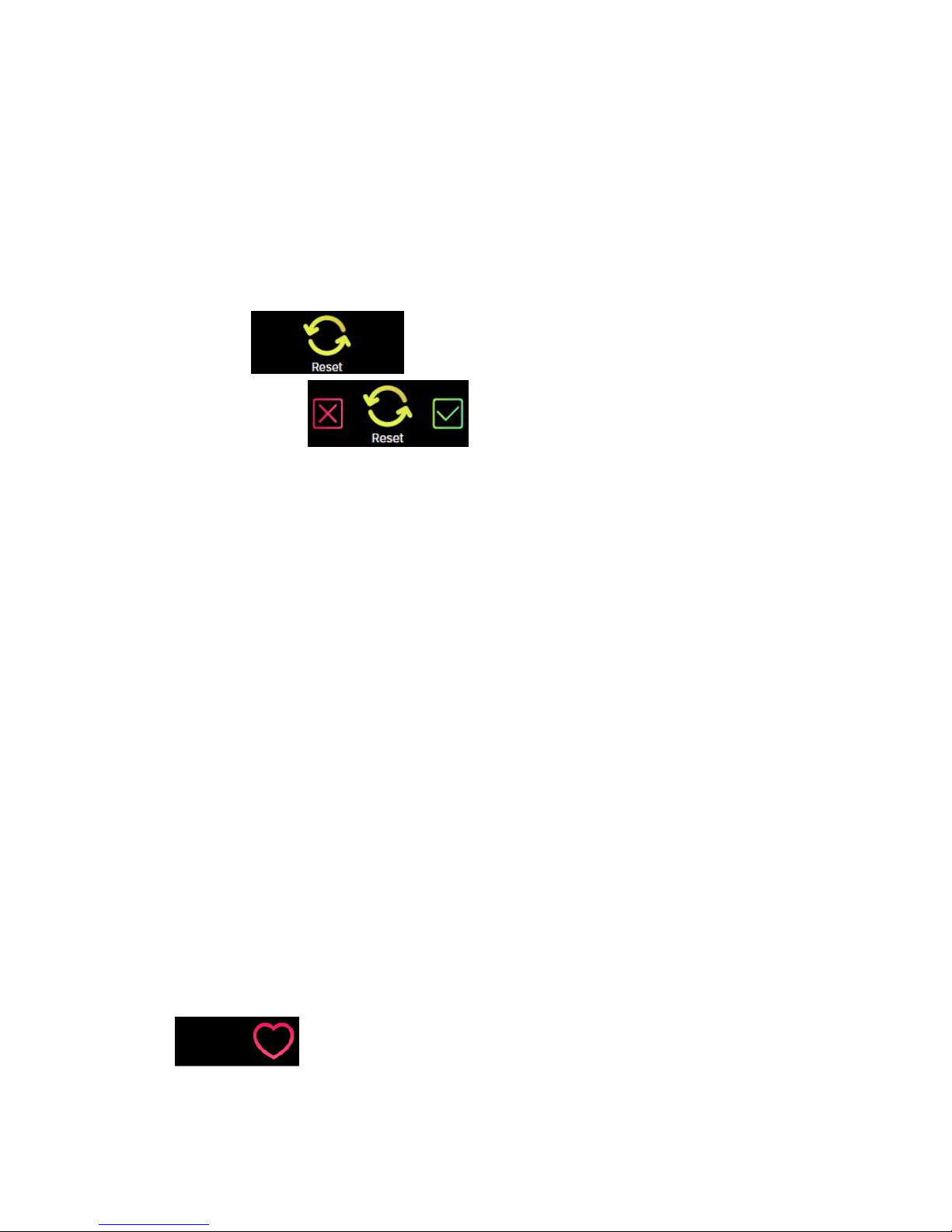
5.3 Restart
Restarting allows users to restart their device
This function will not delete the data on your device.
To restart your device, enter the “Restart?” at the setting menu.
Restart device Tap on the “Restart?” option on the screen to
enter the confirmation screen to select either option.
5
5.4 Factory Reset
Factory resetting will return your device to its original state during factory shipment.
This function will delete the activity, sleep, and etc. data on your device.
To factory reset, enter the “Factory Reset?” option at the setting menu.
Factory reset tap on the “Factory Reset?” option to enter the
confirmation screen . to select either option.
5.5 Data Sync
The band can monitor steps and distance you have walked throughout the day, as well
as the calories you have burnt. You can check the data shown on the band screen; you
can also monitor your activity data and historical record at the “activity” section of
the APP, you can check the progress of you daily target at the main interface, you can
retrieve your daily, weekly, and monthly detailed chart by tapping the activity column
once. The band will display daily data; the APP will be reset daily at midnight. If you
would like to upload your latest activity data, please tap the upper right “Synchronize”
icon in you APP
5.6 Heart Rate
5.6.1 Open the heart rate
No numbers on the screen when the first time you use the device, only heart rate
icon

6
Heart is empty inside without turning on heart rate monitor .
Heart is full inside when turning on heart rate monitor
Heart is full inside when turning on heart rate monitor
display the heart rate number monitored by the last time of the day。
Watch-off, can't monitor
5.7 Heart rate Reminder
you can select you hear-rate alert zone at the “setting” section of your APP
Low HR alert High HR alert
5.8 Automatic Sleep
Any interface click to enter sleep mode. When sleep
mode is on, there just time and sleep icon displayed
on screen.
Exit manually if awake without automatically exit
7
5.9 Pre-set Sleep Time
Set up sleep time in APP, notice icon for entering sleep
Exit automatically
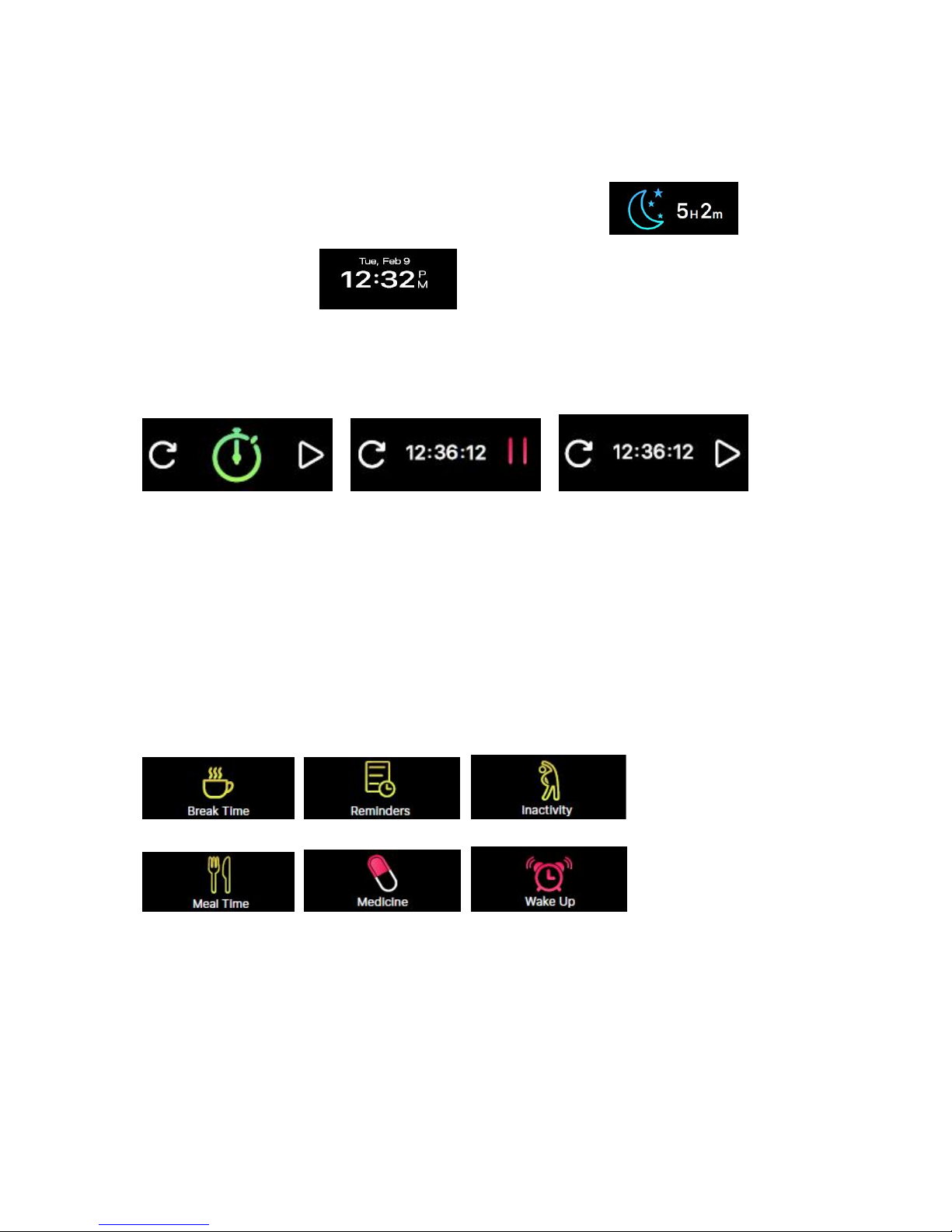
5.10 Stopwatch
User can turn on/off stop watch on the screen。
When stop watch is working, user can switch to other interface, such as time, steps,
calories, distance, heart rate and so on.
Count time will stop when it comes up to 12hours.
6 Reminder
In the APP, you can set the functions and follows: exercise, reminder, sleep reminder,
dining reminder, pill reminder, and alarm reminder. The wristband will display the
reminder interface and vibrate. Press any button to exit from the interface.

8
7 Information
Open App, go to devices settings and then go to the Notification setting to turn on
or off the notification you want to receive. Click “Save” to Sync your notification
settings with the wristband.
Make sure Bluetooth is enabling on your mobile device, and wristband is within
operating distance.
When your mobile device and wristband are within operating range, you will be
able to receive notification that you selected.
After switched to sleep mode, all notification will be turned off.
Device vibrates and screen is on when mobile gets text, email, missed call and
calendar notification.
Device does not vibrate but screen is on when receive social media notification
There are 3 lines on the screen, the first line is sender, and the second and third are
content.
8 Goal
Single-tap the upper right synchronization button to save your goal settings.

9
When your goal is reached, your wristband will vibrate slightly and display the
“Goal achieved” icon.
9 Syncing
1. Sync in APP, wristband will turn into interface.
2. If syncing is failed, the wristband will show an “syncing failed”
icon .
3. If syncing is successful and then in time interface .
10 Upgrade
1. Sync in APP, wristband will turn into interface.
2. if upgrade is failed the wristband will show an “failed” icon .
3. if upgrade is successful and then in time interface .

10
11 Remarks
Please charge the device promptly when it shows low power, and please use our
standard charging clip.
Please do not leave the device in damp environment or expose it to liquid when
charging.
Please do not expose the device to extreme temperature.
Please do not expose the device to direct sunlight place for long duration.
Please do not place the device in vicinity of a fire.
Please avoid contact between the device and any sharp object.
Please do not misuse the device, incliding but not limited to, falling, dismantling,
dissembling, pressing, puncturing, baking, burning, etc.
Please do not clean the device with an abrasive cleaner.
Please keep it out of reach of infants as small parts may cause choking.
12 Specification
Display screen
Type:TFT dot-matrix 160*64
Dimension
Dial: 44.8mm(length)*20.3mm(maxwidth)*10.8mm(thickness)
Material
Main Material: PC + glass lens for display
Material of wristband:TPU
Acceleration sensor
Support( 3-axis)
Battery
100mAh
Standby time
≧150
Bluetooth
4.0 BLE
waterproof
IP67
Table of contents