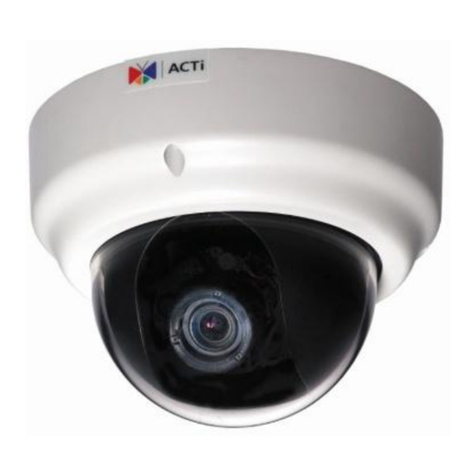
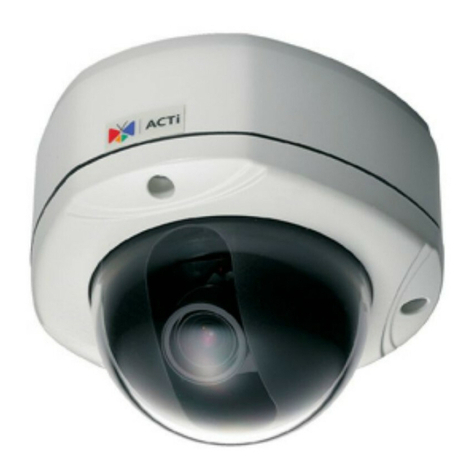
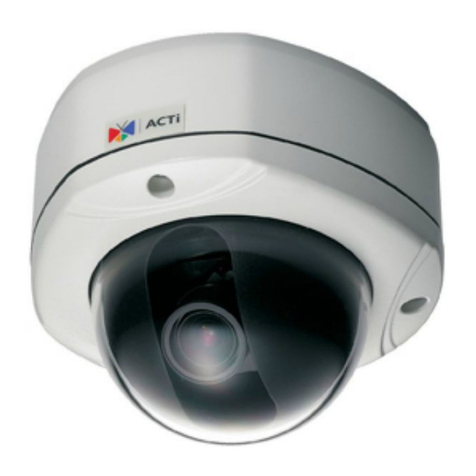
ACTi KCM-5511 User manual

2013/12/06
Outdoor-Ready Box
Mounting on a Straight Wall
using the Bracket
Installation Guide
For Models:
KCM-5511 / KCM-5611 / KCM-5x11E

www.acti.com
Installation Guide
2
Table of Contents
Installation Procedures .....................................................3
Step 1: Install the Bracket......................................................................... 3
Step 2: Remove the Back Cover............................................................... 4
Step 3: Prepare the Flex Conduit ............................................................. 4
Step 4: Connect the Ethernet Cable......................................................... 7
Step 5: Install the Camera......................................................................... 8
Step 7: Access the Camera Live View ................................................... 10
Appendices.......................................................................11
Connecting a Power Adaptor (Optional).................................................11
Connecting DI/DO Devices (Optional).................................................... 13
Connecting a Serial Device (Optional)................................................... 16
Safety Information............................................................18

www.acti.com
Installation Guide
3
Installation Procedures
This section provides step-by-step procedures in installing the camera using the heavy duty
bracket and how to waterproof the cables.
Before installation, prepare the following tools and accessories which are not included in the
camera package thus must be purchased separately:
Bracket (PMAX-1101)
Flexible Conduit (Trade size = 1/2”)
Ethernet Cable
Screwdriver
Step 1: Install the Bracket
1. Remove the screw to detach the camera holder from the bracket. Set the holder aside for
later use.
2. Attach the bracket to the pole mount using the three (3) screws supplied in the pole mount kit.

www.acti.com
Installation Guide
4
Step 2: Remove the Back Cover
Loosen the four (4) screws to detach the back cover of the camera.
Step 3: Prepare the Flex Conduit
1. From the network side, insert the Ethernet cable and other cables (if any) through the flex
conduit.
NOTE: To connect an external power adaptor, digital input/output (DI/DO) or serial devices,
insert the cables without connectors through the flex conduit and as well as audio
input/output device cables at this point.

www.acti.com
Installation Guide
5
2. Insert the clamping nut through the flex conduit.
3. Insert the sealing insert and attach it at the end of the flex conduit.
4. Detach the conduit gland from the back cover of the camera as shown below:
Sealing Insert
Clamping Nut
Conduit Gland
Body
www.acti.com
Installation Guide
6
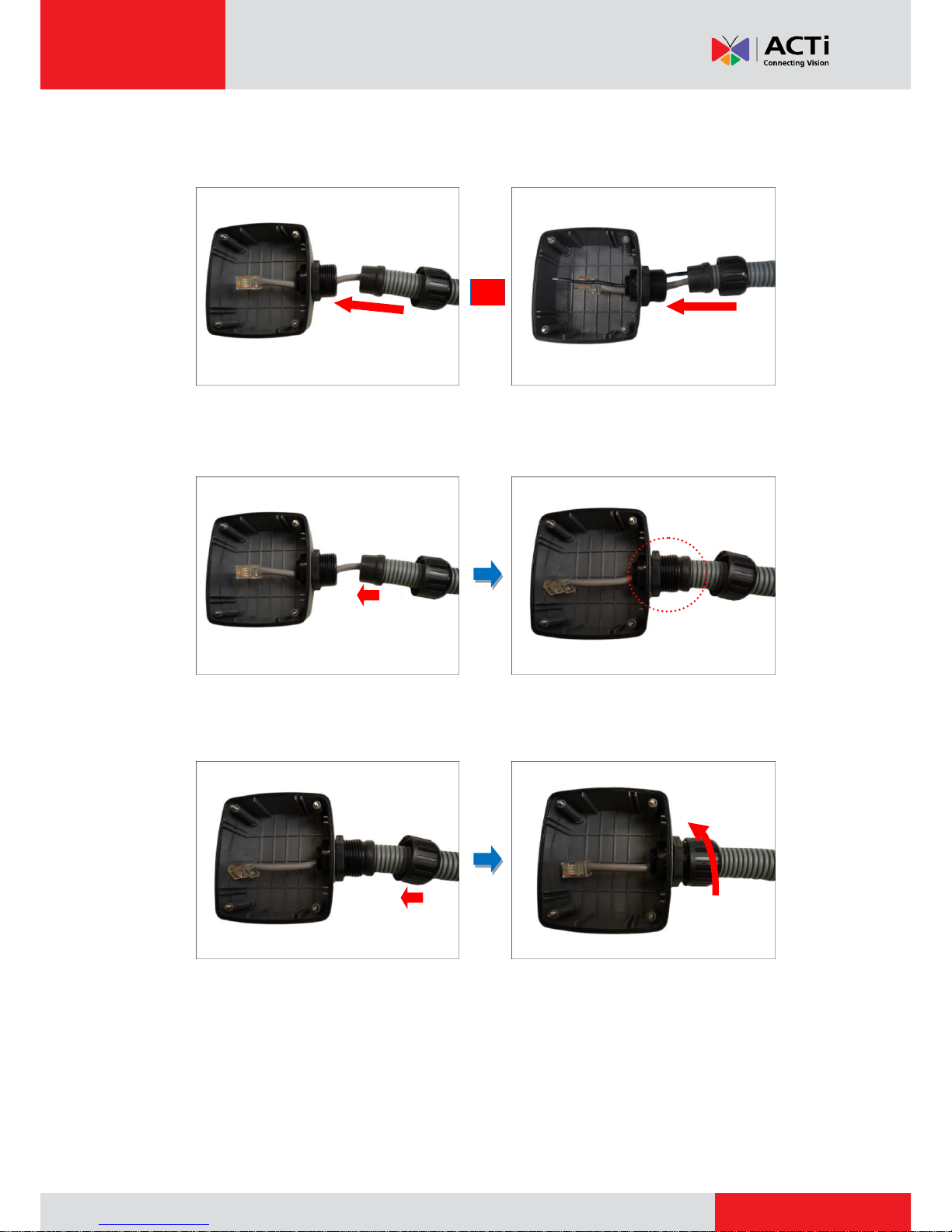
5. Insert the Ethernet cable and other cables (if any) without terminal blocks through the conduit
gland body of the back cover.
Ethernet Cable Only Ethernet and Power Adaptor Cable
6. Insert the sealing insert into the conduit gland body.
7. Attach the clamping nut to complete the cable solution.
NOTE: Make sure the clamping nut is tightly attached to the conduit gland body to avoid
water leak.
or

www.acti.com
Installation Guide
7
Step 4: Connect the Ethernet Cable
1. Connect the Ethernet cable to the Ethernet port of the camera.
If connecting other cables, such as an external power adaptor, DI/DO or serial devices,
connect the supplied terminal blocks and connect them to the corresponding connectors of
the camera ( see Appendices on page 11 for more information). Sample image below.
2. When done, close the back cover by tightening the three (3) screws.
Memory Card Slot
Audio In /Out Jacks
12V Power Connector
Serial Connector
Digital Input / Output
(DI/DO) Connector
www.acti.com
Installation Guide
8
Step 5: Install the Camera
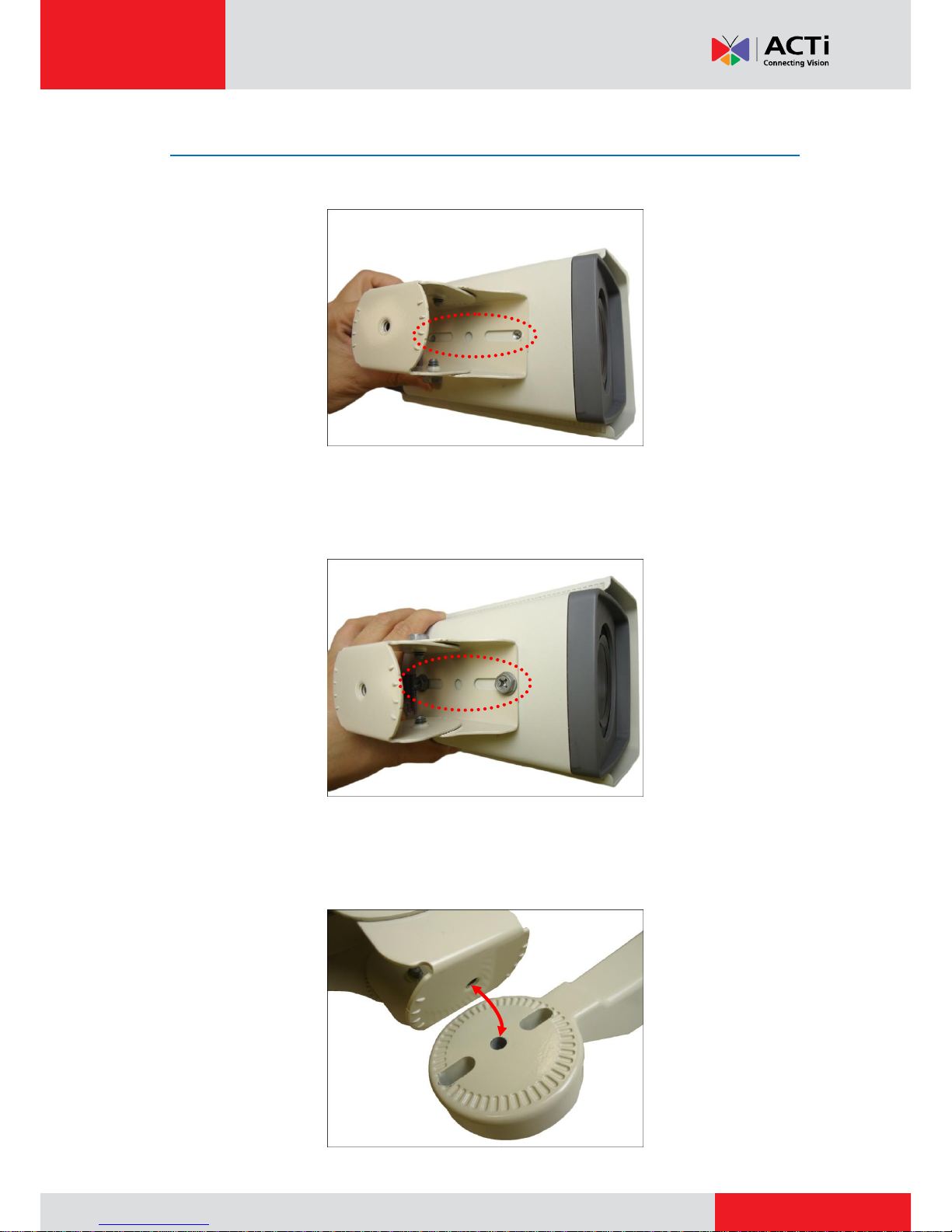
1. Align the screw holes of the holder to the bottom screw holes of the camera.
2. Attach the two (2) screws (supplied in the bracket package) to secure the camera to the
holder.
3. Align the screw hole of the holder to the bracket as you insert the excess length of flex
conduit back into the pole mount.

www.acti.com
Installation Guide
9
4. Loosely attach the screw to secure the holder to the bracket.
5. As needed, turn the holder left or right to adjust the camera viewing direction. Then, secure
the screw tightly to fix the position.
6. As needed, loosen the two (2) side screws of the holder and then move the camera up or
down to adjust the camera viewing angle. Then, tighten the two (2) side screws to fix the
position.

www.acti.com
Installation Guide
10
Step 6: Access the Camera Live View
Connect the other end of the Ethernet cable to a PoE switch and access the camera live view.
For more information on how to access the camera Live View, download the camera Hardware
Manual from the website (http://www.acti.com)
Other manuals for KCM-5511
1
This manual suits for next models
2
Table of contents
Other ACTi Security Camera manuals