manuals.online logo
Brands
  1. Home
  2. •
  3. Brands
  4. •
  5. Adesso
  6. •
  7. Keyboard
  8. •
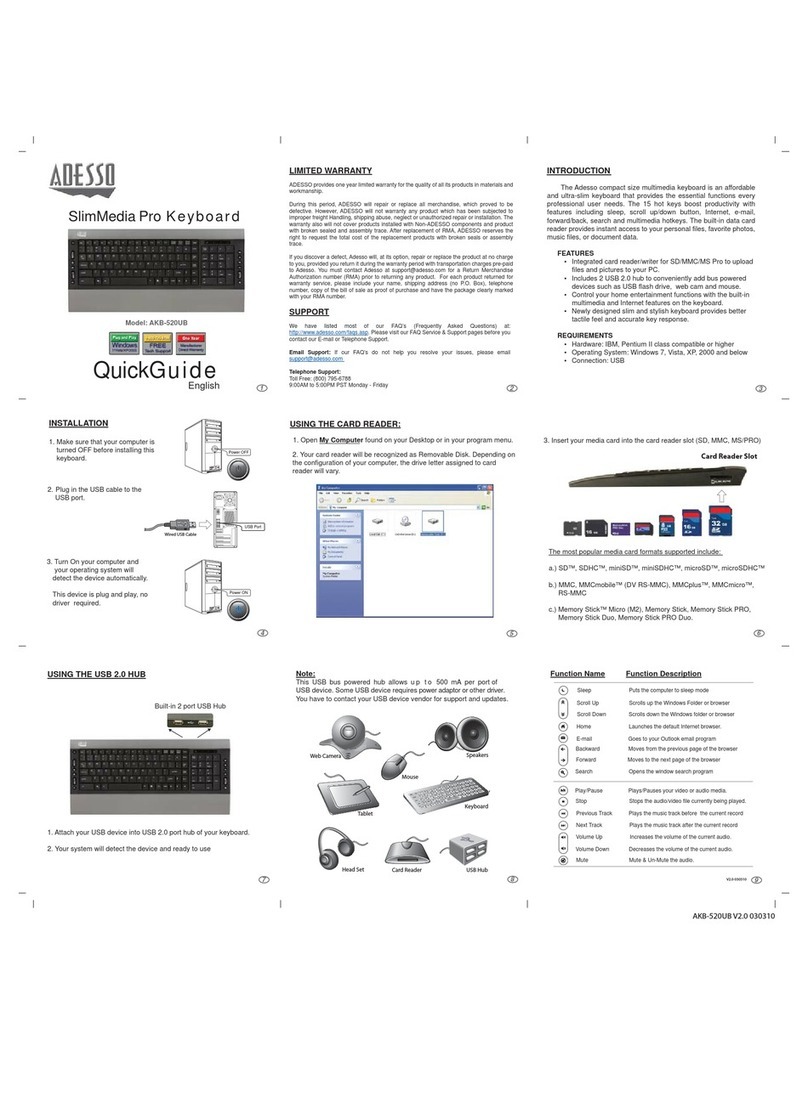
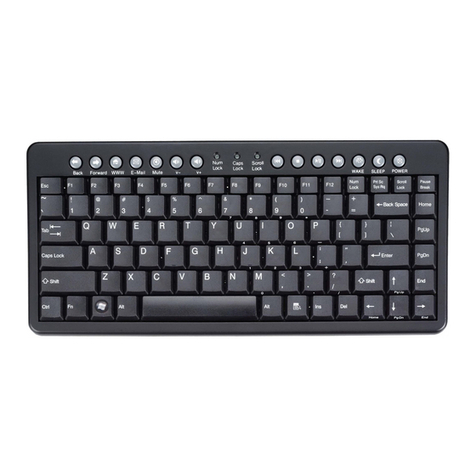
  9. Adesso AKB-110 Series User manual

Adesso AKB-110 Series User manual

Other Adesso Keyboard manuals

Adesso WKB-3000UB User manual

Adesso

Adesso WKB-3000UB User manual

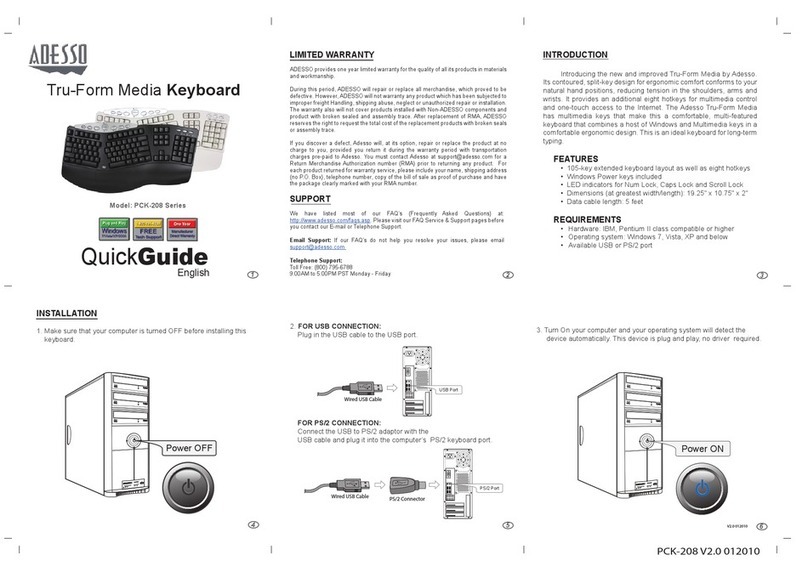
Adesso PCK-208 User manual

Adesso

Adesso PCK-208 User manual

Adesso WKB-4000BM Owner's manual

Adesso

Adesso WKB-4000BM Owner's manual

Adesso AKB-2300MAC User manual

Adesso

Adesso AKB-2300MAC User manual

Adesso WKB-120 User manual

Adesso

Adesso WKB-120 User manual

Adesso AKB-530UB User manual

Adesso

Adesso AKB-530UB User manual

Adesso PCK-208 Series User manual

Adesso

Adesso PCK-208 Series User manual

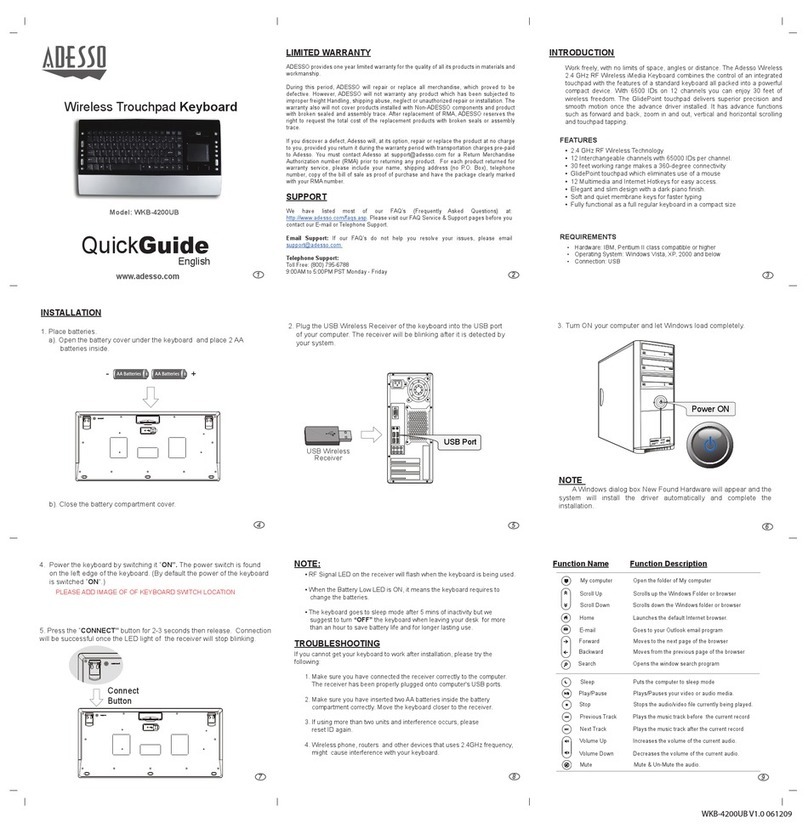
Adesso WKB-3200UB User manual

Adesso

Adesso WKB-3200UB User manual

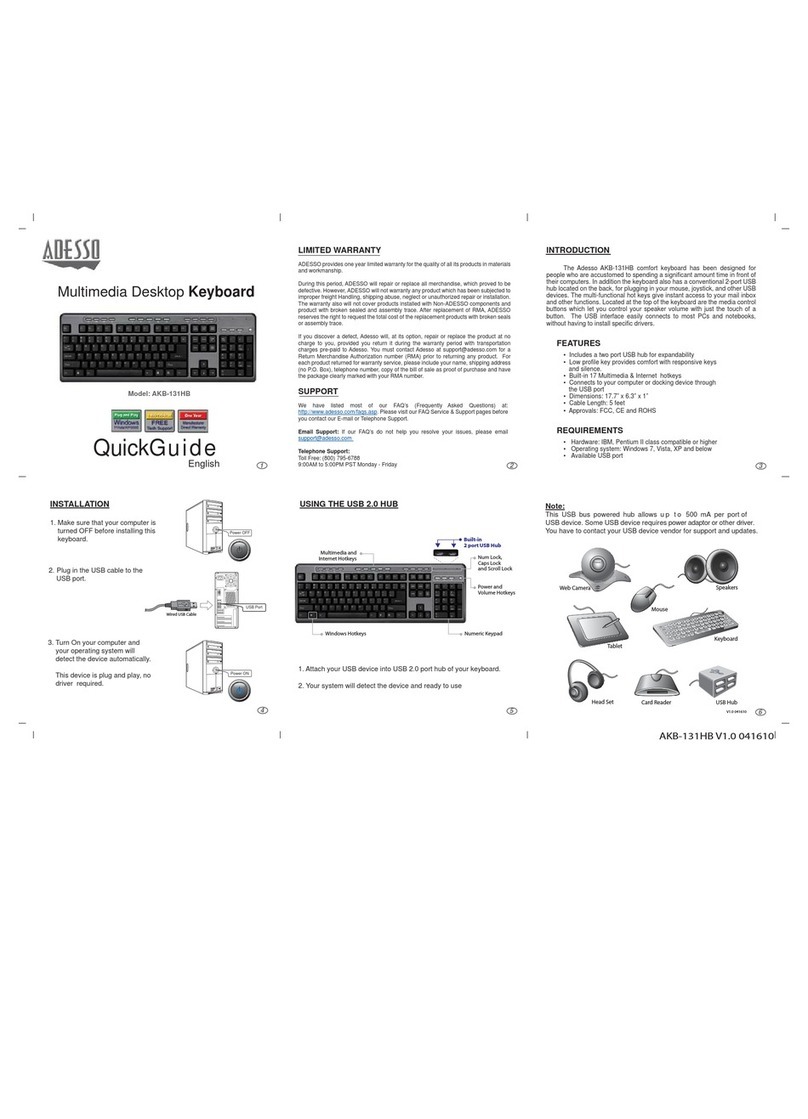
Adesso AKB-131HB User manual

Adesso

Adesso AKB-131HB User manual

Adesso WKB-4100UB V1.5 User manual

Adesso

Adesso WKB-4100UB V1.5 User manual

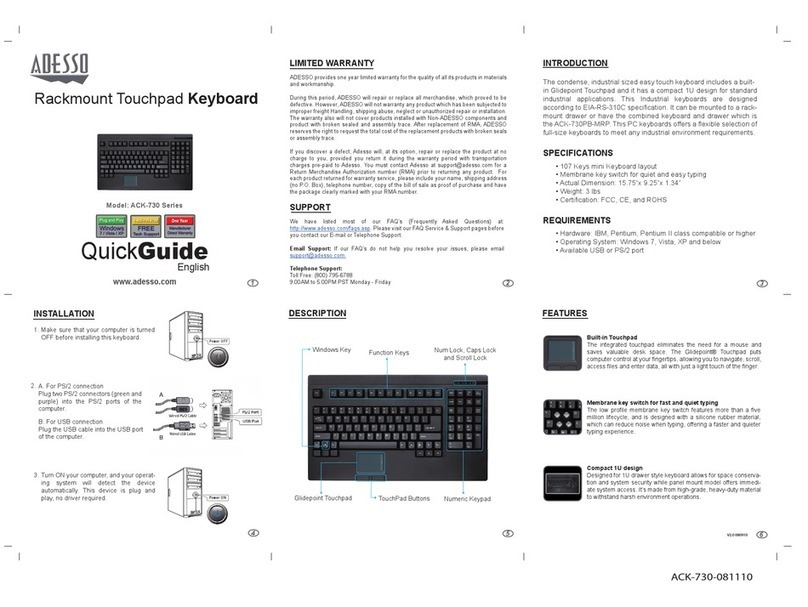
Adesso ACK-730 Series User manual

Adesso

Adesso ACK-730 Series User manual

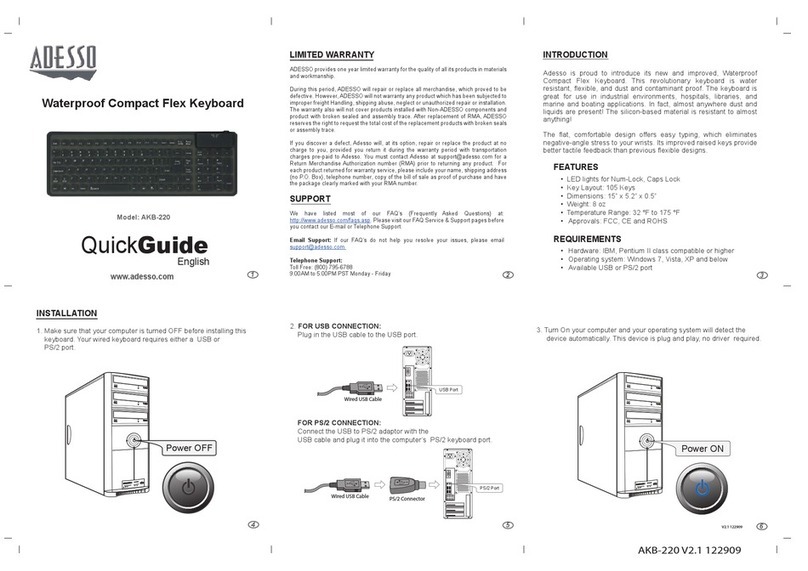
Adesso AKB-220 User manual

Adesso

Adesso AKB-220 User manual

Adesso PCK-308T User manual

Adesso

Adesso PCK-308T User manual

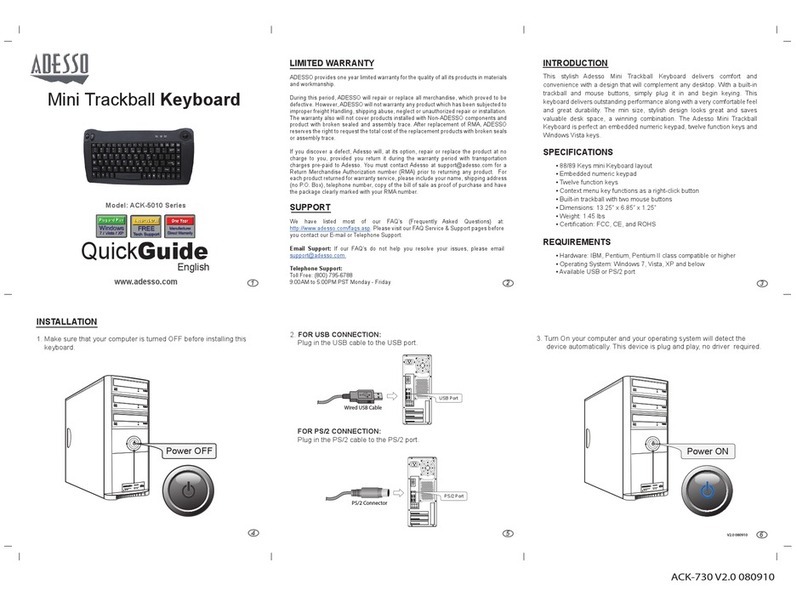
Adesso ACK-5010 Series User manual

Adesso

Adesso ACK-5010 Series User manual

Adesso WKB-4000UB Series User manual

Adesso

Adesso WKB-4000UB Series User manual

Adesso MKB-135B User manual

Adesso

Adesso MKB-135B User manual

Adesso AKB-410 Series User manual

Adesso

Adesso AKB-410 Series User manual

Adesso AKB-520UB User manual

Adesso

Adesso AKB-520UB User manual

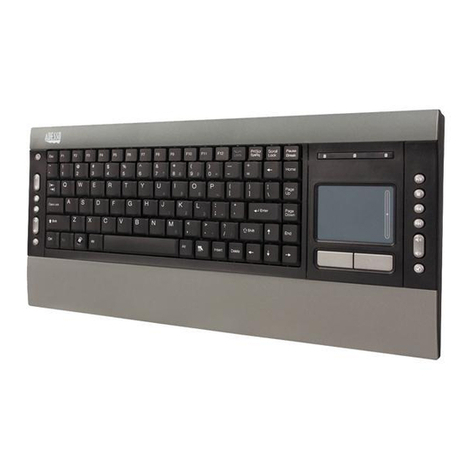
Adesso Slim Touch AKB-440UB User manual

Adesso

Adesso Slim Touch AKB-440UB User manual

Adesso ACK-730PB User manual

Adesso

Adesso ACK-730PB User manual

Adesso WKB-3000UB User manual

Adesso

Adesso WKB-3000UB User manual

Adesso WKB-3100UB Series User manual

Adesso

Adesso WKB-3100UB Series User manual

Adesso WKB-2000BA User manual

Adesso

Adesso WKB-2000BA User manual

Adesso TRU-FORM PCK-308 User manual

Adesso

Adesso TRU-FORM PCK-308 User manual

Popular Keyboard manuals by other brands

Gembird KB-314M null

Gembird

Gembird KB-314M null

Vortexgear POK3R user manual

Vortexgear

Vortexgear POK3R user manual

Razer RZ03-0188 user manual

Razer

Razer RZ03-0188 user manual

Logitech RUGGED LITE quick start guide

Logitech

Logitech RUGGED LITE quick start guide

Honeywell ADEMCO 5839 Installation and setup guide

Honeywell

Honeywell ADEMCO 5839 Installation and setup guide

Hama AK-120 Operating	 instruction

Hama

Hama AK-120 Operating instruction

Rodgers RK-76 owner's manual

Rodgers

Rodgers RK-76 owner's manual

Logic Controls KB5000 Series user manual

Logic Controls

Logic Controls KB5000 Series user manual

Rapoo E9270P quick start guide

Rapoo

Rapoo E9270P quick start guide

iKey DP-88 Specifications

iKey

iKey DP-88 Specifications

Logitech G413 TKL SE Complete Setup Guide

Logitech

Logitech G413 TKL SE Complete Setup Guide

Dahua NKB quick start guide

Dahua

Dahua NKB quick start guide

Ultimate Technology 500 POS user guide

Ultimate Technology

Ultimate Technology 500 POS user guide

Ducky Shine 5 user manual

Ducky

Ducky Shine 5 user manual

Mace MACALLY MERGOKEY user guide

Mace

Mace MACALLY MERGOKEY user guide

iKey KYB-42-KIOSK Specifications

iKey

iKey KYB-42-KIOSK Specifications

Akko MX108 user manual

Akko

Akko MX108 user manual

Viper V770 user manual

Viper

Viper V770 user manual

manuals.online logo
manuals.online logoBrands
  • About & Mission
  • Contact us
  • Privacy Policy
  • Terms and Conditions

Copyright 2025 Manuals.Online. All Rights Reserved.

QuickGuide
EasyTouch Mini Keyboard
English
Model: AKB-110 Series
INSTALLATION
1. Make sure that your computer is turned OFF before installing this
keyboard. Your wired mini keyboard requires either a USB or
PS/2 port.
2. FOR USB CONNECTION:
Plug in the USB cable to the USB port.
FOR PS/2 CONNECTION:
Connect the USB to PS/2 adaptor with the
USB cable and plug it into the computer’s PS/2 keyboard port.
3. Turn On your computer and your operating system will detect the
device automatically. This device is plug and play, no driver required.
www.adesso.com
INTRODUCTION
WARRANTY
ADESSO provides one year limited warranty for the quality of all its products in materials
and workmanship.
During this period, ADESSO will repair or replace all merchandise, which proved to be
defective. However, ADESSO will not warranty any product which has been subjected to
improper freight Handling, shipping abuse, neglect or unauthorized repair or installation.
The warranty also will not cover products installed with Non-ADESSO components and
product with broken sealed and assembly trace. After replacement of RMA, ADESSO
reserves the right to request the total cost of the replacement products with broken seals or
assembly trace.
If you discover a defect, Adesso will, at its option, repair or replace the product at no charge
to you, provided you return it during the warranty period with transportation charges
pre-paid to Adesso. You must contact Adesso at [email protected] for a Return
Merchandise Authorization number (RMA) prior to returning any product. For each product
returned for warranty service, please include your name, shipping address (no P.O. Box),
telephone number, copy of the bill of sale as proof of purchase and have the package
clearly marked with your RMA number.
SUPPORT
We have listed most of our FAQ’s (Frequently Asked Questions) at:
http://www.adesso.com/faqs.asp. Please visit our FAQ Service & Support pages before
you contact our E-mail or Telephone Support.
Email Support: If our FAQ’s do not help you resolve your issues, please email
[email protected]
Telephone Support:
Toll Free: (800) 795-6788
9:00AM to 5:00PM PST Monday - Friday
123
6
5
4
Enjoy Adesso's EasyTouch Mini Keyboard. The keyboard has an 87
key layout with embedded numeric keypad which provides you a
function of a full keyboard in a mini size. This keyboard saves desk
space and it is very comfortable to use. No software needed its plug
and play. With its smooth surface this is a perfect selection that will
look impressive on your desk space.
For your personal enjoyment and safety, we recommend that you read
through this manual before using this product and keep this manual
handy for reference if needed.
FEATURES
• Less than 12 inch in keyboard size
• 87 Keys a great space saver for your desktop
• Soft and quiet membrane keys for faster typing
• Small and lightweight, fits anywhere and extremely portable.
• Fully functional as a full regular keyboard
• Lighted LEDs for NUM, CAPS and Scroll Lock
REQUIREMENTS
• Hardware: IBM, Pentium II class compatible or higher
• Operating System: Windows 7, Windows Vista, XP and below
• Connection: USB or PS/2 Port
AKB-110B/W V1.3 081409
Power OFF Power ON
USB Port
PS/2 Port
PS/2 Connector
Wired USB Cable
Wired USB Cable