QuickGuide
Multimedia Desktop Keyboard
English
Model: AKB-131HB
INTRODUCTION
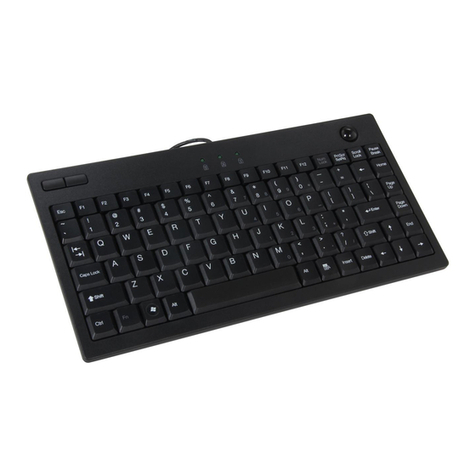
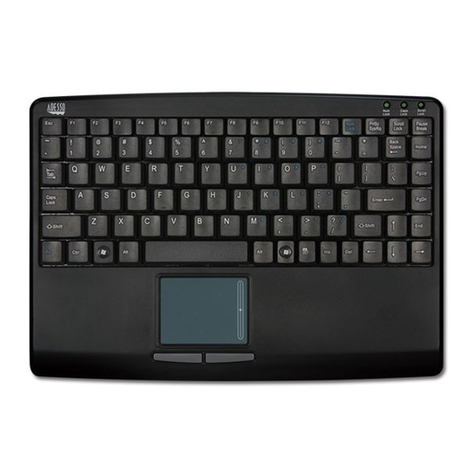
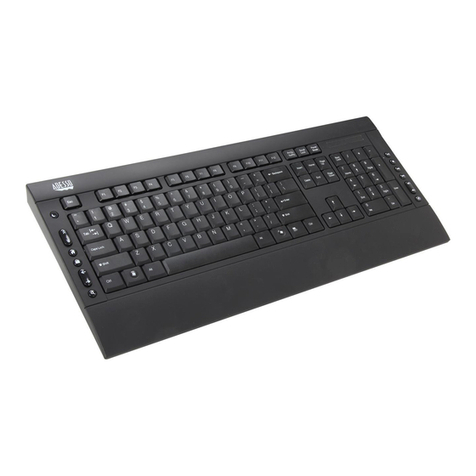
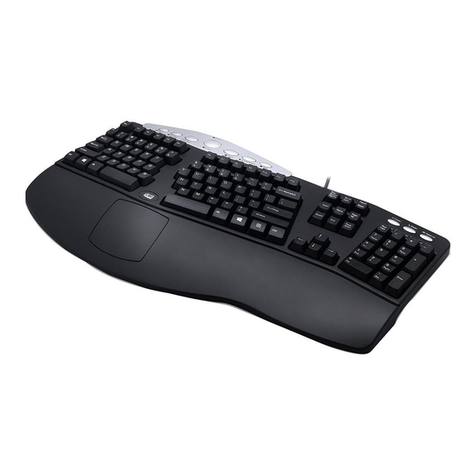
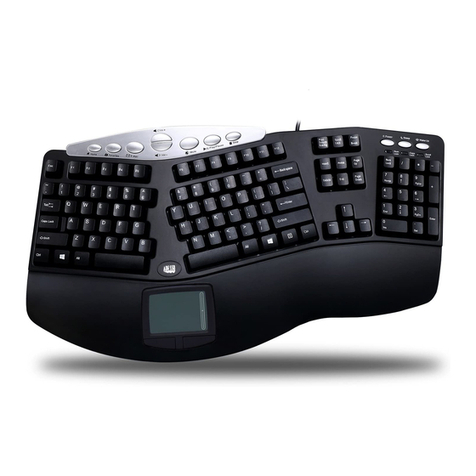
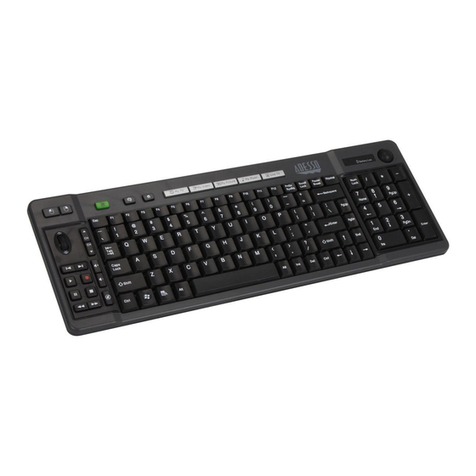
The Adesso AKB-131HB comfort keyboard has been designed for
people who are accustomed to spending a significant amount time in front of
their computers. In addition the keyboard also has a conventional 2-port USB
hub located on the back, for plugging in your mouse, joystick, and other USB
devices. The multi-functional hot keys give instant access to your mail inbox
and other functions. Located at the top of the keyboard are the media control
buttons which let you control your speaker volume with just the touch of a
button. The USB interface easily connects to most PCs and notebooks,
without having to install specific drivers.
FEATURES
• Includes a two port USB hub for expandability
• Low profile key provides comfort with responsive keys
and silence.
• Built-in 17 Multimedia & Internet hotkeys
• Connects to your computer or docking device through
the USB port
• Dimensions: 17.7” x 6.3” x 1”
• Cable Length: 5 feet
• Approvals: FCC, CE and ROHS
REQUIREMENTS
• Hardware: IBM, Pentium II class compatible or higher
• Operating system: Windows 7, Vista, XP and below
• Available USB port
LIMITED WARRANTY
ADESSO provides one year limited warranty for the quality of all its products in materials
and workmanship.
During this period, ADESSO will repair or replace all merchandise, which proved to be
defective. However,ADESSO will not warranty any product which has been subjected to
improper freight Handling, shipping abuse, neglect or unauthorized repair or installation.
The warranty also will not cover products installed with Non-ADESSO components and
product with broken sealed and assembly trace. After replacement of RMA, ADESSO
reserves the right to request the total cost of the replacement products with broken seals
or assembly trace.
If you discover a defect, Adesso will, at its option, repair or replace the product at no
charge to you, provided you return it during the warranty period with transportation
Return Merchandise Authorization number (RMA) prior to returning any product. For
each product returned for warranty service, please include your name, shipping address
(no P.O. Box), telephone number, copy of the bill of sale as proof of purchase and have
the package clearly marked with your RMA number.
SUPPORT
We have listed most of our FAQ’s (Frequently Asked Questions) at:
http://www.adesso.com/faqs.asp. Please visit our FAQ Service & Support pages before
you contact our E-mail or Telephone Support.
Email Support: If our FAQ’s do not help you resolve your issues, please email
Telephone Support:
Toll Free: (800) 795-6788
9:00AM to 5:00PM PST Monday - Friday
123
6
5
4
AKB-131HB V1.0 041610
INSTALLATION
1. Make sure that your computer is
turned OFF before installing this
keyboard.
2. Plug in the USB cable to the
USB port.
3. Turn On your computer and
your operating system will
detect the device automatically.
This device is plug and play, no
driver required.
Power OFF
Power ON
USB Port
Wired USB Cable
V1.0 041610
USING THE USB 2.0 HUB
1. Attach your USB device into USB 2.0 port hub of your keyboard.
2. Your system will detect the device and ready to use
Web Camera
Mouse
Speakers
Tablet
Keyboard
USB Hub
Card Reader
Head Set
Note:
This USB bus powered hub allows up to 500 mA per port of
USB device. Some USB device requires power adaptor or other driver.
You have to contact your USB device vendor for support and updates.
Numeric Keypad
Built-in
2 port USB Hub
Windows Hotkeys
Num Lock,
Caps Lock
and Scroll Lock
Multimedia and
Internet Hotkeys
Power and
Volume Hotkeys