Contents
SAFETY INFORMATION .............................................................................. 1
Federal Communications Commission (FCC) Notice (U.S. Only)............................................................ 1
CE Declaration of Conformity................................................................................................................... 2
Polish Center for Testing and Certication Notice .................................................................................... 3
Electric, Magnetic and Electromagnetic Fields (“EMF”) ........................................................................... 3
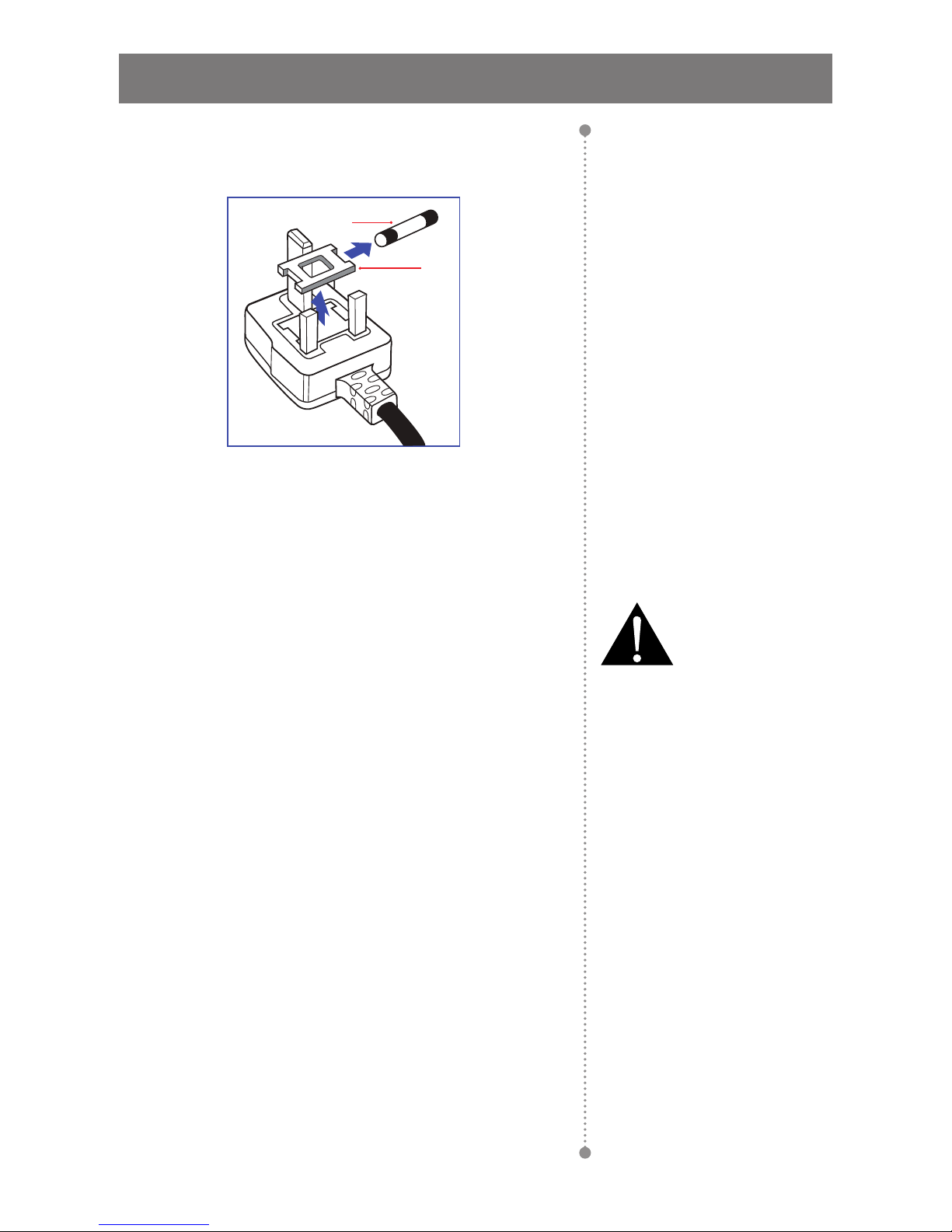
Information for U.K. only........................................................................................................................... 4
North Europe (Nordic Countries) Information........................................................................................... 5
End-of-Life Disposal ................................................................................................................................. 6
Waste Electrical and Electronie Equipment-WEEE.................................................................................. 6
PRECAUTIONS ............................................................................................ 7
Cautions When Setting Up ....................................................................................................................... 7
Cautions When Using............................................................................................................................... 8
Cleaning and Maintenance....................................................................................................................... 8
Notice for the LCD Display ....................................................................................................................... 9
CHAPTER 1: PRODUCT DESCRIPTION..................................................... 10
1.1 Package Contents .............................................................................................................................. 10
1.2 Preparing for the Installation .............................................................................................................. 11
1.3 Installing and Removing Table Stands (optional) ............................................................................... 11
1.4 Wall Mounting Installation................................................................................................................... 12
1.4.1 VESA Grid ............................................................................................................................... 12
1.4.2 Ventilation Requirements for Enclosure Locating.................................................................... 13
1.5 Mounting in Portrait Position .............................................................................................................. 13
1.6 Installing OPS Device......................................................................................................................... 14
1.7 LCD Display Overview ....................................................................................................................... 15
1.7.1 Control Panel........................................................................................................................... 15
1.7.2 Input/Output Terminals ............................................................................................................ 17
1.8 Remote Control .................................................................................................................................. 18
1.8.1 General Functions ................................................................................................................... 18
1.8.2 Inserting the Batteries in the Remote Control ......................................................................... 20
1.8.3 Handling the Remote Control .................................................................................................. 20
1.8.4 Operating Range of the Remote Control................................................................................. 20
CHAPTER 2: MAKING CONNECTIONS...................................................... 21
2.1 Connecting the Power ........................................................................................................................ 21
2.2 Using the Switch Cover ...................................................................................................................... 22
2.3 Connecting a Computer ..................................................................................................................... 23
2.3.1 Using VGA Input ..................................................................................................................... 23
2.3.2 Using DVI Input ....................................................................................................................... 23
2.3.3 Using HDMI Input .................................................................................................................... 24
2.3.4 Using DisplayPort Input........................................................................................................... 24