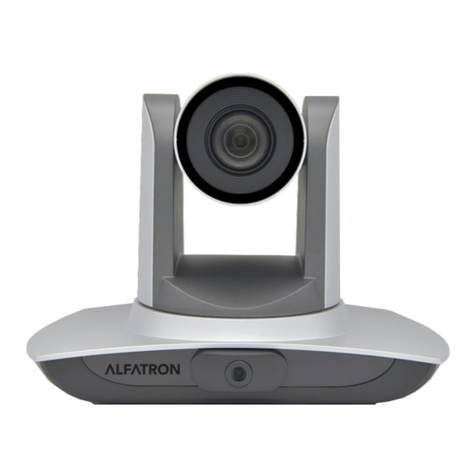
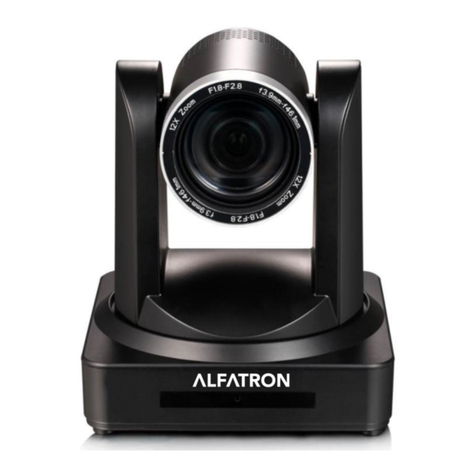
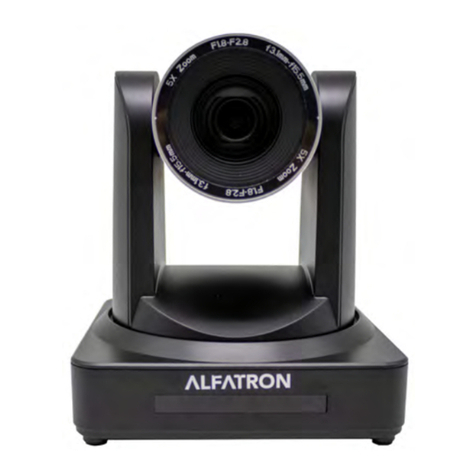
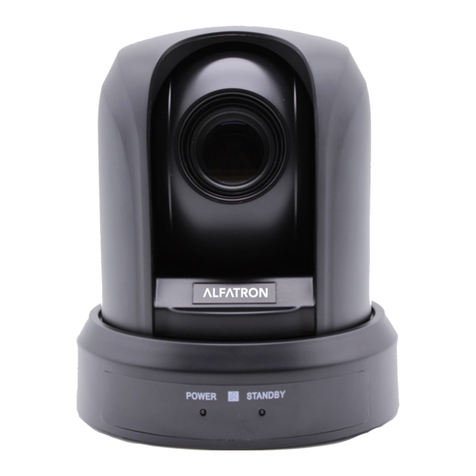
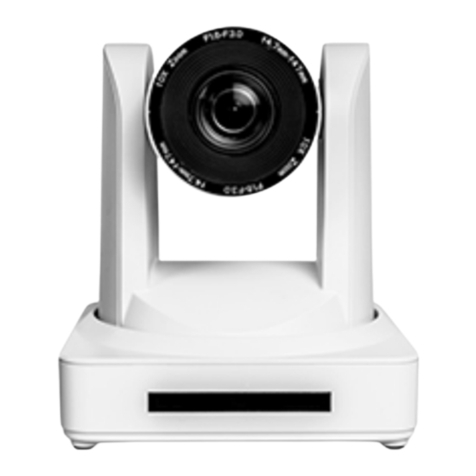
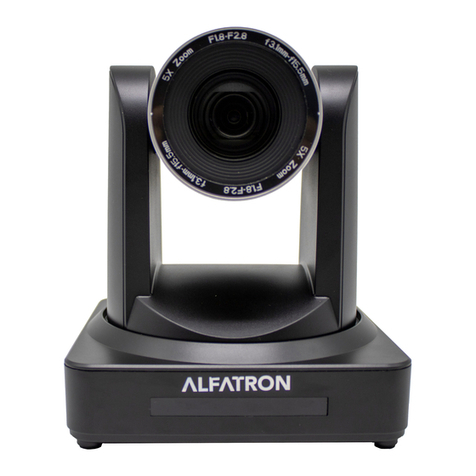
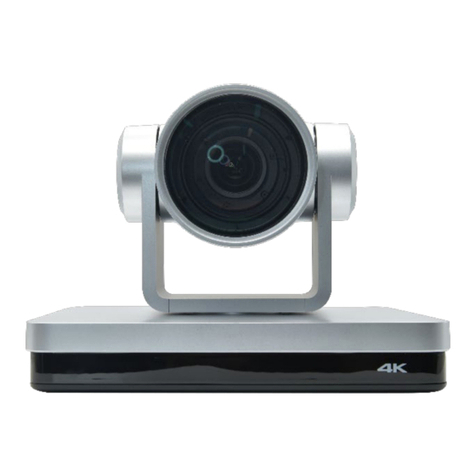
Alfatron ALF-12X-SDIC, ALF-20X-SDIC
Content
1. Camera Installation ...................................................................................................................................................2
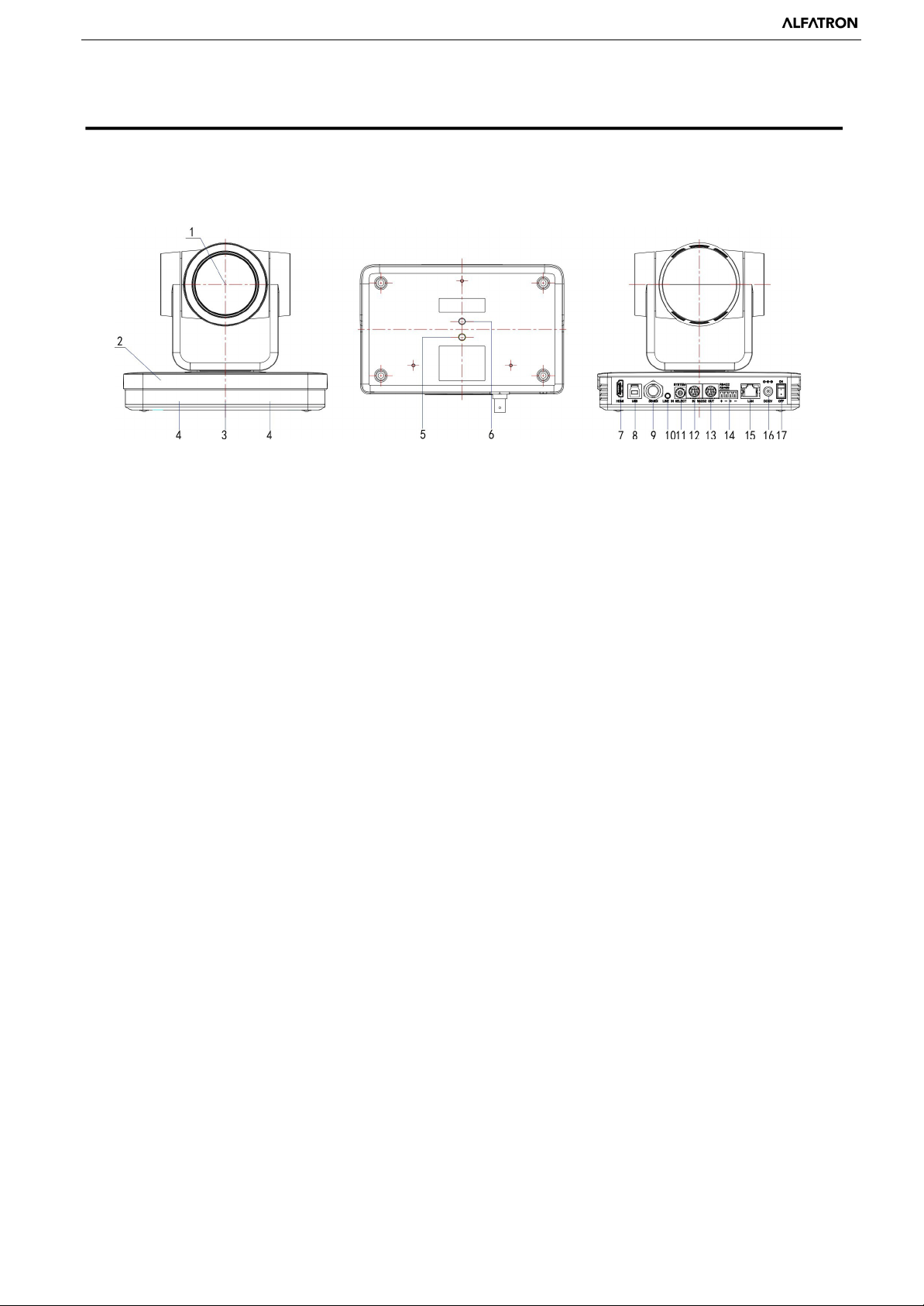
1.1 Camera Introduction........................................................................................................................................2
1.2 General Operation at Boot up..........................................................................................................................3
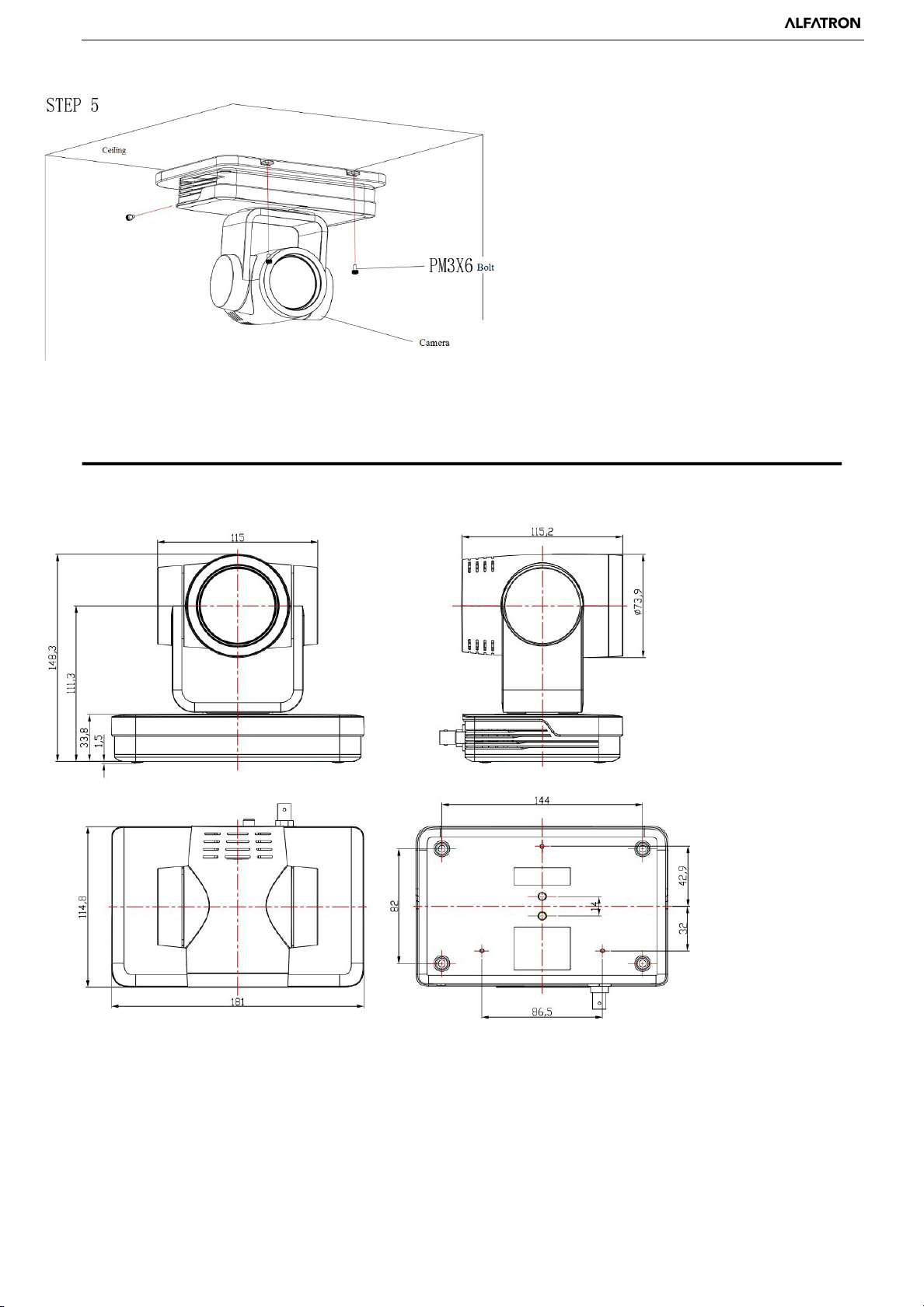
1.3 Mounting Brackets..........................................................................................................................................3
2. Product Overview .....................................................................................................................................................6
2.1 Dimension .......................................................................................................................................................5
2.2 Accessory ........................................................................................................................................................7
2.3 RS-232 Interface .............................................................................................................................................7
2.4 Rotary DIP Switch ..........................................................................................................................................8
2.5 Main Features..................................................................................................................................................9
2.6 Technical Parameter........................................................................................................................................9
3. Remote Control .......................................................................................................................................................11
3.1 Match Code for Wireless Remote Control.....................................................................................................11
3.2 Keys Introduction for IR Remote Control .....................................................................................................11
3.3 Menu Introduction.........................................................................................................................................14
4. Network Configuration............................................................................................................................................16
4.1 Network Connection .....................................................................................................................................16
4.2 IE Login ........................................................................................................................................................17
4.3 Streaming ......................................................................................................................................................18
4.4 Software Upgrading ......................................................................................................................................19
5. Monocular Tracking ………………………………………………………………………………………………21
6. Serial port communication and control....................................................................................................................22
6.1 VISCA Protocol Return Command ...............................................................................................................22
6.2 VISCA Protocol Control Command ..............................................................................................................22
6.3 VISCA Protocol Inquiry Command ..............................................................................................................23
6.4 Pelco-D protocol command list .....................................................................................................................25
6.5 Pelco-P protocol command list......................................................................................................................25
7. Maintenance and Troubleshooting ..........................................................................................................................26
7.1 Maintenance ..................................................................................................................................................26
7.2 Troubleshooting ............................................................................................................................................26
8. Warranty .................................................................................................................................................................27