manuals.online logo
Brands
  1. Home
  2. •
  3. Brands
  4. •
  5. Alphason
  6. •
  7. TV Mount
  8. •
  9. Alphason ADUNIFIT-BKT User manual

Alphason ADUNIFIT-BKT User manual

Other Alphason TV Mount manuals

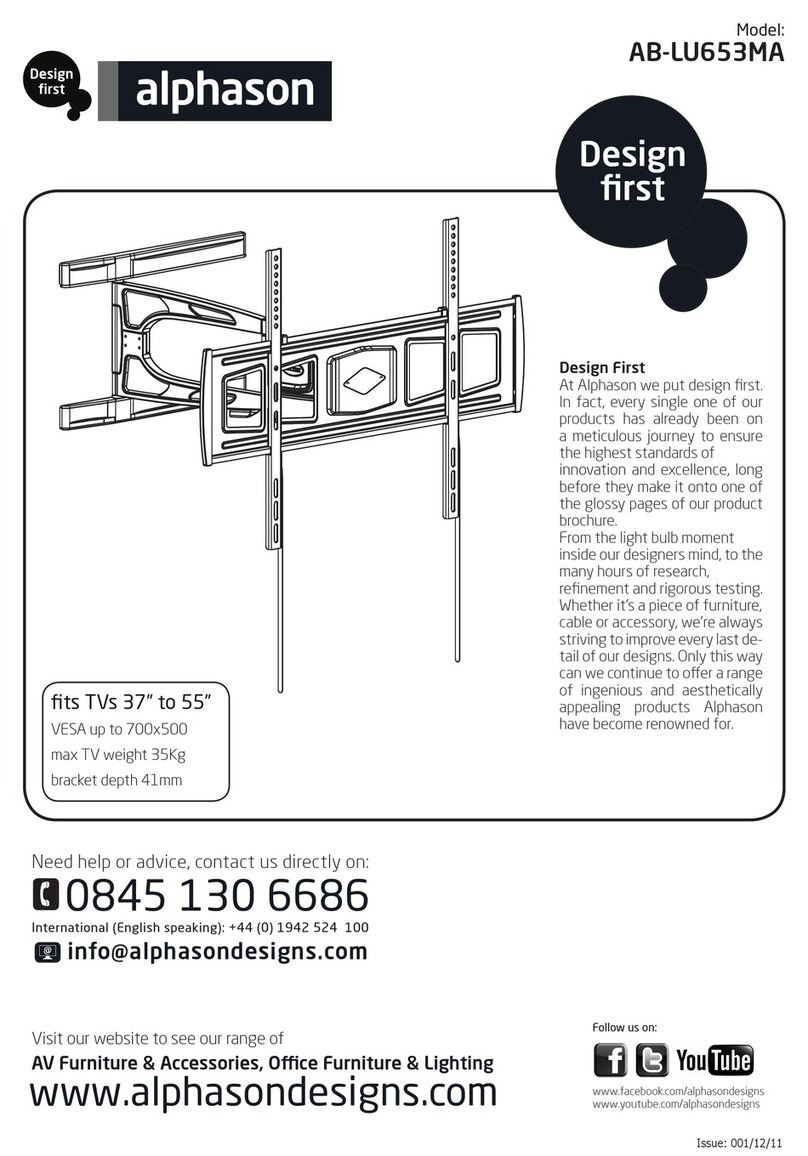
Alphason AB-LU653MA User manual

Alphason

Alphason AB-LU653MA User manual

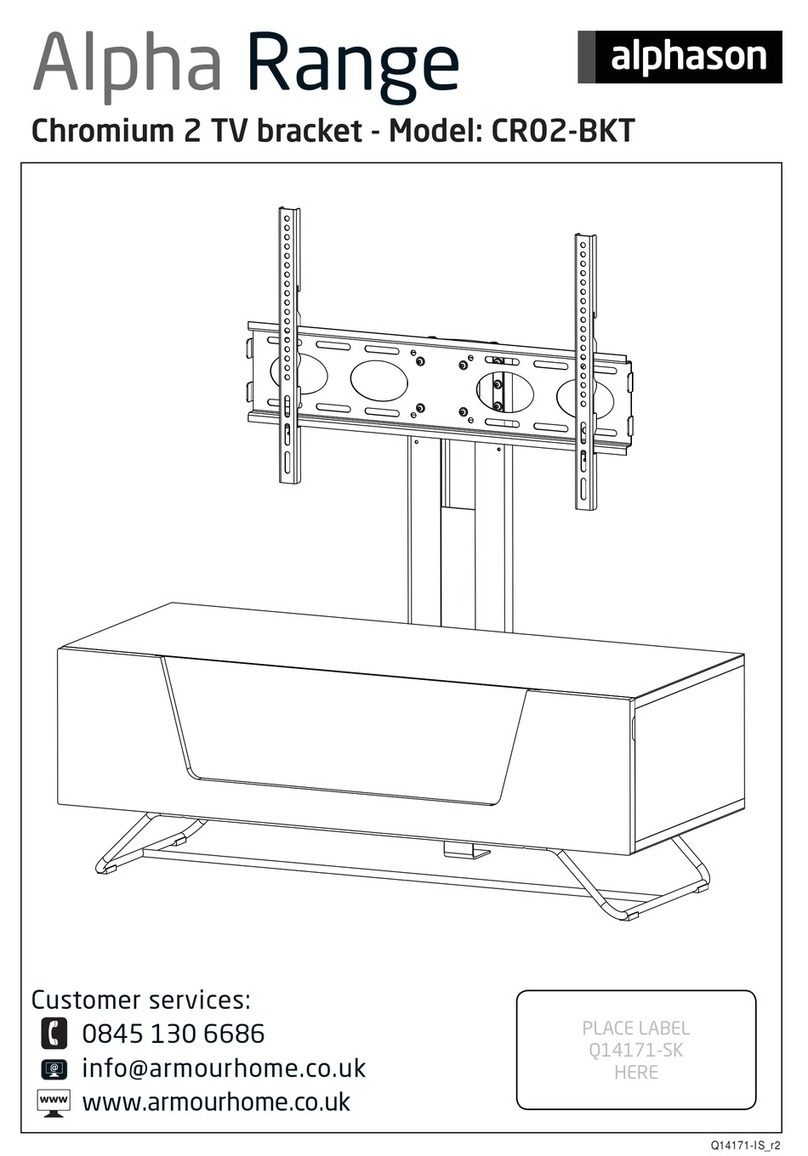
Alphason Alpha Series User manual

Alphason

Alphason Alpha Series User manual

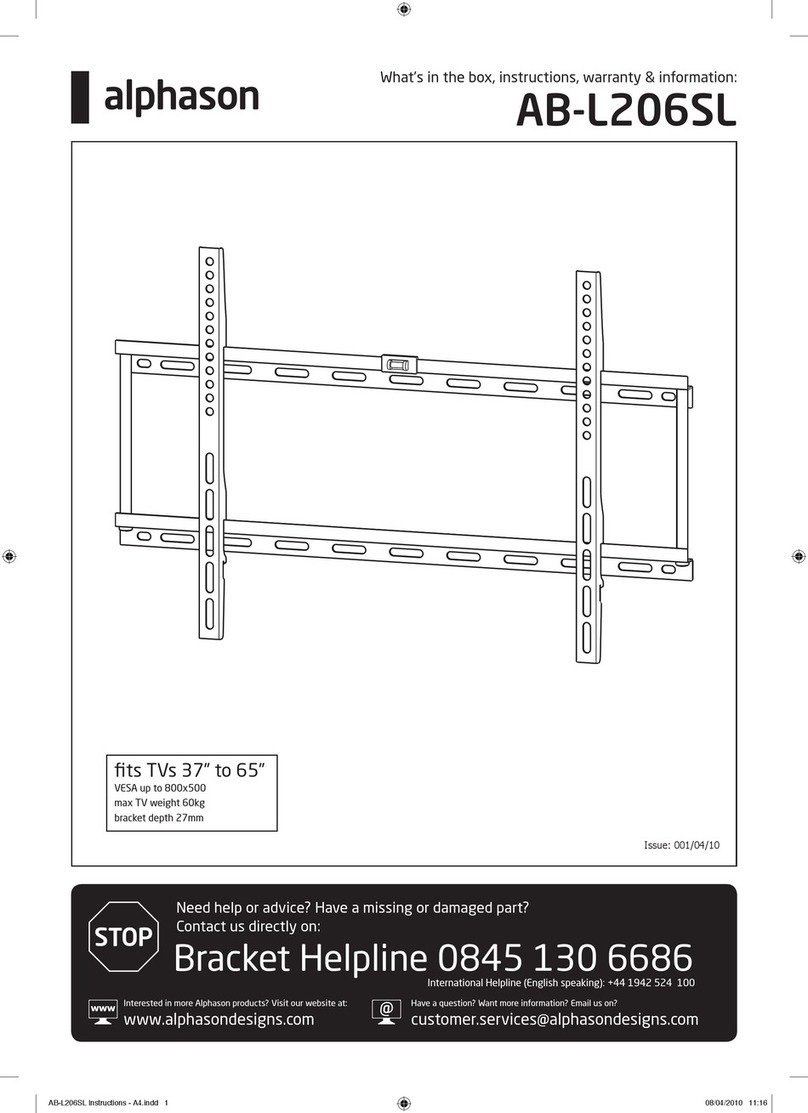
Alphason AB-L206SL Installation guide

Alphason

Alphason AB-L206SL Installation guide

Popular TV Mount manuals by other brands

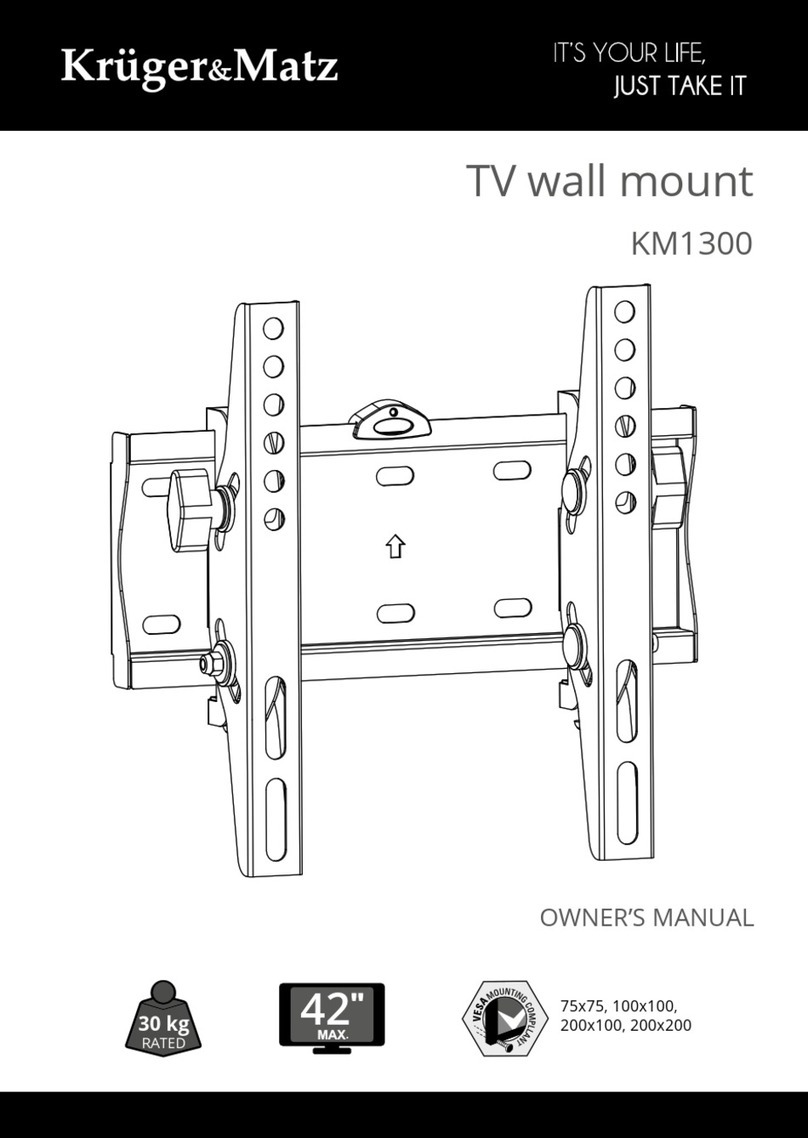
Krüger & Matz KM1300 owner's manual

Krüger & Matz

Krüger & Matz KM1300 owner's manual

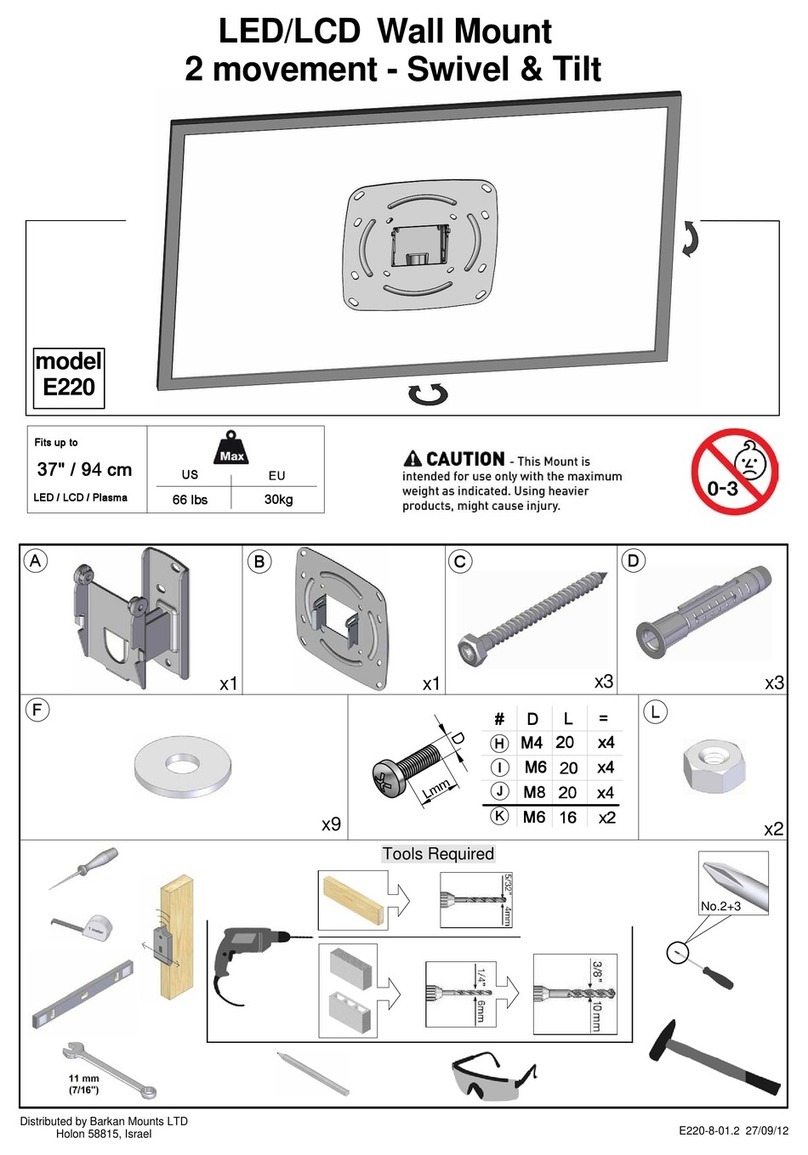
Barkan E220 manual

Barkan

Barkan E220 manual

Bauhn ACTVB-1120 installation guide

Bauhn

Bauhn ACTVB-1120 installation guide

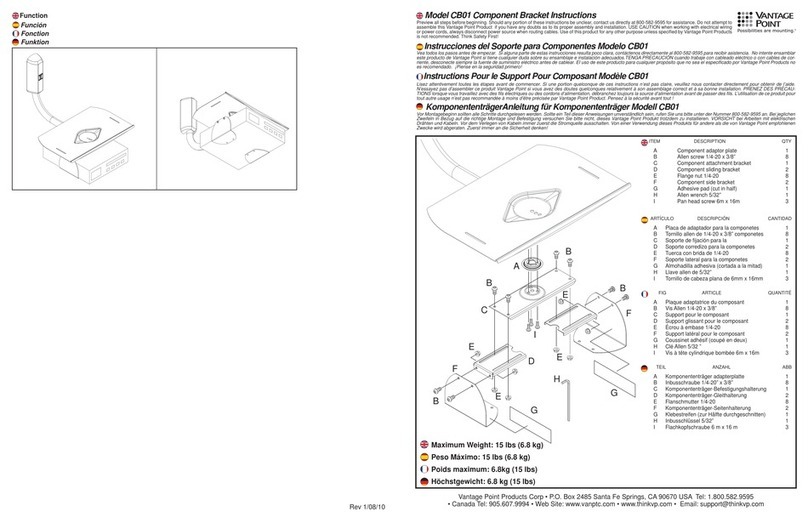
Vantage Point Products CB01 instructions

Vantage Point Products

Vantage Point Products CB01 instructions

Ergotron Neo Flex Cantilever UHD user guide

Ergotron

Ergotron Neo Flex Cantilever UHD user guide

ECG LD 174203 instruction manual

ECG

ECG LD 174203 instruction manual

StarTech.com FPCEILBTB user manual

StarTech.com

StarTech.com FPCEILBTB user manual

VonHaus 05/038 instruction manual

VonHaus

VonHaus 05/038 instruction manual

Techlink ECHO TV manual

Techlink

Techlink ECHO TV manual

Sandstrom SSTVMC12X instruction manual

Sandstrom

Sandstrom SSTVMC12X instruction manual

Kanto RCAD590 user manual

Kanto

Kanto RCAD590 user manual

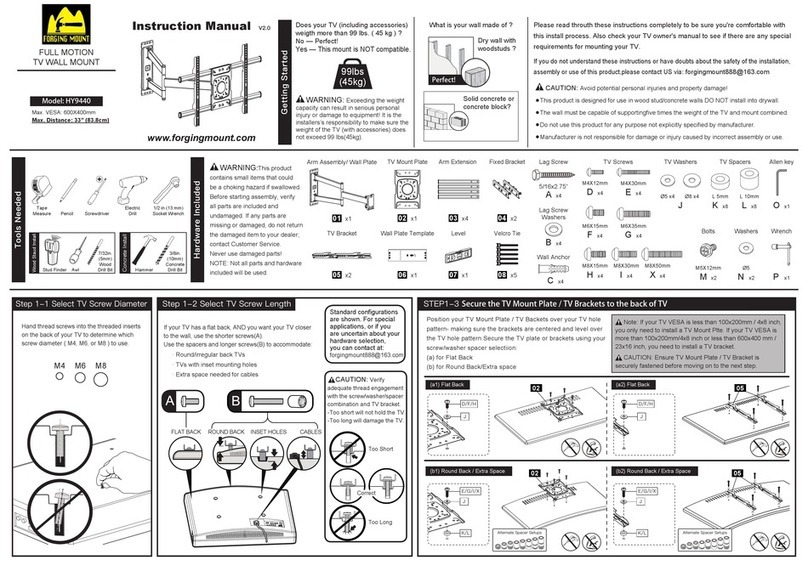
Forging Mount HY9440 instruction manual

Forging Mount

Forging Mount HY9440 instruction manual

ICW SCACC18 installation instructions

ICW

ICW SCACC18 installation instructions

LG WM-L640V owner's manual

LG

LG WM-L640V owner's manual

Gembird WM-65ST-01 user manual

Gembird

Gembird WM-65ST-01 user manual

ERARD FiTUP XXL 035320 quick start guide

ERARD

ERARD FiTUP XXL 035320 quick start guide

PEERLESS PLCK-1 Installation and assembly

PEERLESS

PEERLESS PLCK-1 Installation and assembly

GEM GEM GP001 instructions

GEM

GEM GEM GP001 instructions

manuals.online logo
manuals.online logoBrands
  • About & Mission
  • Contact us
  • Privacy Policy
  • Terms and Conditions

Copyright 2025 Manuals.Online. All Rights Reserved.

Unifit TV Bracket
ADUNIFIT-BKT
PLACE LABEL
Q14171-SK
HERE
0845 130 6686
customer[email protected]o.uk
www.armourhome.co.uk
(
Armour Home Electronics, Units 7 & 8, Stortford Hall Industrial Park,
Dunmow Road, Bishops Stortford, Hertfordshire, UK, CM23 5GZ
Q15484-AI_r1
Thank you for purchasing this Unifit TV Bracket. Please inspect all parts prior to assembly
and contact us if there are any damaged or missing components. This must be done before
attempting assembly.
Pre-assembly preparation
Please check the pack contents before attempting to assemble this product. A full checklist of components is given in this
leaflet. If any components are missing, please contact the retailer from whom you bought this product.
This product is HEAVY, it should be assembled as near as possible to the point of use. TAKE CARE WHEN LIFTING to avoid
personal injury and (or) damage to the product.
This product takes approximately 40 MINUTES to assemble with 1 PERSON.
The fittings pack contains SMALL ITEMS which should be KEPT AWAY FROM YOUNG CHILDREN.
Read this leaflet in full before commencing assembly to ensure safe and satisfactory operation of this product.
Safety Instructions
Never drag furniture when moving it, always lift it.
Periodically check all fixings to ensure none have come loose and re-tighten where necessary.
Please take care when handling or moving the furniture as careless handling may cause damage or injury.
Furniture can be dangerous if incorrectly installed. Assembly should be carried out by a competent person. No liability will
be accepted for damage or injury caused by incorrectly installed or assembled furniture.
It is recommended that before moving heavy objects to a new location they are completely dis-assembled to avoid personal
injury or damage to the furniture. Please be careful to retain all fittings when doing this.
Care Instructions
Do not place hot or cold items against or in close proximity to any surface on this product
When cleaning glass or high gloss panels use a damp cloth or leather with washing up liquid or soft soap if necessary; do not
use washing powders or other substances containing abrasives as these may scratch the glass. Dry with a soft cloth.
In order to maintain a high quality finish, when cleaning metal, painted or wooden parts please use a soft cloth with a
suitable furniture polish if required.
WARNING :
Do not sit or stand on this product.
Do not attempt to move this product whilst loaded with equipment.
DO NOT OVERTIGHTEN ANY PART OF THIS ASSEMBLY
Please Note: Total maximum load for unit should not exceed 50Kg. This product must be assembled in
accordance with these assembly instructions.
PLEASE KEEP THESE INSTRUCTIONS FOR FUTURE REFERENCE
ARMOUR HOME ACCEPTS NO LIABILITY FOR ANY DAMAGE CAUSED THROUGH INCORRECT OR
INAPPROPRIATE USE OF THIS PRODUCT.
Unifit TV Bracket
ADUnifit-bkt

3
x4
M4
V
x4
M5
V
x4
M6
V
x4
x4
M8
M8
V
V
x4 x4
VV
30mm
40mm
25mm
30mm
30mm
16mm H 12mm H
H
x2
J
10mm H
x4
K
16mm H
x2
C
x6
E
x4
V
x4
V
x4
D
x2
VESA pack.
Tools required
1 32
5 6
4
x2
x2
A
10mm
x12
M6
30mm
F
x2
M6
70mm
G
x2
M6
B
x4
4
1Fit 2x bracket arms to back of TV using the VESA pack.
2 Refer to Furniture Instruction Manual for specific
assembly instructions, or go to alphasondesigns.com
to find your instruction manual online.
Continue for Finewood Soundbar Instructions.
V
V
V
V
1
1
5
3 Screw foot to upright in position shown, holes 2 & 4 on foot and holes 5 & 6
on upright
Bx4
Ax4
2
3
6
4 Screw upright to frame
5 Screw foot to base, in hole as shown
Cx2
Gx2
x2 J
x2 K
Cx2
Ax2
7
6 Attach horizontal frame
7 Stick on vanity plate
4x2
Ex4
Ax4
5x2 6x2
8
8 Hang TV on horizontal frame
9Tighten 2x screws on bracket arm
9
10 Cable restraint
10