manuals.online logo
Brands
  1. Home
  2. •
  3. Brands
  4. •
  5. Alphatron
  6. •
  7. TV Mount
  8. •
  9. Alphatron EVF User manual

Alphatron EVF User manual

Popular TV Mount manuals by other brands

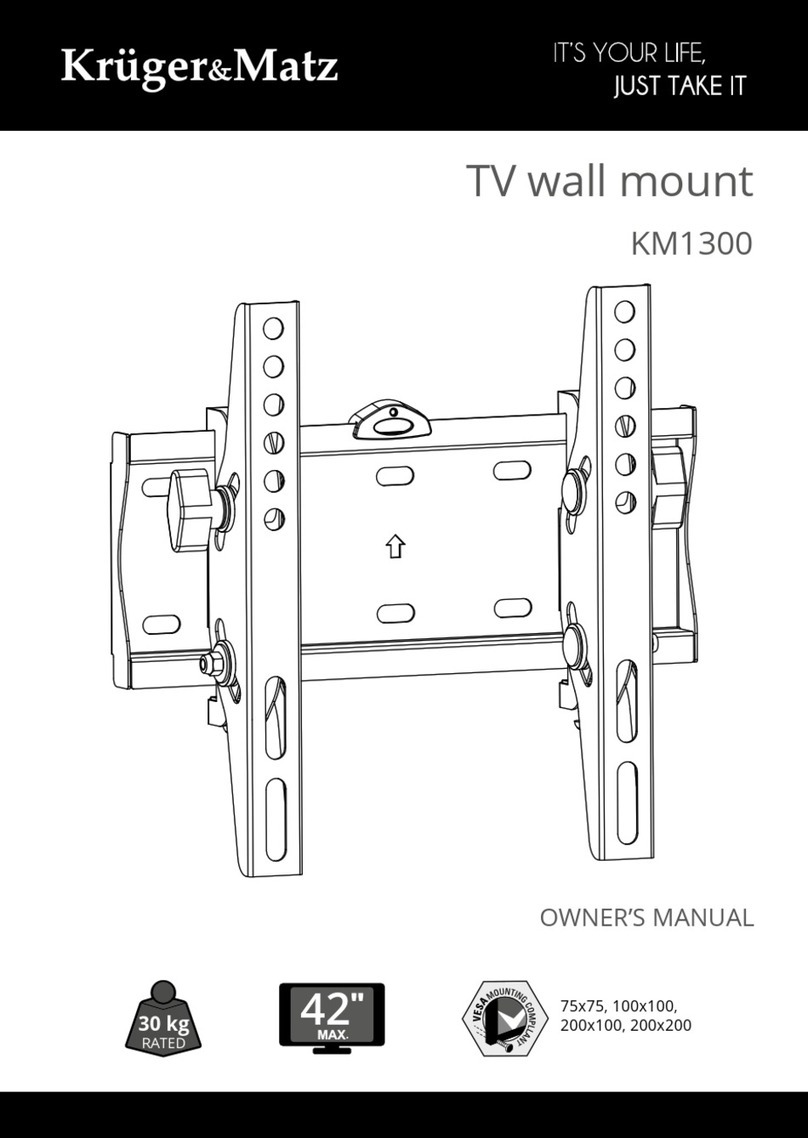
Krüger & Matz KM1300 owner's manual

Krüger & Matz

Krüger & Matz KM1300 owner's manual

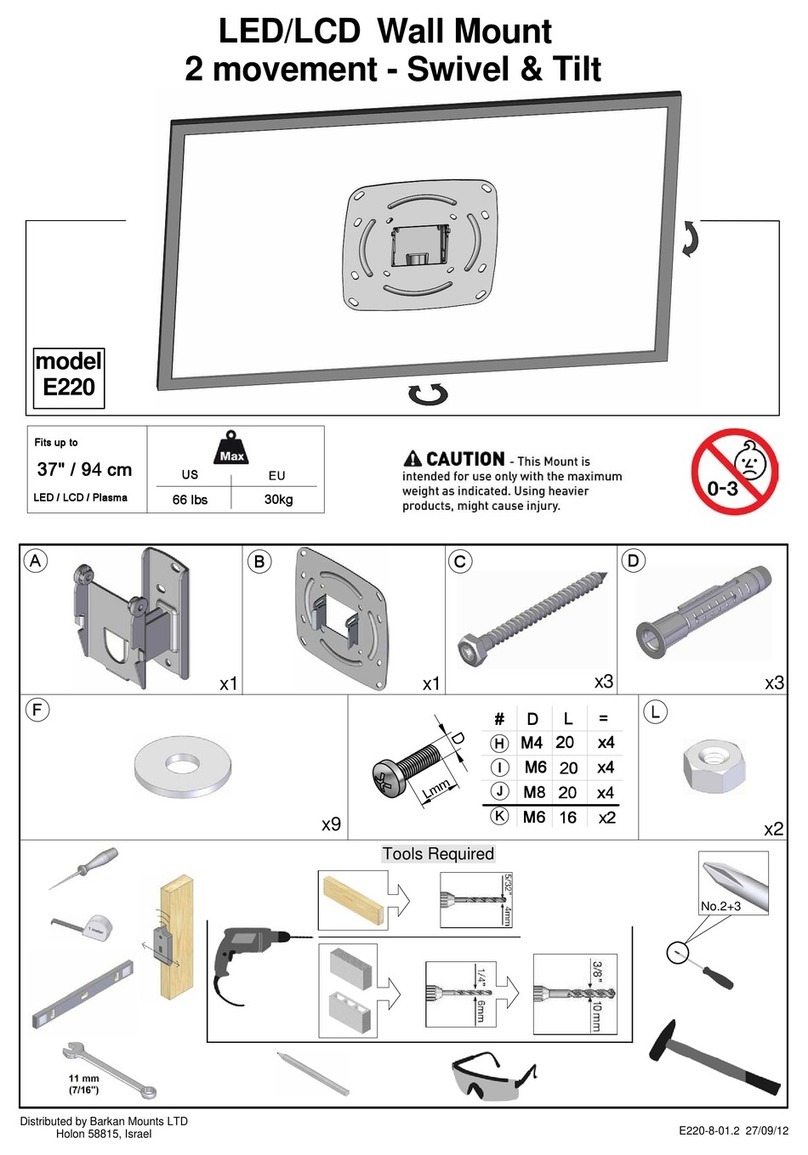
Barkan E220 manual

Barkan

Barkan E220 manual

Bauhn ACTVB-1120 installation guide

Bauhn

Bauhn ACTVB-1120 installation guide

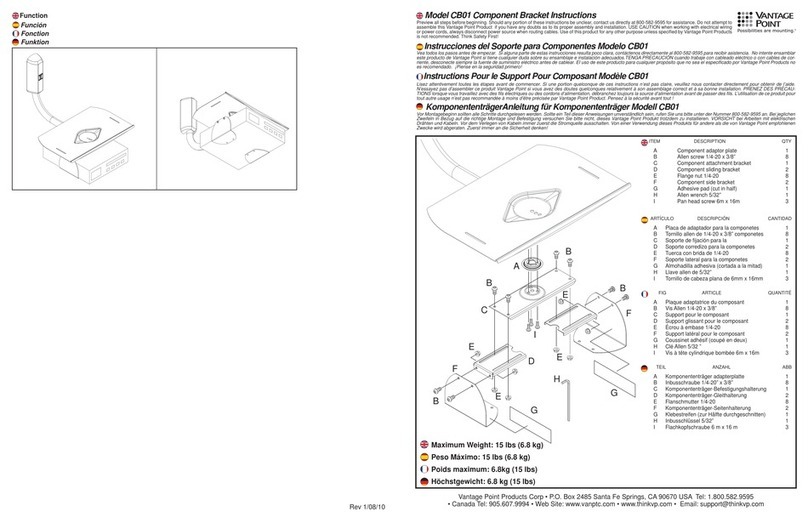
Vantage Point Products CB01 instructions

Vantage Point Products

Vantage Point Products CB01 instructions

Ergotron Neo Flex Cantilever UHD user guide

Ergotron

Ergotron Neo Flex Cantilever UHD user guide

ECG LD 174203 instruction manual

ECG

ECG LD 174203 instruction manual

StarTech.com FPCEILBTB user manual

StarTech.com

StarTech.com FPCEILBTB user manual

VonHaus 05/038 instruction manual

VonHaus

VonHaus 05/038 instruction manual

Techlink ECHO TV manual

Techlink

Techlink ECHO TV manual

Sandstrom SSTVMC12X instruction manual

Sandstrom

Sandstrom SSTVMC12X instruction manual

Kanto RCAD590 user manual

Kanto

Kanto RCAD590 user manual

Forging Mount HY9440 instruction manual

Forging Mount

Forging Mount HY9440 instruction manual

ICW SCACC18 installation instructions

ICW

ICW SCACC18 installation instructions

LG WM-L640V owner's manual

LG

LG WM-L640V owner's manual

Gembird WM-65ST-01 user manual

Gembird

Gembird WM-65ST-01 user manual

ERARD FiTUP XXL 035320 quick start guide

ERARD

ERARD FiTUP XXL 035320 quick start guide

PEERLESS PLCK-1 Installation and assembly

PEERLESS

PEERLESS PLCK-1 Installation and assembly

GEM GEM GP001 instructions

GEM

GEM GEM GP001 instructions

manuals.online logo
manuals.online logoBrands
  • About & Mission
  • Contact us
  • Privacy Policy
  • Terms and Conditions

Copyright 2025 Manuals.Online. All Rights Reserved.

Instruction Manual: Alphatron EVF bracket Page: 1 / 2
Alphatron EVF bracket
INSTRUCTION MANUAL
EN
Please read this manual carefully before using the Alphatron EVF bracket!
!
CAUTION
Please ensure that the Alphatron EVF is aligned correctly to the mounting plate (F)
before tightening the thumbscrew (E). A misalignment of the EVF unit could lead to
damaging the EVF surface.
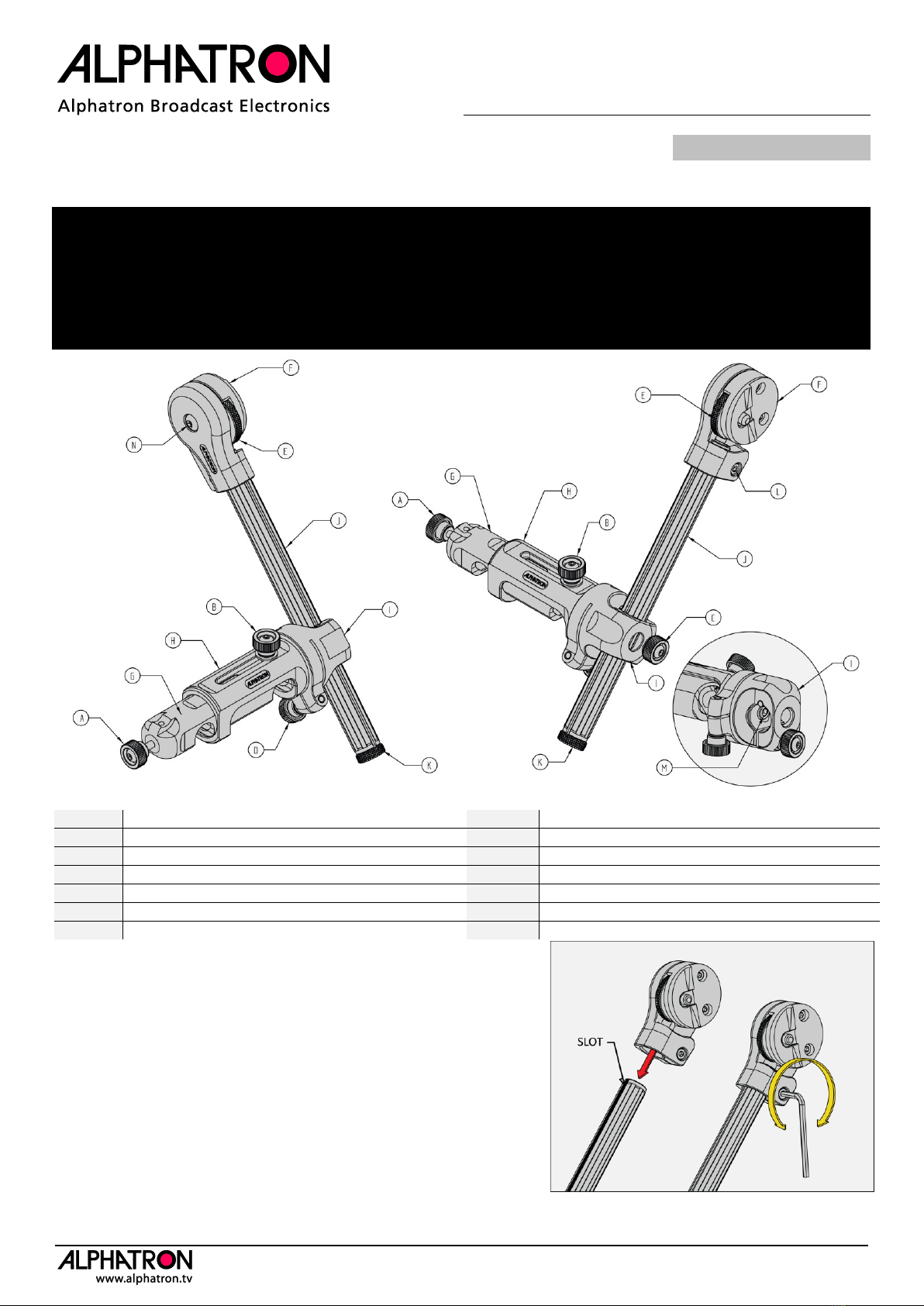
Figure 1: Alphatron EVF bracket nomenclature.
A
Clamping knob 15mm bars
H
Sliding part
B
Clamping knob side adjustment
I
Arm rotation point
C
Clamping knob length adjustment
J
15mm rod 180mm (7.1”) length
D
Clamping knob arm rotation point
K
1/4” end cap
E
Thumbscrew EVF
L
Clamp bolt EVF mount
F
EVF mount plate and rotation point
M
Friction adjustment bolt arm rotation point
G
Clamping part 15mm bars
N
Friction adjustment bolt EVF rotation point
Assembling the Alphatron EVF bracket
CAUTION: don’t tighten clamping bolt (L) without a 15mm rod
inserted.
Please insert the 15mm rod (J) in the EVF mount part (F) and align
the slot as shown in “figure 2”. When the rod is fully inserted and
aligned please tighten bolt (L) using a metric hex-key 3mm. Rotate
the hex-key clockwise to tighten and counter-clockwise to loosen the
bolt.
Note: the EVF mount part can be clamped to any 15mm rod or
accessory mount.
Figure 2: Assembling EVF mount part.

Instruction Manual: Alphatron EVF bracket Page: 2 / 2
Figure 3: mounting the bracket to the 15mm rod system.
Clamping the EVF bracket to the 15mm rod system
The EVF bracket is designed for use with a standard 15mm rod system (rods 60mm apart). Please place the bracket
clamp (G) on the rods as shown in “figure 3”. When the bracket clamp doesn’t snap on the rods please unscrewed
clamping knob (A) counter-clockwise until it does.
When the bracket clamp is placed completely way over the 15mm rods, please tighten knob (A) clockwise until the
bracket clamp is securely fixed.
Figure 4: side adjustment.
Side adjustment
Please unscrew knob (B) to loosen the sliding part (H). Now you can adjust the position of part (H), please support the
EVF unit with your hand while sliding. When the desired position is reached please tighten knob (B) to lock the
position.
B
H
G
A
Instruction Manual: Alphatron EVF bracket Page: 3 / 2
Figure 5: length adjustment.
Figure 7: tighten (clockwise) or loosen (counter-clockwise) the EVF.
Figure 6: Alignment of the EVF.
Figure 8: use two thumbs to unlock the EVF. The red arrow shows
the unlock direction.
Length adjustment (figure 5)
Please unscrew knob (C) to loosen the clamping part (I). Now you can adjust the position of the rod, please support
the EVF unit with your hand while sliding the rod. When the desired position is reached please tighten knob (C) to lock
the position.
Mounting the Alphatron EVF to the bracket (figure 6, 7 and 8)
Please position the Alphatron EVF unit as shown in “figure 6”. The rim of the EVF must be aligned to the rim of the
mount.
When the EVF is positioned correctly please rotate the thumbscrew (E) clockwise (as viewed in “figure 7”) to tighten.
To unlock please rotate the screw counter-clockwise.
NOTE: when you can’t loosen the thumbscrew (E) because it’s tightened too much, please use the following
technique as shown in “figure 8”. Place both thumbs at either side of the thumbscrew, press down and to the
right (when holding the bracket and EVF as shown in figure 8).
C
I
F
E
RIM
UNLOCK
TOP SIDE
EVF
Instruction Manual: Alphatron EVF bracket Page: 4 / 2
Figure 9: adjusting the friction
Adjusting the friction of the rotating points (figure 9)
Clockwise , Counter-clockwise 
Both rotating points (and ) have a adjustable friction.
For adjusting the friction in point please slightly tighten () or loosen () hex-bolt (M) using a hex-key 3mm. You
can also change the friction of point by slightly tightening knob (D). To fully lock point fully tighten knob (D).
For adjusting the friction in point please slightly tighten () or loosen () hex-bolt (N) using a hex-key 3mm.
Alphatron Broadcast Electronics B.V.
This instruction manual is prepared with care, although no
responsibility, financial or otherwise, is accepted for any consequences
related the information stated in this instruction manual. All
specifications in this instruction manual are subject to change without
notice.
For more information please visit the Alphatron Broadcast
website: www.alphatron.tv
1
2
D