manuals.online logo
Brands
  1. Home
  2. •
  3. Brands
  4. •
  5. Altelix
  6. •
  7. Enclosure
  8. •
  9. Altelix NF100806A1 User manual

Altelix NF100806A1 User manual

Other Altelix Enclosure manuals

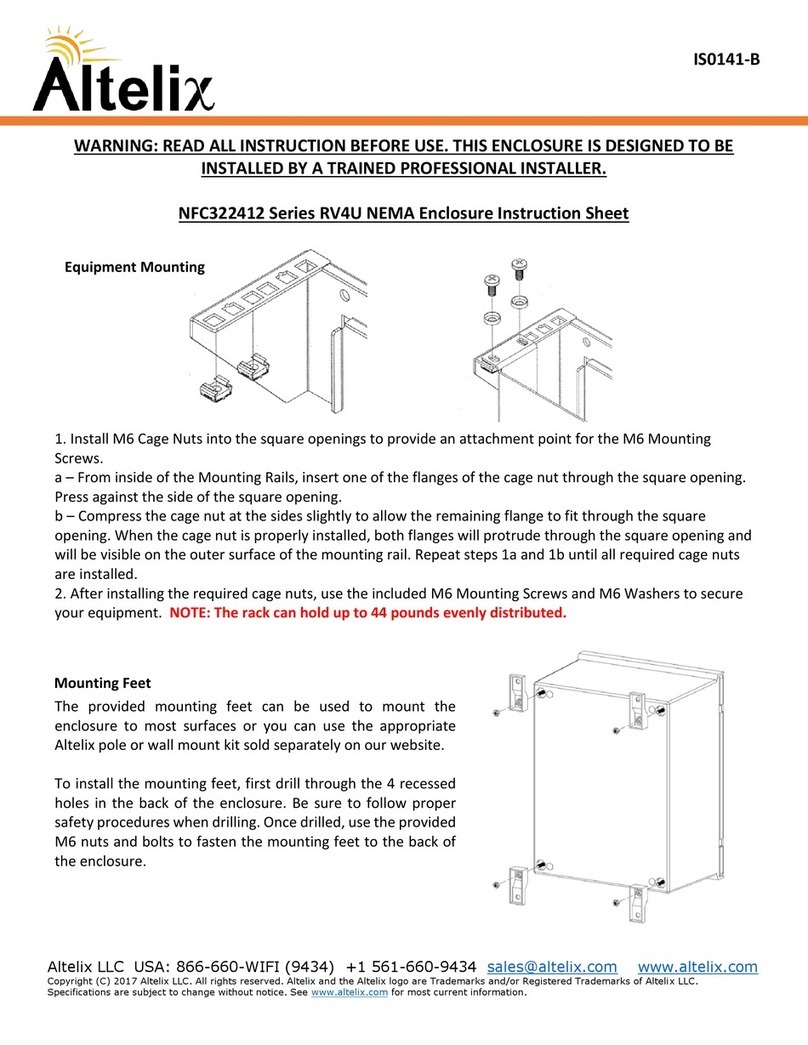
Altelix NP151005 Series Installation instructions manual

Altelix

Altelix NP151005 Series Installation instructions manual

Altelix NS100806-DIN User manual

Altelix

Altelix NS100806-DIN User manual

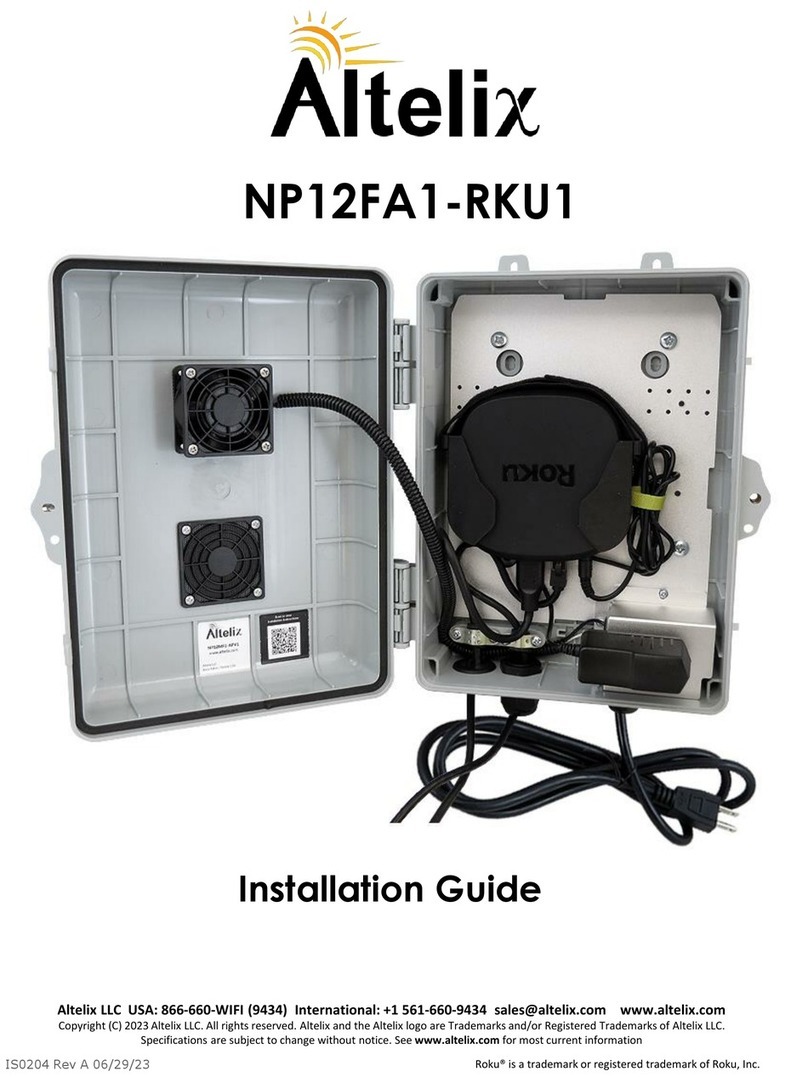
Altelix NP12FA1-RKU1 User manual

Altelix

Altelix NP12FA1-RKU1 User manual

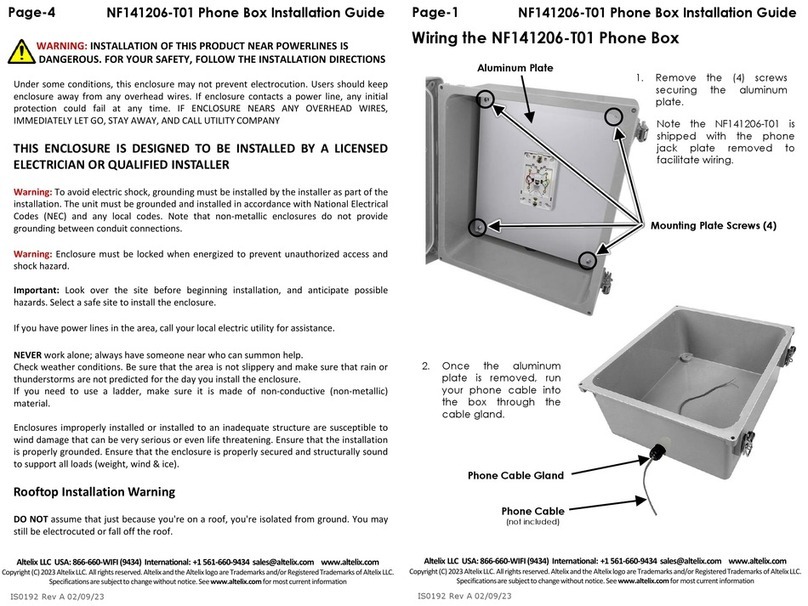
Altelix NF141206-T01 User manual

Altelix

Altelix NF141206-T01 User manual

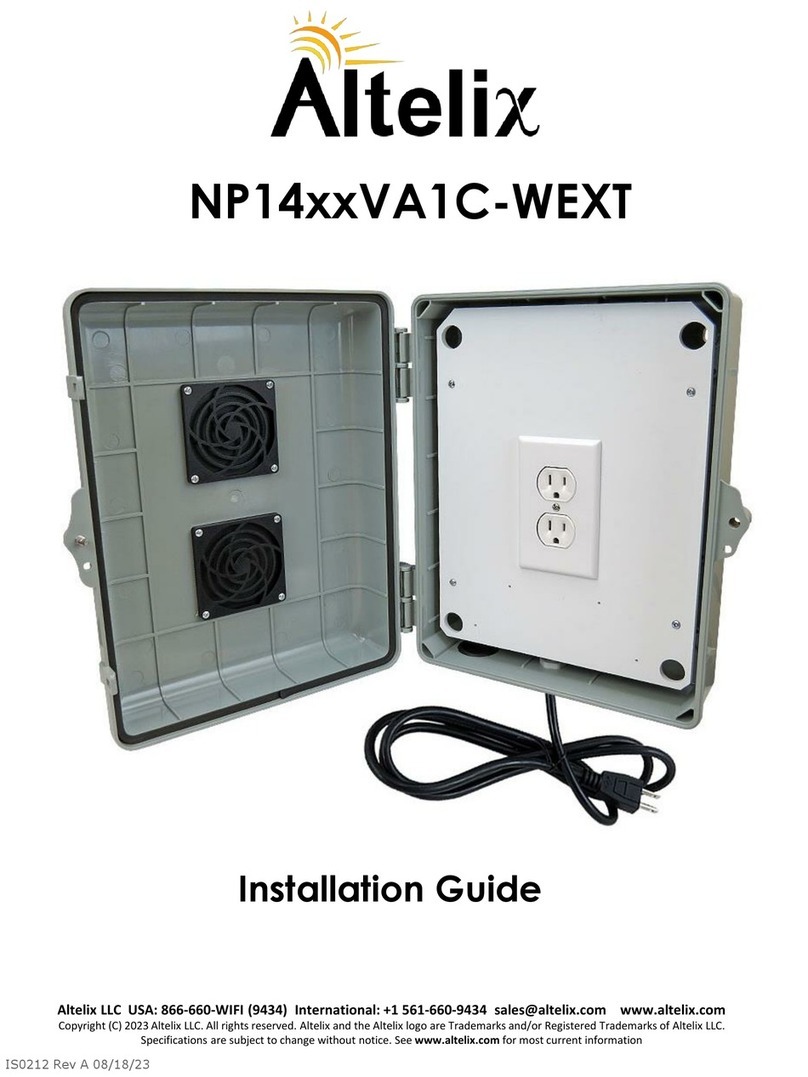
Altelix NP14 VA1C-WEXT Series User manual

Altelix

Altelix NP14 VA1C-WEXT Series User manual

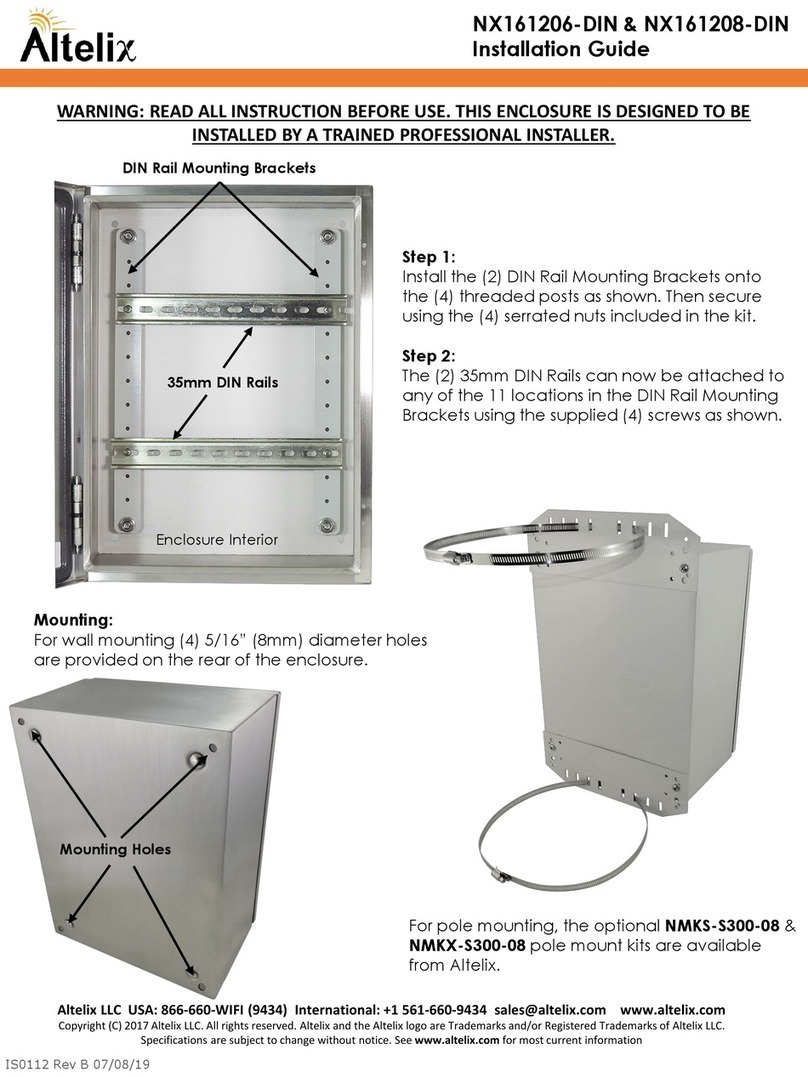
Altelix NX161206-DIN User manual

Altelix

Altelix NX161206-DIN User manual

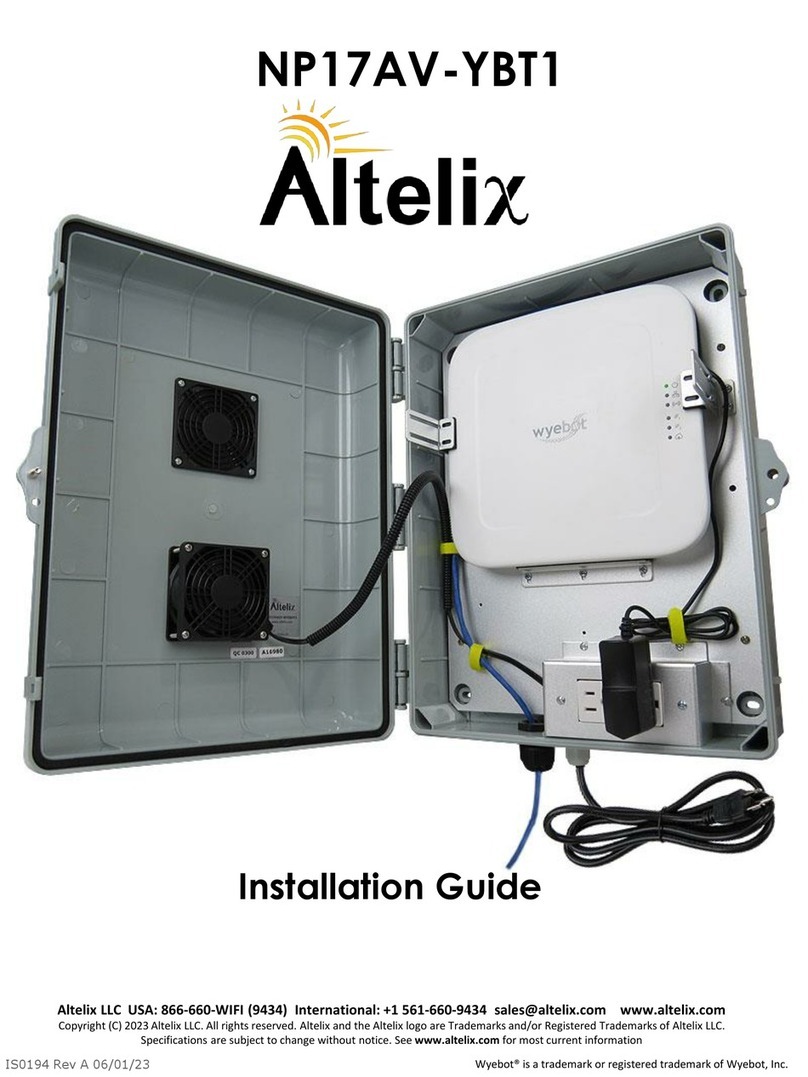
Altelix NP17AV-YBT1 User manual

Altelix

Altelix NP17AV-YBT1 User manual

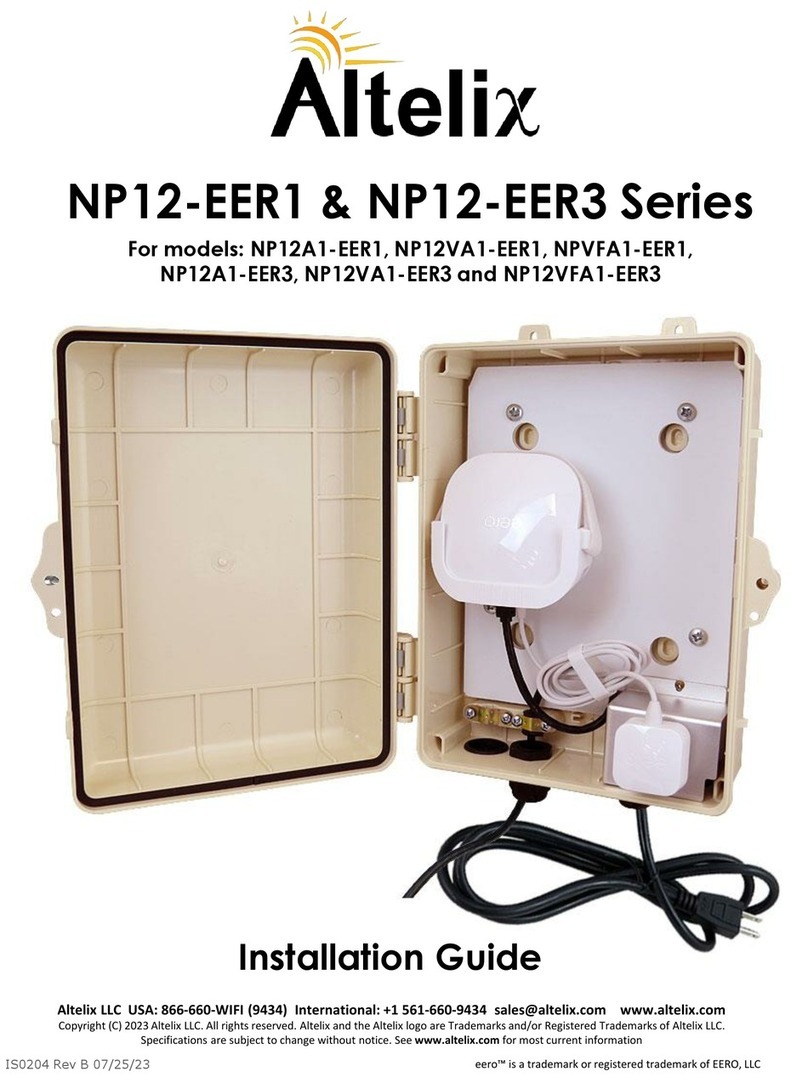
Altelix NP12-EER3 Series User manual

Altelix

Altelix NP12-EER3 Series User manual

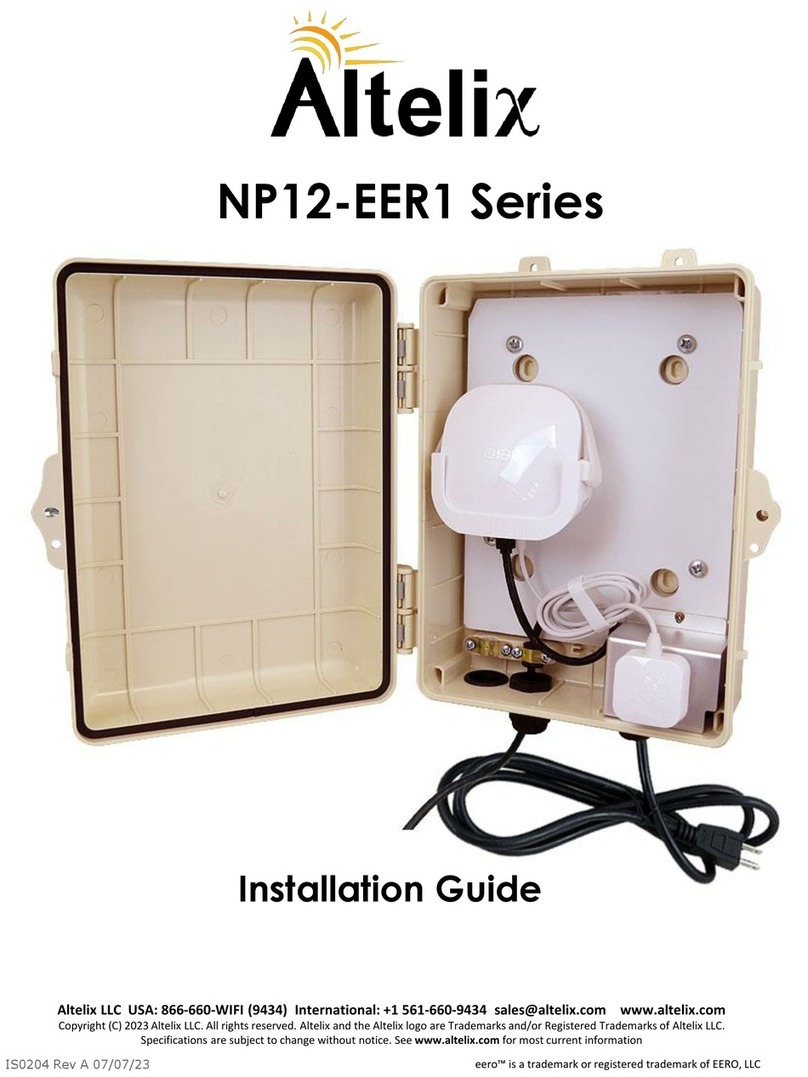
Altelix NP12-EER1 Series User manual

Altelix

Altelix NP12-EER1 Series User manual

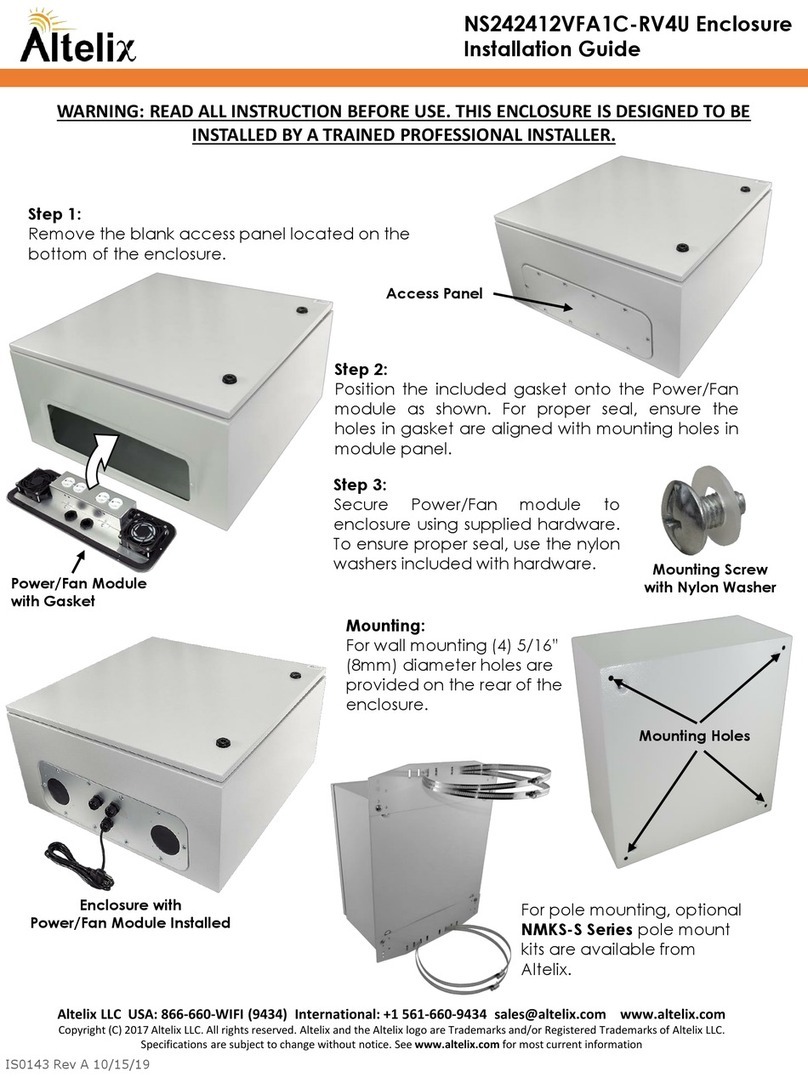
Altelix NS242412VFA1C-RV4U User manual

Altelix

Altelix NS242412VFA1C-RV4U User manual

Altelix NS242416VFA1C-R6U User manual

Altelix

Altelix NS242416VFA1C-R6U User manual

Altelix NFC322412 Series User manual

Altelix

Altelix NFC322412 Series User manual

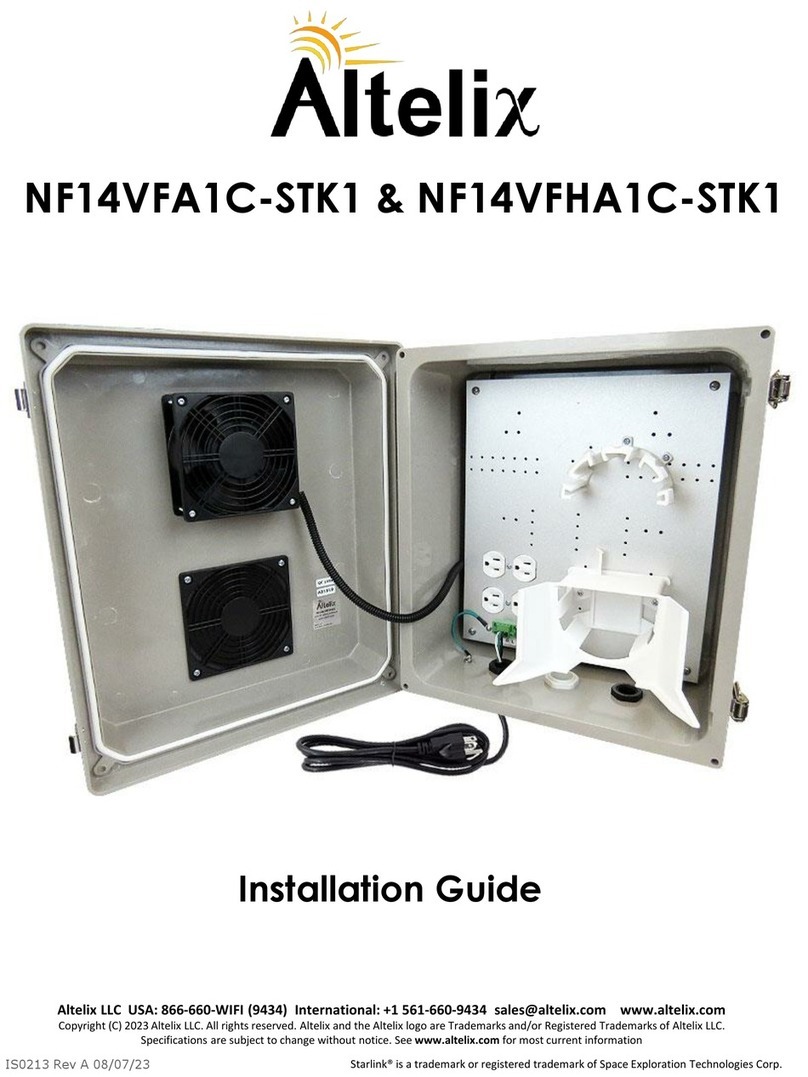
Altelix NF14VFA1C-STK1 User manual

Altelix

Altelix NF14VFA1C-STK1 User manual

Altelix NP12VE1-YLK1 User manual

Altelix

Altelix NP12VE1-YLK1 User manual

Altelix NP17AV User manual

Altelix

Altelix NP17AV User manual

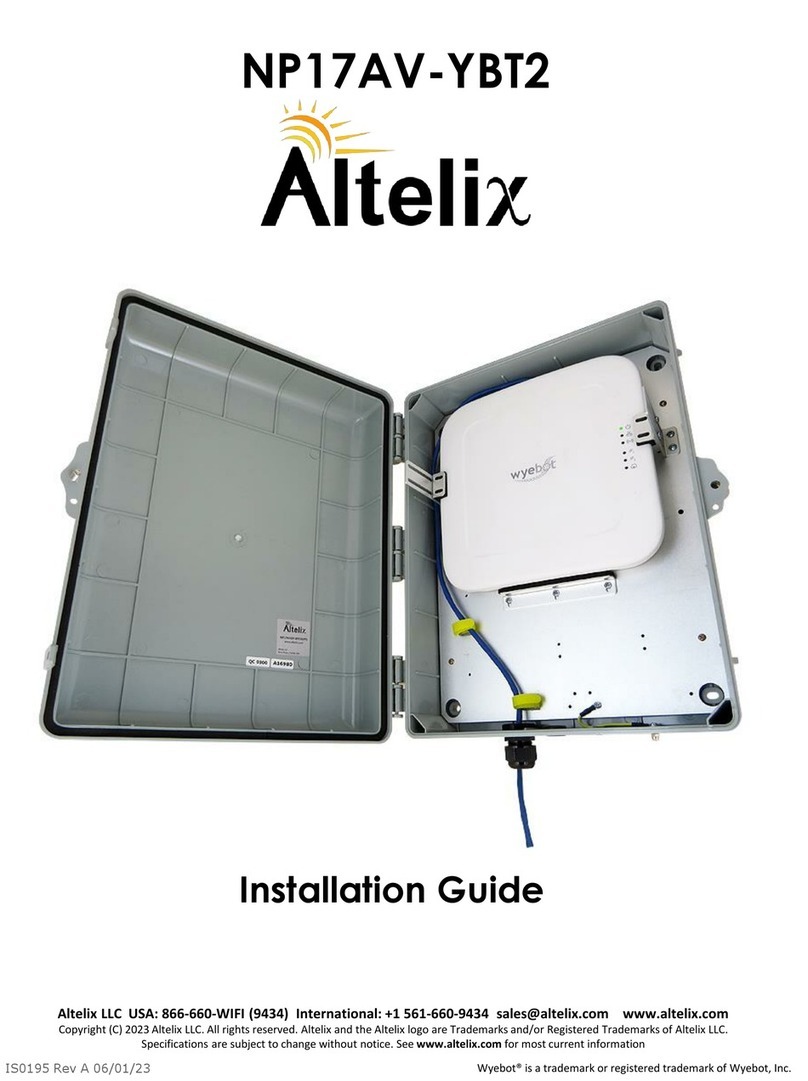
Altelix NP17AV-YBT2 User manual

Altelix

Altelix NP17AV-YBT2 User manual

Popular Enclosure manuals by other brands

Antec Veris Fusion Remote Max Specification sheet

Antec

Antec Veris Fusion Remote Max Specification sheet

ENERMAX iVektor.Q ECA 3371 Series user manual

ENERMAX

ENERMAX iVektor.Q ECA 3371 Series user manual

Lindy 43095 user manual

Lindy

Lindy 43095 user manual

SICK C4000 Select operating instructions

SICK

SICK C4000 Select operating instructions

Geeek A60 PLUS installation guide

Geeek

Geeek A60 PLUS installation guide

OVE SYDNEY 48 installation manual

OVE

OVE SYDNEY 48 installation manual

SilentiumPC Armis AR5 Hardware installation

SilentiumPC

SilentiumPC Armis AR5 Hardware installation

Pulsar 17/TRP80/DSPR Assembly instructions

Pulsar

Pulsar 17/TRP80/DSPR Assembly instructions

MSI MPG SEKIRA 500X quick start guide

MSI

MSI MPG SEKIRA 500X quick start guide

Antec Dark fleet DF-10 user manual

Antec

Antec Dark fleet DF-10 user manual

Peavey DS 1502 Specifications

Peavey

Peavey DS 1502 Specifications

D-Link ShareCenter Pro DNS-1550-04 user manual

D-Link

D-Link ShareCenter Pro DNS-1550-04 user manual

Rosewill RX82-U(JBOD) user manual

Rosewill

Rosewill RX82-U(JBOD) user manual

QNAP SAS JBOD CLI 1.0 user guide

QNAP

QNAP SAS JBOD CLI 1.0 user guide

GAMDIAS Talos P1 Quick installation guide

GAMDIAS

GAMDIAS Talos P1 Quick installation guide

Auvs KR615 user manual

Auvs

Auvs KR615 user manual

Antec AR300 user manual

Antec

Antec AR300 user manual

CommScope FDH 3000 user manual

CommScope

CommScope FDH 3000 user manual

manuals.online logo
manuals.online logoBrands
  • About & Mission
  • Contact us
  • Privacy Policy
  • Terms and Conditions

Copyright 2025 Manuals.Online. All Rights Reserved.

IS0044 Rev C 03/09/20
Altelix LLC USA: 866-660-WIFI(9434) International: +1 561-660-9434 sales@altelix.com www.altelix.com
Copyright (C)2019 AltelixLLC. Allrights reserved. Altelixand the Altelixlogo are Trademarks and/or RegisteredTrademarks of AltelixLLC.
Specificationsare subjectto changewithout notice.See www.altelix.com for most current information
NF100806A1 120VAC Enclosure
Installation Guide
WARNING: INSTALLATION OF THIS PRODUCT NEAR POWERLINES IS
DANGEROUS. FOR YOUR SAFETY, FOLLOW THE INSTALLATION DIRECTIONS
Under some conditions, this enclosure may not prevent electrocution. Users should keep
enclosure away from any overhead wires. If enclosure contacts a power line, any initial
protection could fail at any time. IF ENCLOSURE NEARS ANY OVERHEAD WIRES,
IMMEDIATELY LET GO, STAY AWAY, AND CALL UTILITY COMPANY
INSTALLATION BY A LICENSED ELECTRICIAN OR QUALIFIED INSTALLER
RECOMMENDED.
Warning: To avoid electric shock, grounding must be installed by the installer as part of the
installation. The unit must be grounded and installed in accordance with National Electrical
Codes (NEC) and any local codes. Note that non-metallic enclosures do not provide
grounding between conduit connections.
Warning: Enclosure must be secured using a pad-lock when energized to prevent
unauthorized access and shock hazard.
Important: Look over the site before beginning installation, and anticipate possible hazards.
Select a safe site to install the enclosure.
If you have power lines in the area, call your local electric utility for assistance.
NEVER work alone; always have someone near who can summon help.
Check weather conditions. Be sure that the area is not slippery and make sure that rain or
thunderstorms are not predicted for the day you install the enclosure.
If you need to use a ladder, make sure it is made of non-conductive (non-metallic) material.
Enclosures improperly installed or installed to an inadequate structure are susceptible to
wind damage that can be very serious or even life threatening. Ensure that the installation is
properly grounded. Ensure that the enclosure is properly secured and structurally sound to
support all loads (weight, wind & ice).
Rooftop Installation Warning
DO NOT assume that just because you're on a roof, you're isolated from ground. You may
still be electrocuted or fall off the roof.
Altelix enclosures feature rugged Polycarbonate+ABS, Fiberglass
Reinforced Polyester (FRP) or Steel construction.
Options include Powered Models, Ventilation, Thermostat
controlled Cooling and Heating, Insulated Models, DIN Rail
Models and Pole Mount Models.
Turnkey models such as Audio/Video Enclosures, Weatherproof
Phone Boxes and 19” Rack Mount Enclosures are also available.
Custom Product Inquiries or Technical Questions?
We are here to help. Contact us at:
[email protected]
USA & Canada: 866-660-9434
International: +1 561-660-9434
Visit us at www.ALTELIX.com

Page-2
Equipment Mounting Plate Details
Page-3
Got Questions?
We are here to help.
Contact us at:
sales@altelix.com
USA & Canada: 866-660-9434
International: +1 561-660-9434
Mounting
The (4) steel mounting feet included in the hardware kit can be
used to mount the enclosure to most surfaces.
Mounting Feet
(4) Threaded inserts are provided
on the rear of the enclosure.
Using the included screws,
secure the (4) mounting feet to
the enclosure as shown.
Rear View
The NF Series enclosure can
also be pole mounted using
the optional NMK Series Pole
Mount Kits which can be
purchased by visiting:
www.ALTELIX.com

Shown with Optional
NMKS-200-08
Pole/Wall Mount Kit
Circuit Diagram