40W Power Amplifier
Altimium www.altimium.com
Table of Contents
1. Introduction.................................................................................................................1
1.1 Introduction to AMP3V.......................................................................................1
1.2 Features ............................................................................................................1
1.3 Package Contents .............................................................................................1
2. Panel Description........................................................................................................3
2.1 Front Panel........................................................................................................3
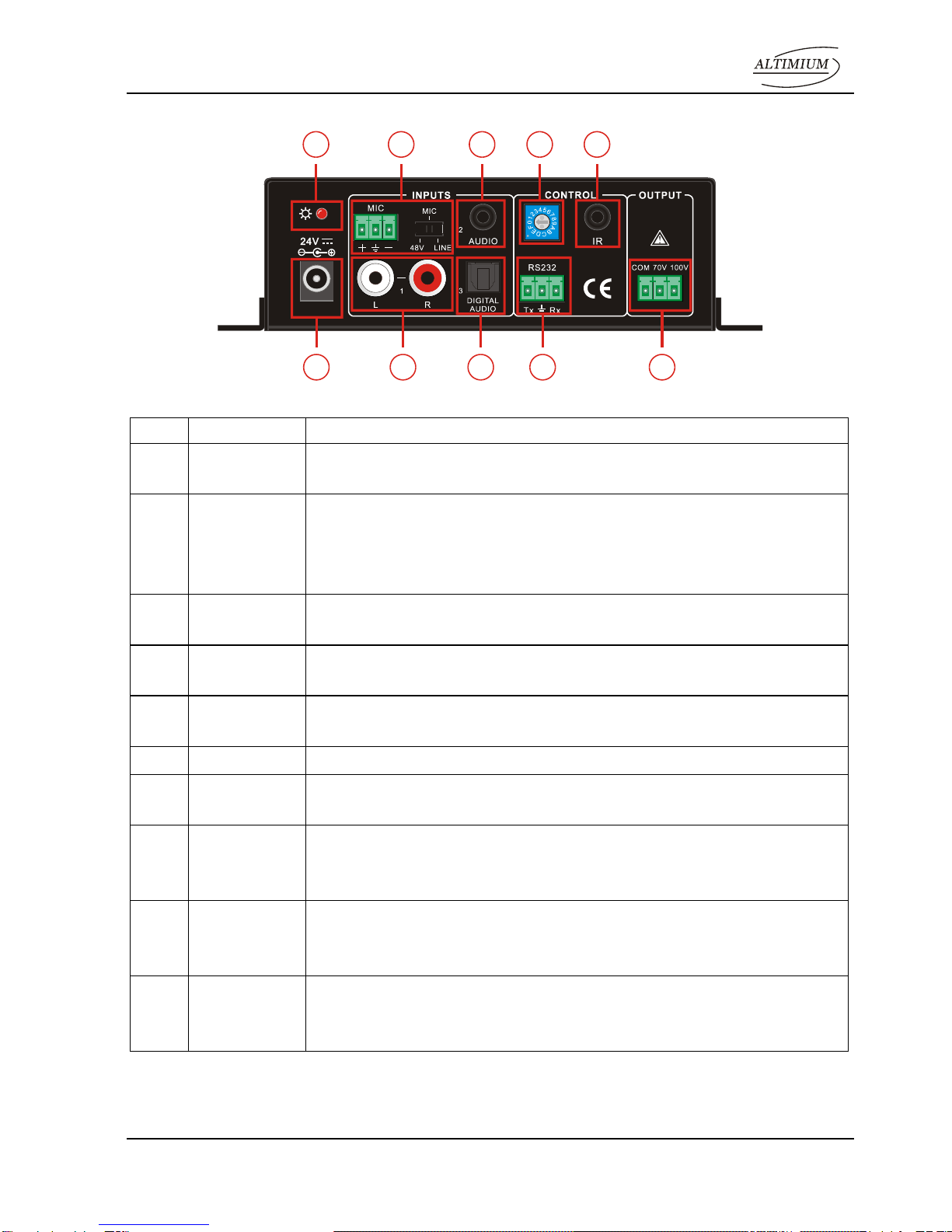
2.2 Introduction of Rear Panel.................................................................................4
3. System Connection.....................................................................................................5
3.1 Usage Precautions ............................................................................................5
3.2 System Diagram................................................................................................5
3.3 Audio Signal Connection....................................................................................5
3.3.1 Audio Output............................................................................................5
3.3.2 Audio Inputs.............................................................................................6
3.4 System Applications...........................................................................................7
4. System Operations .....................................................................................................8
4.1 Operations of Front Panel..................................................................................8
4.1.1 Audio switching........................................................................................8
4.1.2 Volume/EQ controlling.............................................................................8
4.2 Operations of IR Remote...................................................................................8
4.3 Operations of Control Software .........................................................................9
4.3.1 Connection with Computer ......................................................................9
4.3.2 Installation/uninstallation of RS232 Control Software............................10
4.3.3 Running Environment............................................................................10
4.3.4 Function Settings...................................................................................10
4.3.5 RS232 Communication Commands ......................................................12
5. Specifications............................................................................................................14
6. Panel Drawing ..........................................................................................................15
7. Troubleshooting and Maintenance............................................................................16
8. After-sales Service....................................................................................................17