- 4 - HubWayEX16/EX32
Installation Instructions:
Wiring methods shall be in accordance with the National Electrical Code/NFPA 70/ANSI, and with all local codes
and authorities having jurisdiction. Wiring should be UL Listed and/or Recognized wire suitable for the application.
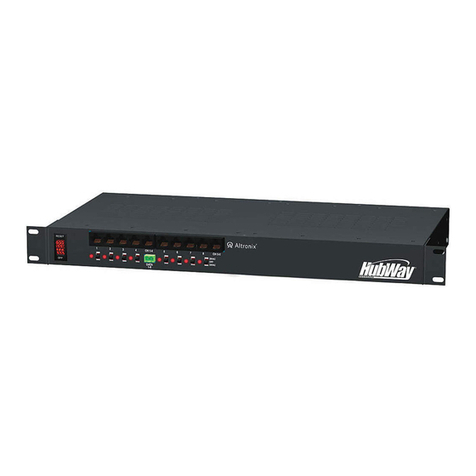
1. Set the input voltage selector switch located on the left side of the HubWayEX16/EX32 unit (facing front
panel) for 115VAC or 230VAC operation (Fig. 1b, pg. 5).
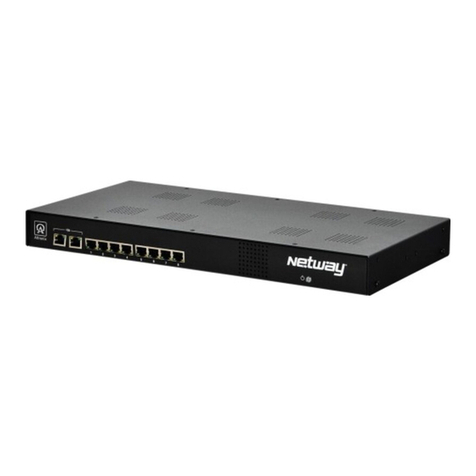
2. Attach mounting brackets to HubWayEX16/EX32 unit for rack or wall mount installation (Figs. 6-7, pg. 8).
Affix rubber pads to HubWayEX16/EX32 for shelf installation (Fig. 8, pg. 8).
3. Secure the unit in a rack, mount unit to a wall or place unit on a shelf as desired (unit should be spaced at
least 3” from any video monitors).
4. Set illuminated master power disconnect circuit breaker to the (OFF) position (Fig. 5, pg. 8).
5. Plug the grounded AC line cord into the IEC 320 connector of the HubWayEX16/EX32.
For US & Canada the plug end is a 3 prong type B plug used for standard 115VAC receptacles, as provided
with unit (Fig. 1g, pg. 5). For non North American 230VAC applications use the appropriate 3 prong plug
that matches the local standard receptacle.
6. Connect the BNC video outputs for HubWayEX16/EX32 Channels 1-32 to the corresponding video inputs
on the head end equipment (DVR) (Fig. 1c, pg. 5).
7. Connect the RS422/RS485 output of the head end equipment (DVR) to the one (1) or both data input
terminal blocks of the HubWayEX16/EX32 unit (polarity must be observed) (Fig. 1f, pg. 5).
Note: The Data input terminals of the HubWayEX16/EX32 must be wired in parallel for proper operation.
When using fixed cameras disregard this step.
8. Connect one (1) end of a CAT-5 or higher structured cable into the RJ45 jack marked [CH 1-4, CH 5-8,
CH 9-12, CH 13-16] of the HubWayEX16 or [CH 1-4, CH 5-8, CH 9-12, CH 13-16, CH 17-20, CH 21-24,
CH 25-28, CH 29-32] of the HubWayEX32 (Fig. 1d, pg. 5). Connect the opposite end of the CAT-5 or
higher structured cable into the corresponding RJ45 jack marked [CH 1-4, CH 5-8] HubWayEXP
(Fig. 4, pg. 7) or [VIDEO 1-4] of the HubSat4D/Di (Fig. 5, pg. 8).
9. Connect one (1) end of a CAT-5 or higher structured cable into the RJ45 jack marked [DATA] of the
HubWayEX16/EX32 (Fig. 1e, pg. 5). Connect the opposite end of the CAT-5 or higher structured cable
into the RJ45 jack marked [DATA] of HubWayEXP (Fig. 4, pg. 7) or [DATA 1-4] of the HubSat4D/Di
(Fig. 5, pg. 8).
Note: When using fixed cameras disregard this step.
Repeat steps 8 and 9 for cameras 5-8, 9-12, 13-16, 17-20, 21-24, 25-28, 29-32.
(refer to HubSat4D/Di or HubWayEXP installation instructions for camera hookups).
10. Upon completion of wiring set illuminated master power disconnect circuit breaker to the RESET (ON)
position (Fig. 6, pg. 11).
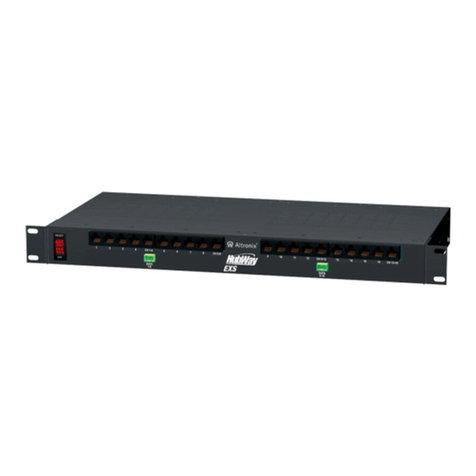
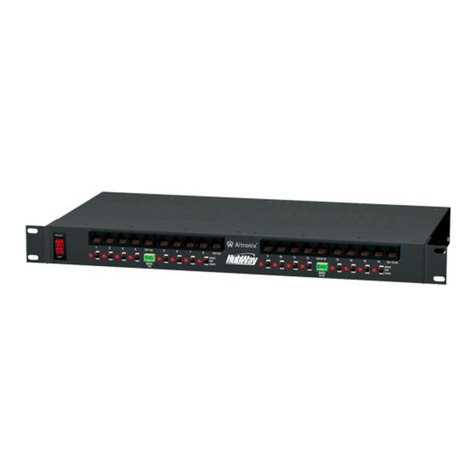
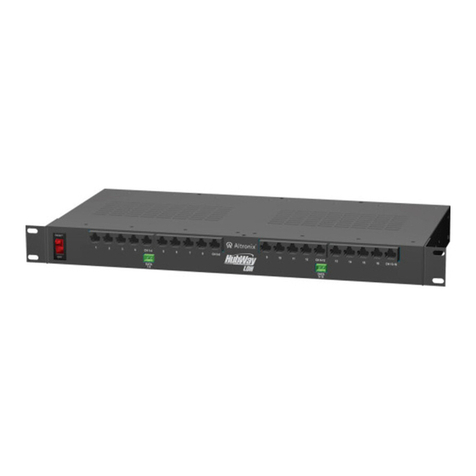
11. The video signal indicator LEDs (Red) located on the front of the HubWayEX16/EX32 will illuminate when
video signal is present (Fig. 1a, pg. 5). If any of these LEDs are not illuminated, there is no video signal
for that corresponding channel.