7ENGLISH
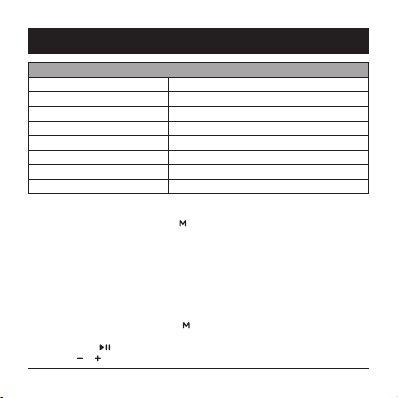
Audio Tags
Power on The speaker is turned on.
Bluetooth mode. Pair the device. Bluetooth is turned on, you can pair your device.
Paired The speaker is paired through Bluetooth.
Bluetooth connection lost. Bluetooth connection with your device has been lost.
Radio FM radio mode is active.
Audio input Audio is connected through the AUX input.
TF card Plays MP3 files from an TF card.
Low battery Low battery indicator.
Bluetooth Pairing
• To switch to pairing mode, press the button until your hear the voice tag – Bluetooth
mode. Pair the device. Pairing is also indicated with a blinking blue LED light.
• In your device, you will see the speaker names as AlzaPower RAGE R2.
• As soon as the speaker will be connected to your device, you will hear the voice tag –
Paired and a blue LED light turns on.
• When the pairing disconnects, you will hear – Bluetooth connection lost.
Note: If you are unable to pair the speaker with your device, make sure the speaker is not
connected to another device.
Using the FM Radio
• To switch to the radio mode, press the button until you hear the voice tag – Radio.
• Connect the MicroUSB cable that serves as an antenna.
• Press down the button to search and save radio stations into the speaker’s memory.
• Press the or buttons to scroll through saved radio stations.
INSTRUCTIONS