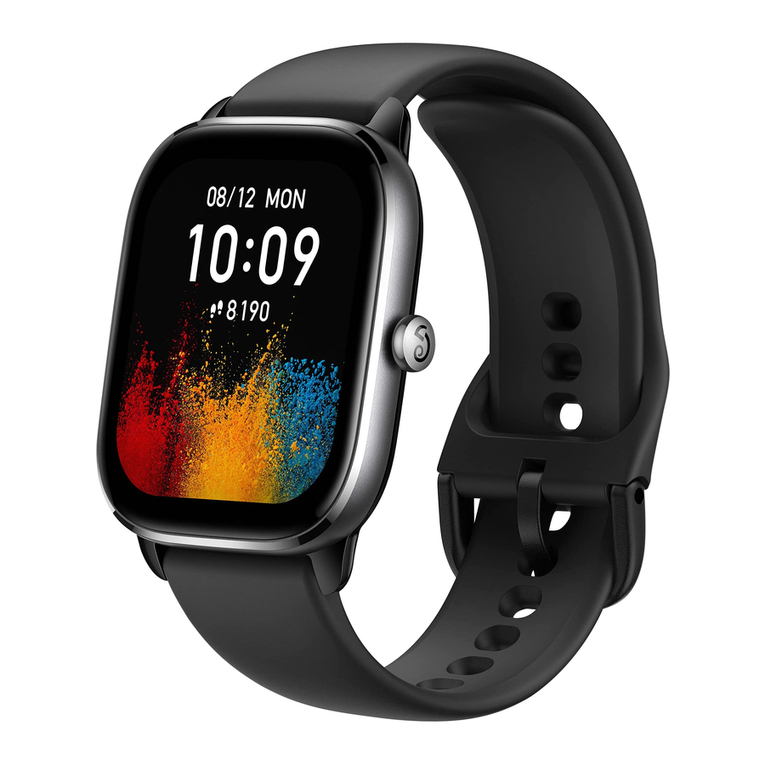
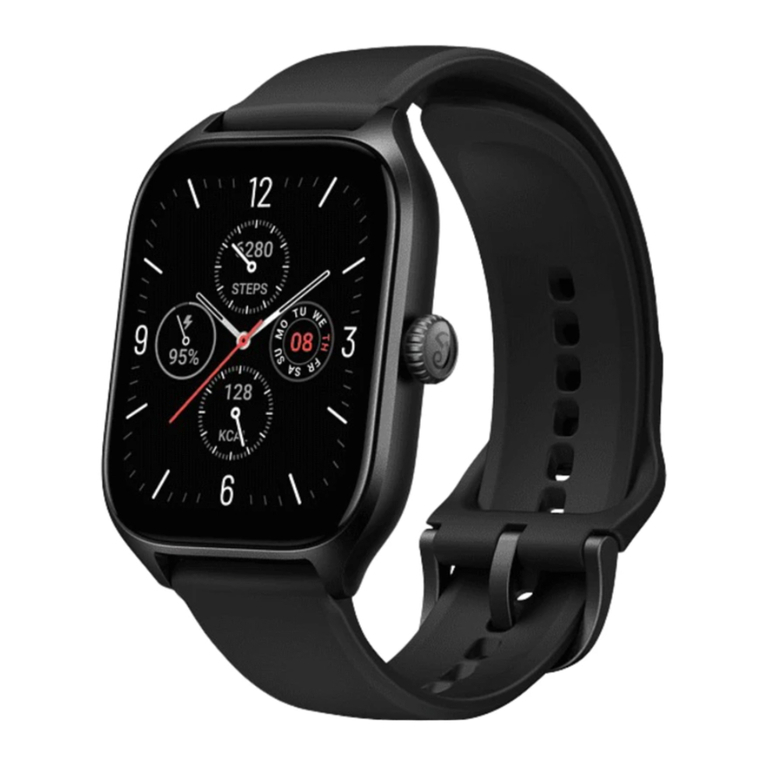
User Manual for Amazfit GTS 2 (English Edition) 1.......................................................................................
Getting started 3................................................................................................................................................
Appearance 3....................................................................................................................................
Power on and off 3............................................................................................................................
Charging 3........................................................................................................................................
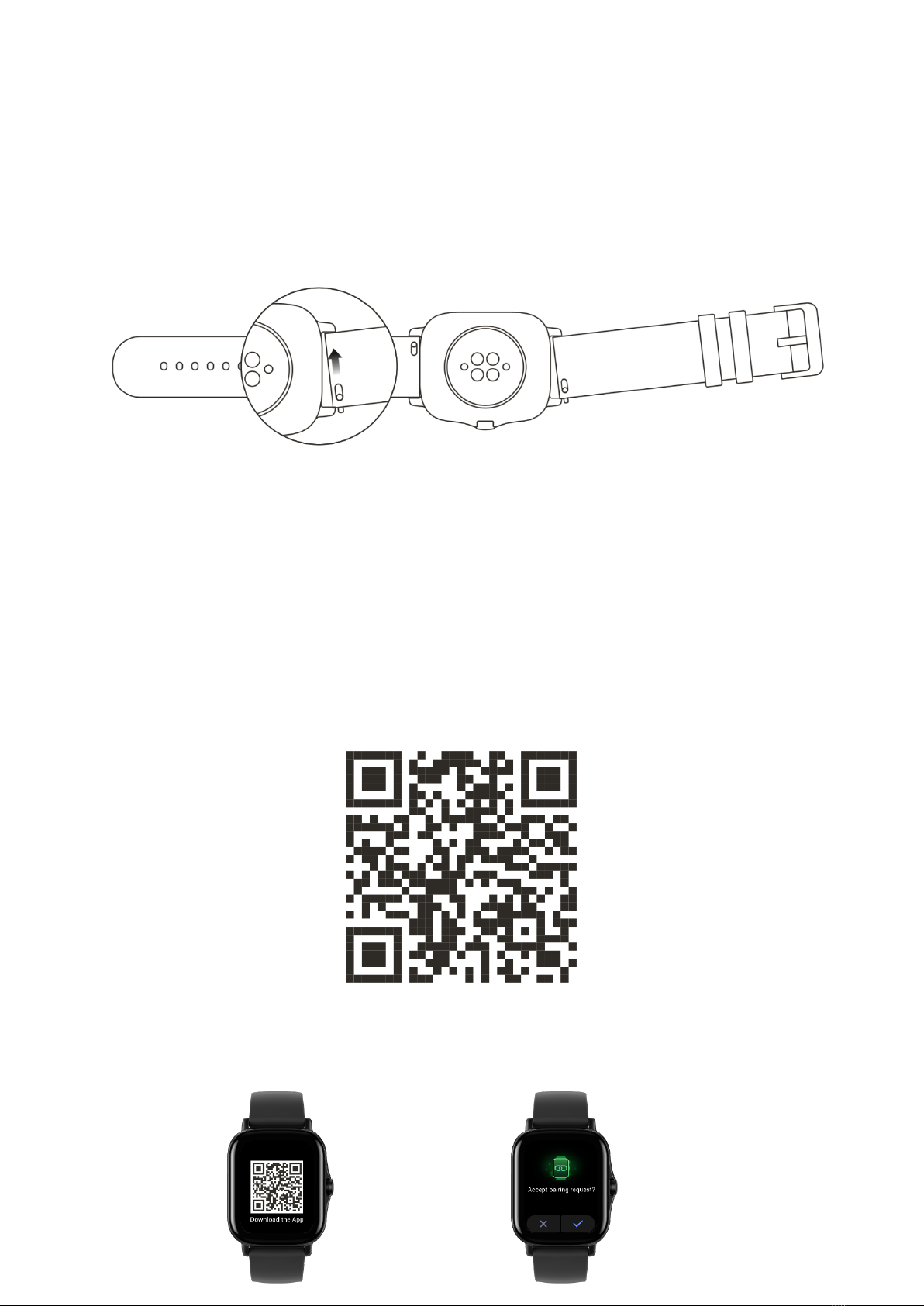
Wearing & Replacing Watch Strap 3................................................................................................
Connecting & Pairing 4....................................................................................................................
Updating the system of your watch 5...............................................................................................
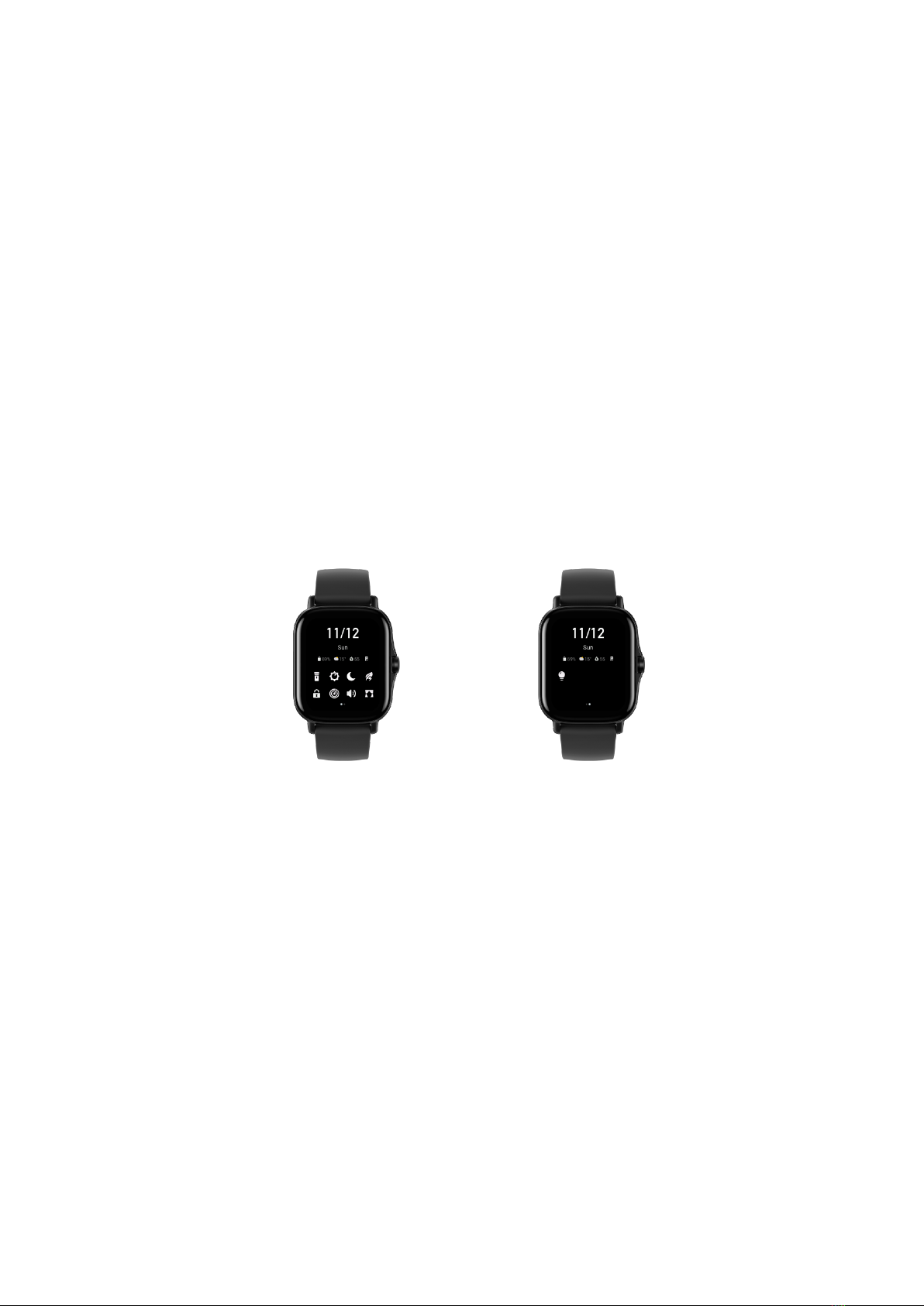
Control center 5................................................................................................................................
Time System 5..................................................................................................................................
Units 5...............................................................................................................................................
Common operations 6.......................................................................................................................
Functions available when the watch is connected to the phone 7....................................................................
App alerts 7.......................................................................................................................................
Call 7.................................................................................................................................................
Find Mobile 8...................................................................................................................................
Find Watch 8.....................................................................................................................................
Watch Face 9.....................................................................................................................................................
Watch Face Complications 9............................................................................................................
Always On Display 9........................................................................................................................
Add Watch Faces 9...........................................................................................................................
Change Watch Faces 9......................................................................................................................
Delete Watch Faces 10......................................................................................................................
Shortcuts 11......................................................................................................................................................
Smart Assistant 11............................................................................................................................
Quick Access Apps 11......................................................................................................................
Double press the side button 11........................................................................................................
Workout 12........................................................................................................................................................
Workout 12.......................................................................................................................................
Workout GPS Positioning 12............................................................................................................
Workout Reminders & Settings 13...................................................................................................
Workout Control 13..........................................................................................................................
Viewing workout records 14.............................................................................................................
Activities and Health 15...................................................................................................................................
PAI 15...............................................................................................................................................