manuals.online logo
Brands
  1. Home
  2. •
  3. Brands
  4. •
  5. Amphenol
  6. •
  7. Control Unit
  8. •
  9. Amphenol Smart Bias-T SBT-6962690-FFM User manual

Amphenol Smart Bias-T SBT-6962690-FFM User manual

Other Amphenol Control Unit manuals

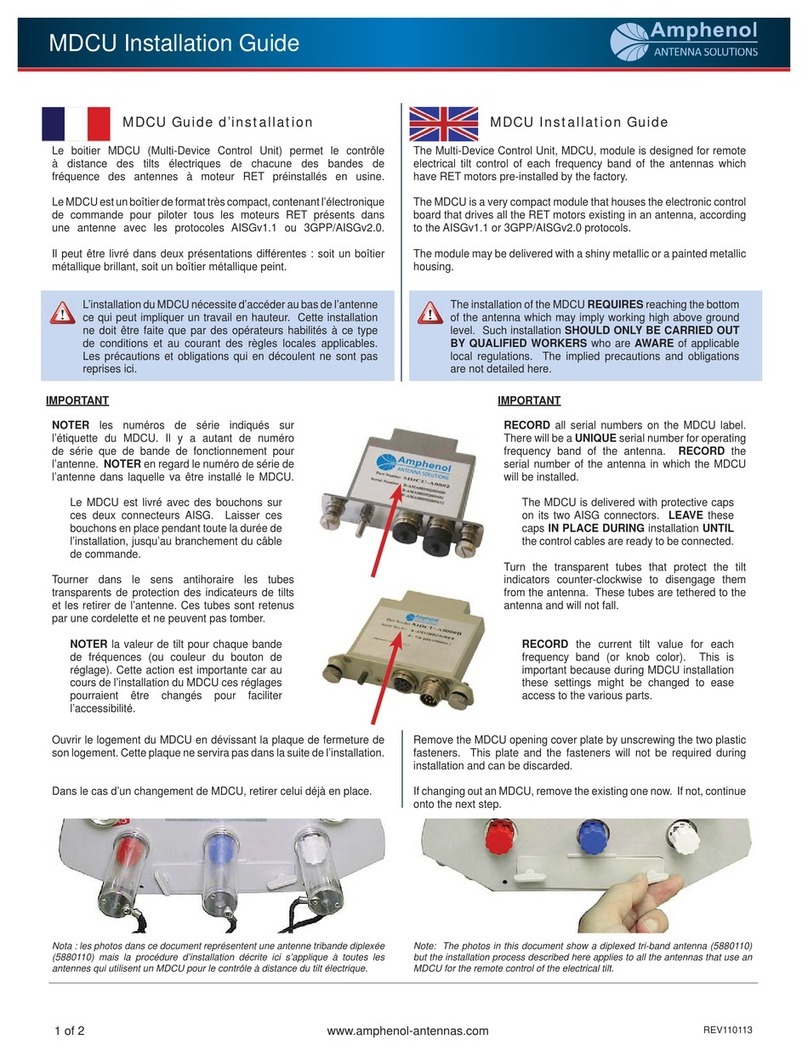
Amphenol MDCU User manual

Amphenol

Amphenol MDCU User manual

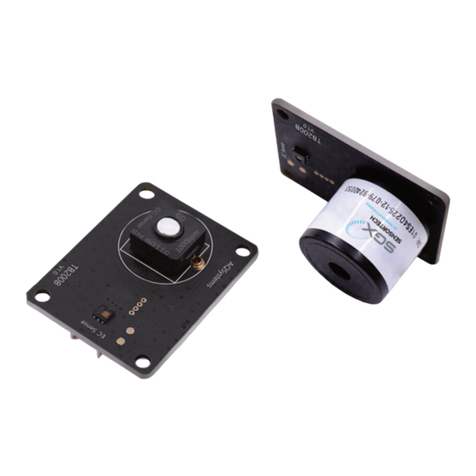
Amphenol SGX SNSORTECH PS1-O3-5-MOD Instruction Manual

Amphenol

Amphenol SGX SNSORTECH PS1-O3-5-MOD Instruction Manual

Popular Control Unit manuals by other brands

Seitz 14A80 user manual

Seitz

Seitz 14A80 user manual

Wilo RS485 Installation and operating instructions

Wilo

Wilo RS485 Installation and operating instructions

Becker CentralControl CC41 Commissioning Instruction

Becker

Becker CentralControl CC41 Commissioning Instruction

SICK CDB650 operating instructions

SICK

SICK CDB650 operating instructions

Panduit NetKey NKP5E88M Series installation instructions

Panduit

Panduit NetKey NKP5E88M Series installation instructions

MX Options Concentric Petite Fitting instructions

MX

MX Options Concentric Petite Fitting instructions

Clean Water Systems Fleck 2510 Installation & start?up guide

Clean Water Systems

Clean Water Systems Fleck 2510 Installation & start?up guide

Fairchild FSB44104A user guide

Fairchild

Fairchild FSB44104A user guide

LEGRAND Wattstopper LMIN-104 installation instructions

LEGRAND

LEGRAND Wattstopper LMIN-104 installation instructions

PMK ATT10BNCS instruction manual

PMK

PMK ATT10BNCS instruction manual

Tektronix TDS3FFT user manual

Tektronix

Tektronix TDS3FFT user manual

Woodward easYgen Technical manual

Woodward

Woodward easYgen Technical manual

Balluff BNI EIP-502-105-R015 user guide

Balluff

Balluff BNI EIP-502-105-R015 user guide

NXP Semiconductors TWR-LS1021A Getting started

NXP Semiconductors

NXP Semiconductors TWR-LS1021A Getting started

Advantech PCM-3117 Startup manual

Advantech

Advantech PCM-3117 Startup manual

Danfoss MCO 101 manual

Danfoss

Danfoss MCO 101 manual

Moons' Lin Engineering R701P user manual

Moons'

Moons' Lin Engineering R701P user manual

Aventics RV1 operating instructions

Aventics

Aventics RV1 operating instructions

manuals.online logo
manuals.online logoBrands
  • About & Mission
  • Contact us
  • Privacy Policy
  • Terms and Conditions

Copyright 2025 Manuals.Online. All Rights Reserved.

SmartBiasT_IG ©2011 Amphenol Antenna Solutions | www.amphenol-antennas.com 1of 2

Smart Bias-T Installation Guide
Amphenol Antenna Solutions Smart Bias-T, part number MODEMxxx (also known as SBT-6962690-xxx) is used in place of traditional
AISG “Home Run” cables. The Smart Bias-T cable eliminates the need for the home run cable by integrating DC power and AISG
control signals onto the coaxial feeder line. The “xxx” designation is used for defining the gender of the three connectors (two for the
coaxial feeder and jumper lines and one for AISG control and power) on each Bias-T. If a TMA is not used, two Bias-T’s are typically
required—one at the bottom of the tower and one at the top. Some BTS manufacturers integrate this Bias-T function into their NodeB,
eliminating the need for the bottom Smart Bias-T cable. Please talk to your BTS representative to see if this feature is available.
Figure 1.1 shows a MODEM100, which contains two female coax connectors and a male AISG connector. Please see the MODEMxxx
specification sheet and ordering guide for more information. The Modem100 series will always have a male AISG connector, which will
always be used at the bottom of the tower. The Modem200 series will have a female AISG connector, and will be used at the top of the
tower.
Figure 1.1. Modem 100 Smart Bias-T.
SmartBiasT_IG ©2011 Amphenol Antenna Solutions | www.amphenol-antennas.com Page 2of 2

Heading 1
INSTALLING MODEMxxx Smart Bias-T Cables
Proper MODEMxxx Smart Bias-T installations usually entail a top and a bottom unit. See Figure 2.1 and the steps below for a detailed
explanation.
Top Unit Instructions
1. Connect the coaxial jumper cable between the
RET antenna and the Smart Bias-T Modem 200.
2. Connect the coaxial feeder cable to the Smart
Bias-T Modem 200.
3. Connect the male AISG connector to the female
port on the Smart Bias-T Modem 200.
4. Connect the female AISG connector to the male
port on the RET antenna.
5. Attach one end of the ground cable (not
supplied) to the Smart Bias-T grounding
hardware, then attach other end to the tower
ground.
Bottom Unit Instructions
1. Connect the coaxial feeder cable to the Smart
Bias-T Modem 100.
2. Attach one end of the ground cable (not
supplied) to the Smart Bias-T grounding
hardware, then attach the other end to the tower
ground.
3. Connect the coaxial jumper cable between the
BTS and the Smart Bias-T Modem 100.
4. Connect the female AISG connector to the male
AISG port on the Smart Bias-T Modem 100.
5. Connect the male AISG connector to the female
port on the AISG controller.
Figure 2.1. Smart Bias-T AISG Cable Installation.
After completing installation of the Smart Bias-T cables, verify successful operation. Please refer to the ALDC users guide for
information on operating the AAS SmartTilt RET system.
Amphenol Antenna Solutions
1300 Capital Drive
Rockford, Illinois 61109 USA
+1 815.399.0001
www.amphenol-antennas.com