manuals.online logo
Brands
  1. Home
  2. •
  3. Brands
  4. •
  5. Amprobe
  6. •
  7. Circuit Tester
  8. •
  9. Amprobe AMP-210 User manual

Amprobe AMP-210 User manual

Other manuals for AMP-210

1

This manual suits for next models

9

Popular Circuit Tester manuals by other brands

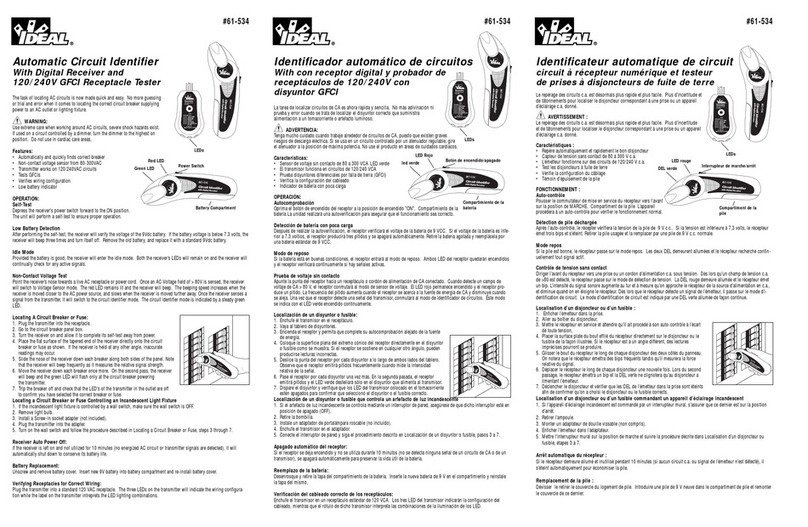
IDEAL 61-534 manual

IDEAL

IDEAL 61-534 manual

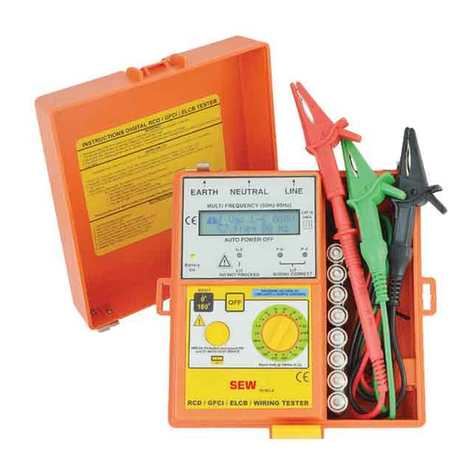
Kusam-meco KM 1812EL Operation manual

Kusam-meco

Kusam-meco KM 1812EL Operation manual

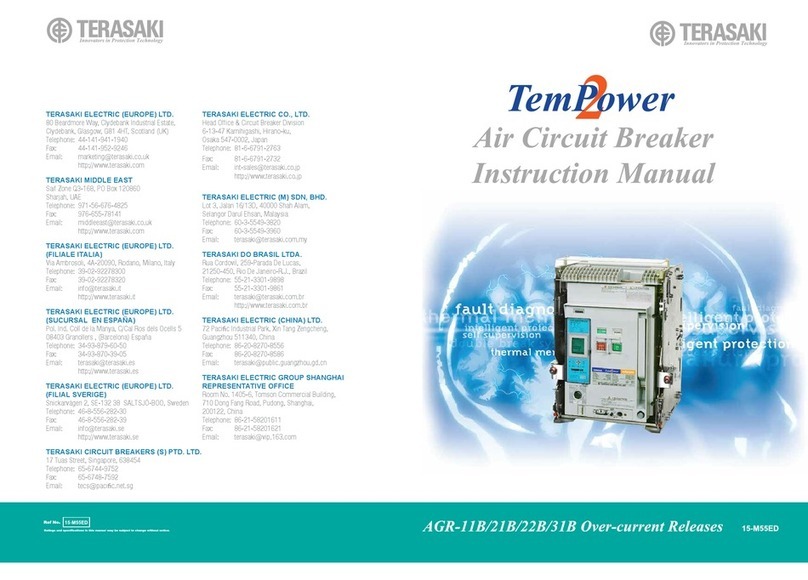
TERASAKI TemPower 2 instruction manual

TERASAKI

TERASAKI TemPower 2 instruction manual

Unit UT261B operating manual

Unit

Unit UT261B operating manual

Greenlee GT-55e instruction manual

Greenlee

Greenlee GT-55e instruction manual

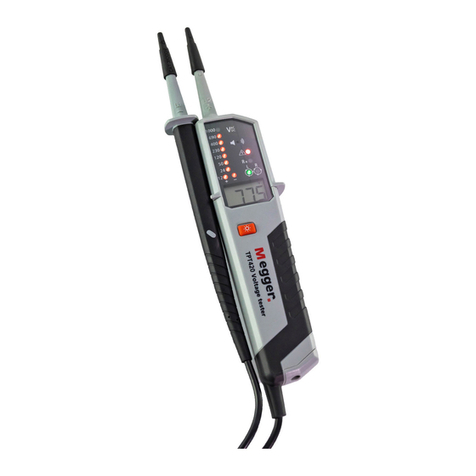
Megger LCB2000/2 manual

Megger

Megger LCB2000/2 manual

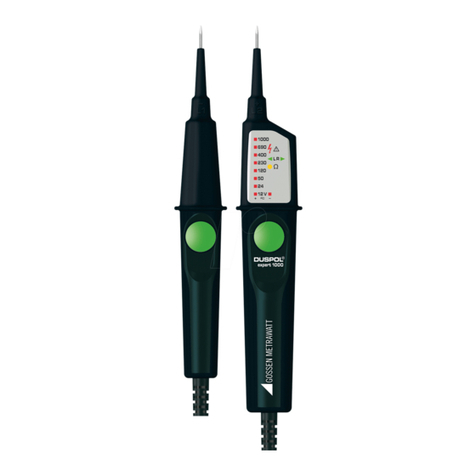
Gossen MetraWatt DUSPOL expert 1000 operating manual

Gossen MetraWatt

Gossen MetraWatt DUSPOL expert 1000 operating manual

Multimetrix VT 14 user manual

Multimetrix

Multimetrix VT 14 user manual

Merlin Gerin Masterpact NW installation manual

Merlin Gerin

Merlin Gerin Masterpact NW installation manual

Fluke 1652C user manual

Fluke

Fluke 1652C user manual

Power Probe The Hook Operation manual

Power Probe

Power Probe The Hook Operation manual

Extel WEMR 81001 Additional Sheet

Extel

Extel WEMR 81001 Additional Sheet

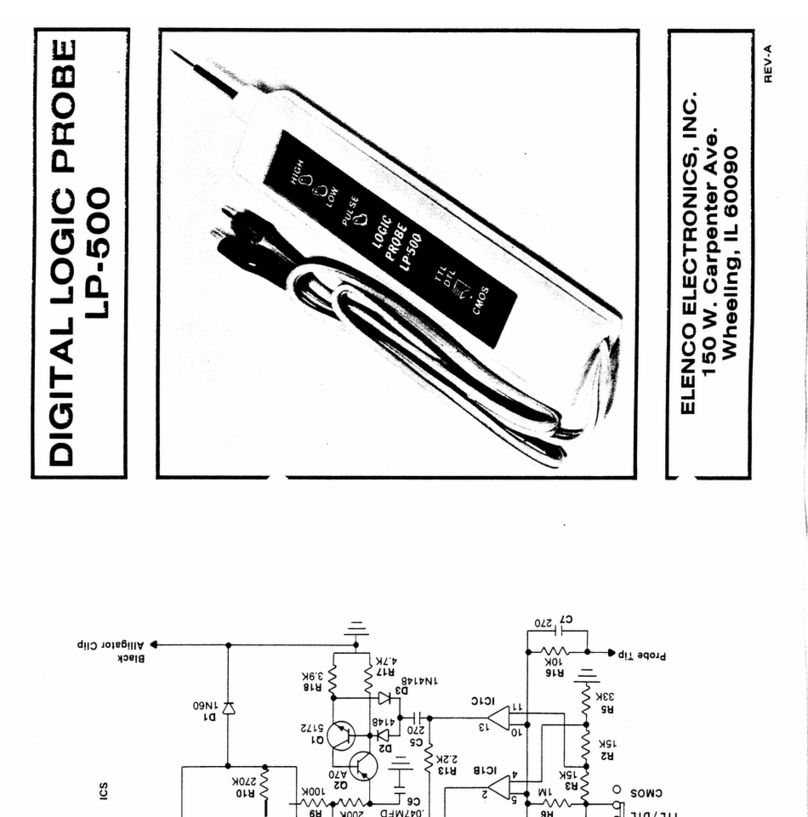
Elenco Electronics LP-600 Operation manual

Elenco Electronics

Elenco Electronics LP-600 Operation manual

Fluke 6500 user manual

Fluke

Fluke 6500 user manual

Klein Tools RT250 instructions

Klein Tools

Klein Tools RT250 instructions

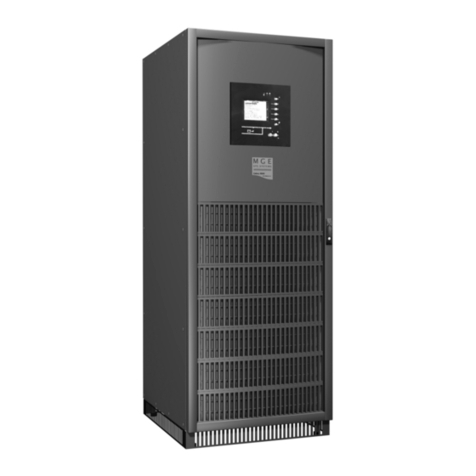
MGE UPS Systems Galaxy 5000 installation manual

MGE UPS Systems

MGE UPS Systems Galaxy 5000 installation manual

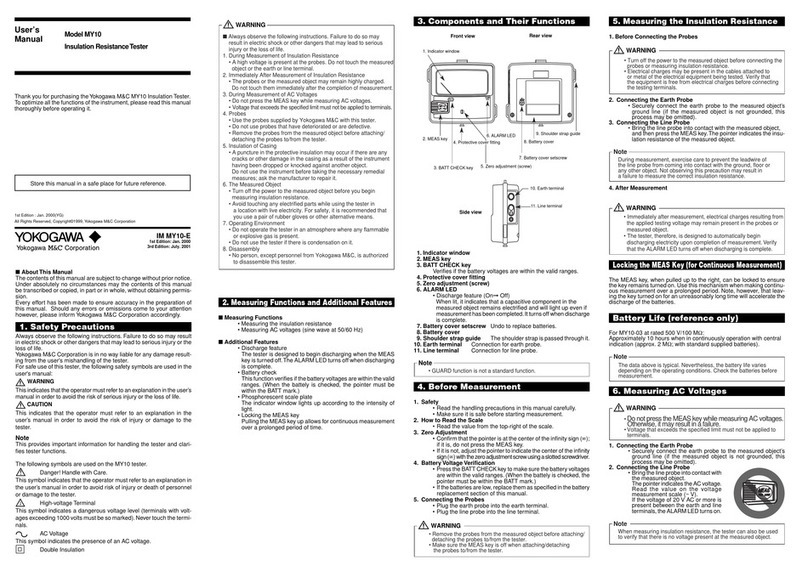
YOKOGAWA MY10 user manual

YOKOGAWA

YOKOGAWA MY10 user manual

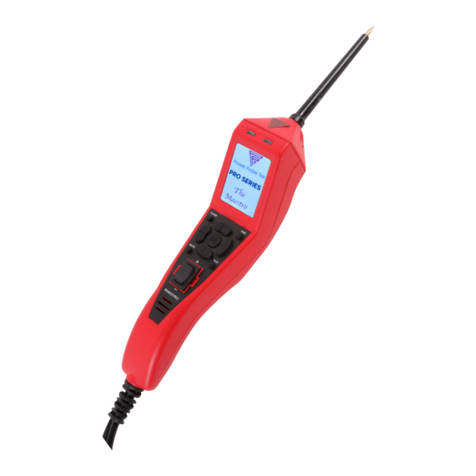
Power Probe Tek PRO SERIES THE MAESTRO manual

Power Probe Tek

Power Probe Tek PRO SERIES THE MAESTRO manual

manuals.online logo
manuals.online logoBrands
  • About & Mission
  • Contact us
  • Privacy Policy
  • Terms and Conditions

Copyright 2025 Manuals.Online. All Rights Reserved.

www. .com information@itm.com1.800.561.8187
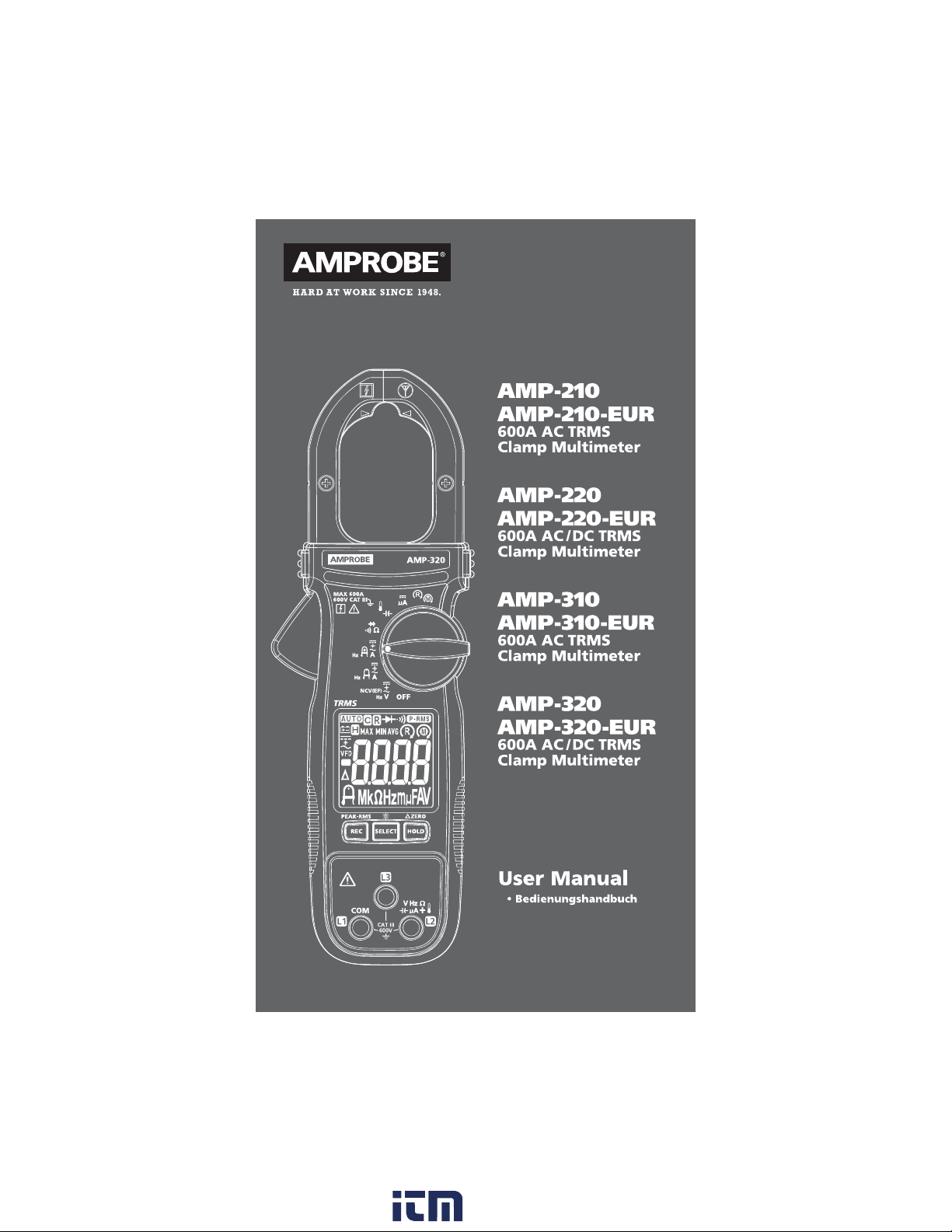
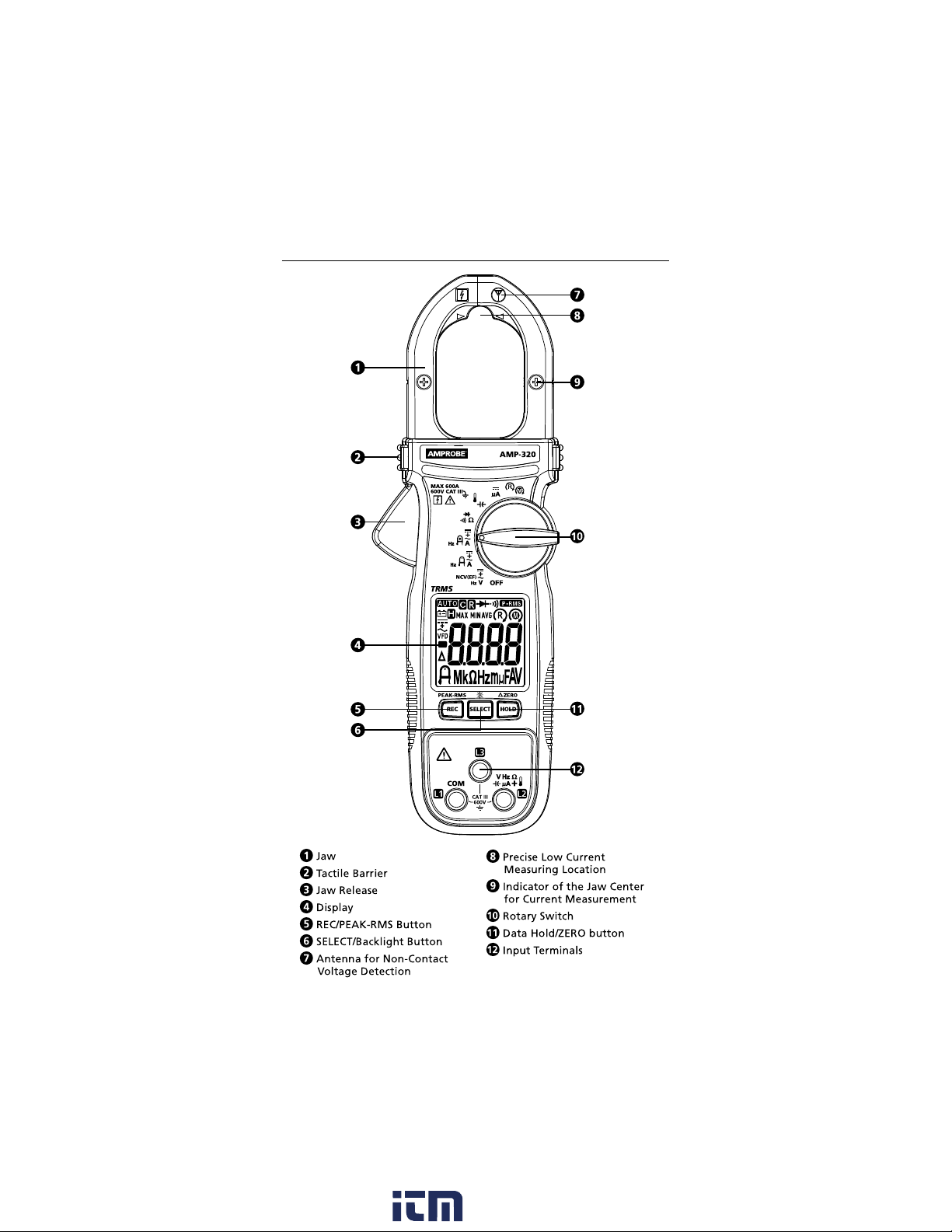
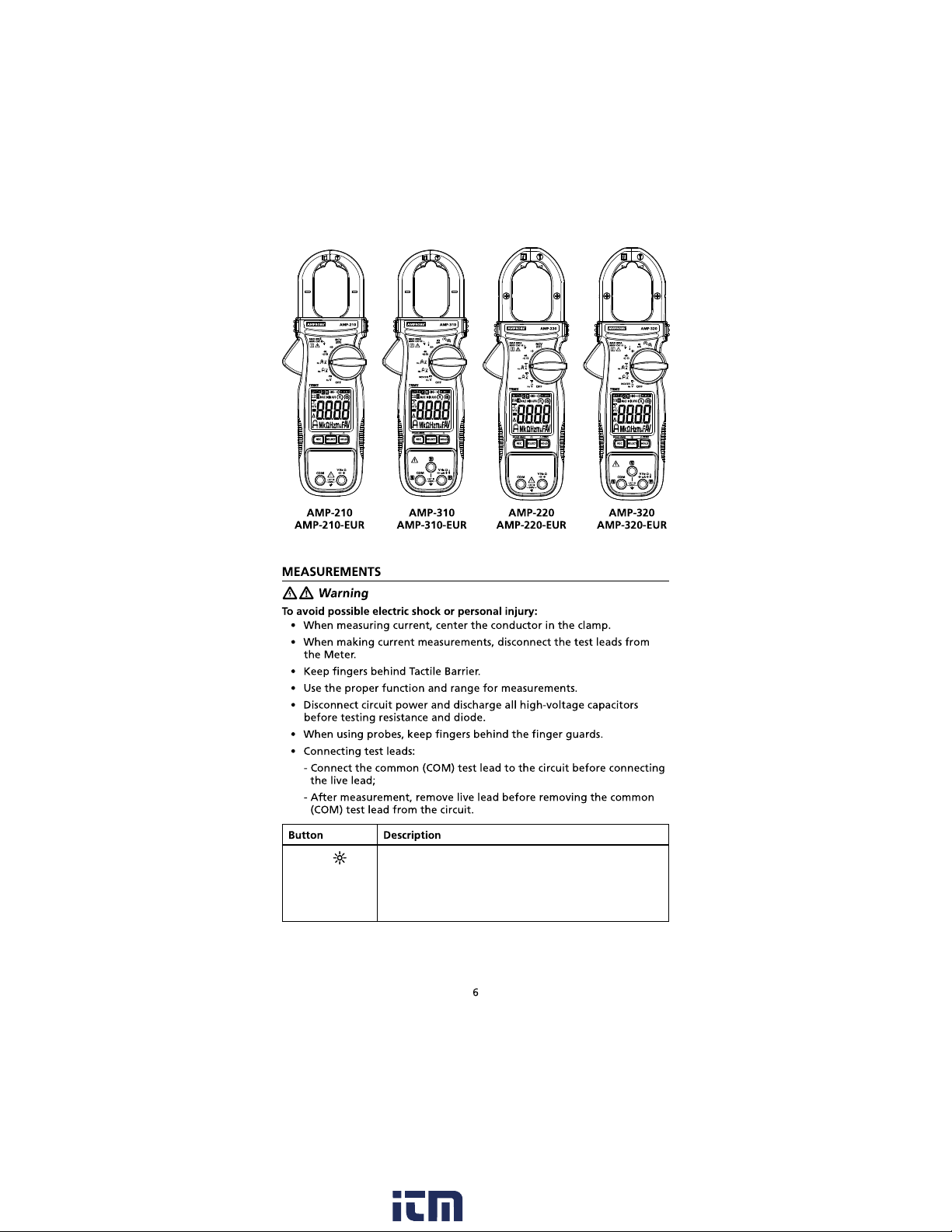
AMP-210 / AMP-210-EUR
600A AC TRMS Clamp Multimeter
AMP-220 / AMP-220-EUR
600A AC/DC TRMS Clamp Multimeter
AMP-310 / AMP-310-EUR
600A AC TRMS Clamp Multimeter
AMP-320 / AMP-320-EUR
600A AC/DC TRMS Clamp Multimeter
User Manual
English
www. .com information@itm.com1.800.561.8187
AMP-210 / AMP-210-EUR Series TRMS Clamp Multimeters
www. .com information@itm.com1.800.561.8187
AMP-210 / AMP-210-EUR Series TRMS Clamp Multimeters
www. .com information@itm.com1.800.561.8187
k :
Hz:
µF:
µA:
A:
V:
CAT III
MAX:
MIN:
AVG:
www. .com information@itm.com1.800.561.8187
Measurement Category III (CAT III)
www. .com information@itm.com1.800.561.8187
SELECT / Press SELECT button to select the alternative
measurement function on the rotary switch.
Press SELECT button > one second to turn ON or to
turn OFF LCD backlight. LCD backlight automatically
turns off after approximately 32 seconds.
www. .com information@itm.com1.800.561.8187
HOLD / ZERO Press HOLD to freeze the display reading ( is
displayed) and releases the reading when pressed a
second time.
Press ZERO (HOLD) > one second to clear last
reading from the display ( is displayed) and establish
a baseline for applicable selected functions.
DC-Zero mode for dc and ac+dc currents. Press ZERO
(HOLD) > one second to activate DC-Zero (display
shows “dc_0” for one second). When nulled value is
larger than ± 5 DC A, an acoustic warning (3 short
beeps) will occur.
REC / PEAK-RMS Press REC button to activate maximum, minimum and
average reading memory mode ( MAX MIN AVG
is displayed). The meter beeps when MAX and MIN
reading is updated during measurement. Press REC
button again to read the MAX, MIN and AVG reading
in sequence. Press REC button > one second to exit
MAX/MIN/AVG reading memory mode.
Press REC / PEAK-RMS button > one second to enter
PEAK-RMS mode ( is displayed) to capture
inrush current or voltage RMS values (80 ms). Press a
second time > one second to exit.
Note: Auto Power Off is automatically disabled under
MAX/MIN/AVG and PEAKRMS modes.
COM
www. .com information@itm.com1.800.561.8187

Note:
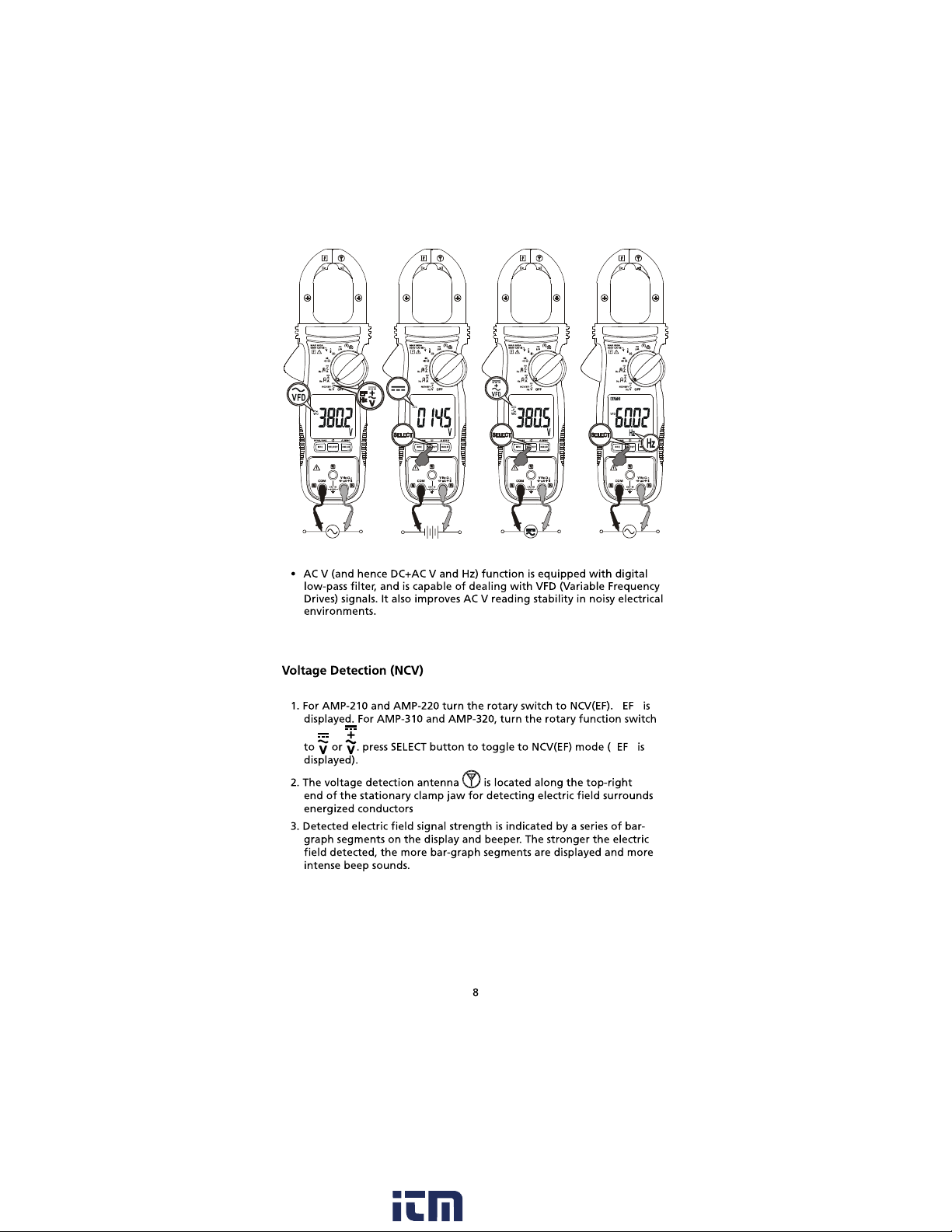
Non-Contact Voltage Detection:
www. .com information@itm.com1.800.561.8187