manuals.online logo
Brands
  1. Home
  2. •
  3. Brands
  4. •
  5. AMX
  6. •
  7. Recording Equipment
  8. •
  9. AMX AXB-DMX512 DMX512 INTERFACE User manual

AMX AXB-DMX512 DMX512 INTERFACE User manual

Other manuals for AXB-DMX512 DMX512 INTERFACE

3

Other AMX Recording Equipment manuals

AMX TPI-PRO-2 User manual

AMX

AMX TPI-PRO-2 User manual

AMX AXC-RCVI Guide

AMX

AMX AXC-RCVI Guide

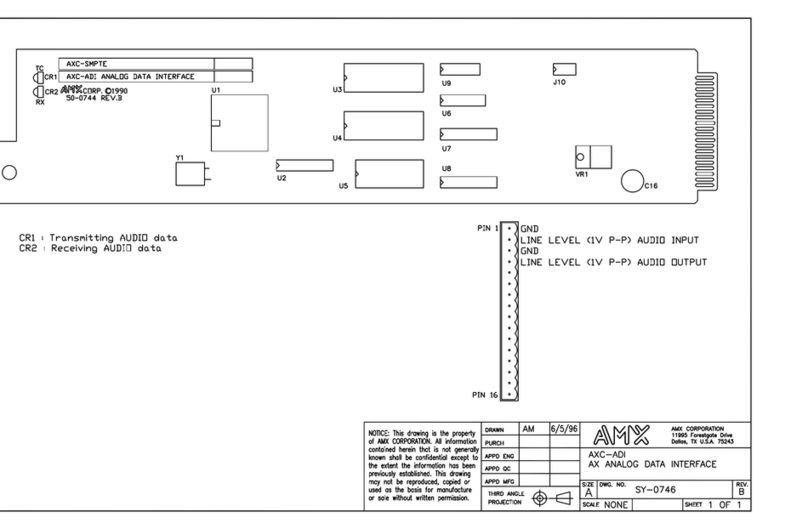
AMX AXC-ADI Guide

AMX

AMX AXC-ADI Guide

AMX AXC-SLD Guide

AMX

AMX AXC-SLD Guide

AMX IP Link Interface RMS User manual

AMX

AMX IP Link Interface RMS User manual

AMX AXB-IRS4 User manual

AMX

AMX AXB-IRS4 User manual

AMX IRIS Parts list manual

AMX

AMX IRIS Parts list manual

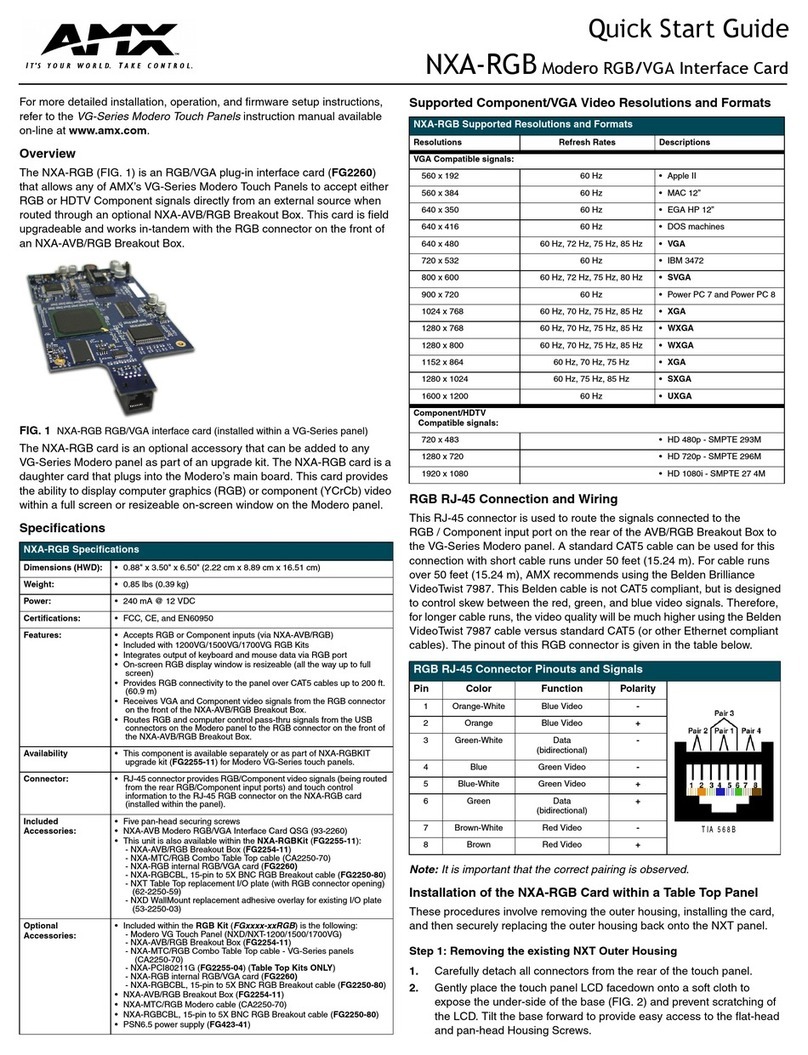
AMX NXA-RGB User manual

AMX

AMX NXA-RGB User manual

AMX AXC-DTMF Plus Guide

AMX

AMX AXC-DTMF Plus Guide

AMX DAS-M-0404 User manual

AMX

AMX DAS-M-0404 User manual

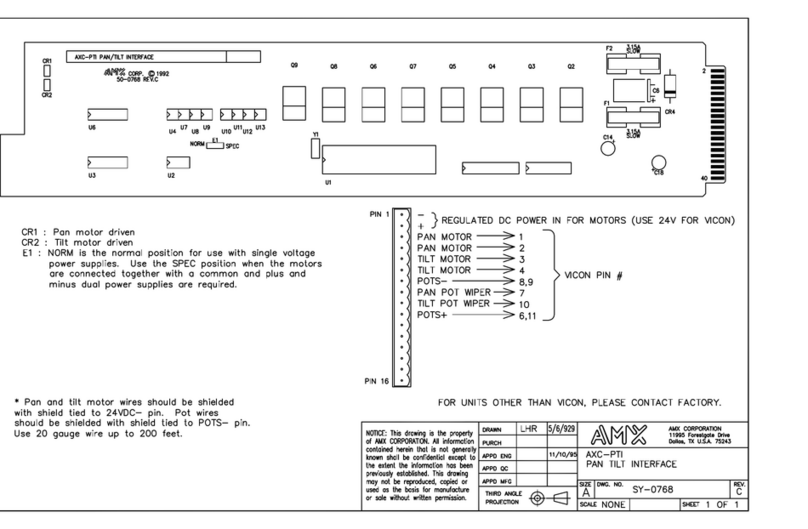
AMX AXC-PTI Guide

AMX

AMX AXC-PTI Guide

AMX Tango DAS-T0804-SIG User manual

AMX

AMX Tango DAS-T0804-SIG User manual

AMX TPI-PRO-DVI-2 User manual

AMX

AMX TPI-PRO-DVI-2 User manual

AMX AXB-SLD Guide

AMX

AMX AXB-SLD Guide

AMX AXC-232 Plus plus Guide

AMX

AMX AXC-232 Plus plus Guide

AMX NetLinx NXP-TPI/4 User manual

AMX

AMX NetLinx NXP-TPI/4 User manual

AMX TPI-PRO-DVI-2 User manual

AMX

AMX TPI-PRO-DVI-2 User manual

AMX Distributed Audio Controllers Delta Series User manual

AMX

AMX Distributed Audio Controllers Delta Series User manual

AMX DAS-M-0404 Parts list manual

AMX

AMX DAS-M-0404 Parts list manual

AMX NXB-KNX Parts list manual

AMX

AMX NXB-KNX Parts list manual

AMX Tango Parts list manual

AMX

AMX Tango Parts list manual

AMX AXB-PCCOM AXLINK TO PC COMMUNICATIONS PORT... User manual

AMX

AMX AXB-PCCOM AXLINK TO PC COMMUNICATIONS PORT... User manual

AMX AXB-DMX512 DMX512 INTERFACE User manual

AMX

AMX AXB-DMX512 DMX512 INTERFACE User manual

AMX AXC-OXM Guide

AMX

AMX AXC-OXM Guide

Popular Recording Equipment manuals by other brands

Philips CDR 765 null

Philips

Philips CDR 765 null

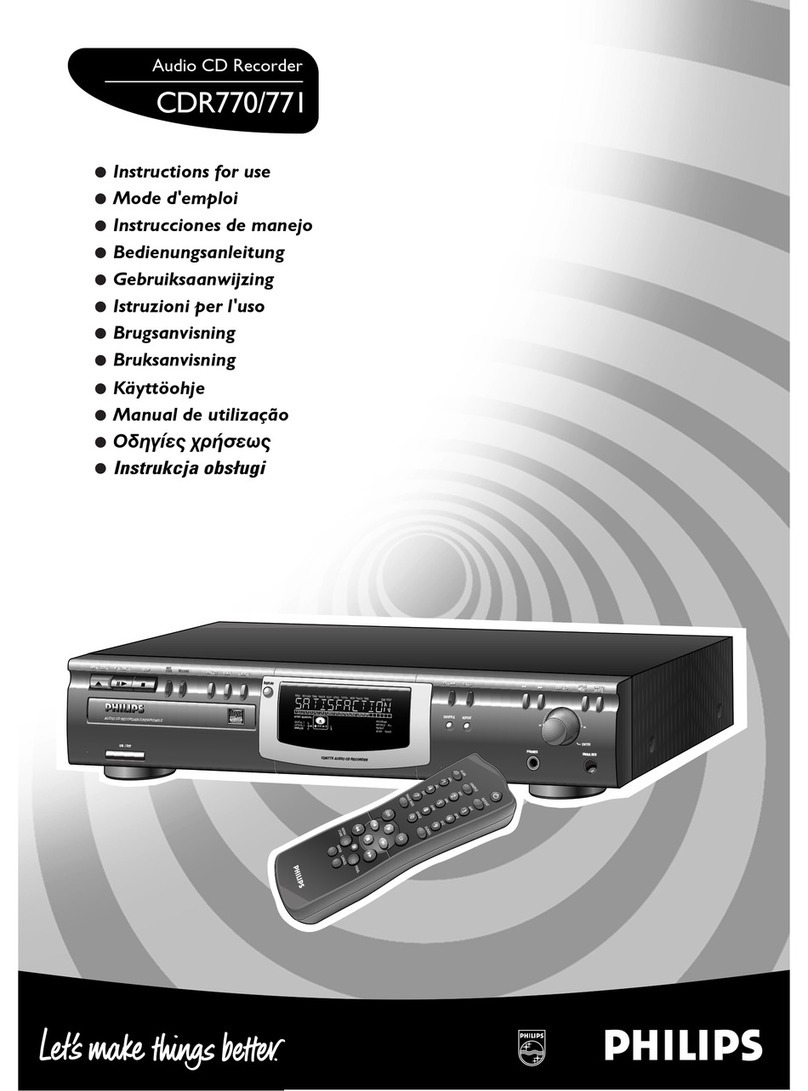
Philips CDR770 null

Philips

Philips CDR770 null

KV2 Audio 500 Series user guide

KV2 Audio

KV2 Audio 500 Series user guide

Robotics Technologies microBus-Cam II installation manual

Robotics Technologies

Robotics Technologies microBus-Cam II installation manual

Seca 460 quick start guide

Seca

Seca 460 quick start guide

Cognex MVS-8000 Series Hardware manual

Cognex

Cognex MVS-8000 Series Hardware manual

Mect MPNC006 Series user manual

Mect

Mect MPNC006 Series user manual

Bad Caf THE LEASH operating manual

Bad Caf

Bad Caf THE LEASH operating manual

Strymon NIGHTSKY user manual

Strymon

Strymon NIGHTSKY user manual

Mitsubishi Electric 16CH DIGITAL RECORDER DX-TL5000U user manual

Mitsubishi Electric

Mitsubishi Electric 16CH DIGITAL RECORDER DX-TL5000U user manual

Tews Technologies TPMC465 user manual

Tews Technologies

Tews Technologies TPMC465 user manual

Honeywell Excel 50 user guide

Honeywell

Honeywell Excel 50 user guide

SeaLevel COMM+8.LPCI user manual

SeaLevel

SeaLevel COMM+8.LPCI user manual

Arturia AUDIOFUSE STUDIO user manual

Arturia

Arturia AUDIOFUSE STUDIO user manual

Rukra RK-1240 quick start guide

Rukra

Rukra RK-1240 quick start guide

Samson SCOM owner's manual

Samson

Samson SCOM owner's manual

Dynacord DPS260 owner's manual

Dynacord

Dynacord DPS260 owner's manual

Pyle Pro PSS8 manual

Pyle Pro

Pyle Pro PSS8 manual

manuals.online logo
manuals.online logoBrands
  • About & Mission
  • Contact us
  • Privacy Policy
  • Terms and Conditions

Copyright 2025 Manuals.Online. All Rights Reserved.

dmx512 interface
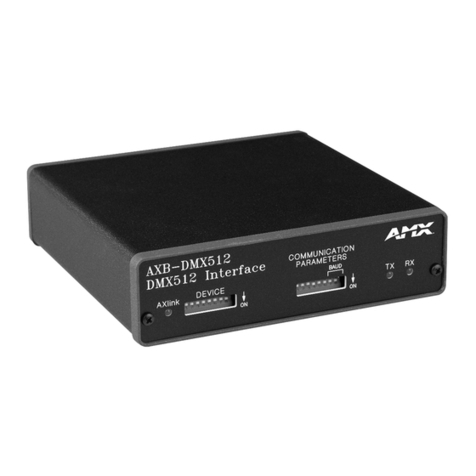
The AXB-DMX512 Interface acts as an intelligent bi-directional DMX512 to
AXLink interface, transmitting and receiving up to 512 DMX channels for
lighting dimmers, spotlights, and other DMX control applications.
An intelligent interface, the AXB-DMX512 contains onboard processing
and memory. DMX channels can be grouped, soft-patched, or assigned to
afader.Up to 72 presets (284 presets with added memory) can be stored
and recalled from internal memory.
ADMX lighting boardcan operate in tandem with the AXB-DMX512,
generate levels for storing internal presets, or bypass the interface for
direct control of channels. The board’s channel commands will not be
affected by AXB-DMX512 channel patches or groupings.
The AXB-DMX512 can be extended up to 3,000 feet using the AXLink
data/power bus. The optional AC-RK Accesory Rack Kit is available for
rack mounting.
IN OUT
DATA
GND
GND
DATA
DATA
DATA
NC
DATA
DATA
DATA
DATA
NC
1
2
1
2
1
1
2
2
AXlink
GND
AXP
AXM
PWR
1.51
[38.4 MM]
5.450
5.55
[138.4 MM]
[141.0 MM]
AXB-DMX512 (front)
AXB-DMX512 (rear)
AXB-DMX512 (top)
5.55
[141.0 MM]
5.450
[138.4 MM]
1.51
[38.4 MM]
dmx512 interface
ARGENTINA • AUSTRALIA • BELGIUM • BRAZIL • CANADA • CHINA • ENGLAND • FRANCE • GERMANY • GREECE • HONG KONG • INDIA • INDONESIA • ITALY • JAPAN
LEBANON • MALAYSIA • MEXICO • NETHERLANDS • NEW ZEALAND • PHILIPPINES • PORTUGAL • RUSSIA • SINGAPORE • SPAIN • SWITZERLAND • THAILAND • TURKEY • USA
ATLANTA • BOSTON • CHICAGO • CLEVELAND • DALLAS • DENVER • INDIANAPOLIS • LOS ANGELES • MINNEAPOLIS • PHILADELPHIA • PHOENIX • PORTLAND • SPOKANE • TAMPA
3000 RESEARCH DRIVE, RICHARDSON, TX 75082 • 800.222.0193 • 469.624.8000 • +1.469.624.7400 • 469.624.7153 fax • www.amx.com
©2006 AMX. All rights reserved. AMX and the AMX logo are all trademarks of AMX. AMX reserves the right to alter specifications without notice at any time.
AXB-DMX512 (FG5972)
•Generates DMX512 data signals
(data stream software adjustable from 1 to 512 channels)
•Receives DMX commands from a USITT DMX lighting console
or other sources
•Stores channel groups, patches, and up to 72 presets in non-
volatile onboard memory, 284 with optional extended memory
(EXM-256KB)
•Assigns channels to as many as 8 groups as well as attaches
both channels and groups to up to 8 faders
•Operates in tandem with DMX lighting board
(highest level has precedence)
•Provides bypass mode to allow direct control from a lighting
boardor DMX source
•Re-transmits DMX data from external sources without affecting
the source’s channel grouping or patches
•Extends control up to 3,000 feet via the AXLink data/power bus
•Mounts in equipment rack with optional AC-RK Accessory Rack Kit

FRONT PANEL
AXLink: Green LED lights to show status of AXLink
communication and DC power
Device: 8-position device assignment DIP switch
TX: Red LED lights when transmitting DMX data
RX: Red LED lights when receiving DMX data
REAR PANEL
In: 6-pin DMX In jack
Out: 6-pin DMX Out jack
AXLink: 4-pin jack for AXLink data/power bus
ENCLOSURE
•Metal with black matte finish
DIMENSIONS (HWD)
•1.51" x 5.55" x 5.45" (38.4 cm x 14.10 cm x 13.84 cm)
WEIGHT
•1.1 lbs (513.0 g)
POWER
•12 VDC at 160 mA
INCLUDES
•One 4-pin AXLink connector
•Two 6-pin DMX connectors
OPTIONS
•AC-RK Accessory Rack Kit

•EXM-256KB Extended Memory