Indicator will turn off.
After pairing for the first time, your device will connect to the keyboard automatically when
opening the keyboard.
Note: In case of connect failure, delete the pairing record from your device, and repeat the
procedures above.
Power Saving Mode
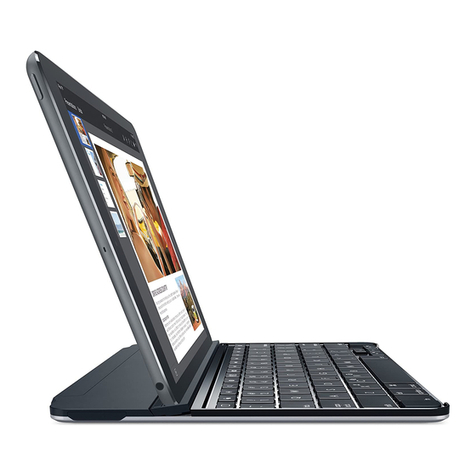
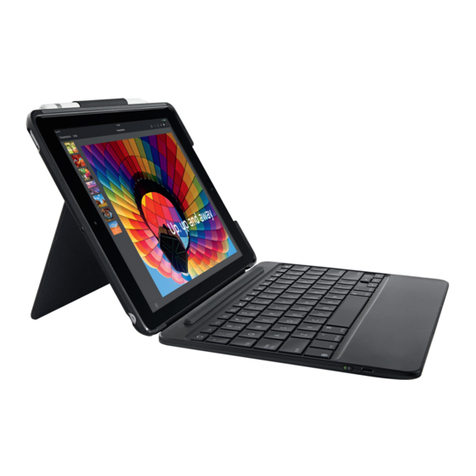
The keyboard cover will enter sleep mode after being idle for 15 minutes. To activate it, press
any key and wait for 3 seconds.
Charging Instructions
When the battery power is low, the Power Indicator will turn red, indicating that it is time to
recharge the keyboard cover.
1. Connect the micro end of the USB power cable to the micro USB port on the keyboard cover.
2. Connect the other end of the cable to a power adapter or computer USB port.
3. The Power Indicator will show a solid light while the keyboard cover is charging. Once it is
fully charged, the Power Indicator will turn green.
Usage Tips
● Do not place heavy objects on the keyboard cover.
● Do not drop the product, bump it against hard surfaces, or dismantle it.
● Keep the product away from oil, chemicals, and liquids.
● Clean the keyboard by lightly wiping it with a slightly damp cloth.
● Dispose of batteries according to local laws.
Federal Communication Commission Interference Statement
This device complies with Part 15 of the FCC Rules. Operation is subject to the following two
conditions:
1. This device may not cause harmful interference.
2. This device must accept any interference received, including interference that may cause
undesired operation. Caution: Changes or modifications not expressly approved by the
party responsible for compliance could void the user’s authority to operate the equipment.