manuals.online logo
Brands
  1. Home
  2. •
  3. Brands
  4. •
  5. AntennaCraft
  6. •
  7. Antenna
  8. •
  9. AntennaCraft U2000 User manual

AntennaCraft U2000 User manual

This manual suits for next models

4

Other AntennaCraft Antenna manuals

AntennaCraft HDX1000 User manual

AntennaCraft

AntennaCraft HDX1000 User manual

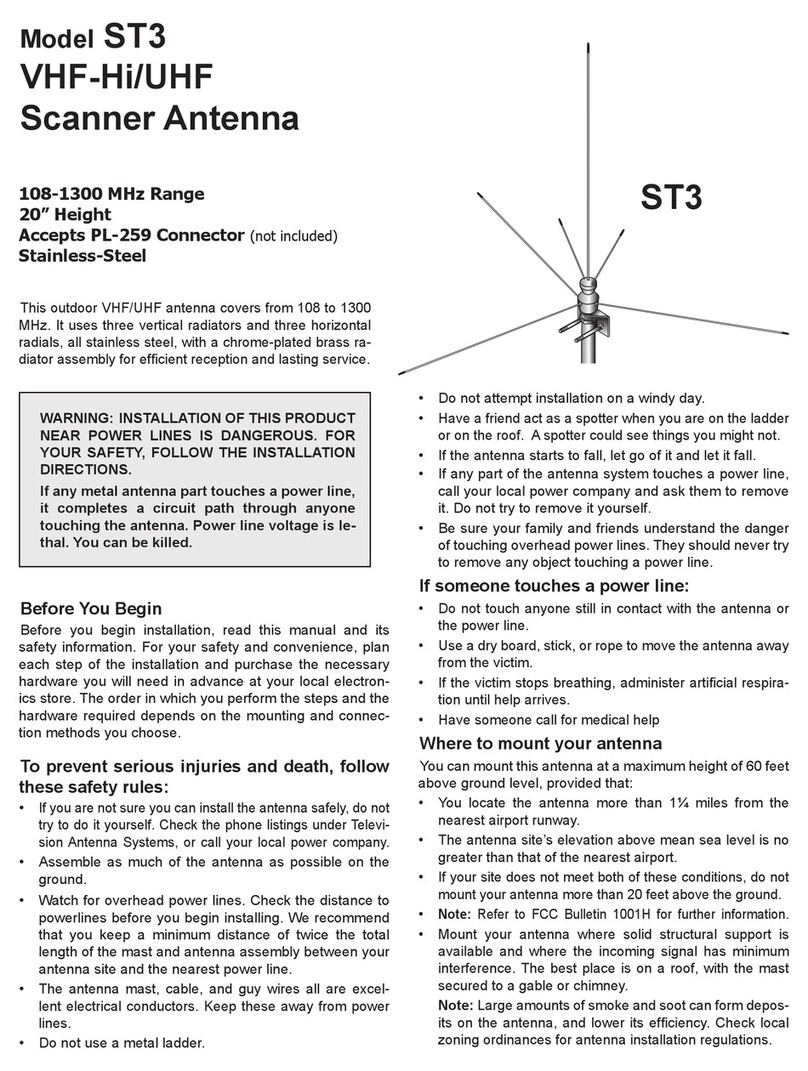
AntennaCraft ST3 User manual

AntennaCraft

AntennaCraft ST3 User manual

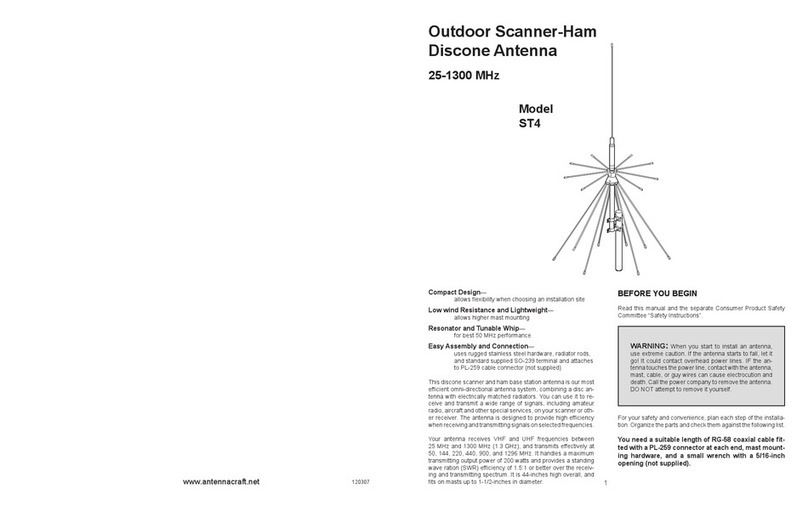
AntennaCraft ST4 User manual

AntennaCraft

AntennaCraft ST4 User manual

AntennaCraft 1500080 User manual

AntennaCraft

AntennaCraft 1500080 User manual

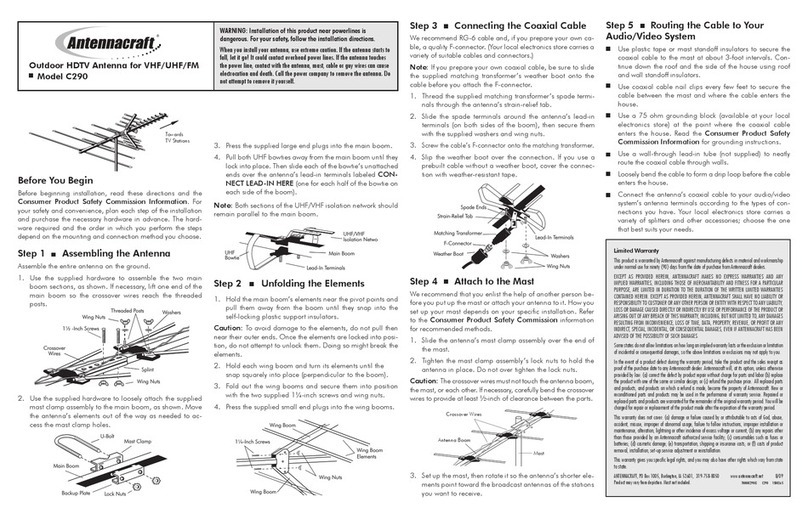
AntennaCraft C290 User manual

AntennaCraft

AntennaCraft C290 User manual

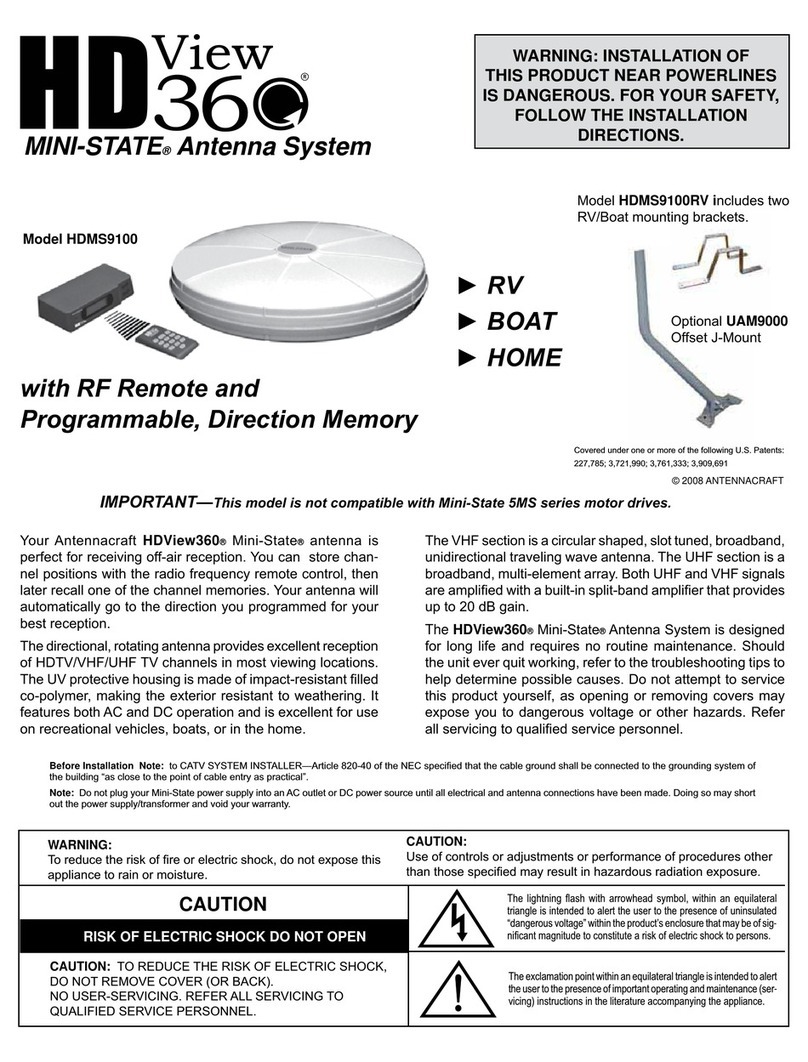
AntennaCraft HDView360 MINI-STATE HDMS9100 User manual

AntennaCraft

AntennaCraft HDView360 MINI-STATE HDMS9100 User manual

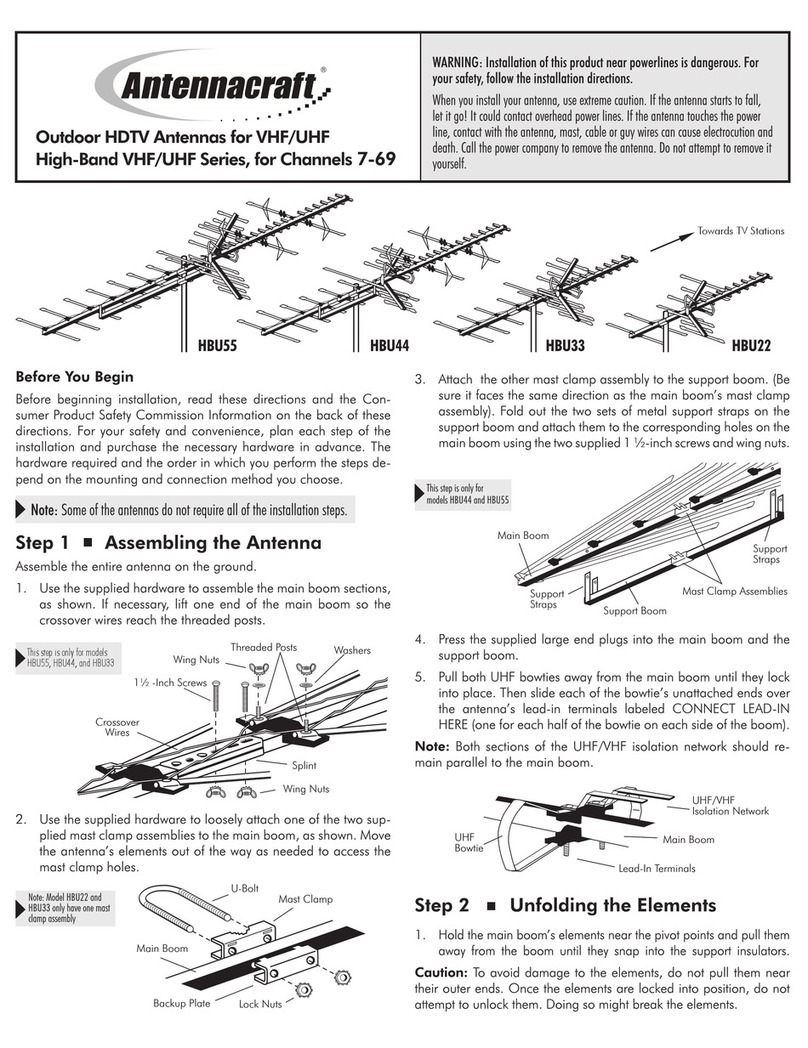
AntennaCraft HBU55 User manual

AntennaCraft

AntennaCraft HBU55 User manual

AntennaCraft Mini State 5MS9000 User manual

AntennaCraft

AntennaCraft Mini State 5MS9000 User manual

Popular Antenna manuals by other brands

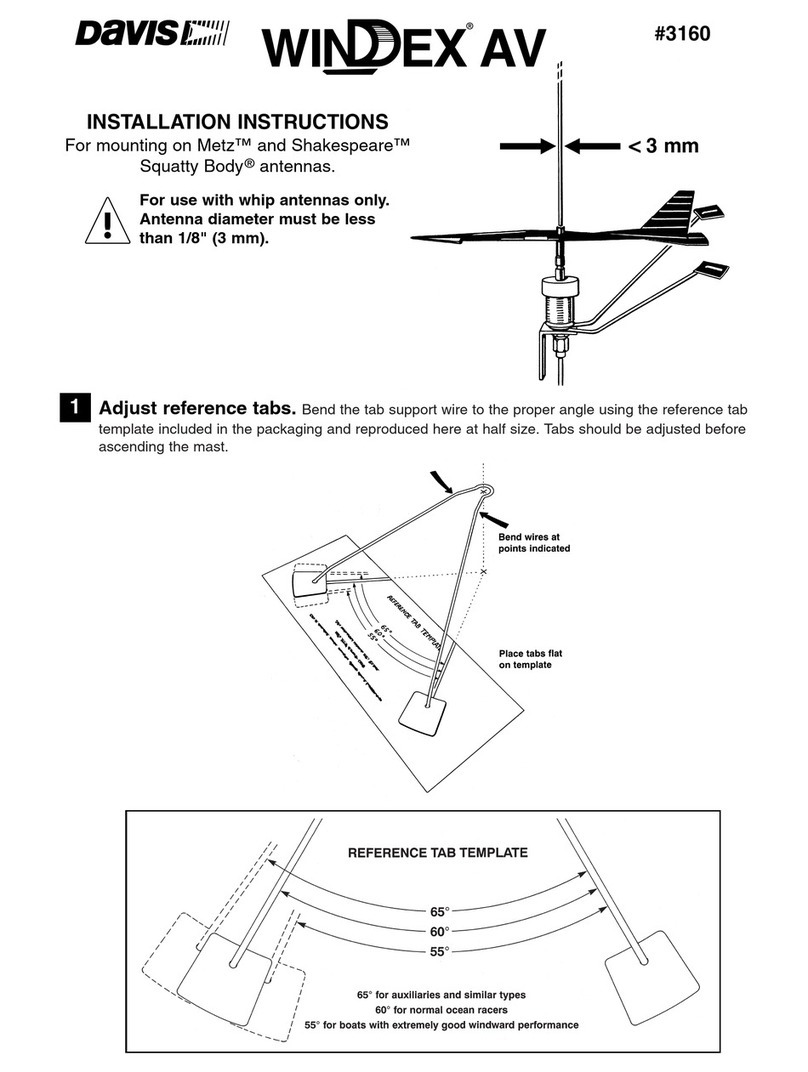
DAVIS Windex AV 3160 installation instructions

DAVIS

DAVIS Windex AV 3160 installation instructions

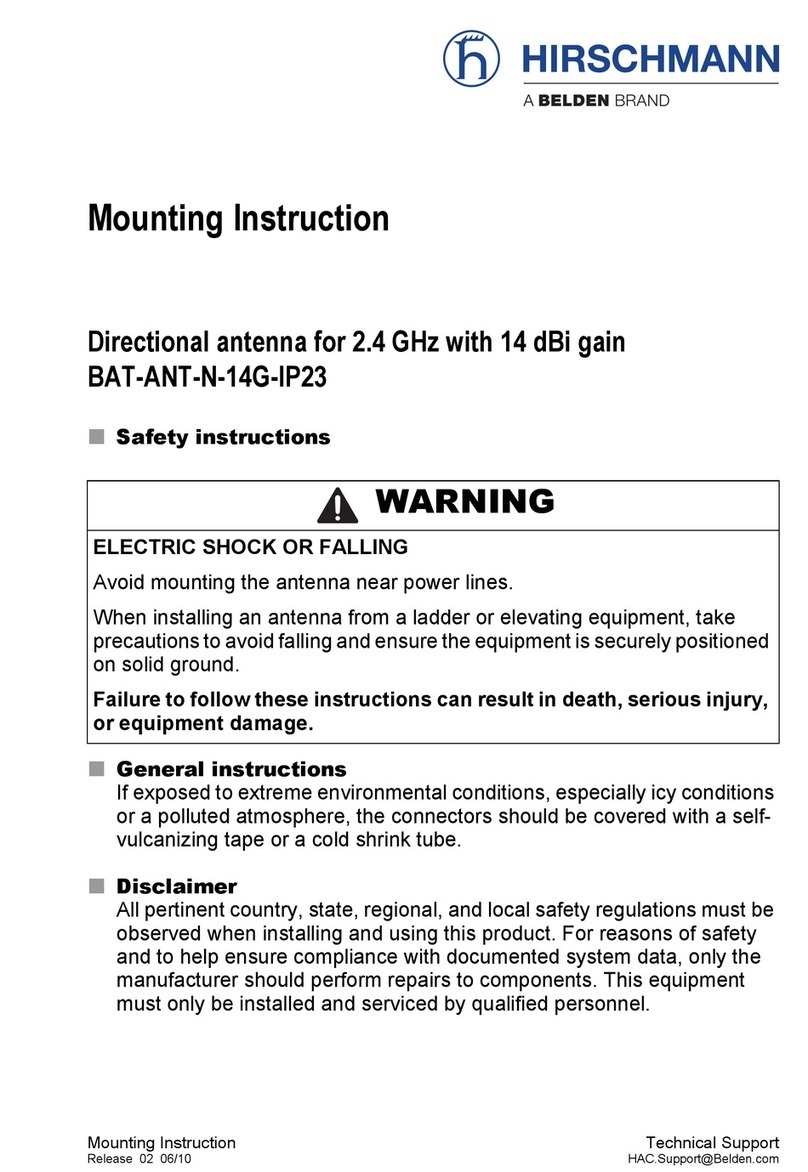
Belden Hirschmann BAT-ANT-N-14G-IP23 Mounting instruction

Belden

Belden Hirschmann BAT-ANT-N-14G-IP23 Mounting instruction

Vtronix YHK Fitting instructions

Vtronix

Vtronix YHK Fitting instructions

KVH Industries TracVision 6 Technical manual

KVH Industries

KVH Industries TracVision 6 Technical manual

Leica Geosystems GS10 user manual

Leica Geosystems

Leica Geosystems GS10 user manual

Sirio Antenne Gain-Master manual

Sirio Antenne

Sirio Antenne Gain-Master manual

Sony VCA-41 Installation/connections

Sony

Sony VCA-41 Installation/connections

ZCG Y100 Series installation guide

ZCG

ZCG Y100 Series installation guide

Advantech Wireless INTREPID120 Assembly instructions

Advantech Wireless

Advantech Wireless INTREPID120 Assembly instructions

Cerio ANT-10AO installation guide

Cerio

Cerio ANT-10AO installation guide

Alfa Network APA-L01 Specifications

Alfa Network

Alfa Network APA-L01 Specifications

Naval PR-422CA Operation manual

Naval

Naval PR-422CA Operation manual

Feig Electronic ID ISC.ANTH200/200 Series manual

Feig Electronic

Feig Electronic ID ISC.ANTH200/200 Series manual

TERK Technologies TV44 owner's manual

TERK Technologies

TERK Technologies TV44 owner's manual

TERK Technologies SIR3 owner's manual

TERK Technologies

TERK Technologies SIR3 owner's manual

Directive Systems & Engineering DSE2324LYRMK quick start guide

Directive Systems & Engineering

Directive Systems & Engineering DSE2324LYRMK quick start guide

HP J8999A instructions

HP

HP J8999A instructions

MobilSat MSP-S Mounting instructions

MobilSat

MobilSat MSP-S Mounting instructions

manuals.online logo
manuals.online logoBrands
  • About & Mission
  • Contact us
  • Privacy Policy
  • Terms and Conditions

Copyright 2025 Manuals.Online. All Rights Reserved.

U8000 U4000 U2000
8-Bay UHF Antenna 4-Bay UHF Antenna 2-Bay UHF Antenna
BEFORE YOU BEGIN
Read this manual and separate Consumer Product Safety
Commission information. For your safety and convenience,
plan each step of the installation and purchase the nec-
essary hardware in advance. The order in which you
perform the steps and the hardware required depends on
the mounting and connection methods you choose.
Note: There is no built-in VHF feed thru feature on these
antennas.
We recommend two people assemble the entire antenna on
the ground, and then mount the assembled antenna on the
mast.
Warning: When you install your antenna, use
extreme caution. If the antenna starts to fall, let it
go! It could contact overhead power lines. If the
antenna touches the power lines or guy wires it
can cause electrocution and death. Call the power
company to remove the antenna.
Do not attempt to remove it yourself.
ASSEMBLING THE ANTENNA
1. Press the supplied end plugs into the ends of the
antenna booms.
2. For Model U8000 only: Use the supplied
hardware to loosely attach the supplied mast clamp
assemblies (mast clamp, backup plate, U-bolt and
locknuts) through the holes on the cross booms.
Note: There is an extra mast clamp, U-bolt and
lock nuts to secure the aluminum leg at the bottom
plastic connector marked CONNECT LEAD-IN
HERE.
Model U8000
For Models U2000 and U4000: The mast clamps are pre-
attached to the main boom and you need only attach the
U-bolts and nuts
WARNING: Installation of this
product near power lines is
DANGEROUS. For your safety,
follow the installation directions.
CONNECTING LEAD-IN CABLE TO THE ANTENNA
We recommend RG-6 cable, and if you prepare your own
cable, a quality F-connector.
Note: If you prepare your own cable, slide the 300 to 75
Ohm matching transformer’s weather boot onto the cable
before you attach.
1. Slide the transformer’s spade terminal ends around the
antenna’s lead-in terminals marked CONNECT LEAD-
IN HERE tag. Secure them with the supplied flat
washers and large wing nuts.
Note: Models U2000 and U4000 do not have a
CONNECT LEAD-IN HERE tag. Connect the
transformer’s spade terminal ends to the terminals on
the middle plastic insulator.
2. Screw the F-connector onto the 300 to 75 Ohm
matching transformer. Then slip the weatherboot over
the connection. Note: If you use a cable without a
weatherboot, cover the connection with weatherproof
tape.
ATTACHING THE MAST
We recommend that you get the help of another person
before you put up the mast or attach your antenna to it.
How you set up the mast depends on your specific
installation. Refer to the separate Consumer Product
Safety Commission information for recommended methods.
1. Slide the antenna’s loosely attached mast clamp
assemblies over the top of the mast and tighten the
nuts just enough to hold the antenna in place. Take
care not to overtighten the nuts.
Caution: The crossover wires must not touch the
antenna boom, the mast or each other. If necessary,
carefully bend the crossover wires to provide at least ½
inch of clearance.
2. For Model U8000 only: Secure the CONNECT LEAD-
IN HERE plastic insulator to the mast by inserting its
aluminum leg between the U-bolt and the mast.
Loosely tighten the locknuts to hold the leg against the
mast but do not overtighten.
Note: This U-bolt will face the opposite direction as the
other two U-bolts on the antenna mast
3. Rotate the antenna so its front (the side with the wire
bowties) faces toward the TV stations you want to
receive. Finally, tighten all mast clamp assemblies, but
do not overtighten.
ROUTING THE CABLE TO YOUR TV
Use plastic tape to secure the coaxial cable to the mast
at about 3-foot intervals.
Use coaxial nail clips every few feet to secure the cable
between the mast and where the cable enters the
house.
Use a 75-Ohm grounding block at the point where the
coaxial cable enters the house. Read the Consumer
Product Safety Commission information for grounding
instructions.
Use a drip-loop before the coaxial cable is routed into
the house.
Use a wall-through tube to neatly route the coaxial
cable through the wall.
www.antennacraft.net
Models: U2000, U4000, U8000, 1500282, 1500283
Rev. 10/2012