CARMEN ANPR INSTALL GUIDE
INSTALLING CARMEN®ANPR
1. SYSTEM REQUIREMENTS
Minimum system requirements:
Intel Pentium III 1GHz CPU or higher (or any other fast x86 or x64 compatible CPU)
512 Mbytes of RAM or more
Free PCIe slot with bus mastering option or USB 2.0 port
Windows 7, 8, 8.1, 10 32/64 bit or Linux (current releases of Ubuntu, Fedora, Debian or Red
Hat) operating system
For
CARMEN®ANPR:
image files (.jpg, .bmp, .png, .jpeg2000) loaded from a mass storage
drive or directly from memory as input
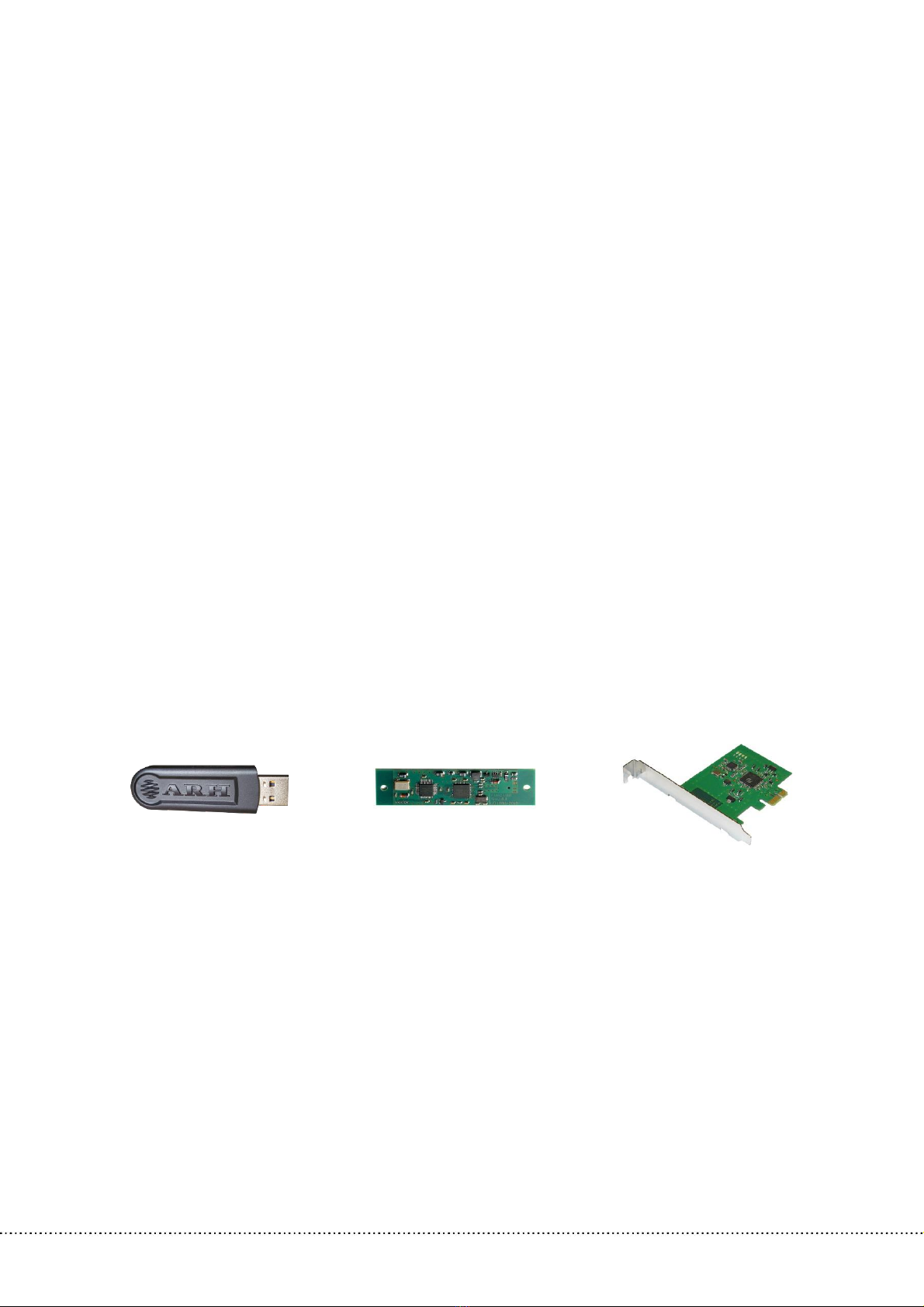
In order to run CARMEN®ANPR, you should either have a USB 2.0 port NNC or PCIe NNC. This
is a form of HW protection for the software, the dongle includes the license.
The system requirements detailed above are the minimum specifications that CARMEN®
can run on. Using a computer with the specifications above will result in lower processing
speeds. Therefore, a higher performance PC is recommended if faster processing times
are required. The speed of image processing greatly depends on the clock speed of the
processor. Due to the high amount of calculation, hyper-threading and other emulation
technologies do not yield advantages in terms of performance. A CARMEN® engine will
run optimally on a CPU that is 3 GHz or faster.