manuals.online logo
Brands
  1. Home
  2. •
  3. Brands
  4. •
  5. AT&T
  6. •
  7. Extender
  8. •
  9. AT&T AirTies 4971 User instructions

AT&T AirTies 4971 User instructions

Other manuals for AirTies 4971

3

Other AT&T Extender manuals

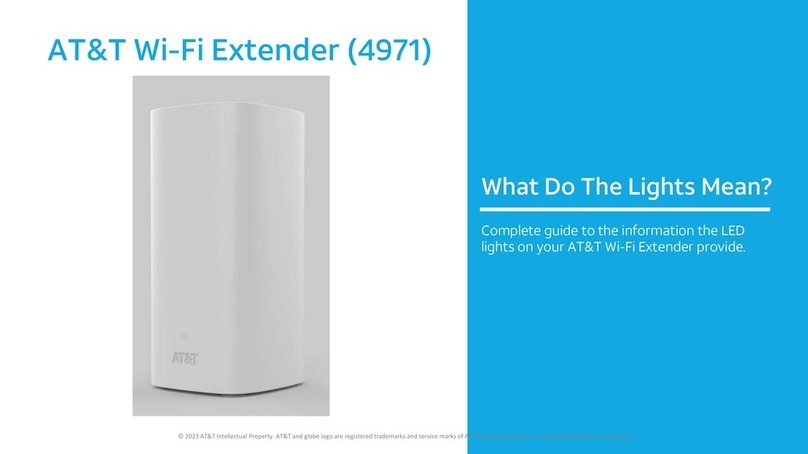
AT&T AirTies 4971 User manual

AT&T

AT&T AirTies 4971 User manual

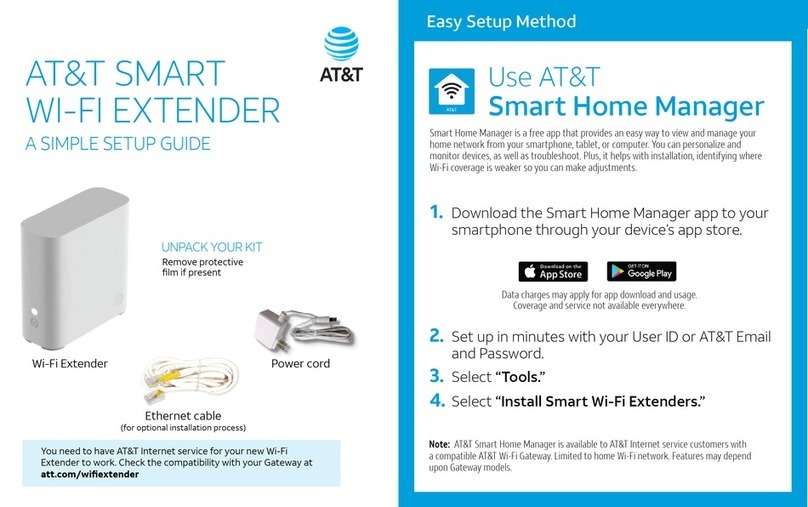
AT&T Smart Wi-Fi Extender User manual

AT&T

AT&T Smart Wi-Fi Extender User manual

AT&T 3G MicroCell User manual

AT&T

AT&T 3G MicroCell User manual

AT&T AirTies 4971 User manual

AT&T

AT&T AirTies 4971 User manual

AT&T 3G MicroCell User manual

AT&T

AT&T 3G MicroCell User manual

AT&T ATT180180946 User manual

AT&T

AT&T ATT180180946 User manual

AT&T AirTies 4971 User manual

AT&T

AT&T AirTies 4971 User manual

AT&T metrocell 9962 User manual

AT&T

AT&T metrocell 9962 User manual

AT&T Smart Wi-Fi Extender User manual

AT&T

AT&T Smart Wi-Fi Extender User manual

AT&T Smart Wi-Fi Extender User manual

AT&T

AT&T Smart Wi-Fi Extender User manual

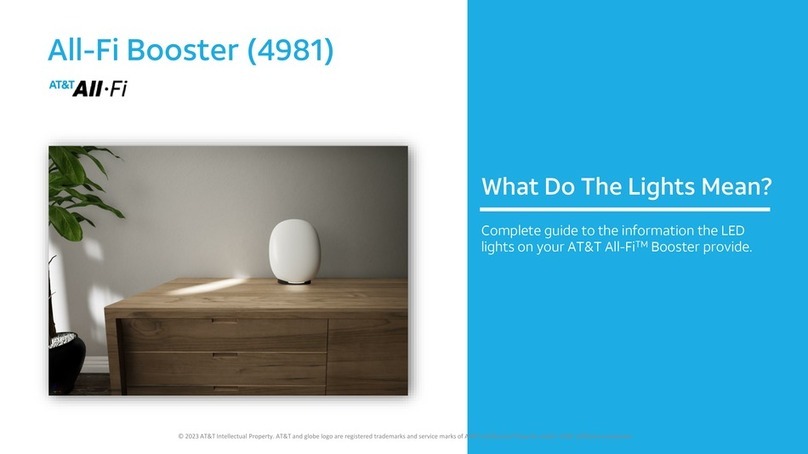
AT&T 4981 User manual

AT&T

AT&T 4981 User manual

AT&T MicroCell User manual

AT&T

AT&T MicroCell User manual

AT&T Smart Wi-Fi Extender User manual

AT&T

AT&T Smart Wi-Fi Extender User manual

AT&T MicroCell User manual

AT&T

AT&T MicroCell User manual

AT&T 3G MicroCell Series Operating instructions

AT&T

AT&T 3G MicroCell Series Operating instructions

AT&T Smart Wi-Fi Extender User manual

AT&T

AT&T Smart Wi-Fi Extender User manual

AT&T Smart Wi-Fi Extender User manual

AT&T

AT&T Smart Wi-Fi Extender User manual

Popular Extender manuals by other brands

Paugge ENT-EXT20B user manual

Paugge

Paugge ENT-EXT20B user manual

REIGN XRE-100 manual

REIGN

REIGN XRE-100 manual

Lindy 42805 user manual

Lindy

Lindy 42805 user manual

Digi ConnectPort Network Device user manual

Digi

Digi ConnectPort Network Device user manual

British General N300 instructions

British General

British General N300 instructions

VPI ST-WLHDMI-L-30M Installation and operation manual

VPI

VPI ST-WLHDMI-L-30M Installation and operation manual

Gefen EXT-DIGAUD-141 user manual

Gefen

Gefen EXT-DIGAUD-141 user manual

AMX netlinx NXC-MPE Dimensional drawing

AMX

AMX netlinx NXC-MPE Dimensional drawing

SY HDBT-60T installation guide

SY

SY HDBT-60T installation guide

Appsys ProAudio ADX-16 user manual

Appsys ProAudio

Appsys ProAudio ADX-16 user manual

Atlona RS232 user manual

Atlona

Atlona RS232 user manual

IDK OPF-TH1000-A user guide

IDK

IDK OPF-TH1000-A user guide

Enable-IT 824WP quick start guide

Enable-IT

Enable-IT 824WP quick start guide

Worx Landroid RadioLink WA0864 Get started

Worx

Worx Landroid RadioLink WA0864 Get started

TP-Link TL-WA730RE user guide

TP-Link

TP-Link TL-WA730RE user guide

Camplex CMX-HDMI-SFPL user manual

Camplex

Camplex CMX-HDMI-SFPL user manual

SC&T HE03-4K user manual

SC&T

SC&T HE03-4K user manual

Samsung SCS-26UC4 user guide

Samsung

Samsung SCS-26UC4 user guide

manuals.online logo
manuals.online logoBrands
  • About & Mission
  • Contact us
  • Privacy Policy
  • Terms and Conditions

Copyright 2025 Manuals.Online. All Rights Reserved.

1Connect with AT&T Smart Home Manager app
2 Connect with Ethernet
3 Troubleshooting and tips
Setting up your Smart Wi-Fi Extender
Choose 1 of 2 simple setup options
Tip: Control your home Wi-Fi®network with the Smart Home
Manager app. The Smart Home Manager app is also the best way
to set up your Wi-Fi extender. Do everything from troubleshoot to
manage devices from almost anywhere.
Download the Smart Home Manager app from your
app store or go to att.com/smarthomemanager
1.
2.
3.
Option 1: Connect with
AT&T Smart Home Manager app
Note: AT&T Smart Home Manager
is available to AT&T Internet service
customers with a compatible AT&T
Wi-Fi gateway. Features may depend
upon gateway models. Data rates
may apply for download and usage.
Control and manage your
home Wi-Fi network with the
Smart Home Manager app.
Troubleshoot, check your Wi-
Fi connection strength, and
manage devices from pretty
much anywhere.
The Smart Home
Manager app
For quick setup, open the camera on your smartphone
and hold the camera over the QR code for a few
seconds.
Sign in with your AT&T user ID and password.
Need help? att.com/shmhelp
Select Network Home Network Hardware Add Extender.
Once you see the SOLID WHITE light, you’re all set.
You need to have AT&T Internet service for your new Wi-Fi extender to work. Check the compatibility with your Wi-Fi
gateway at att.com/wiextender The extender needs to be in the room next to the gateway during setup.
1

Attach the extender to the gateway by connecting one end of the YELLOW Ethernet cable to one of the
YELLOW Ethernet ports on the back of the gateway. Attach the other end of the cable to any one of the
YELLOW Ethernet ports on the back of the extender.
Connect the power supply to the extender and plug it into an electrical outlet (not controlled by a light
switch). The power jack LED on the back of the extender should turn SOLID GREEN.Once you see the
SOLID WHITE light on the front of the extender indicating you’re paired, you’re all set.
1.
2.
Tip: Make sure the Ethernet cable is rmly connected.
Once both ends are properly connected, the Ethernet
port LED will turn SOLID GREEN. Aer the extender
has been paired and the front LED is SOLID WHITE,
you can connect another device by Ethernet.
You need to have AT&T Internet service for your new Wi-Fi extender to work. Check the compatibility with your Wi-Fi gateway
at att.com/wiextender The extender needs to be in the room next to the gateway during setup.
Tip: The power light should turn GREEN within one
second and the extender front light will begin to blink
WHITE within 5 seconds. Then, it will begin to boot.
3. Unplug the extender and move it to the room you want the extender in.
2
Option 2: Connect with ethernet
Manage your account. Available 24/7. Download
the myAT&T app at att.com/myattapp
Accessibility support. Braille or large print:
call 800.288.2020
Additional informationNeed more help?
Go to att.com/smarthomemanager or
att.com/support
Go to att.com/wiextender for
additional extender support and a list
of compatible gateways.
© 2021 AT&T Intellectual Property. All rights reserved. AT&T, the AT&T logo and all other marks contained herein are trademarks of AT&T Intellectual Property and/or AT&T aliated companies. All
other marks are the property of their respective owners.
Troubleshooting
Light may ash
up to 5 minutes
while connecting
Not paired
Check if your extender
is working.
Paired and functioning (SOLID WHITE light)
Out of range
Only applicable to WPS Pairing or if
Wi-Fi signal is out of range.
Device is out
of range
Do not place the extender on the oor. Visit att.com/extenderguide to help detect the best
placement for your extender.
Check all cables and cords and reboot the extender using the reset button on the back.
3
Troubleshooting and tips