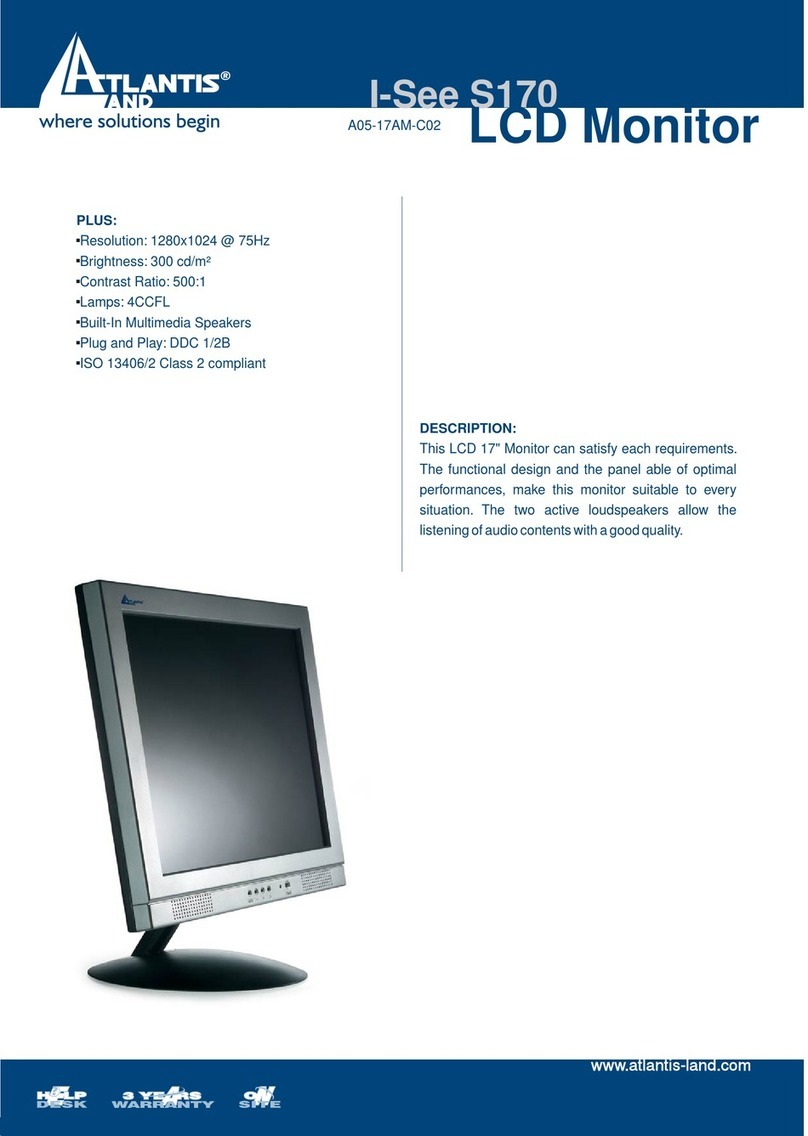
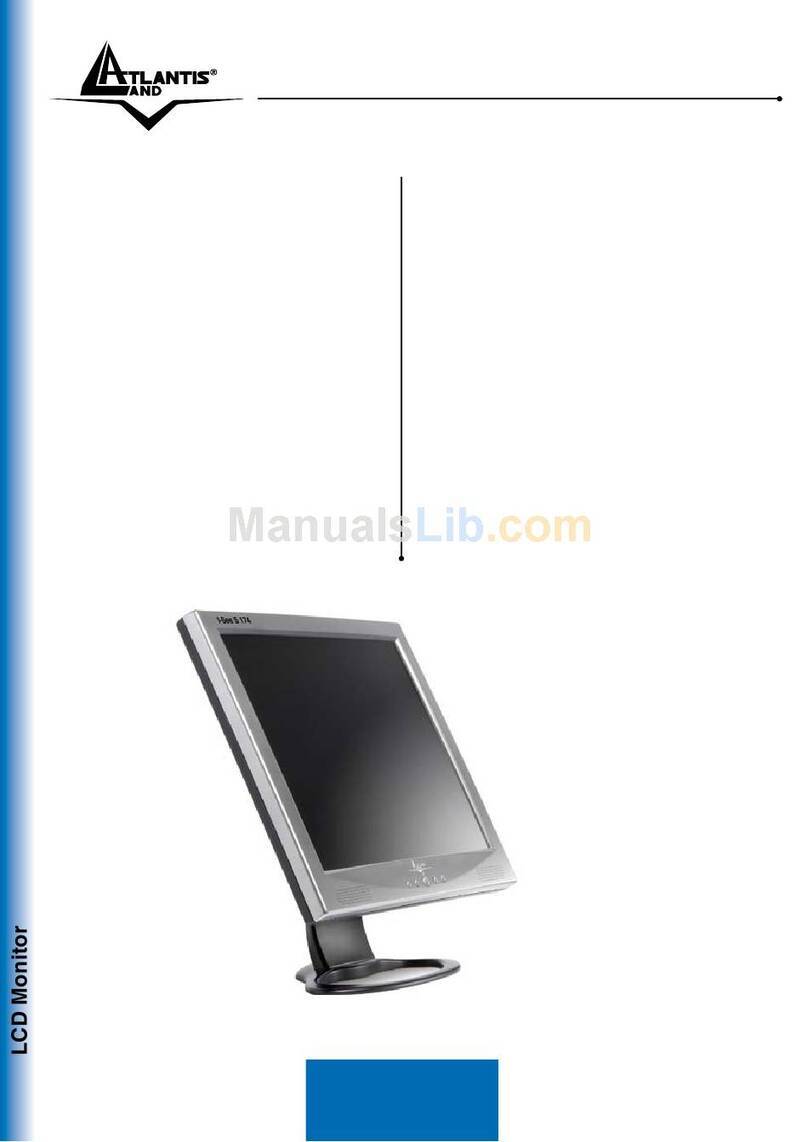
Atlantis Land A05-15AX-C07 User manual

LCD Monitor multi-language manual
I-See S series
A05-15AX-C07
A05-17AM-C06
A05-19AM-C08


INDEX
ENGLISH
IMPORTANT SAFETY INSTRUCTIONS ..............................................................................................1
1. Introduction .......................................................................................................................................2
1.1 General information .................................................................................................................... 2
1.2 Features ..................................................................................................................................... 2
1.3 Check List................................................................................................................................... 3
2. Installation.........................................................................................................................................3
2.1 Install the base............................................................................................................................ 3
2.2 Install the monitor ....................................................................................................................... 4
2.3 Self test pattern........................................................................................................................... 5
2.4 Adjust picture.............................................................................................................................. 5
3. Operations of the monitor..................................................................................................................5
3.1 Power on/off switch..................................................................................................................... 5
3.2 Power LED indicator................................................................................................................... 5
3.3 OSD control keys........................................................................................................................ 6
3.3.1 Auto key ............................................................................................................................... 6
3.3.2 +/- key .................................................................................................................................. 6
3.3.3 Enter key.............................................................................................................................. 6
3.3.4 OSD menu ........................................................................................................................... 6
3.3.5 Function table....................................................................................................................... 7
3.3.6 Special functions.................................................................................................................. 9

3.4 Safety mode ............................................................................................................................. 11
3.5 Timing guide ............................................................................................................................. 11
3.6 Plug & Play ............................................................................................................................... 12
3.7 Power management.................................................................................................................. 12
3.8 Volume adjust........................................................................................................................... 14
4. Specification....................................................................................................................................14
5. Simple troubleshooting....................................................................................................................16
ITALIANO
ISTRUZIONI IMPORTANTI PER LA SICUREZZA..............................................................................17
1. Introduzione ....................................................................................................................................18
1.1 Informazioni generali ................................................................................................................ 18
1.2 Carattristiche principali ............................................................................................................. 18
1.3 Check List................................................................................................................................. 19
2. Installazione ....................................................................................................................................19
2.1 Installare la base....................................................................................................................... 19
2.2 Installazione del monitor ........................................................................................................... 20
2.3 Pattern di auto test.................................................................................................................... 21
2.4 Regolazione dell’ immagine...................................................................................................... 21
3. Funzionalità del monitor..................................................................................................................22
3.1 Pulsante on/off.......................................................................................................................... 22
3.2 LED frontale.............................................................................................................................. 22
3.3 Tasti di controllo OSD............................................................................................................... 22

3.3.1 Tasto Auto.......................................................................................................................... 22
3.3.2 Tasti +/-.............................................................................................................................. 22
3.3.3 Tasto Enter......................................................................................................................... 22
3.3.4 Menù OSD ......................................................................................................................... 23
3.3.5 Tabella delle funzioni ......................................................................................................... 24
3.3.6 Funzioni speciali................................................................................................................. 25
3.4 Safety mode ............................................................................................................................. 27
3.5 Guida al timing.......................................................................................................................... 28
3.6 Plug & Play ............................................................................................................................... 29
3.7 Risparmio energetico................................................................................................................ 29
3.8 Regolazione volume ................................................................................................................. 30
4. Specifiche .......................................................................................................................................30
5. Risoluzione problemi.......................................................................................................................32
FRANCAIS
IMPORTANT INSTRUCTIONS DE SECURITE ..................................................................................33
1. Introduction .....................................................................................................................................34
1.1 Informations générales ............................................................................................................. 34
1.2 Caractéristiques........................................................................................................................ 34
1.3 Déballage ................................................................................................................................. 35
2. Installation.......................................................................................................................................35
2.1 Installation de la base............................................................................................................... 35
2.2 Installation du moniteur............................................................................................................. 36

2.3 Auto test ................................................................................................................................... 37
2.4 Ajuster l’affichage ..................................................................................................................... 37
3. Opérations ......................................................................................................................................37
3.1 Bouton Marche/Arrêt................................................................................................................. 37
3.2 Diode LED ................................................................................................................................ 37
3.3 Touches de contrôle OSD ........................................................................................................ 38
3.3.1 Touche auto ....................................................................................................................... 38
3.3.2 Touches +/-........................................................................................................................ 38
3.3.3 Touche entrée.................................................................................................................... 38
3.3.4 Menu OSD ......................................................................................................................... 38
3.3.5 Table des fonctions............................................................................................................ 39
3.3.6 Fonctions spéciales............................................................................................................ 41
3.4 Mode Sécurité........................................................................................................................... 43
3.5 Modes supportés ...................................................................................................................... 43
3.6 Plug & Play ............................................................................................................................... 44
3.7 Consommations........................................................................................................................ 44
3.8 Réglage du volume sonore....................................................................................................... 45
4. Spécifications..................................................................................................................................46
5. Disfonctionnement ..........................................................................................................................48

Copyright
The Atlantis Land logo is a registered trademark of Atlantis Land SpA. All other names mentioned mat be trademarks or
registered trademarks of their respective owners. Subject to change without notice. No liability for technical errors and/or
omissions.
CE Mark Warning
This is a Class B product. In a domestic environment, this product may cause radio interference, in which case the user
may be required to take adequate measures.
Important Note
The antenna(s) used for this equipment must be installed to provide a separation distance of at least 30 cm from all
persons.
FCC Warning
This equipment has been tested and found to comply with the regulations for a Class B digital device, pursuant to Part 15
of the FCC Rules. These limits are designed to provide reasonable protection against harmful interference when the
equipment is operated in a commercial environment. This equipment generates, uses, and can radiate radio frequency
energy and, if not installed and used in accordance with this user’s guide, may cause harmful interference to radio
communications. Operation of this equipment in a residential area is likely to cause harmful interference, in which case
the user will be required to correct the interference at his own expense.

ENGLISH
A05-1XAX-C0X_MX03 1
ENGLISH
IMPORTANT SAFETY INSTRUCTIONS
1. Read these instructions carefully
2. Save this manual for later use
3. Unplug the monitor from the power source when you clean the monitor. Don’t use liquid cleaners or aerosol cleaners.
Use a cloth to clean it. If it doesn’t do, please use LCD screen cleaners
4. Don’t use attachment not recommended as they may cause hazards.
5. Please grasp the plug to unplug the connector from the wall outlet. Do not pull the power cord to unplug it.
6. Don’t place anything on the power cord or step on it
7. Do not place the monitor near water source such as bathtub, washbowl, sink, laundry tub, swimming pool etc.
8. The slots are designed for ventilation, simultaneously to keep the machinery workable and protect it from overheating.
For the same reason, please do not place the monitor on a bed, sofa, carpets or other similar surface. Do not place
the monitor near or over heat source or place in a built-in installation.
9. Keep 2 inches (or 5 cm) away from the wall or other goods.
10. This monitor can only use the power source indicated on the label. If you have questions, please consult your dealer.
11. As safety measure, this monitor is equipped with a three-wire ground style plug. If you can not insert the plug into
outlet, contact your electrician to replace your outlet. Do not defeat the safety purpose of the grounding-type plug.
12. Please make sure that the outlet and power cord can afford the total electricity of the products.
13. Place the monitor in safe place where the cord will not be abused by persons working on it.
14. Follow all the warnings and instructions illustrated on the manual.
15. Don’t overload the wall outlets and extend cords as this can result in fire or electric shocks.
16. Do not remove or open the cover to service this monitor yourself. It may expose you to dangerous voltage or other
hazards before all servicing to qualified service personnel.

ENGLISH
A05-1XAX-C0X_MX03 2
17. Unplug this monitor from the outlet and refer servicing to qualified service personnel under the following conditions.
a. The power cord is frayed or damaged.
b. The monitor has been dropped or the cabinet has been damaged
c. When the monitor displays a distinct change in performance, this indicates a need for service.
18. The power cord is the main device to disconnect the power.
19. Unplug the power cord when you do not use it for a long time.
20. Place the monitor in good ventilation and protect it from strong light, overheating and damp environment.
21. This monitor must be stored in temperature –20°C ~ +55°C. Otherwise, it may cause permanent damage.
1. Introduction
1.1 General information
This monitor is a high-performance intelligent multi-scanning color monitor adopting active matrix TFT LCD display that
uses amorphous silicon TFT as a switching devices. With very low radiation, anti-glary surface treatment and occupying
small place , it is very suitable for home and office applications.
1.2 Features
•LCD TFT monitor
•Built-in multimedia speakers
•Multi-language OSD interface
•Image auto regulation
•White and black reference voltage auto-calibration
•Compliant with EPA energy star, VESA DPMS
•Plug & Play

ENGLISH
A05-1XAX-C0X_MX03 3
1.3 Check List
Check the list before operating this monitor, please make sure that all of the following items are included.
1. LCD monitor
2. Base + mounting screw
3. AC adapter
4. Power cord
5. Signal cable
6. Audio cable
7. User’s manual
8. Warranty certification
If any of above listed items is missing, please contact your dealer for technical support or customer service.
2. Installation
The following chapters explain how to install the base and connect the monitor to your personal computer.
2.1 Install the base
Follow these steps to install the base:
1. Turn the monitor down.
2. Assembly the base to the arm with screw.
3. Tie the screw with a coin.
This manual suits for next models
2
Table of contents
Languages:
Other Atlantis Land Monitor manuals

Atlantis Land
Atlantis Land A05-17AM-D01 User manual

Atlantis Land
Atlantis Land A05-15AM-L01 User manual
Atlantis Land
Atlantis Land A05-17AM-L03 User manual

Atlantis Land
Atlantis Land A05-17AM-L02 User manual

Atlantis Land
Atlantis Land LCD Monitor I-See S 150 User manual
Atlantis Land
Atlantis Land A05-19BM-F02 User manual
Atlantis Land
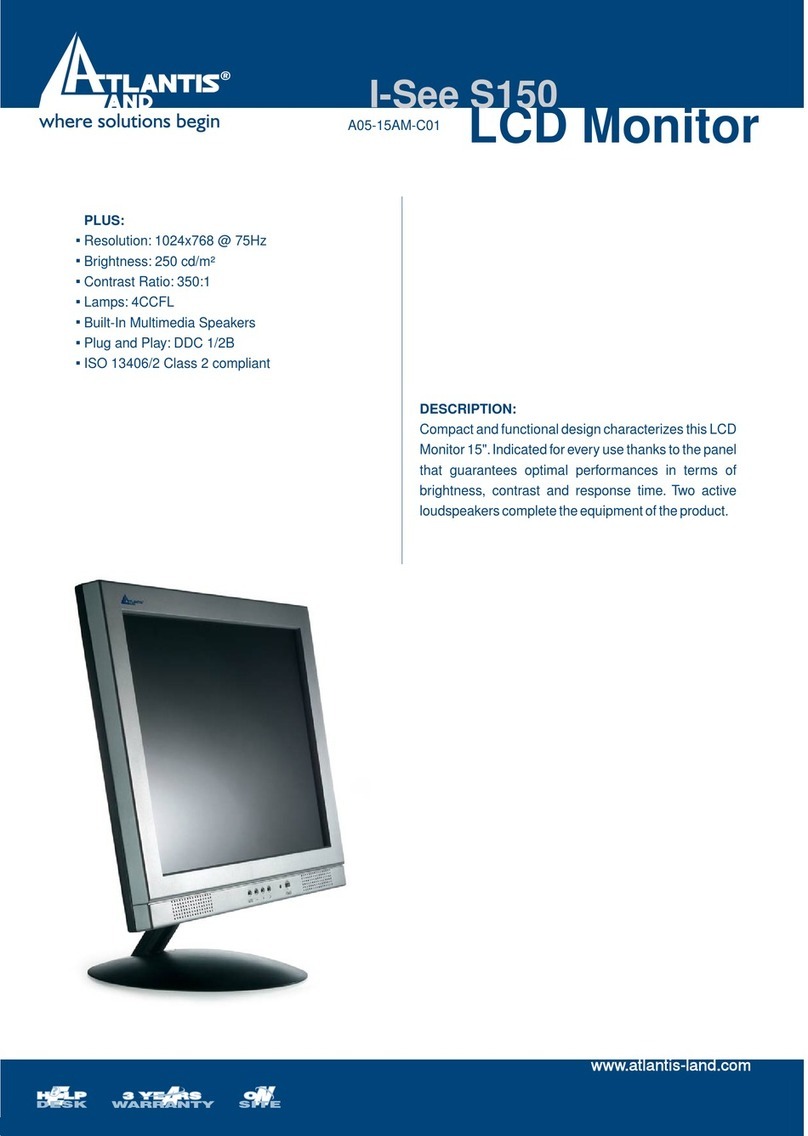
Atlantis Land I-See S150 LCD Monitor A05-15AM-C01 User manual

Atlantis Land
Atlantis Land A05-15AX-C03 User manual
Atlantis Land
Atlantis Land I-See S 173 User manual
Atlantis Land
Atlantis Land A05-15AM-E01 User manual