pg. 4
Notes
: - All brand names and trademarks are properties of their respective holders and are referred to here for descriptive purpose only. Photo attached is for reference only, it may be slightly varied in items of colour, shape from the actual item delivered
from time to time.
All specifications are subject to change without prior notice.
© Copyright ATZ
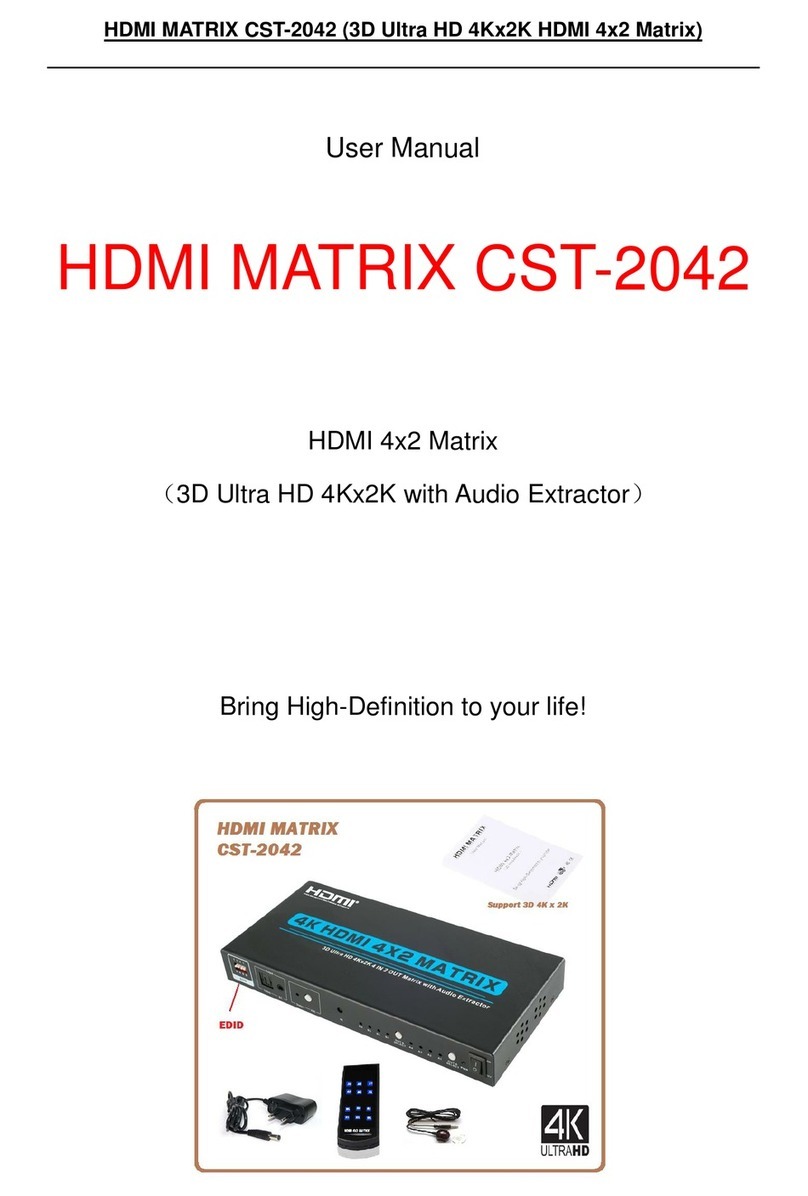
Model : ATZ HDMI-V2-42AC
Description: 4x2 HDMI2.0 Matrix Switch 4K2K@60Hz 4:4:4 w/Au io Extractor/ Scale/ARC/
EDID function
output the signal from the last connecte input
source.
4 OUT B button
an LED
Press the OUT B button to select an input source to
OUT B output, the correspon ing blue LED will
illuminate.
AUTO LED The blue AUTO LED will illuminate an the AUTO
function will be turne on when you press the OUT B
button up to 3 secon s, press the OUT B button up
to 3 secon s againwill turn off the AUTO function.
AUTO function: Detect input signal source. The
AUTO function is turne on, if an or a few HDMI IN
ports are connecte source evice, OUT B port will
output the signal from the last connecte input
source.
5 AUDIO
button
▪ Press AUDIO button to select extract the input
source au io from OUT A port or OUT B port to
optical an analog L/R output, the correspon ing
blue LED will illuminate.
▪ If ARC function is turne on, press Au io button to
select return the au io signal from OUT A or OUT B
isplay evice to optical output, the correspon ing
blue LED will illuminate. At this time, the analog L/R
port is mute.
6 4k→1080P
button
Press the button to select OUT A or OUT B
4k→1080P ownscale function, the correspon ing
blue LED will illuminate. For example, if source is 4K
but TV only supports 1080P, at this time the input
resolution with 4K will ownscale to 1080P to TV
output.
7 ARC button Turn on / off ARC function. The ARC LED will
illuminate
when you turn on the ARC function.