manuals.online logo
Brands
  1. Home
  2. •
  3. Brands
  4. •
  5. Audiovox
  6. •
  7. LCD TV
  8. •
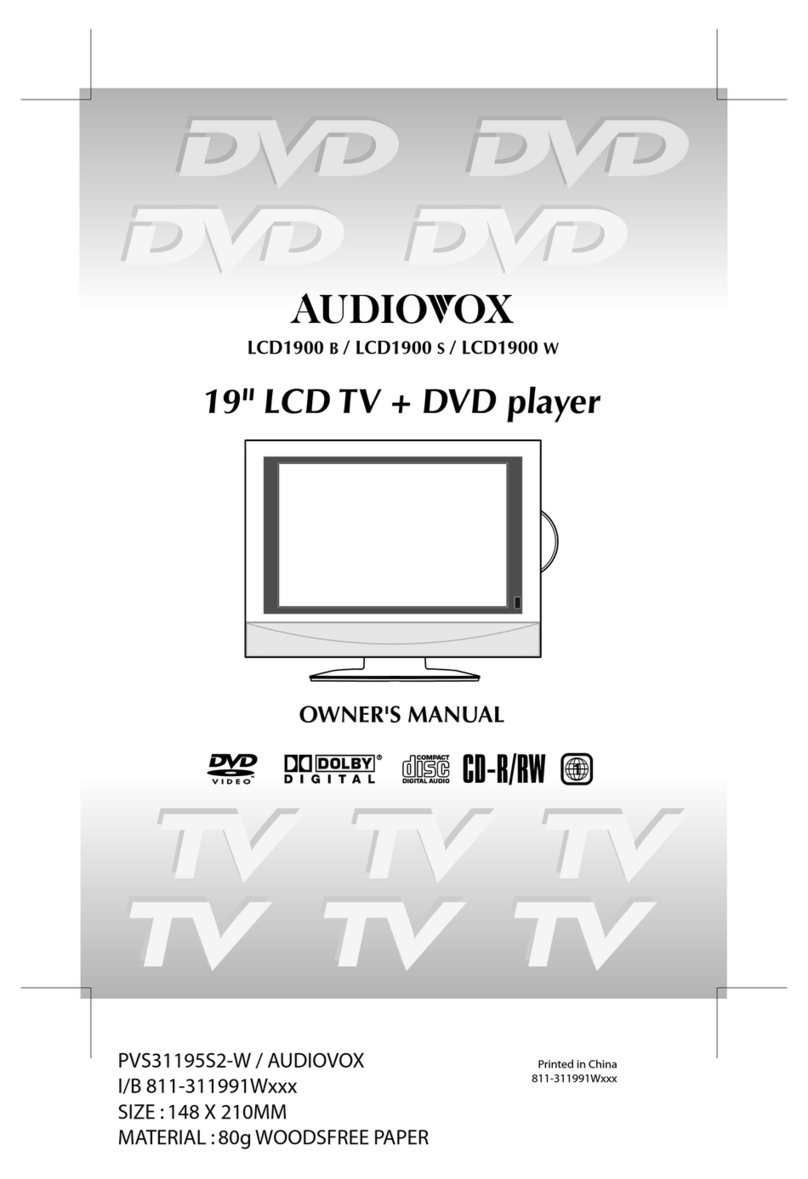
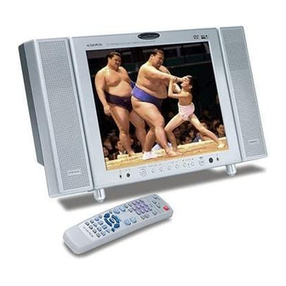
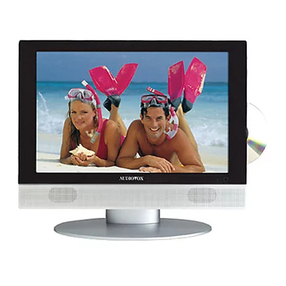
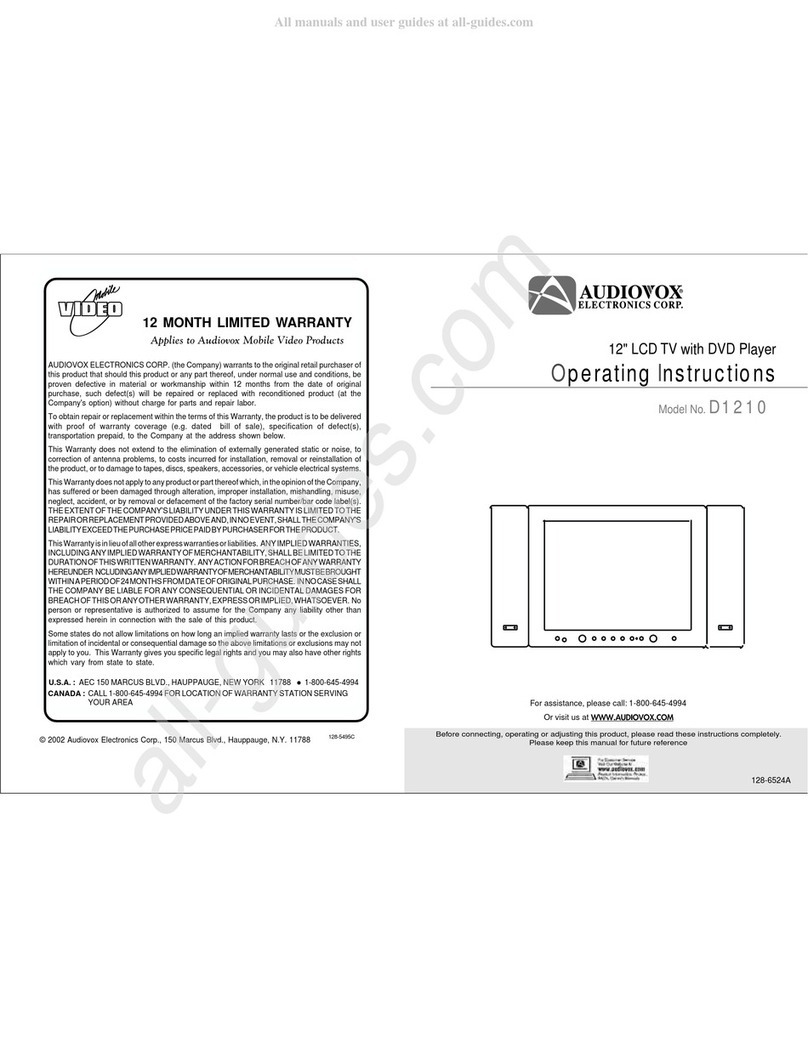
  9. Audiovox D1210 User manual

Audiovox D1210 User manual

Other manuals for D1210

5

Other Audiovox LCD TV manuals

Audiovox FPE1909DVDC User manual

Audiovox

Audiovox FPE1909DVDC User manual

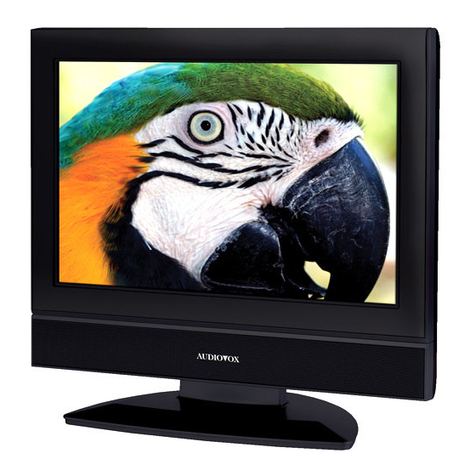
Audiovox FPE1708 - 17" LCD TV User manual

Audiovox

Audiovox FPE1708 - 17" LCD TV User manual

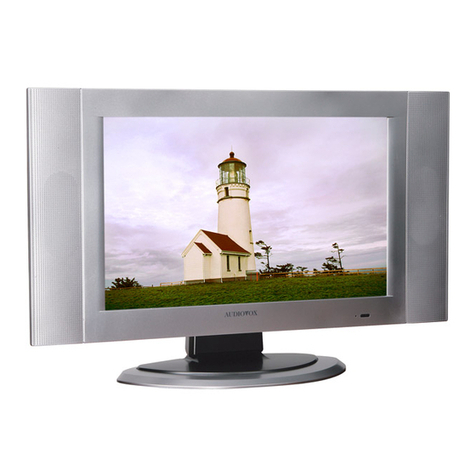
Audiovox LCM0681TV User manual

Audiovox

Audiovox LCM0681TV User manual

Audiovox LC17H2 User manual

Audiovox

Audiovox LC17H2 User manual

Audiovox FPE2705 User manual

Audiovox

Audiovox FPE2705 User manual

Audiovox LCD1900 B User manual

Audiovox

Audiovox LCD1900 B User manual

Audiovox D1210 User manual

Audiovox

Audiovox D1210 User manual

Audiovox FPE2706 User manual

Audiovox

Audiovox FPE2706 User manual

Audiovox FPE1505 User manual

Audiovox

Audiovox FPE1505 User manual

Audiovox FPE1506DV User manual

Audiovox

Audiovox FPE1506DV User manual

Audiovox FP1500 - annexe 1 User manual

Audiovox

Audiovox FP1500 - annexe 1 User manual

Audiovox PLV16081 User manual

Audiovox

Audiovox PLV16081 User manual

Audiovox FP2000 User manual

Audiovox

Audiovox FP2000 User manual

Audiovox FPE2305 - 23" LCD TV User manual

Audiovox

Audiovox FPE2305 - 23" LCD TV User manual

Audiovox FPE1506 User manual

Audiovox

Audiovox FPE1506 User manual

Audiovox D1210 User manual

Audiovox

Audiovox D1210 User manual

Audiovox FPE3707HR - 37" LCD TV User manual

Audiovox

Audiovox FPE3707HR - 37" LCD TV User manual

Audiovox FPE1505DV - LCD TV With Built-in Progressive Scan DVD... User manual

Audiovox

Audiovox FPE1505DV - LCD TV With Built-in Progressive Scan DVD... User manual

Audiovox FPE2705 User manual

Audiovox

Audiovox FPE2705 User manual

Audiovox FPE3706 - 37" LCD TV User manual

Audiovox

Audiovox FPE3706 - 37" LCD TV User manual

Audiovox FPE1705 User manual

Audiovox

Audiovox FPE1705 User manual

Audiovox FPE2006 User manual

Audiovox

Audiovox FPE2006 User manual

Audiovox FPE2706 User manual

Audiovox

Audiovox FPE2706 User manual

Audiovox D1210 User manual

Audiovox

Audiovox D1210 User manual

Popular LCD TV manuals by other brands

Samsung LA32E420 E-manual

Samsung

Samsung LA32E420 E-manual

ViewSonic VS12119-1M user guide

ViewSonic

ViewSonic VS12119-1M user guide

iLO CIWL3706 owner's manual

iLO

iLO CIWL3706 owner's manual

LG 32LT560C Quick reference guide

LG

LG 32LT560C Quick reference guide

Sony WEGA KLV-27HR3 operating instructions

Sony

Sony WEGA KLV-27HR3 operating instructions

Zenith Z32LC2D Specifications

Zenith

Zenith Z32LC2D Specifications

Sony KDL-32S3000R - 32" Class Bravia S-series Digital Lcd... Specifications

Sony

Sony KDL-32S3000R - 32" Class Bravia S-series Digital Lcd... Specifications

Medion MEDION LIFE X14330 quick start guide

Medion

Medion MEDION LIFE X14330 quick start guide

Vizio HDTV30A VW32L Service manual

Vizio

Vizio HDTV30A VW32L Service manual

Sharp LC-24DV250K Operation manual

Sharp

Sharp LC-24DV250K Operation manual

SOYO Dymond DYLT032A user manual

SOYO

SOYO Dymond DYLT032A user manual

Kalley K-LED40FHDST2 Service manual

Kalley

Kalley K-LED40FHDST2 Service manual

Dynex DX-L40-10A Guide de l'utilisateur

Dynex

Dynex DX-L40-10A Guide de l'utilisateur

Hisense M3300 user manual

Hisense

Hisense M3300 user manual

Toshiba 42XV600A owner's manual

Toshiba

Toshiba 42XV600A owner's manual

Panasonic TX-26LX1A operating instructions

Panasonic

Panasonic TX-26LX1A operating instructions

HP LT3200 Illustrated parts & service map

HP

HP LT3200 Illustrated parts & service map

Sharp LC-32GA8 Service manual

Sharp

Sharp LC-32GA8 Service manual

manuals.online logo
manuals.online logoBrands
  • About & Mission
  • Contact us
  • Privacy Policy
  • Terms and Conditions

Copyright 2025 Manuals.Online. All Rights Reserved.

_AUDIOVO3_
ELECTRONICS CORP.
12" LCDTV with DVD Player
Operating Instructions
ModelNo, D1210
DC
oo 0ooooo-o 0 oJ_ J
For assistance, please call: 1-800-645-4994
Or visit us at
AUDIOVO3 AUDIO\ O3
ELECTRONICS CORP. ELECTRONICS CORP.
CAUTION
TO REDUCE THE RISK OF ELECTRIC SHOCK,
DO NOT REMOVE COVER (OR BCAK)
NO USER-DERVICEABLE PARTS INSIDE
PEFER SERVICING TO CLIALIFIED SERVICE
PERSONNEL
The Lightning flash with the arrowhead symbol within an equilateral
triangle is intended to alert the user to the presence of uninsulated
"DANGEROUS VOLTAGE" within the product's enclosure that may be
of sufficient magnitude to constitude a risk or electric shock to persons.
A The Exclamation point within an equilateral triangle is intended to alert
the user to the presence of important operating and maintenance
(servicing instructions in the literature accompanying the product).
Users are advised to read this user's guide before operating the product.
step over or place
Do not
objects on the electrical
cord. Do not over load your
electrical outlet.
For safety do not
reasons,
touch any part of the TV,
electrical cord, TV antenna
or cable during bad weather
andthunderstorms.
To avoid short circuit,
electricalshockor fire;keep
this product indoors and
away from rain and other
forms of liquid.
This Equipment has been tested and found to comply with the limits for a TV Broadcast
Receiver, pursuant to Part 15 of the FCC Rules. These limits are designed to provide
reasonable protection against harmful interference in a residential installation.
This equipment generates, uses and can radiate radio frequency energy and, if not installed
and used in accordance with the instructions, may cause harmful interference to radio
communications ifthis equipment does cause or receive interference, which can be
determined by turning equipment off and on, the user is encouraged to try to correct the
interference by one of the following measures:
• Reorient or relocate the TV antenna
• Increase the separation between TV and other equipment
• Connect TV into separate outlet from equipment
• Consult the dealer or an experienced raido/TV technician for help
FCC Caution: Any changes or modifications not expressly approved bythe party
responsiblefor compliance could void the user's authority to operate the equipment.
Be sure that the AC is
plug
disconnected from the outlet
before performingany kind of
maintenance. When cleaning
the TV, do not use liquid
chemical cleaners or water
sprays. Use a damp cloth to
wipe outthedust.
For safety this
reasons,
product must be placed on
firm and stable surface at all
times. Unstable surface will
cause product to fall thus
damaging the product and
causingharmto those nearit.
Keep this product from
away
humidenvironments. Suchas
near bath tubs, kitchensinks,
washing areas, swimming
poolsandbasements.

AUDIOVOX AUDIOVOX
ELECTRONICS CORE ELECTRONICS CORP.
Users are advised to read this user's guide before operating the product.
_ Keep product from
away
other heat sources. Such as
heat generating electrical
appliances, heaters, gas
stoves.
Avoid the Remote
dropping
Control at any time. Good ventilation is essential to
TV components' life span.
Do not place TV monitor on
book shelf or enclosed cabinets.
Never block TV airvents.

This LCD TV will break if drop _ Never attempt to repair the
or hit; should such incident TV yourself at any time.
occur, please send the product When any fault occur, be
back to manufacturer for sure to unplug the cord from
immediate repair, the main electrical outlet
before calling our qualified
serviceman for repair.
_ if liquid or foreign objects
accidentally drops imo the TV,
be sure to have qualified
serviceman check the product,
before turn the TV power on.
Y_Beware : If you are not going to use the TV set for a long period of time, unplug your cord from the main power
outlet to conserve electricity. This is because as long as your TV set is plugged in, it consumes electricity.
DVD CAUTION: This unit employs a laser system. To
ensure the proper use of the unit, read this manual carefully
and keep it for future reference. To prevent direct exposure
to the laser radiation, do not open the cabinet. Invisible
laser radiation could be present when the cabinet is opened
or the interlocks are defeated. DO NOT stare into the laser
beams. Use of any controls, adjustments, or procedures
other than those specified herein may result in hazardous
radiation exposure!
Region Management Information - This Player is
designed to respond to the Region Management Informa-
tion recorded on DVDs, The region number of this player
is "1". If the region number described on the DVD does
not correspond to the region number of this player, this
player cannot play this disc.
Dolby
Manufactured under license from Dolby Laboratories.
"Dolby", "Pro Logic" and the double-D symbol are trade-
marks of Dolby Laboratories. Confidential Unpublished
Works © 1992-1997 Dolby Laboratories, Inc. All rights
reserved.
AUDIOVO
ELECTRONICS CORP.
Macrovision
This product incorporates copyright protection technology
that is protected by method claims of certain U.S patents
and other intellectual property rights owned by
Macrovision Corporation and other rights owners. Use of
this copyright protection technology must be authorized
by Macrovision Corporation. It is intended for home and
other limited viewing use only unless otherwise autho-
rized by Macrovision Corporation. Reverse engineering
or disassembly is prohibited.
Important Information Regarding Use of Video Games,
Computer, Captions or other Fixed Image Displays.
The extended use of a fixed image program material can
cause permanent "Shadow Image" on the LCD Panel. The
Background image is viewable on normal programs in the
form of a stationary fixed image. This type of irreversible
LCD panel deterioration can be limited by observing the
following steps:
a. Reduce the brightness/contrast setting to a minimum
viewing level.
b. DO NOT display the fixed image for extended periods of
time.
c. Turn the power off when not in actual use.
Recycling -This product utilizes tin-lead solder, and
has a fluorescent lamp containing a small amount of mer-
cury. Disposal of these materials may be regulated in your
community due to environmental considerations. For dis-
posal or recycling information please contact your local
authorities, or the Electronics Industries Alliance: http://
www.eiae.org/
AUDIO\VO
ELECTRONICS CORE
Package Contents
1. TV/DVD Combination Unit w/Speakers
2.90 degree Coaxial slip-on Connector
3. Remote Control
4. ACAdapter
5. Cigarette Lighter Adapter
6. Wireless IR Headphone
7.3.5mm - Composite (RCA Cable)
8. Storage Bag and Mounting Bag w/Mounting straps
9. Owner's Manual
AUDIO\VO
ELECTRONICS CORP. AUDIO\VO]
ELECTRONICS CORP.
Antenna Installation
lUsing a good quality TV antenna accessories is essential to LCD TV reception.
of antenna systems on the market: below are connectors and the different types
1.The 75£[ system with connonly seen F type round head connectors
which requires no tools for easy installation.
2. The 300£[ system with the flat connectors system. [J_
Can be used with adaptor on 300£[ °^°- 75£[connectors _
(Accessories not included)
Outdoor Antenna Installation
• Ifyou are installing an outdoor
antenna, you may use one of
the following methods:
1. Use VHF/UHF mixed outdoor
antenna.
2. Use independent VHF or
independent UHF outdoor
antenna.
A.VHF/UHF OUTDOOR ANTENNA
TV ANTENNA (VHF/UHF) 300Q/75£_ ADAPTOR _TV ANTENNA
_ (NOT INOLDED) v_/ [VHF/UHF)
• Installing the outdoor antenna B.INDEPENDENT VHF OR :
to a TV tuner box. INDEPENDENT :UHFOUTDOORANTENNA
VHF
TVANTENNA _ UHFTVANTENNA
300°
J _ FLATANTENNA
l 75° ROUNDCABLE
Keep your TV antenna cabling to the minimum Avoid sharing your TV antenna. _f"f'_ /
required length to avoid unnecessary interference (i•e• using one antenna on more than ..._, }
viewing TV. one TV set.) 0J _L' j I j
Avoid installing yourTVantenna near stee framed --_ut or ten are sub" cted to ,,,'3_-._j J/ /
• . . "_u do an na _e
housings or other metalhc objects• con nt athe wear and ar "_Dr-k'_ _" {
sta we r te FJ\X t
Install your TV antenna on h gh location avoid ng Wh o rece tion occurs lease t__r"
en p or p p
main roads neon lights and electrical power ..... _ ^ _/-'il ........./
. ' consu,, your uea,ers or qua_ldeu servl,..e _] '_..,._ /
stations, personnel. _ /
Power Connection
1. Remove power adapter from package. Connect the round end of power
adapter to the rear of the LCD TV monitor. Please refer to diagram
instructions.
2. Plug the other end of the power cord into the wall outlet and the installation
is complete.
//-
I
o
O0 0o0oo0,o0 0
"k Keep babies away
from electrical
outlets at all times to
prevent accidents
from happening!
Y
AUDIOVOX
ELECTRONICS CORP.
iiii!iiiiiii!iiiiii)ii)ii)ii)ii)ii!ii
Remote Control - Put batteries into the remote
mRemote Operation
1 Aim remote directly at LCD TV monitor for clear signal.
2 Remote range is at approx, within 20 feet with angles of approx. 30 degrees.
3 Do not have obstructions between remote and TV reception.
4 Battery life span is between 6 months to one year depending on usage.
Once reception is weak, it is about time to replace batteries.
mRemote Control: battery installation
Depress the battery
cover and slide out
to the direction ofthe
arrow indicated on
cover.
Install batteries in
correct order as
indicated.
Slide battery cover
in reverse order as
indicated.
AUDIOVO
ELECTRONICS CORP.
Top /Front Control Panels
TOP VIEW 1 2 3 4 5
LEFT VIEW
PS2 _
c
FRONT VIEW _/_:_)_" 6
©
t_ _,,t,3t,,(1,_,o
8I10 12 14 16 18
AV OUT
21--
_22--
23--
-o
REAR VIEW
RIGHT VIEW
2O
AUDIOVO
ELECTRONICS CORP.
1. DVD Previous
2. DVD Play
3. DVD Next
4. DVD Eject
5. DVD Stop
6. IR Headphone Sensor
7. TV Antenna Input
8. Headphone Input #1
9. AV Input
10. Power On/Off
11. DVD/TWAV Switch
12. Picture Select
13. Volume Down
14. Volume Up
15. TV Channel Down
16. TV Auto Program
17. TV Channel Up
18. Surround Sound 3D
19. Headphone Input #2
20. DC 12V Input
21. DVD Video Output
22. DVD Left Audio Output
23. DVD Right Audio Output
24. External Speaker Input
1
2.
3.
4.
5.
6.
7.
8.
9.
10.
11.
12.
13.
14.
15.
16.
17.
18.
19.
20.
21
22.
23.
24.
25.
26.
27.
28.
29.
30.
AUIJIU v uzx
ELECTRONICS CORP.
Remote Control Buttons
•TV/DVD/AUX Select
DVD Number Control Select
Numbers 0-9
TV/CATV Select
Mute
Picture Select
Volume Up/Down (+/-) 1---_ o _-- 17
DVD Eject Button 2------_ _---- 18
Up/Down-Left/Right/Enter .,-,,
DVD Menu _ _ _) _- 19
DVD Display 3- _-7-_ _1
DVD Stop _ _ _l _--2o
DVD Reverse 4 -- _ _- 21
DVD Forward 6- voL.
DVD Audio Select z_ >22
DVD Subtitle Select __
Power On/Off 8-- -- 23
TV Number Control Select 9--
TV Channel Auto Memory lo -- -_,_ ..... -- 24
TV Channel Skip Search 11-- -- 26
TV Channel Erase Write 13-- _,_ _=_-- 27
• 14 -- -- 28
Channel Up/Down (+/-) 15-- _ _..__--29
16 _ -- 30
DVD Power On/Off
DVD Setup
DVD Play
DVD Pause
DVD Next
DVD Previous
DVD Repeat
DVD Slow Play
AUDIOVO3 AUDIO\VO3
ELECTRONICS CORP. ELECTRONICS CORE
DVD Player
Basic Operation
POWER
EJECT
PLAY
PAUSE
STOP
NEXT
PREVIOUS
FORWARD SCAN
REVERSESCAN
SLOW
UP/DOWN/LEFT/RIGHT
ENTER
NUMBERS
MENU
SUBTITLE
AUDIO
DISPLAY
SETUP
Turn the unit ON or OFF
Eject and withdraw the disc
Resume play mode
Go into the standby mode
(1 time) Stops at the present playing
point /(2 times) Stops playing
Go to the next chapter, track or scene
during playback
Go back to the preceding chapter,
track or scene during playback
Scan forward at 2, 4, 6, or 8 times normal
speed
Scan backward at 2, 4, 6, or 8 times normal
speed
Play at 1/2, 1/4, or 1/8 times speed
For Navigating the Setup Menu
Execute item or setting
For entering a password
Display the root menu of the DISC
Select the subtitle language and turn it on/off
Select the audio language
Display information about the DISC
Display the setup menu
Menu
A DVD is divided into sections called title and chapter. When you
play a DVD, a root menu of the disc will appear on the screen of
your TV or Monitor. The contents of the menu vary from disc to
disc. Press MENU (on remote) during playing to display the menu,
and press ENTER or PLAY to start playing. Some DVDs allow you
to select disc playback options using the DVD menu.
Display(The contents vary from disc to disc.)
1) Playing time and remaining time
a. During playback press DISPLAYto display the current title
number (1), the total number of titles (2), the current chapter
number (3), the total number of chapters (4), and the playing
time for the title (5). The heading will disappear automatically
in about 3 seconds. 12 34
•II II
TITLE 07/07 CHAPTER 02/21
5-- -00:06:46
b. Press DISPLAY again to display the remaining time for the
title. The heading will disappear automatically
AUDIO 'O
ELECTRONICS CORP.
c. Press DISPLAYthe 3rd time to display the elapsed time for
the chapter. The heading will disappear automatically in about
3 seconds.
CHAPTER ELAPSED
00:03:28
d. Press DISPLAYthe 4th time to display the remaining time for
the chapter. The heading will disappear automatically in about
3 seconds.
CHAPTER REMAIN
00:00"18
e. Press DISPLAYthe 5th time to exit.
AUDIO\ 'OX
ELECTRONICS CORP.
2) Subtitle
During play press SUBTITLEto select the subtitle language you
desire, with the current subtitle language number (1) and the
total number of subtitle languages (2) displayed. If there are
multiple languages press SUBTITLE again to select another sub-
title language. To turn subtitles off, press the subtitle button until
SUBTITLE OFF is displayed. The subtitle display will disappear
automatically if the SUBTITLE button isn't pressed again for 3
seconds. 12
II
SUBTITLE 01103 ENGLISH
AUDIOVO AUDIOVO3
ELECTRONICS CORP. ELECTRONICS CORP.
3) Audio
During playback, press AUDIO to select the audio language you
desire, with the current audio channel number (1) and the total
number of audio channels (2) displayed. Press AUDIO again to
select another audio language. The audio display will disappear
automatically if the AUDIO button isn't pressed again for 3 sec-
onds. 1 2
II
Audio 1/2:AC-3 2channel
b. During playback, press REPEAT again to repeatedly play the
current title.
TITLE REPEAT ON
c. During playback, press REPEAT a 3rd time to cancel the re-
peated playing and resume normal playback. The repeat dis-
play will disappear automatically if the REPEAT button isn't
pressed again for 3 seconds.
4) Repeat
a. During playback, press REPEATto repeatedly play the cur-
rent chapter. CHAPTER REPEAT ON
REPEAT OFF