manuals.online logo
Brands
  1. Home
  2. •
  3. Brands
  4. •
  5. AUSTRALIAN MONITOR
  6. •
  7. Amplifier
  8. •
  9. AUSTRALIAN MONITOR PA1200. User manual

AUSTRALIAN MONITOR PA1200. User manual

Other manuals for PA1200.

1

This manual suits for next models

2

Other AUSTRALIAN MONITOR Amplifier manuals

AUSTRALIAN MONITOR AMIS120 Series User manual

AUSTRALIAN MONITOR

AUSTRALIAN MONITOR AMIS120 Series User manual

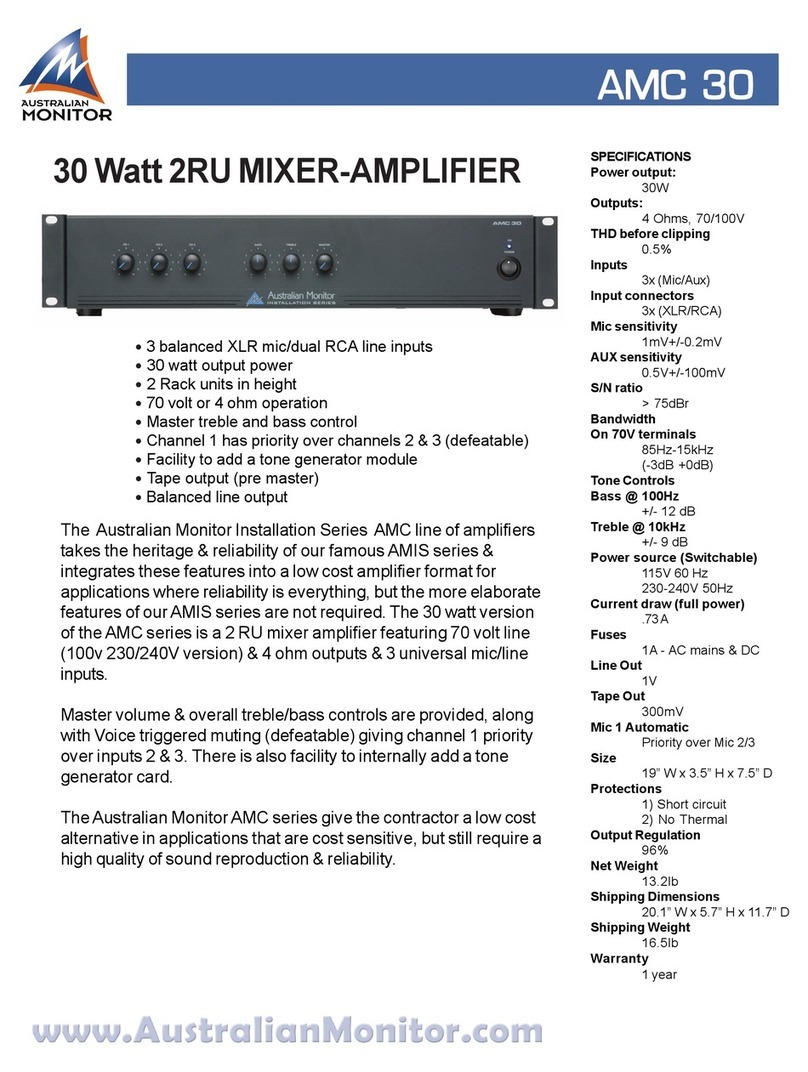
AUSTRALIAN MONITOR AMC120 User manual

AUSTRALIAN MONITOR

AUSTRALIAN MONITOR AMC120 User manual

AUSTRALIAN MONITOR ISP Series User manual

AUSTRALIAN MONITOR

AUSTRALIAN MONITOR ISP Series User manual

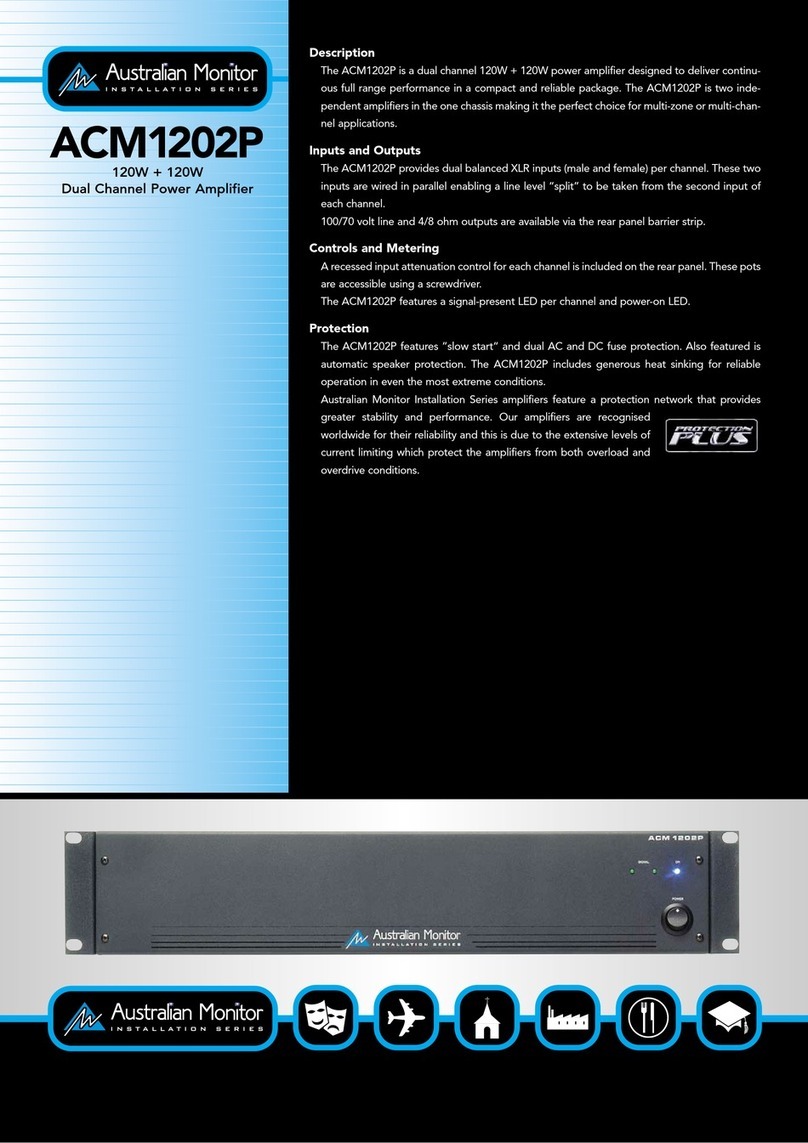
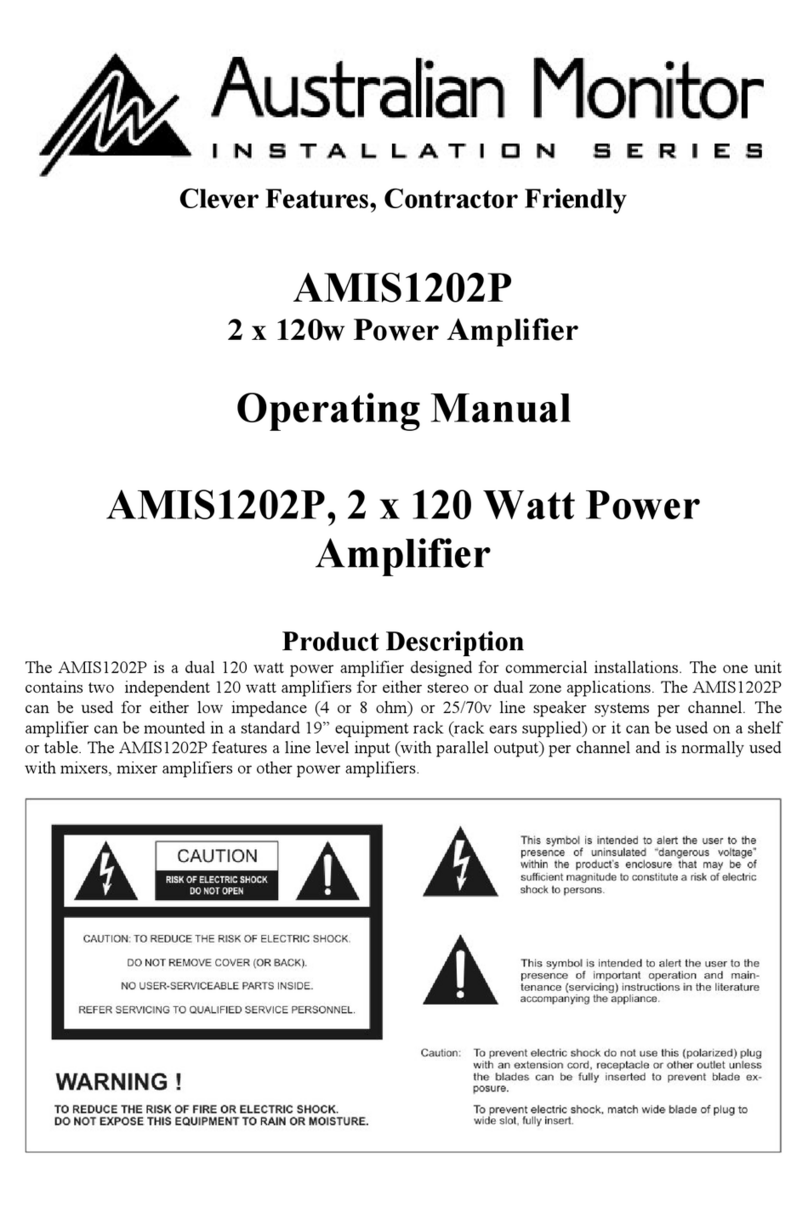
AUSTRALIAN MONITOR ACM1202P User manual

AUSTRALIAN MONITOR

AUSTRALIAN MONITOR ACM1202P User manual

AUSTRALIAN MONITOR AMIS250 Series User manual

AUSTRALIAN MONITOR

AUSTRALIAN MONITOR AMIS250 Series User manual

AUSTRALIAN MONITOR ACM2151 User manual

AUSTRALIAN MONITOR

AUSTRALIAN MONITOR ACM2151 User manual

AUSTRALIAN MONITOR CM500 User manual

AUSTRALIAN MONITOR

AUSTRALIAN MONITOR CM500 User manual

AUSTRALIAN MONITOR AMIS120 Series User manual

AUSTRALIAN MONITOR

AUSTRALIAN MONITOR AMIS120 Series User manual

AUSTRALIAN MONITOR DCM120 User manual

AUSTRALIAN MONITOR

AUSTRALIAN MONITOR DCM120 User manual

AUSTRALIAN MONITOR DCM120 User manual

AUSTRALIAN MONITOR

AUSTRALIAN MONITOR DCM120 User manual

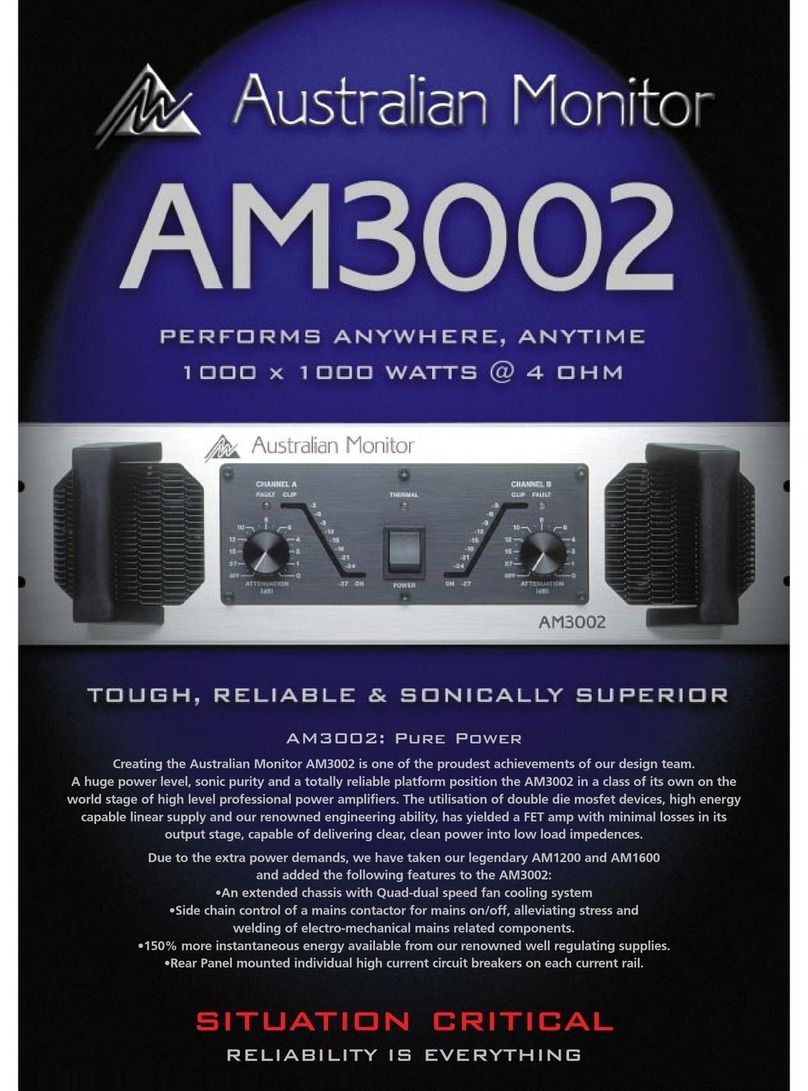
AUSTRALIAN MONITOR AM3002 User manual

AUSTRALIAN MONITOR

AUSTRALIAN MONITOR AM3002 User manual

AUSTRALIAN MONITOR AMIS PRE1 User manual

AUSTRALIAN MONITOR

AUSTRALIAN MONITOR AMIS PRE1 User manual

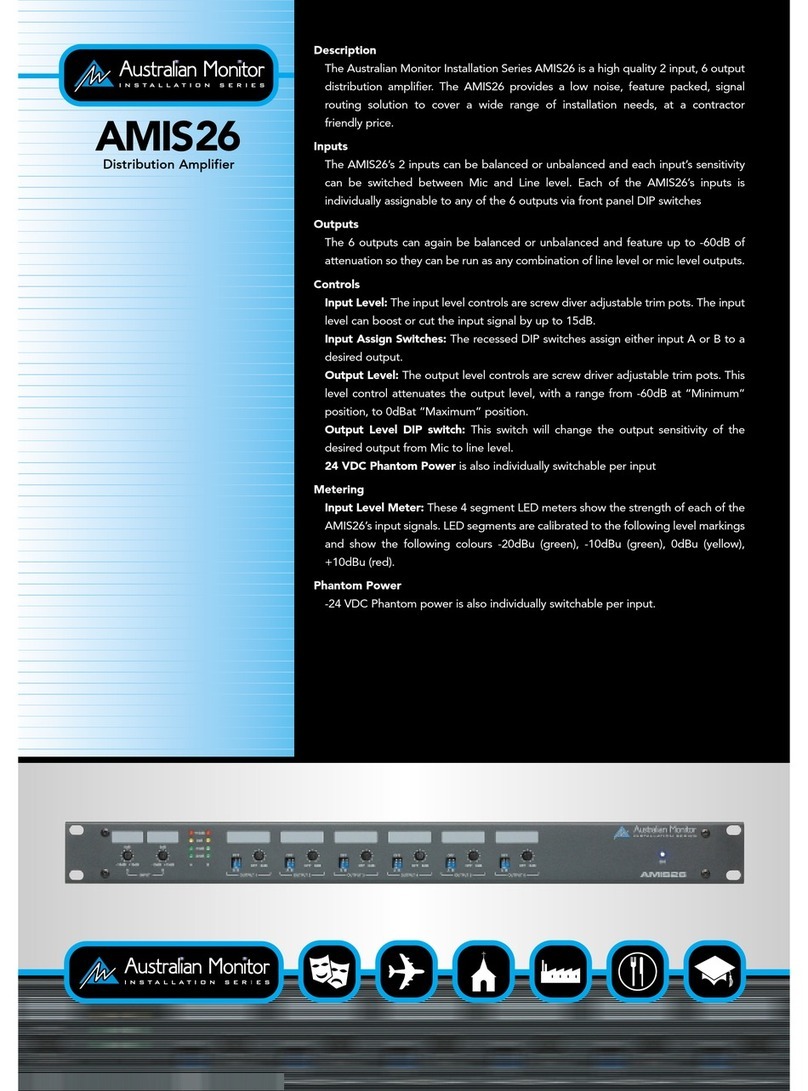
AUSTRALIAN MONITOR AMIS26 User manual

AUSTRALIAN MONITOR

AUSTRALIAN MONITOR AMIS26 User manual

AUSTRALIAN MONITOR AM2400 User manual

AUSTRALIAN MONITOR

AUSTRALIAN MONITOR AM2400 User manual

AUSTRALIAN MONITOR AMIS480P User manual

AUSTRALIAN MONITOR

AUSTRALIAN MONITOR AMIS480P User manual

AUSTRALIAN MONITOR AMIS604 User manual

AUSTRALIAN MONITOR

AUSTRALIAN MONITOR AMIS604 User manual

AUSTRALIAN MONITOR AMC120 User manual

AUSTRALIAN MONITOR

AUSTRALIAN MONITOR AMC120 User manual

AUSTRALIAN MONITOR ES Series User manual

AUSTRALIAN MONITOR

AUSTRALIAN MONITOR ES Series User manual

AUSTRALIAN MONITOR ACM1202P User manual

AUSTRALIAN MONITOR

AUSTRALIAN MONITOR ACM1202P User manual

AUSTRALIAN MONITOR IC30 Series User manual

AUSTRALIAN MONITOR

AUSTRALIAN MONITOR IC30 Series User manual

AUSTRALIAN MONITOR SA120 User manual

AUSTRALIAN MONITOR

AUSTRALIAN MONITOR SA120 User manual

AUSTRALIAN MONITOR AMIS26 User manual

AUSTRALIAN MONITOR

AUSTRALIAN MONITOR AMIS26 User manual

AUSTRALIAN MONITOR AMIS120XL Series User manual

AUSTRALIAN MONITOR

AUSTRALIAN MONITOR AMIS120XL Series User manual

AUSTRALIAN MONITOR CONTRACTOR User manual

AUSTRALIAN MONITOR

AUSTRALIAN MONITOR CONTRACTOR User manual

Popular Amplifier manuals by other brands

ASTRO HVO V40 P operating manual

ASTRO

ASTRO HVO V40 P operating manual

Marantz SUPERSCOPE BLA-545 Service data

Marantz

Marantz SUPERSCOPE BLA-545 Service data

NAD CI980 Quick setup guide

NAD

NAD CI980 Quick setup guide

Technics SE-CH770 Service manual

Technics

Technics SE-CH770 Service manual

Harman Kardon HK6300 instruction manual

Harman Kardon

Harman Kardon HK6300 instruction manual

NAD T975 owner's manual

NAD

NAD T975 owner's manual

McIntosh MA6850 Brochure & specs

McIntosh

McIntosh MA6850 Brochure & specs

Electro-Harmonix ENGLISH MUFF’N manual

Electro-Harmonix

Electro-Harmonix ENGLISH MUFF’N manual

Viatron Autrix Technical manual

Viatron

Viatron Autrix Technical manual

GME GA9800 instruction manual

GME

GME GA9800 instruction manual

Atlas CP700 Specification sheet

Atlas

Atlas CP700 Specification sheet

Roland KC-1000 owner's manual

Roland

Roland KC-1000 owner's manual

Pyle PFMRA350BW user manual

Pyle

Pyle PFMRA350BW user manual

Advantage S-250 manual

Advantage

Advantage S-250 manual

IRT Electronics DVA-3007 manual

IRT Electronics

IRT Electronics DVA-3007 manual

Dimavery BA-100 Series user manual

Dimavery

Dimavery BA-100 Series user manual

Sony XM-S400D operating instructions

Sony

Sony XM-S400D operating instructions

Schertler ROY X quick guide

Schertler

Schertler ROY X quick guide

manuals.online logo
manuals.online logoBrands
  • About & Mission
  • Contact us
  • Privacy Policy
  • Terms and Conditions

Copyright 2025 Manuals.Online. All Rights Reserved.

Australian Monitor
f,4aoo
&
fi4rzoo
-)
-)
(_
(-
Operation Manual
IMPORTANT!
Please read carefully.
This operation manual contains important information re-
garding safety precautions, installation, performance,
operation and maintenan e of your Piseries porcramplifier.
You should familiarize yourself with the contents of this
manual before operating your amplifier.
Safety Precautions
and Labelling
ICAUT|ON! A
RISK OF ELECTRICAL SHOCK /A \
DO NOT OPEN I \
The rear panelof the unit has a numberof markings
and intemationally recognized symbols related to the
hazards and precautions that should be taken when
operating MAINS connecled equipment.
The presence of a LIGHTNING FLASH with an
arrowhead contained within the boundaries of a
equilateral triangle is intended to alert the user that
dangerous uninsulated voltages may exist within the
units enclosure, These voltages may be of a suffi-
cient magnitude as to constitute the risk of an elec-
tricalshock.
This symbol is reinforced with the text:
The presence of an EXCLAMATION MARK con-
tained within the boundaries of a equilateral triangle
is intended to alert the user that there is important
operating and maintenance literature that accompa-
nies the unit.
The unit should not be operated in a situation where
it mayencounterthe entry ofwater, rain, oranyfl uids.
To expose the unit to the above conditions may make
the operation of the unit hazardous and increase the
risk of electrical shock.
IWARNING! /\
DO NOT EXPOSE TO EITHER ,/ I \
RAIN OR MOISTURE ! \
REFER SERVICING TO
QUALIFIED PERSONNEL.
NO USER SERVICEABLE
PARTS INSIDE.
The user should not attempt to service the unit. Only
qualified and knowledgeable personnel familiar with
the internal workings of the unit should attempt any
repair, servicing or authorized modification to the
unit. The unit does not contain any parts which the
usercan service orre-use in this oranyotherproduct.
lf you are in need of special assistance and the
information you require is outside the scope of this
manual, please contact your nearest service agent or
Australian Monitordirect:
THE TECHN ICAL I\4ANAGER
AUDIO TELEX COMMUN ICATIONS PTY LTD,
PRIVATE BAG 149,
SILVERWATER. N.S.W. 2128
AUSTRALIA.
Phone Fax
Local (02)96471411 (02)96,483698
lntemational (612)%47 1411 (612) 9648 3698
Email [email protected]
ltu
Contents
1. lntroduction
2. Controls, Connectors and lndicators
2.1 Front Panel
2.2 Rear Panel
3. lnstallation
4. Operation
5. Bridge Mode
6. Two Ohm or Not Two Ohm
7. Maintenance
8. Warranty
9. Specification
List of Illustrations
Figure 1. Block Diagram
Figure 2. Front Panel Layout
Figure 3. Rear Panel Layout
Figure 4. Case Dimensions
Figure 5. "Speakon" Connector Wiring
Figure 6. Bridge Mode Speaker Wiring
Page
5
6
7
I
11
13
15
16
17
18
19
Page
5
6
8
10
12
15
Features:
- Custom designed, 2RU heavy duty alloy chassis. - 1 Watt output indication (2.828volts).
- Open modular construction for ease of servicing. - 1 dB below output clip indication.
- Symmetrical layout - even weight distribution. - Massive heat-sink / heat-exchangers.
- well-regulating, high current power supply. - Efficient front to back cooling.
- High efficiency toroidal mains transformer Dual, twin speed axialfans.
- Binding post and Neutrik "speakon" output - Multi-role output fault indication.
conneCtion. - Front carry handles. Rear rack mount ears.
- Stereo or bridged / mono operation. plug in signal modifiers (optional).
- lnput signalstrapping (loop through) connectors. - signal ground lifi switch.
- 21 Position detented attenuators. - Highquality, close-tolerance components
- Balanced inputs and buffered attenuators. throughout.
Protection Features
- Suppression of inrush current at mains tum-on. - High overload mains fuse.
- lnput muting at tum-on. - lnternal, independent DC supply railfuses.
- lnput overvoltage protection. - Layout, grounding, decoupling and componentry
- Radio-frequency interference suppibssion. have been optimized to provide the user with
- Short-circuit protection and indication. stability, reliability and longevity.
Ausfualhn Monitor ltu
1. Introduction
Congratulations on choosing Australian Monitor for
your professional amplification requirements.
The design of your P4-Series Audio powerAmptifi ers
e.mbrgce all the aspects of a well designed unit. The
visual design, mechanical, electricalLnd sonic pa_
rameters, along with our dedicated manufacturing
process, have all been optimized to provide a profes-
sional tool that exhibits quatity, reliability and longev_
itv.
The PA-Senes amptifiers are 2 unit (3.5,,) tail, 19,,
wide rack mountable units,
Each cfrannel of the amplifier comprises a balanced
active input with a buffered attenuator driving a
differential class A drive stage which in turn drivel a
fan-cooled, class AB, MbSFET output stage
configured as a source follower. The unit operates
from a high cunent-capable linear power supply.
These units have been specifically designed to de_
liver their high power output with minima'idistortion,
and provide the critical degree of control required by
your speakers, at high duty cycles for extended
periods.
Introduction 5
C)U-I-PU T
AMP
GE
PRE
ST INSERT EUFFER
POIN T STAGE
li
tt
rt
DRIVER
) I Atrl: rJU TFLrT
STAGE
I
t-
------1_F
I
Figure 1 Amplifier Block Diagram
-i-
,-J
CHA
oFouNo
swIcH
GFOUP
l
J-
CHA
OU IPUT
as o
OU TPUT
srEr!c
POSIS
t-
.-_--1_F 1
Ausbalian Monitor /fu
6 Controls &- Connectors
2 . Controls,
Connectors
& Indicators
o
z
I
rg
q
:
I
I
U
r-l
"gI
c. I
ol
El
CI
(o,
(c'F
L-t
+, I
t//) o
f
Figure 2 Front Panel Layout
ltu
Controls & Connectors 7
Front Panel
The Pi Series models have identical front panel
layouts.
Fig ure 7 shows the panel layout of the PlSeries. The
fu ndions of the controls and indicators are as fol lows:
I Aftenuator
Level control for your amplifier is provided by a 21
position detented potentiometer and indicates
gain reduction in decibels from the 0 dB position
(maximum gain, no attenuation).
2 Status Indicator
This is a dual color LED which displays the status
of the output stage and displays three levels of
operation.
These levels are:
Below 1 watt (unlit)
1 watt and above (green)
1dB below actual clipping (red)
The LED will turn green once the output voltage
exceeds 2.828 volts (1 watt re 8 ohms or 2 watts
re 4 ohms). This is equivalent to:
24dB below rated powerfor a PA800 or
26dB below rated power for a PA1200.
The LED will change to red once the output
exceeds the -1dB point before actual clipping of
the amplifiefs output stage. The threshold of the
-1dB point is refened to the amplifier supply rails
and alters with changes in the mains supply,
changes in the load and duty cycle fluctuations.
The attack and decay time (ballistics), of the
status circuit are those of a Peak Programme
Meter (P.P.M.) :.
lf using this indicator to line up sensitivities, apply
a steady state tone (e.9. slate on a mixing console).
The 1 watt level is the mid-point between the
indicator illuminating and extinguishing green.
NOTE: The amplifier is not damaged by running
into clipping, but speakers may be. To maximise
the life of your speakers, try to keep clipping
infrequent.
3 Fault Indicator
This amber LED will flash when a fault condition
exists.
The fault detection circuit monitors the difference
between drive and output in your amplifier.
lf you have a short on the speaker output (or a
blown negative rail fuse) the LED will flash brightly
in sync with the programme. This LED will also
flash with programme peaks for gross overloads
or if the load is 2 ohms or less.
The circuit has two stages of operation:
1. lt will provide indication (e.9. gross overload)
but does not affect the input signal (a faint flash).
2. lt will indicate and mute the input signal (e.g
shorted output) (brightly flashing or permanently
on).
+ Power Switch
Press the switch to the right for power on ( I )and
to the left for power off ( 0 ). At start-up (turn-on)
the input to the amplifier is muted by 30dB for
approximately two seconds.
5 On/Thermal Indicator
This is a dual colored LED which will normally be
green and indicates that the amplifier is on and
receiving mains power.
ln the advent of a thermal overload this LED will
tum red indicating that the intemal operating
temperature of one or both amplifierchannels has
exceeded a safe level of operation and the
channels will be automatically muted. The fans
will continue to run and once the effected channel/
s have had a cooldown period, theywill un-mute
and return to normaloperation.
NOTE: You should always ensure that the fan
grille is kept clean and free from the build up of
dust and lint. This will ensure longer operation of
your amplifier and reduce the possibility of it
prematurely going into thermal shutdown mode.
Aus;balian Monitor. /tu
Controls 81- Connectors
Figure 3 Rear Panel Layout
ftfL]||ftffi
C,-l
C_:f C]
,:)-:I
F (a2-
8,9)0d3
--.-.-)(--)i
c., (--) r*-, qo;,
$
$$J
N
rO!
j<-- R
r-.-.-. ld
6
t
t
ll
-l
;:!
a
I
q
€
o
@ c--:) ,-------
c_:*:_:l (--:::l
-:)L-l
c:::::f -::::)
(-_lc_:::-
ltu
Controls &- Connectors 9
Rear Panel
5 Balanced Input
A female 3-pin XL type connector is provided on
each input:
Pin 1 = SignalGround;
Pin 2 = Hot (non-inverting or in phase);
Pin 3 = Cold (inverting or reverse phase).
6a Signal Strapping
A male 3-pin XL type connector is provided and
wired in parallel with the female input XLR for
strapping / looping signal between amplifiers.
7 Signal Ground Lift Switch
When this switcfr is engaged it disconnects signal
ground from the input connectors on both chan-
nels. lt is intended to be used when .hum" is
caused by earth loops (due to different ground
potentials between source equipment and the
amplifier) or stray magnetic field pick up on the
input ground/shield wiring. (lt does not intenupt
signal ground continuity on the strapping connec-
tor). The amplifier should be tumed off before
engaging this switchl
8 Binding Post Outputs
Touch proof binding posts (banana jacks) are
provided for speaker output termination with
banana plugs orbarewire. The red post is used as
positive and the black post is used as negative.
8a SPEAKON Ouput Connector
The NEUTRIK (NL4MP) 4way SpEAKON con-
nector is provided as an additional speaker output.
This emerging standard of loudspeakerto amplifi er
connection allows a@ess to both channels of the
amplifier via the one connec{or for bi-amp appli-
cations. Channel-A is considered the dominant
channel and has both channelS wired to the
Speakon connector. See the installation section
of this manual for detailed information on Speakon
wiring.
9 Mains Connection
Your amplifier is fitted with an internationally
recognised IEC mains inlet connector.
Please ensure that the connecting mains lead for
usewiththis conneclor isof an approvedtype and
is of sufficient current carrying ability.
Your Ptlauand P4tzm require a minimum mains
lead rating of 1 0 amps when operate dfrom a22O
to 24O volt mains supply.
NOTE: Your unit must always be earthedt
10 Mains Fuse
A 20mm x Smm fuse drawer is provided within the
housing of the IEC mains connector. When you
recieve your amplifier it will have a working fuse
and a spare fuse inside the fuse drawer. The
drawer can only be opened once the mains lead
is removed from the connector. The fuse is
provided to protect both the mains and your
amplifier as well as reducing the degree of damage
if an internal fault exists.
When replacing the fuse, replace with an anti-
surge (slow blow) type of the current rating
indicated on the back panelabovethefuse holder.
Warranty does not cover a blown fuse or any
resulting damage due to an incorrect fuse rating
or type.
The PAau requires a 8 Amp Anti-Surge fuse.
The P4tzu requires a 10 Amp Anti-Surge fuse.
1l Bridge Switch
Pushing this switch in engages the BRTDGED/
MONO mode of operation. ln this mode your
amplifierwill only accept signal applied to channel
A's input XLRs and the level of both channels will
be controlled by channel A's attenuator. The
output from channel B will automatically be of the
opposite polarity (reversed phase) and speaker
termination should be sourced from the red
binding-post outputs.
D.C. Rail Fuses (Internally fitted)
Removing the bottom lid will show PCB mounted
fuse holders holding the rail fuse for each supply
to each channel. These 3AG .fast blou/' type
fuses are in series with the positive and negative
supply rails for each channel of your amplifier,s
output stage. Thesefuses provide overall protec-
tion of the output stage and can also be used to
isolate individual channels in case a fault condi-
tion exists.
lf you need to replace the rail fuses they must be
replaced with the same type and cunent rating:
Prfu = 8 Amp.
Plrm = 10 Amp.
NOTE: Replacement of the fuses should only be
carried out by a competent and experienced
person.
Aushdian Monitor: lfu

I0 Installation
@tfiltfl
OOUU|]
c-)
(:-\
(-l
(::===
o(==
Ki
c-:-
(-)
(-)
(:-'-\
-@
o@
c:===
(:::::::::)
c:=:::=
(:::::::=
Jt
$i
I(
t nF r
i I ------l
I oG' I
t-l
l-r
F-r 3-l
Figure 4 Dimensions
I
o
rO
o
{
o
!t
:
3?
q
o
t
lt
I
q
o
ro
c{
o
lf
ltu