09En
Using your A-177
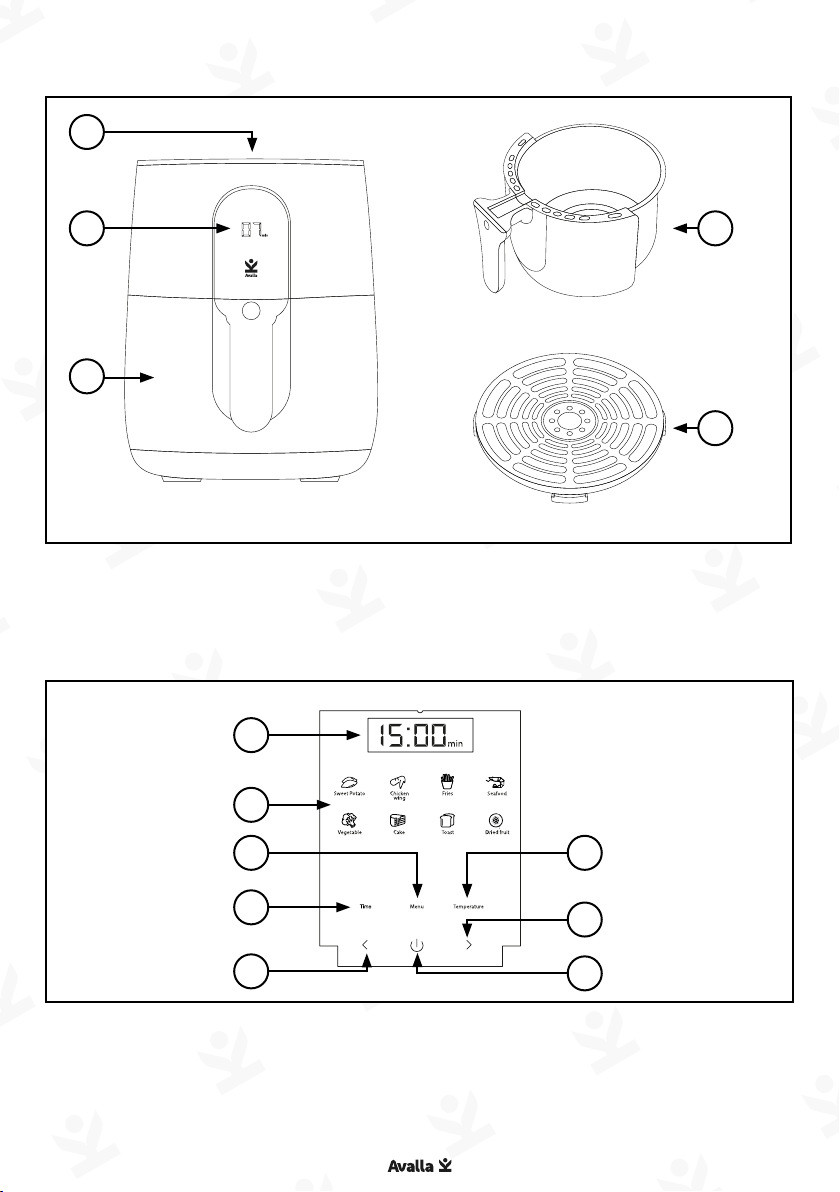
Press 'Power' to enter standby mode. The 'Control panel' and
'Display' will illuminate.
Set - manual cooking
Press 'Time', the 'Display' will show cooking time in minutes and
'min' will illuminate. Adjust the time using '- / +'. Press 'Time /
Temperature', the 'Display' will show cooking temperature and 'OC'
will illuminate. Adjust the temperature using '- / +'.
Set - cooking programs
Choose your desired program by pressing it, the selected program
will illuminate and default cooking time is displayed, you can
adjust the cooking time using '- / +'. Press 'Time/Temperature' and
the default cooking temperature is displayed, you can adjust the
cooking temperature using '- / +'.
Some modes offer a 'Tender roast' feature. In this mode water is
automatically sprayed on the food to prevent it from drying out.
When available the 'Tender roast symbol' will illuminate.
To use this feature, fill the 'Water tank' with fresh water. Press
'Tender roast' to activate or deactivate this mode.
Start - cooking
Press 'Power' and cooking will start. The 'Display' will show the
remaining time. You can adjust the time or temperature during
cooking and you can cancel cooking at anytime by pressing 'Power'.
End
After cooking, the 'Display' will show 'End'. The fan will continue to
operate to cool the air fryer down.
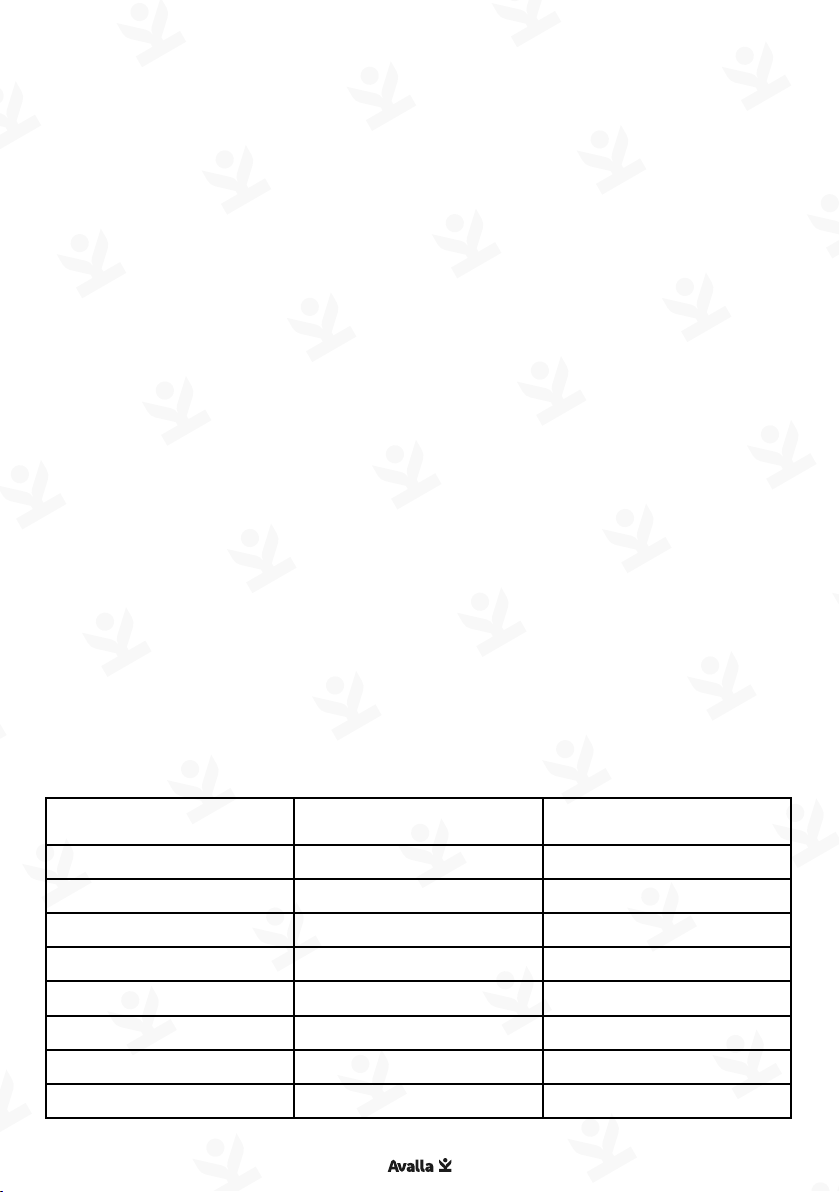
Food Default
time (mins)
Default
temperature
(OC)
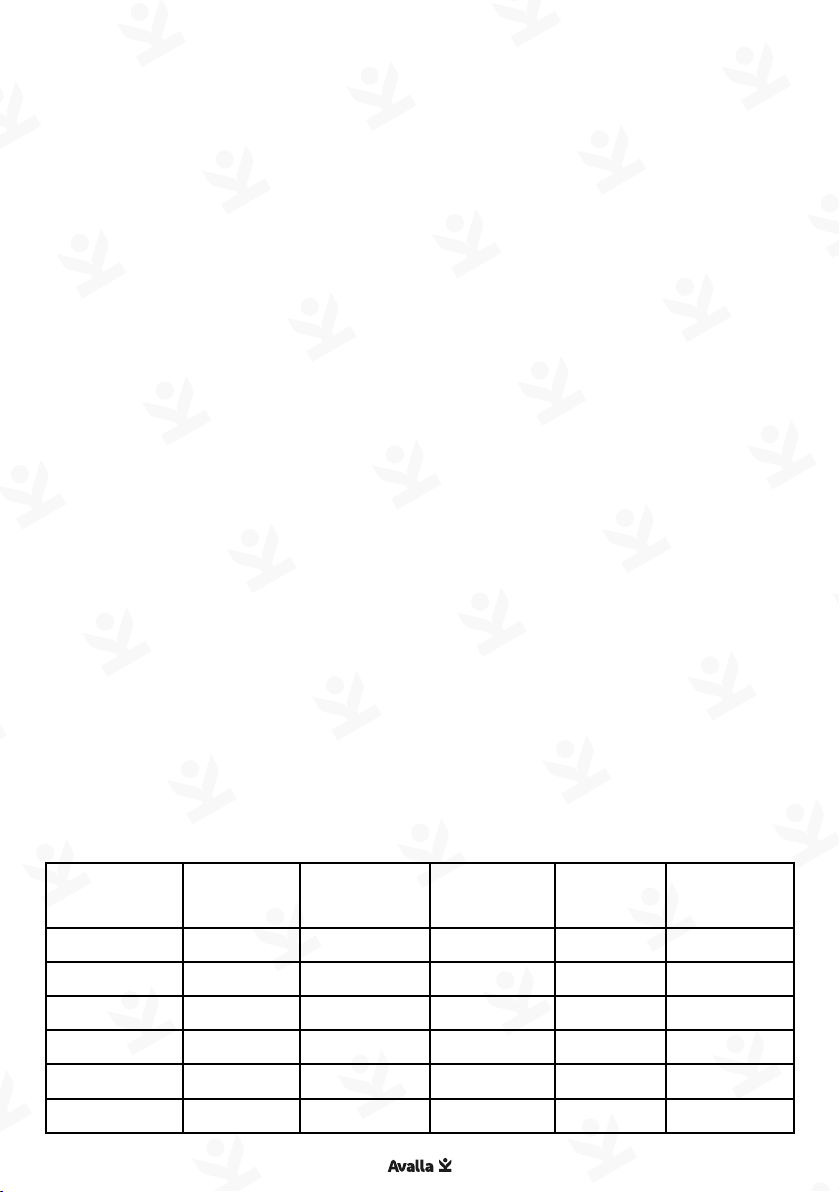
Food Default
time (mins)
Default
temperature
(OC)
Sweet Potato 30 200 Toast 5 200
Chicken Wings 20 200 Dried Fruit 60 100
Fries 20 200 Meat 15 200
Seafood 10 180 Steak 10 200
Vegetables 10 200 Meatballs 10 180
Cake 12 180 Pizza 20 170