Compu-Dobby 5 User’s Manual Introductory Information
Page | i
Introductory Information......................................................................................................................3
Introduction.......................................................................................................................................4
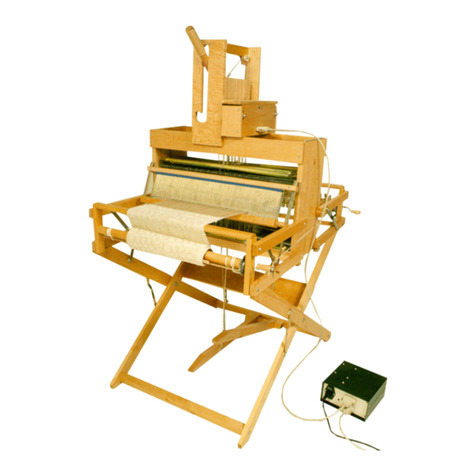
Loom Features ..................................................................................................................................4
Connecting to the Loom.......................................................................................................................7
Connection Types.............................................................................................................................8
Loom Modes.....................................................................................................................................8
Powering on the loom.......................................................................................................................9
Setting up communication .............................................................................................................11
Lost connection...............................................................................................................................15
Naming Your Loom .......................................................................................................................16
Loss of Communication .................................................................................................................19
Logout User ....................................................................................................................................19
Reboot the Loom ............................................................................................................................19
Shutdown the loom.........................................................................................................................20
Using Weavepoint ..........................................................................................................................20
Weaving with the Compu-Dobby 5...................................................................................................23
Open a file for Weaving.................................................................................................................24
Resume a weaving session.............................................................................................................26
Tabby...............................................................................................................................................27
Reverse............................................................................................................................................29
Set the Range ..................................................................................................................................29
Unweave..........................................................................................................................................32
Adjust the Pick................................................................................................................................33
Zoom in on the WIF .......................................................................................................................34
Power Off........................................................................................................................................36
Other Tabs...........................................................................................................................................37
File Tab ...........................................................................................................................................38
Options Tab.....................................................................................................................................41
Tabby Tab .......................................................................................................................................47
Utilities............................................................................................................................................51
Diagnostics......................................................................................................................................52
Additional Functions: K-Series Loom ..............................................................................................53
Warp Beams and Automatic Warp Tension System....................................................................54