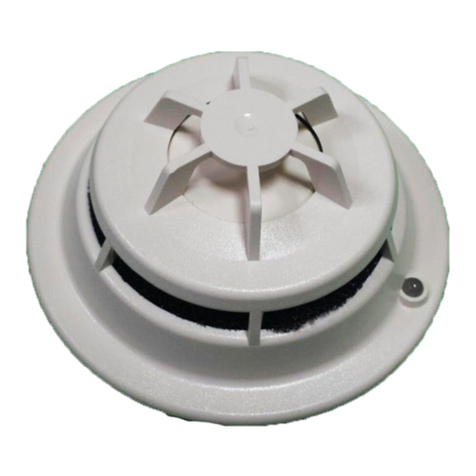
1. Part / Part No.
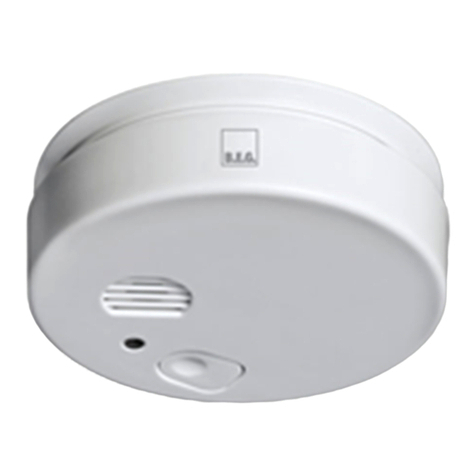
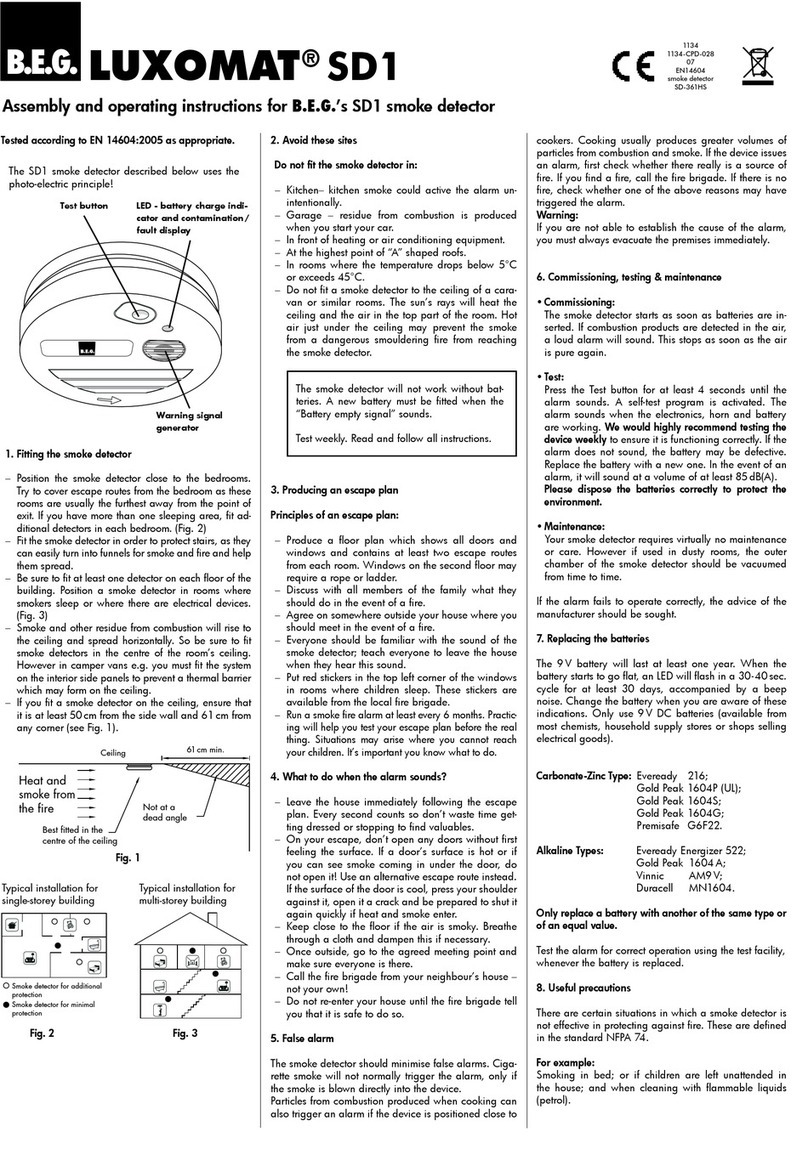
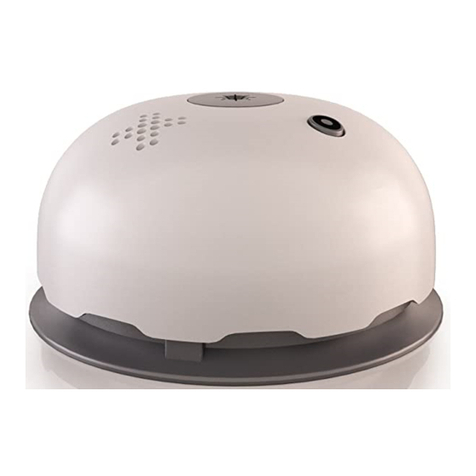
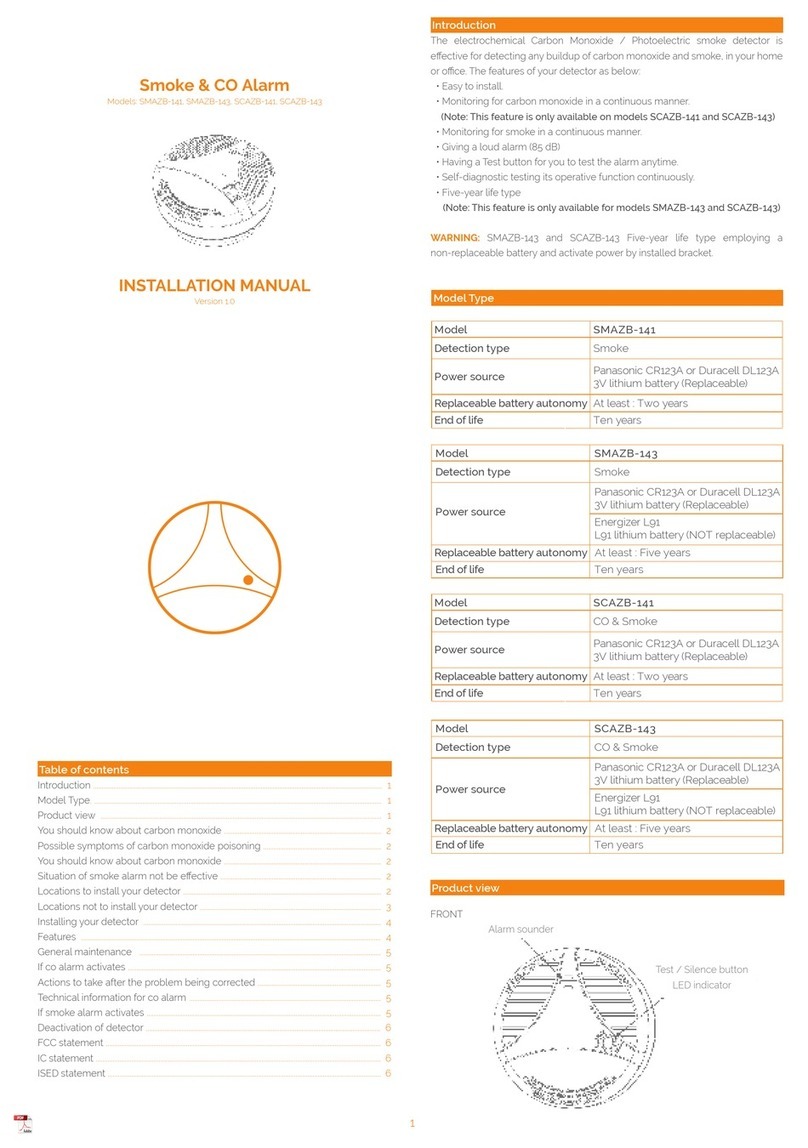
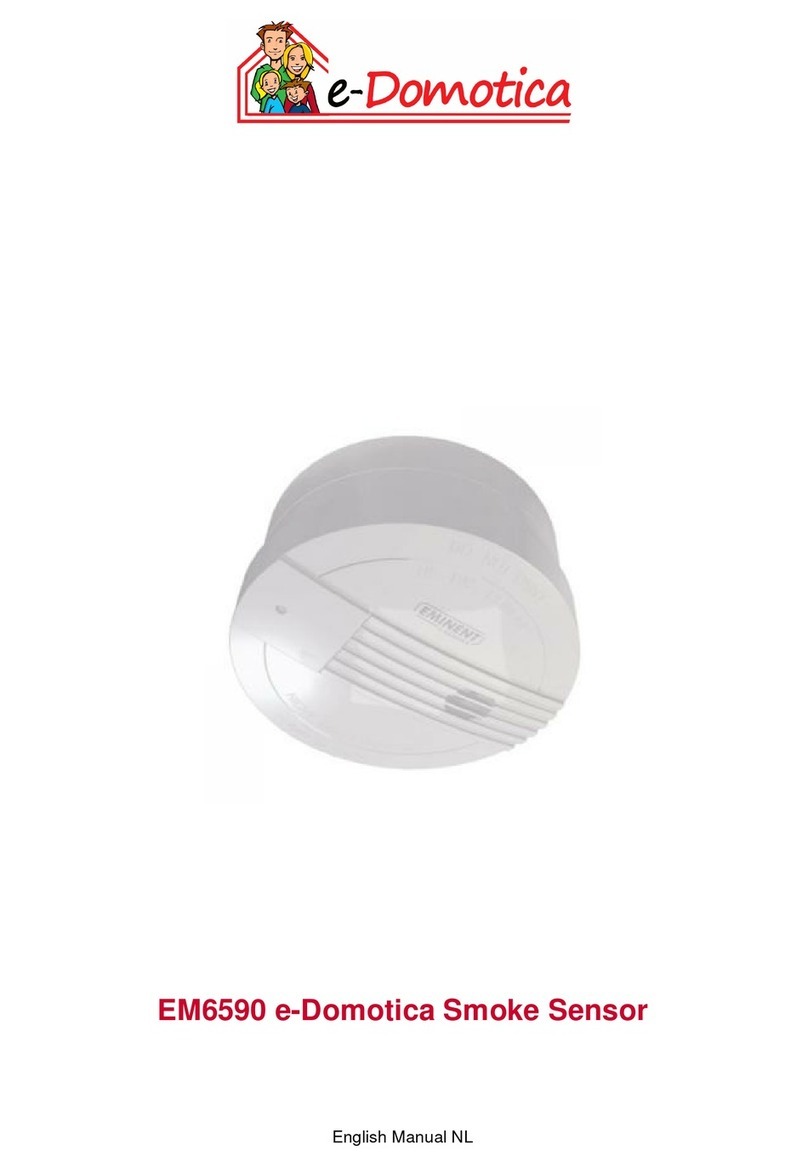
SMARTHOME smoke detector
Wireless networked (868,42 MHz,
SMARTHOME
radio), 9 V: 94205
2. Device function:
The SD2-RF smoke detector uses an optical procedure to detect
a major build-up of smoke in the room, enabling the early
detection of a fire.
As soon as smoke penetrates the smoke detector casing, the
SD2-RF smoke detector emits an acoustic (> 85 dB) and optical
(flashing LED) signal. If several smoke detectors have been
networked, all the smoke detectors emit a signal. Notes on the
optimum distribution and installation of smoke detectors are
included in these operating instructions.
The intelligent electronics of the SD2-RF regularly checks the op-
eration of the measurement electronics and the battery charge.
As soon as operation is limited, the smoke detector emits an
acoustic and optical signal.
If the battery charge is low, the signal is repeated for 30 days.
For safety reasons, the battery should be replaced as quickly as
possible (see Section 5 “Inserting/replacing the battery”).
3. Installation
Take the smoke detector in both hands and remove the mount-
ing plate by turning it coumter-clockwise. Attach mounting
plate to ceiling by using the pre-drilled holes. See notes under
Section 4 “Recommended mounting locations”.
Insert the battery (see Section 5 “Inserting/replacing the battery”).
Network the smoke detector, where appropriate, by radio (see
Section 6 “Installing the SD2-RF smoke detector“.
Push the smoke detector onto the mounting plate and lock it in
place by carefully turning it clockwise.
Perform a function test (see Section 7 “Function test”).
4. Recommended mounting locations
(minimum protection)
The mounting location is important for the optimum operation
of the smoke detector. The mounting location depends on the
environment. Please note the following:
• Select mounting locations where an alarm signal can be
heard by all residents
• The minimum requirement is in all halls and stairways
• At least one smoke detector per storey
• Positioned at a distance of at least 50 cm from the walls
• Always horizontal, even in pitched roof areas
• Not in the kitchen or bathroom
• Not near to air vents, air conditioning systems, etc.
• Not in areas regularly affected by strong draughts
• Do not install in the apex of the roof (at least 30 to 50cm
below)
• Do not install in rooms in which vapour, dust or smoke can
commonly be found
5. Inserting/replacing the battery
Open the smoke detector by simply turning it anti-clockwise.
Remove the battery from the battery compartment and discon-
nect the smoke detector from the battery.
Connect a new battery according to the technical data for the
smoke detector and insert it in the battery compartment (see
Section 10 “Technical data”).
Push the smoke detector onto the mounting plate and lock it in
place by carefully turning it clockwise.
Perform a function test (see Section 7 “Function test”).
fPlease check the polarity before replacing batteries!
fRisk of explosion if battery is replaced incorrectly
fReplace only with the same or equivalent type Ultralife
U9VL-J-P
6. Installing the SD2-RF smoke detector
A) Link several smoke detectors wirelessly without MyControl
Prior to installation, ensure that all smoke detectors are unpro-
grammed. To do this, press down the programming button
on each smoke detector for about 3 seconds with a pointed,
non-conductive object.
fUp to 15 smoke detectors can be registered by one
master.
When the LED lights up permanently, the device is in its default
state. Once the button is released, the LED goes out.
1. First select one smoke detector as the “master”. All other
smoke detectors are then logged to this master. To ensure
that you always use the same master, mark it clearly as the
master.
2. Press the programming button twice (short double-click) on
the master. The LED now will light up for 10 seconds, during
which another smoke detector can be networked as “Slave“
to the Master device. Please note that only one Slave can be
networked at a time. As soon as the LED goes out, program-
ming mode is exited.
3. Press the programming button of the slave device twice. The
detectors LED will light up briefly.
4.
If the LED‘s on both smoke detectors go out, programming
has been successful.
5. Repeat this procedure for each additional smoke detector.
Test the network by means of a function test (see Section 7
“Function test”).
fNote: Pressing the programming button repeatedly
(multiple clicks) can lock the device. To unlock the device
again, remove the battery.
B) Link smoke detectors and MyControl wirelessly
MyControl is a mobile control unit with integrated touch screen.
It can be used as smoke detector monitor and control unit of the
SD2-RF
. Once a day, MyControl receives information about the
battery charge and operation of the smoke detector.
fBefore being networked with MyControl, smoke detectors
should be connected to each other (see 6.A) “Network
several smoke detectors wirelessly”)!
Choose the “smoke detectors“ icon on the display, then the
“Register“ icon:
On this screen the SD2-RF smoke detectors can be connected
or disconnected.
Once the ‘Register” icon has been pressed on the MyControl
press the programming button on the SD2-RF once.
The programming button may only be pushed once. The LED
flashes briefly to indicate registration.
fPressing the programming button twice sets the smoke
detector to another programming mode (LED lights up
permanently), which is designed for networking the
smoke detectors (see Section 6 A “Network several
smoke detectors wirelessly“).
Each smoke detector to be used with MyControl must be
registered separately. Repeat this procedure for each smoke
detector.
Refer to the MyControl operation instruction.
7. Function test
Hold down the test button for more than 5 seconds.
If a signal sounds, the smoke detector is working properly. If no
signal sounds, replace the battery.
If more than one smoke detector had been networked together,
any networked smoke detector alarm will also signal.
If the smoke detector is networked using MyControl, then
MyControl indicates the manually triggered smoke detector. If
another smoke detector is indicated, check whether the name
was selected correctly (see MyControl operating instruction).
fThe smoke detector should be tested manually once a
year or after a long period of absence.
fThe smoke detector emits a loud and shrill sound,
which can damage your hearing.
fWait at least 1 minute between function tests.
8. Alarm message and signals
The status LED flashes briefly at regular intervals (45 seconds) to
indicate that the smoke detector is working.
If a major build-up of smoke is detected, a loud intermittent alarm
sounds and the status LED flashes.
In the event of an error (e.g. low battery or dirty smoke box), a
short signal tone sounds at regular intervals (45 seconds) and the
status LED flashes.
When the test function is triggered, a signal tone sounds and the
status LED flashes briefly.
If the test function is triggered at a smoke detector or if a smoke
detector detects a major build-up of smoke, then (if available)
MyControl indicates the device at which the alarm was triggered.
9. Special notes
• The smoke detector must not be painted over.
• Smoke detectors detect a major build-up of smoke, not
flames.
• A function test should be performed once a year or after a
long period of absence. Refer to the notes under Section 6
“Function test”.
• The smoke detector should be replaced after 10 years.
B.E.G.
Installation and operating instructions for B.E.G. SD2-RF wireless smoke detector
SD2-RF
GB
i
i
i
i
!
Programming
button
MyControl SD2-RF
Test button /
Status LED
Programming
button on the
device
LED for
programming
0786
!
!
Log out
Register