manuals.online logo
Brands
  1. Home
  2. •
  3. Brands
  4. •
  5. Baby Lock
  6. •
  7. Lens
  8. •
  9. Baby Lock BLMA-ML User manual

Baby Lock BLMA-ML User manual

Popular Lens manuals by other brands
OptiSource LENS INSPECTION STATION+ user manual

OptiSource

OptiSource LENS INSPECTION STATION+ user manual

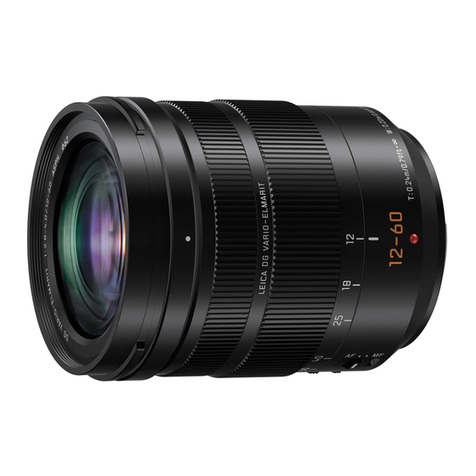
Panasonic Lumix H-ES12060 Service training manual

Panasonic

Panasonic Lumix H-ES12060 Service training manual

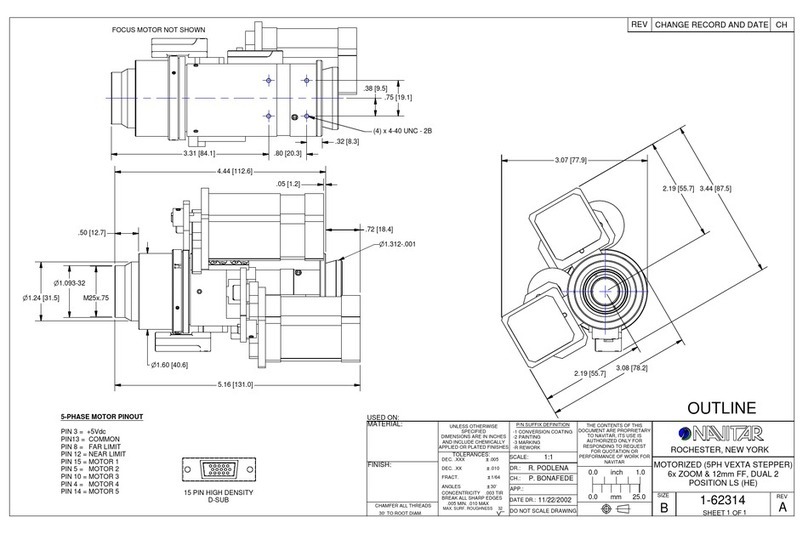
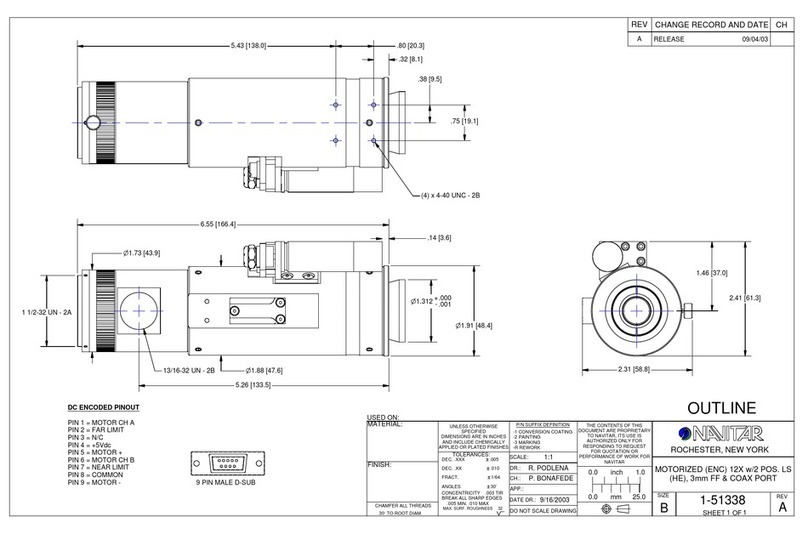
Navitar 1-62314 Dimensional drawing

Navitar

Navitar 1-62314 Dimensional drawing

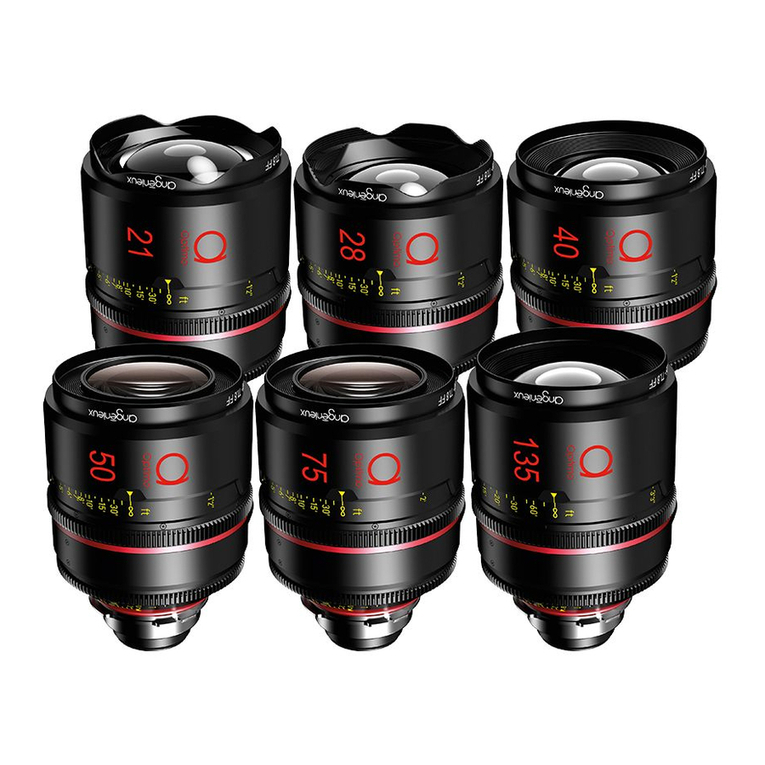
Angenieux OPTIMO PRIME user manual

Angenieux

Angenieux OPTIMO PRIME user manual

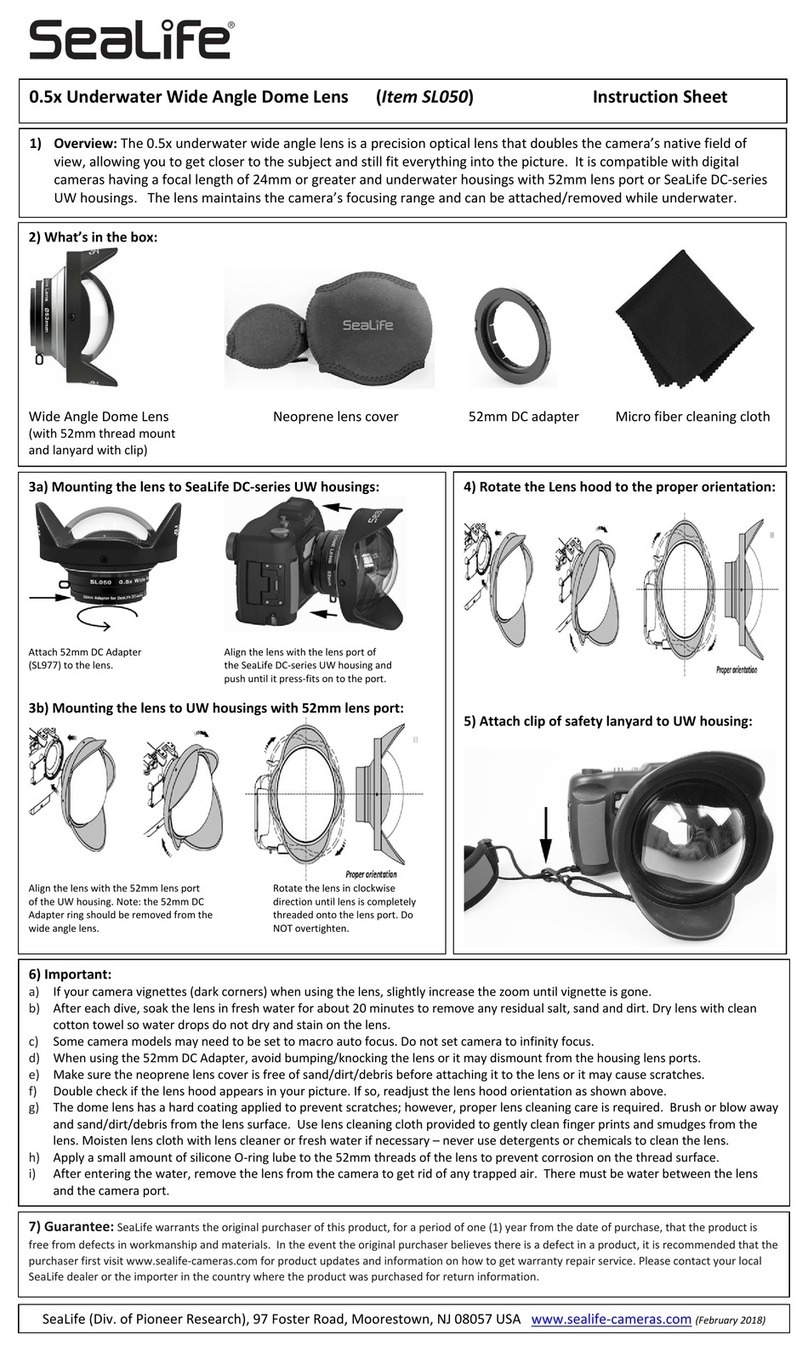
Sealife SL050 instruction sheet

Sealife

Sealife SL050 instruction sheet

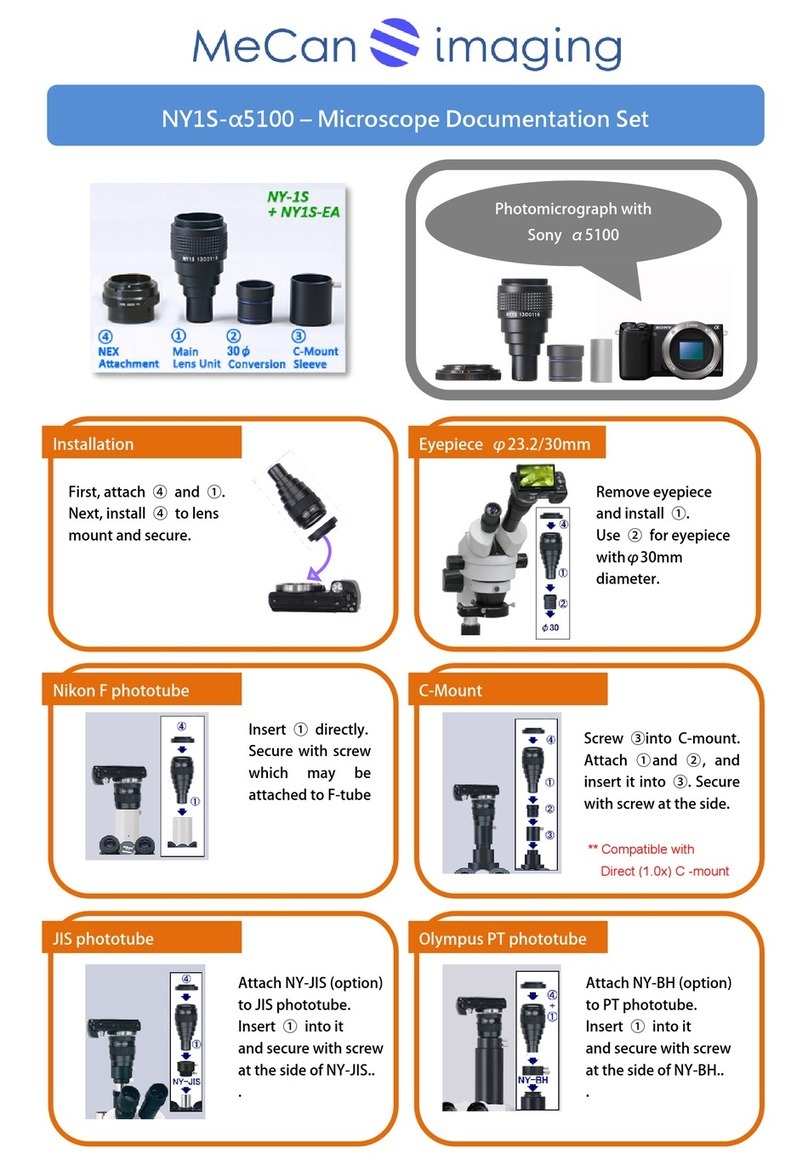
MeCan NY1S-a5100 instructions

MeCan

MeCan NY1S-a5100 instructions

Tamron SP 70-300mm F/4-56 Di VC USD Brochure & specs
Tamron

Tamron SP 70-300mm F/4-56 Di VC USD Brochure & specs

Panasonic VW-W4907 operating instructions
Panasonic

Panasonic VW-W4907 operating instructions

Leica APO-SUMMICRON-SL 1:2/50 ASPH. instructions

Leica

Leica APO-SUMMICRON-SL 1:2/50 ASPH. instructions

Cosina Voigtländer NOKTON instruction manual

Cosina

Cosina Voigtländer NOKTON instruction manual

Cosina Voigtländer NOKTON instruction manual

Cosina

Cosina Voigtländer NOKTON instruction manual

Cosina Voigtländer SUPER NOKTON 29mm F0.8... instruction manual

Cosina

Cosina Voigtländer SUPER NOKTON 29mm F0.8... instruction manual

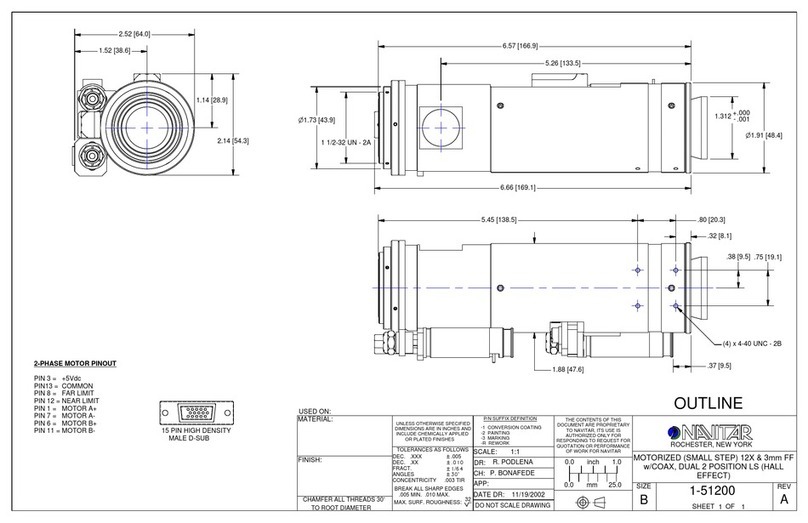
Navitar 1-51200 Dimensional drawing

Navitar

Navitar 1-51200 Dimensional drawing

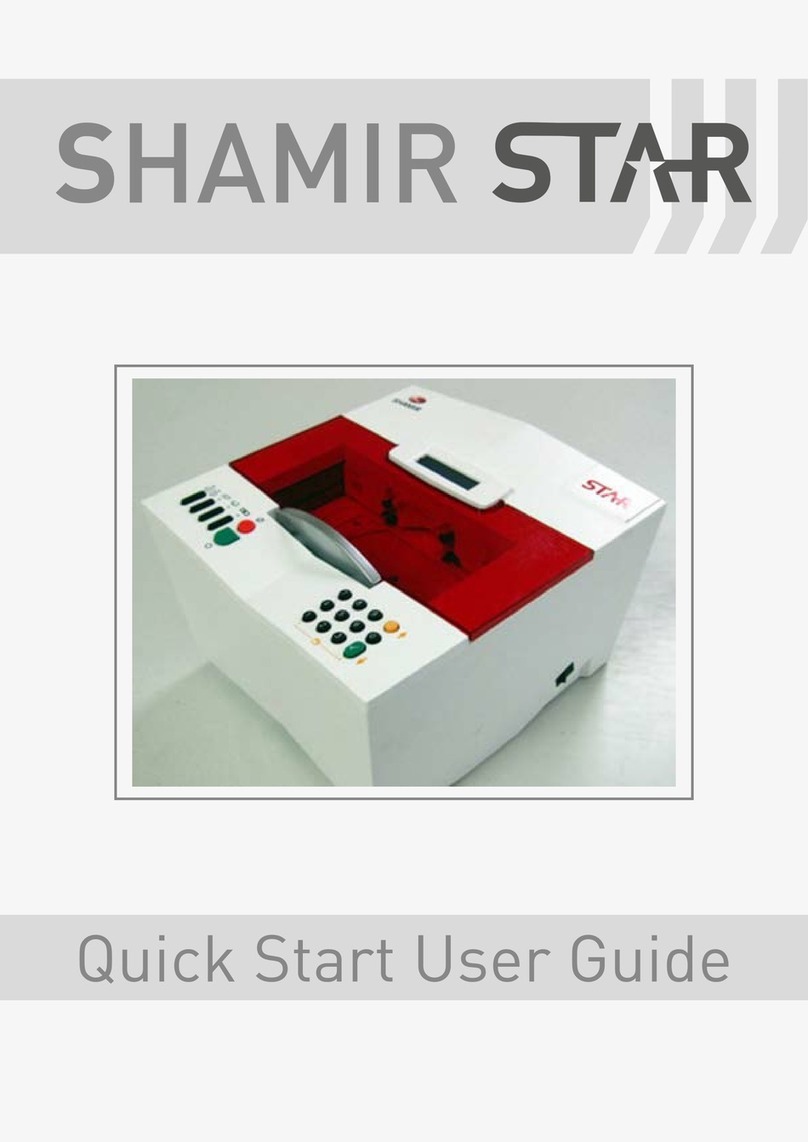
Shamir Star Quick start user guide

Shamir

Shamir Star Quick start user guide

Navitar 1-51332 Dimensional drawing

Navitar

Navitar 1-51332 Dimensional drawing

Canon J11ex4.5B Operation manual

Canon

Canon J11ex4.5B Operation manual

Sony LKRL-Z200 Series Product information

Sony

Sony LKRL-Z200 Series Product information

Lensbaby CIRCULAR FISHEYE quick start guide

Lensbaby

Lensbaby CIRCULAR FISHEYE quick start guide

manuals.online logo
manuals.online logoBrands
  • About & Mission
  • Contact us
  • Privacy Policy
  • Terms and Conditions

Copyright 2025 Manuals.Online. All Rights Reserved.

Magnifying Lens
for
BLSA (Solaris)
BLSA2 (Solaris 2)
BLDY (Destiny)
BLDY2 (Destiny 2)
BLTA (Altair)
BLMA (Meridian)
QA Department July 2020
Magnifying Lens (Part Number BLMA-ML)
Components
Magnifying Lens Attachment
Multi Language Instruction Sheet
Firmly insert this product into the
hole at the top left of the machine.
If necessary, raise the upper lens to change the
magnification. When the two lenses are
overlapping, the magnification is increased.
Adjust the lens to the desired angle.
The accessory has two lenses:
•Using one lens magnifies to 1.4x
•Using both lenses magnifies to 1.7x
QA Department July 2020
Magnifying Lens
If you want to temporarily move the
lens away from the needle, such as
when threading the upper thread,
fold away the lens or remove
this product.
If you have a yarn guide and specialty
accessories for couching, the yarn can be
passed through the top and bottom eyelets in
this product in the same way as with the yarn
guide.
The nut can be loosened to adjust
the angle of the lens with less
effort or tightened to make moving
the lens more difficult (1=Loosen,
2= Tighten).
NOTE: For BLSA models: If the machine
does not detect buttonhole foot “A+” or
the guideline marker is incorrectly
displayed, change the lens angle or fold it
away. QA Department July 2020
Magnifying Lens
•By attaching this product to the machine, the area around the needle can be enlarged for better visibility.
•Do not use this product to look directly at the sun or a bright light. Otherwise, burns, blindness, or other serious
injuries may occur.
•Use and store this product out of the reach of children.
•Do not use or leave this product outdoors or in direct sunlight. Otherwise, a fire may result.
•When this product is not being used, store it in the included bag.
•Do not use this product in any way other than what is described in this manual.
•Do not expose this product to a strong impact or excessive force.
•If the lens becomes dirty, gently wipe it with a soft cloth, such as an eyeglass cleaning cloth.
•Look straight through the lens. Looking through the lens from an angle may cause a distorted view.
•Since the sizes of items may appear different from what they actually are, we recommend performing trial sewing until
you become used to this product.
Notes
QA Department July 2020