manuals.online logo
Brands
  1. Home
  2. •
  3. Brands
  4. •
  5. Bayer HealthCare
  6. •
  7. Blood Glucose Meter
  8. •
  9. Bayer HealthCare Ascensia Contour User manual

Bayer HealthCare Ascensia Contour User manual

Other manuals for Ascensia Contour

1

Other Bayer HealthCare Blood Glucose Meter manuals

Bayer HealthCare CONTOUR NEXT LINK User manual

Bayer HealthCare

Bayer HealthCare CONTOUR NEXT LINK User manual

Bayer HealthCare CONTOUR NEXT LINK User manual

Bayer HealthCare

Bayer HealthCare CONTOUR NEXT LINK User manual

Bayer HealthCare A1CNOW User manual

Bayer HealthCare

Bayer HealthCare A1CNOW User manual

Bayer HealthCare Contour link User manual

Bayer HealthCare

Bayer HealthCare Contour link User manual

Bayer HealthCare CONTOUR NEXT User manual

Bayer HealthCare

Bayer HealthCare CONTOUR NEXT User manual

Bayer HealthCare CONTOUR User manual

Bayer HealthCare

Bayer HealthCare CONTOUR User manual

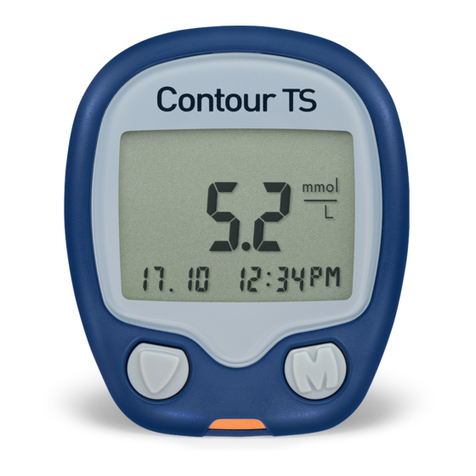
Bayer HealthCare Contour TS User manual
Bayer HealthCare

Bayer HealthCare Contour TS User manual

Bayer HealthCare Ascensia DEX2 User manual

Bayer HealthCare

Bayer HealthCare Ascensia DEX2 User manual

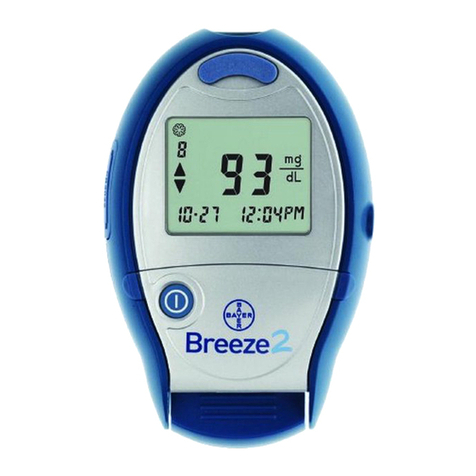
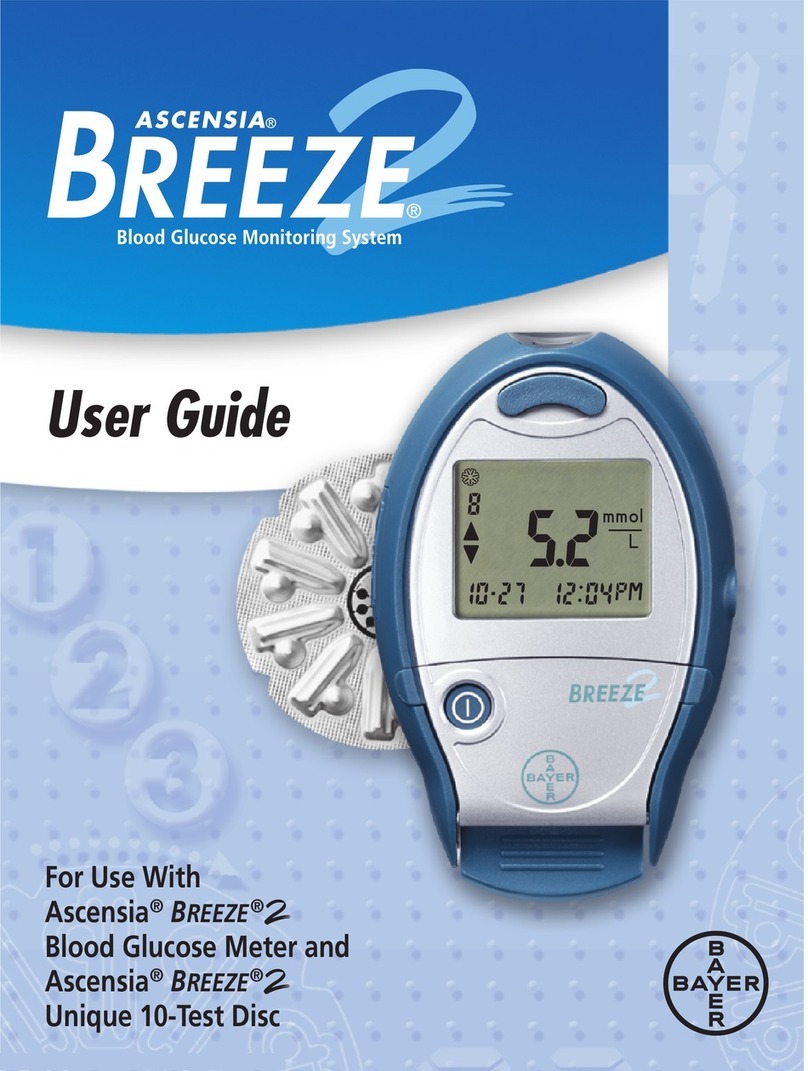
Bayer HealthCare Breeze 2 User manual

Bayer HealthCare

Bayer HealthCare Breeze 2 User manual
Bayer HealthCare Contour next EZ User manual

Bayer HealthCare

Bayer HealthCare Contour next EZ User manual

Bayer HealthCare CONTOUR User manual

Bayer HealthCare

Bayer HealthCare CONTOUR User manual
Bayer HealthCare ESPRIT User manual

Bayer HealthCare

Bayer HealthCare ESPRIT User manual

Bayer HealthCare CONTOUR User manual

Bayer HealthCare

Bayer HealthCare CONTOUR User manual
Bayer HealthCare BLOOD GLUCOSE MONITORING SYSTEM User manual

Bayer HealthCare

Bayer HealthCare BLOOD GLUCOSE MONITORING SYSTEM User manual

Bayer HealthCare CONTOUR NEXT User manual

Bayer HealthCare

Bayer HealthCare CONTOUR NEXT User manual

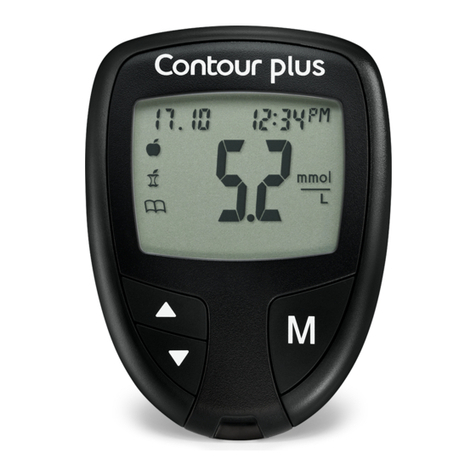
Bayer HealthCare CONTOUR PLUS User manual

Bayer HealthCare

Bayer HealthCare CONTOUR PLUS User manual

Bayer HealthCare Breeze 2 User manual

Bayer HealthCare

Bayer HealthCare Breeze 2 User manual

Bayer HealthCare Contour next EZ User manual

Bayer HealthCare

Bayer HealthCare Contour next EZ User manual

Bayer HealthCare Contour TS User manual
Bayer HealthCare

Bayer HealthCare Contour TS User manual

Bayer HealthCare Ascensia Contour Blood Glucose Meter User manual

Bayer HealthCare

Bayer HealthCare Ascensia Contour Blood Glucose Meter User manual

Bayer HealthCare Contour next EZ User manual

Bayer HealthCare

Bayer HealthCare Contour next EZ User manual

Bayer HealthCare Elite XL User manual

Bayer HealthCare

Bayer HealthCare Elite XL User manual
Bayer HealthCare Ascensia Contour CONTOUR Blood Glucose Meter and Ascensia CONTOURTM Test... User manual

Bayer HealthCare

Bayer HealthCare Ascensia Contour CONTOUR Blood Glucose Meter and Ascensia CONTOURTM Test... User manual

Bayer HealthCare CONTOUR User manual

Bayer HealthCare

Bayer HealthCare CONTOUR User manual

Popular Blood Glucose Meter manuals by other brands

ReliOn Prime User instruction manual

ReliOn

ReliOn Prime User instruction manual

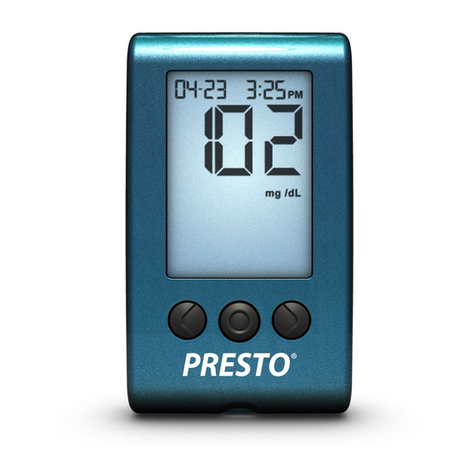
AgaMatrix Presto owner's guide

AgaMatrix

AgaMatrix Presto owner's guide

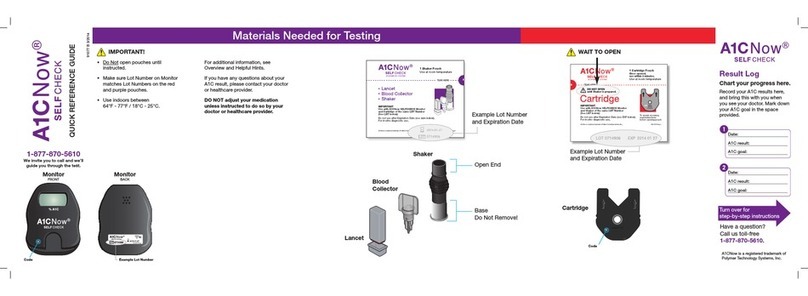
Polymer Technology Systems A1C Now Self Check user manual

Polymer Technology Systems

Polymer Technology Systems A1C Now Self Check user manual

Medisana GlucoDock instruction manual

Medisana

Medisana GlucoDock instruction manual

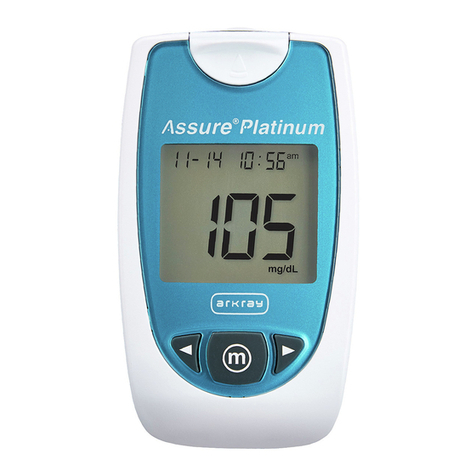
Arkray ASSURE PLATINUM quick start guide

Arkray

Arkray ASSURE PLATINUM quick start guide

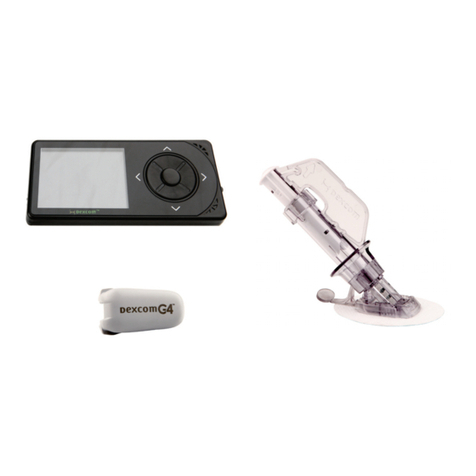
Dexcom G4 Professional user guide

Dexcom

Dexcom G4 Professional user guide

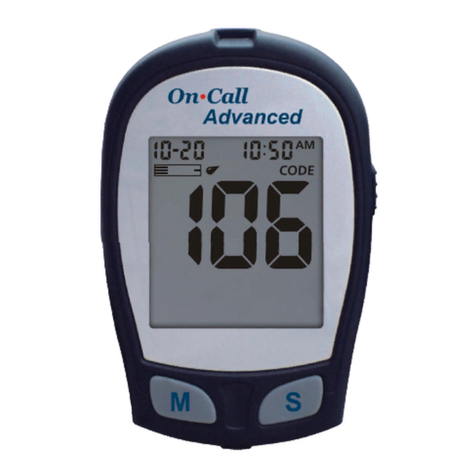
Acon On Call user manual

Acon

Acon On Call user manual

veri-Q BALANCE PRO user manual

veri-Q

veri-Q BALANCE PRO user manual

Medisana MediTouch 2 instruction manual

Medisana

Medisana MediTouch 2 instruction manual

Infopia Element Instructions for use

Infopia

Infopia Element Instructions for use

Abbott Optimum Xceed user guide

Abbott

Abbott Optimum Xceed user guide

Contour TS user guide

Contour

Contour TS user guide

LabStyle Dario user guide

LabStyle

LabStyle Dario user guide

ACONLABS ON CALL EXPRESS user manual

ACONLABS

ACONLABS ON CALL EXPRESS user manual

Higi Technology iGlucose quick start guide

Higi Technology

Higi Technology iGlucose quick start guide

Accu-Chek ADVANTAGE owner's booklet

Accu-Chek

Accu-Chek ADVANTAGE owner's booklet

Sanofi-aventis BG STAR Brief operating instructions

Sanofi-aventis

Sanofi-aventis BG STAR Brief operating instructions

Abbott Precision Xtra user manual

Abbott

Abbott Precision Xtra user manual

manuals.online logo
manuals.online logoBrands
  • About & Mission
  • Contact us
  • Privacy Policy
  • Terms and Conditions

Copyright 2025 Manuals.Online. All Rights Reserved.

If you see the letter “E” followed by a number, or if your Meter beeps twice, an error has
occurred. The following chart gives you a list of a few possible errors and describes what they mean.
What You See What it Means What You Should Do
Low battery Replace the batteries as soon as possible. Bayer HealthCare offers free
replacement batteries for Ascensia customers. Call Customer Service at
1-800-348-8100 (24 hours a day).
E 1 Temperature out Test only when the meter temperature is between
of range 50°F and 104°F (10°C and 40°C).
E 2 Test Strip underfill Remove the Test Strip and repeat the test with a new Test Strip.
E 3 Used Test Strip Replace Test Strip with a new, unused Test Strip. Wait until you see the
flashing blood drop before you add blood sample.
E 4 Test Strip not Remove the Test Strip and insert it properly.
inserted correctly
E 5 and above All other errors When you see the letter E followed by a number that is not listed here,
remove Test Strip and retest with a new Test Strip. If you continue to
experience difficulty, call Customer Service for assistance.
LO Test result is below Repeat test. If LO appears again, contact your Physician or Healthcare
10 mg/dL (0.6 mmol/L) Professional immediately. CAUTION: Glucose levels below 50 mg/dL
(2.8 mmol/L) may indicate a potentially serious medical condition.
HI Test result is above Wash your hands and test site. Repeat the test. If the test result is still
600 mg/dL “HI,” contact your Physician or Healthcare Professional immediately.
(33.3 mmol/L) CAUTION: Glucose levels above 250 mg/dL (13.9 mmol/L) may
indicate a potentially serious medical condition.
Solving Problems
© 2003 Bayer HealthCare LLC
Made and Printed in U.S.A.
50184256 Rev. 9/03
Note: See “Solving Problems” section of your
Ascensia®CONTOUR™User Guide for further
information and a complete list of errors.
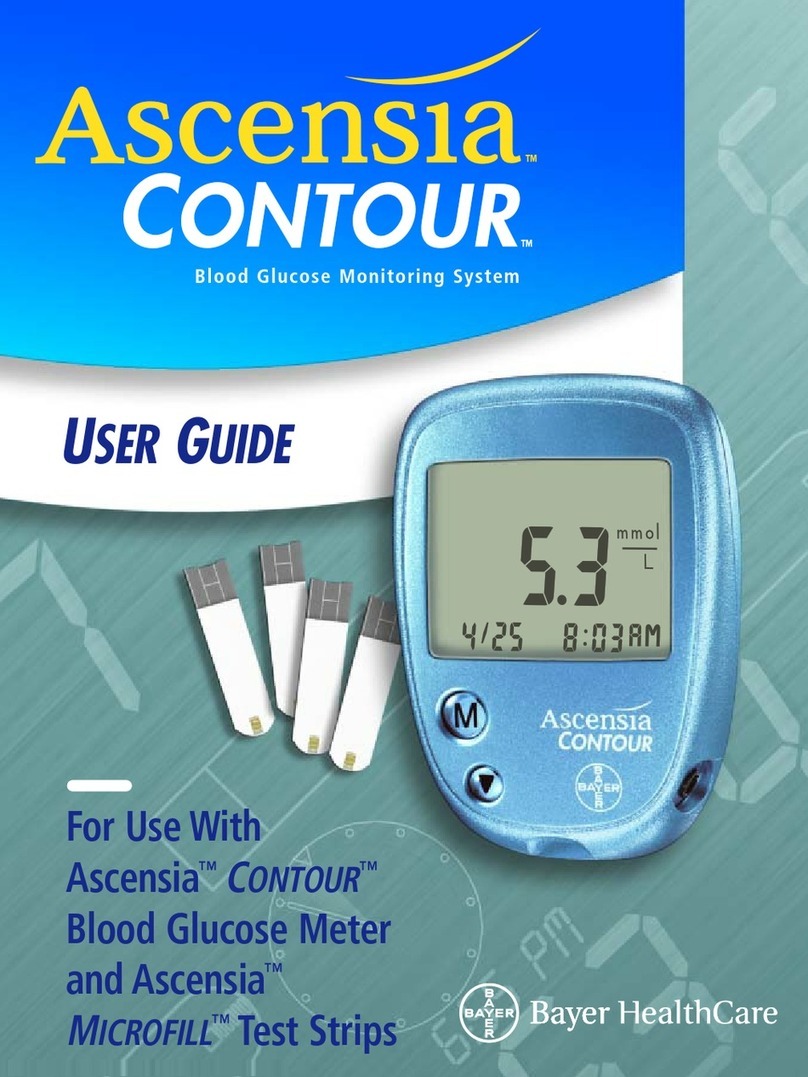
For Use With
Ascensia
®
C
ONTOUR
™
Blood Glucose Meter
and Ascensia
®
M
ICROFILL
™Test Strips
QUICK REFERENCE
GUIDE
Blood Glucose Monitoring System
Bayer HealthCare LLC
Mishawaka, IN 46544 USA
Distributed by:
Hold the round end
of the Test Strip with
the gray electrode
side up, and insert
the Test Strip into
the Meter until it
stops.
The Meter will run a
quick self-test and
then prompt you to
apply blood by
showing you a
picture of a blood
drop being “sipped”
into the Test Strip.
1. Insert Test Strip
Press Ascensia™
MICROLET®
Device firmly against
puncture site and
press button to
release. Form a
small drop of blood.
2. Obtain Blood Drop
Bring tip of
the Test Strip
to lightly
touch the drop
of blood. Hold
until the
Meter beeps.
The test result
will be
displayed after
a 15 second
countdown.
3. Test Blood Glucose
To turn your
Meter off,
simply remove
the used Test
Strip. Your test
result will
automatically
be stored in
memory.
Dispose of the
used Test Strip
and lancet
properly.
4. Turn Meter Off
Your Ascensia®
C
ONTOUR
™Meter
Screen: This is where your
blood glucose result will
display.
Gray Electrode End: Insert this
end of Test Strip into Meter.
Sample End or Tip of Test Strip: Lightly
touch this end of Test Strip to blood
drop.
Memory (M) Button: Use to
view results stored in the
memory, your 14-day
average and change Set-up
features.
Scroll (▼) Button: Use to
scroll through your blood
glucose results in the memory
and change Set-up features.
Data Port: Allows Meter to
communicate with a personal
computer via a cable.
Test Strip Slot: This is
where you insert the
Test Strip.
Ascensia
®
MICROFILL™Test Strips: Use
for blood glucose or control solution
testing. Supplied in a handy bottle with
an easy-to-open flip-top lid. No coding
is required.