manuals.online logo
Brands
  1. Home
  2. •
  3. Brands
  4. •
  5. Behringer
  6. •
  7. Crossover
  8. •
  9. Behringer DCX Series User manual

Behringer DCX Series User manual

Other manuals for DCX Series

1

Other Behringer Crossover manuals
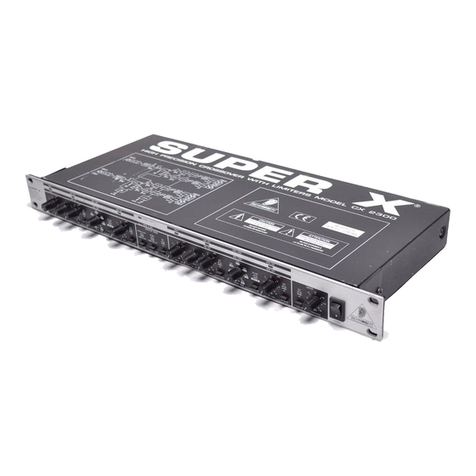
Behringer Super X CX 2300 User manual

Behringer

Behringer Super X CX 2300 User manual

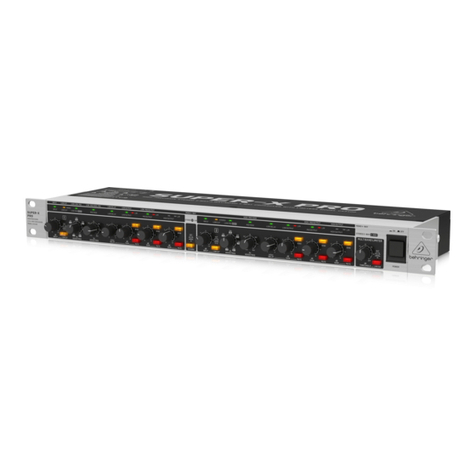
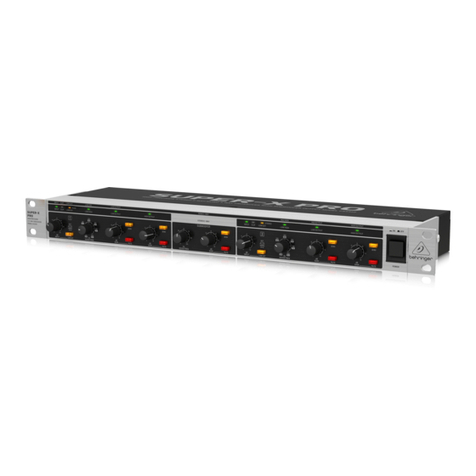
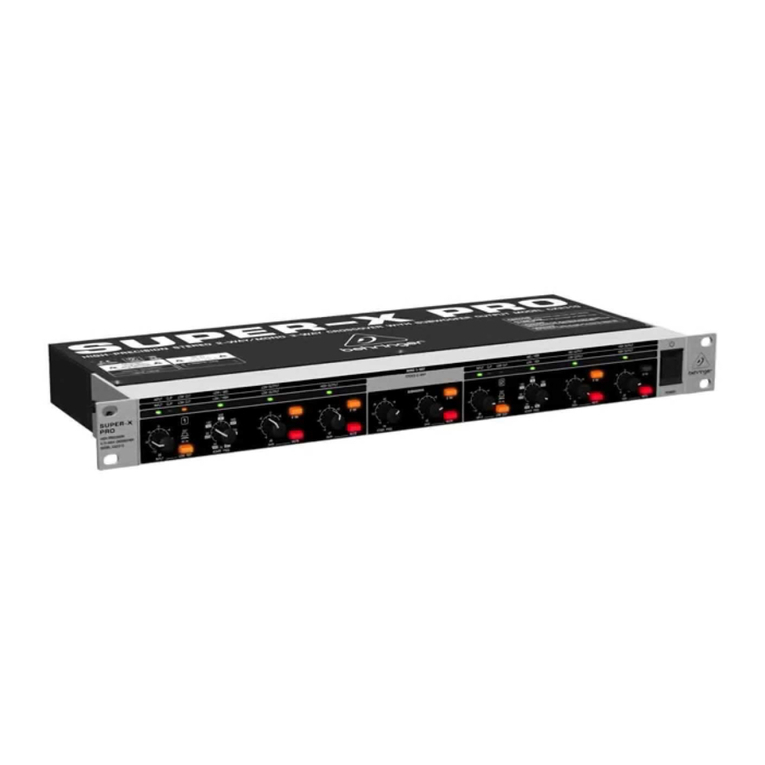
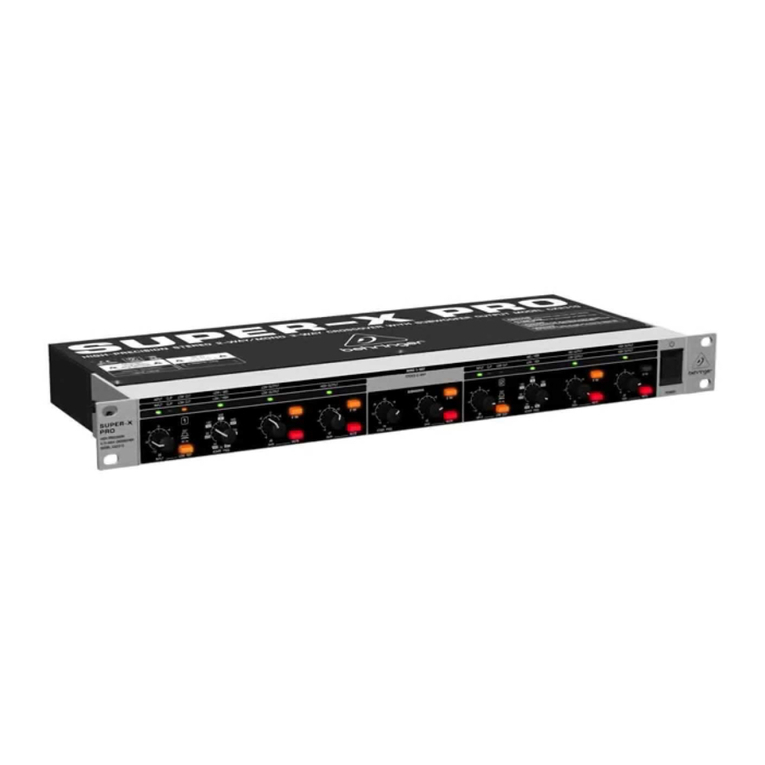
Behringer SUPER-X PRO CX2310 User manual
Behringer

Behringer SUPER-X PRO CX2310 User manual

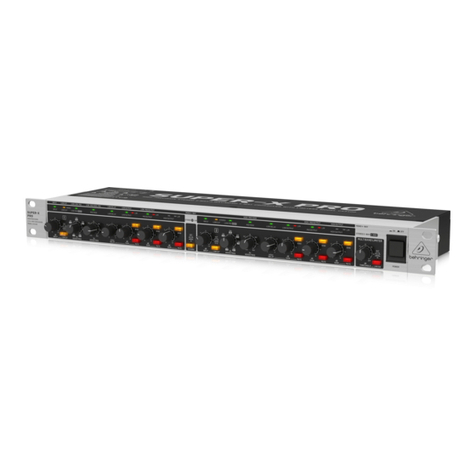
Behringer SUPER-X PRO CX2310 User manual

Behringer

Behringer SUPER-X PRO CX2310 User manual

Behringer Super-X Pro CX3400 User manual

Behringer

Behringer Super-X Pro CX3400 User manual

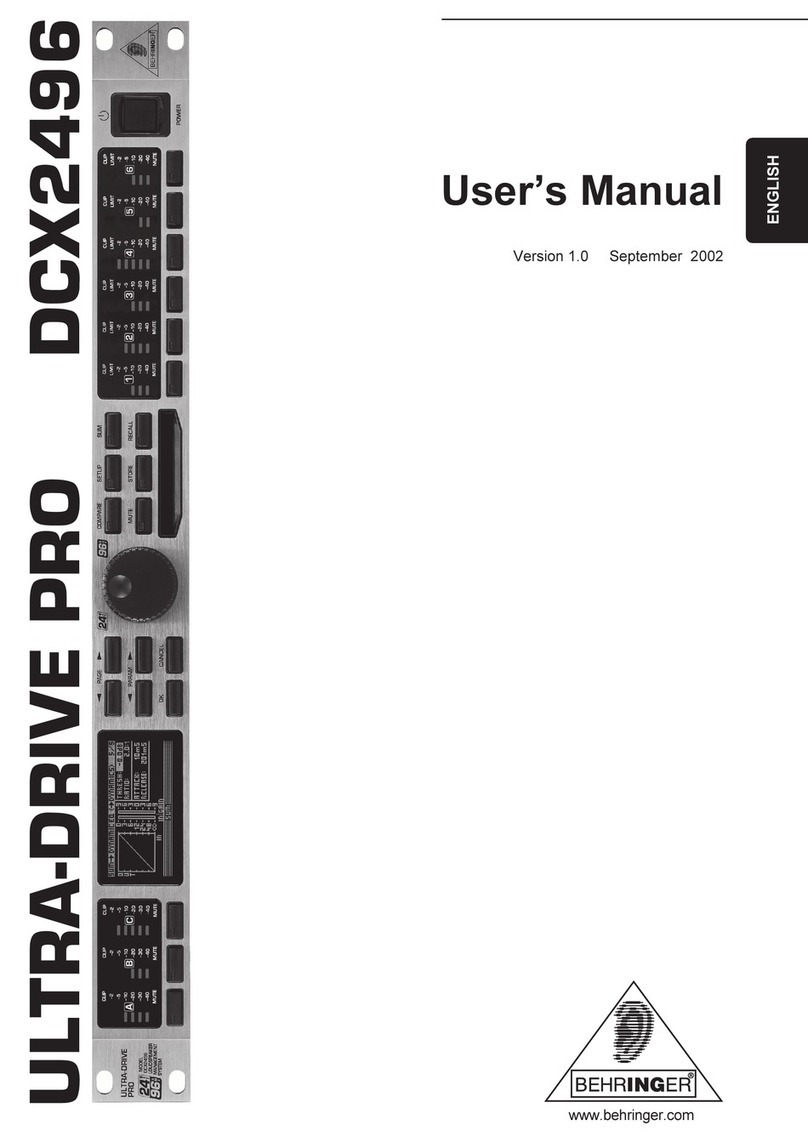
Behringer ULTRADRIVE PRO DCX2496 User manual

Behringer

Behringer ULTRADRIVE PRO DCX2496 User manual

Behringer Super-X Pro CX3400 User manual

Behringer

Behringer Super-X Pro CX3400 User manual

Behringer Super-X Pro CX3400 User manual

Behringer

Behringer Super-X Pro CX3400 User manual

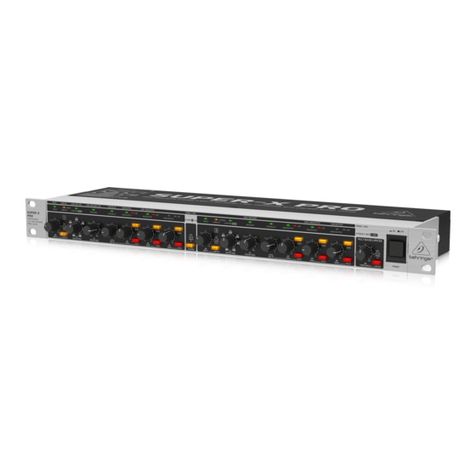
Behringer SUPER-X PRO CX2310 User manual
Behringer

Behringer SUPER-X PRO CX2310 User manual
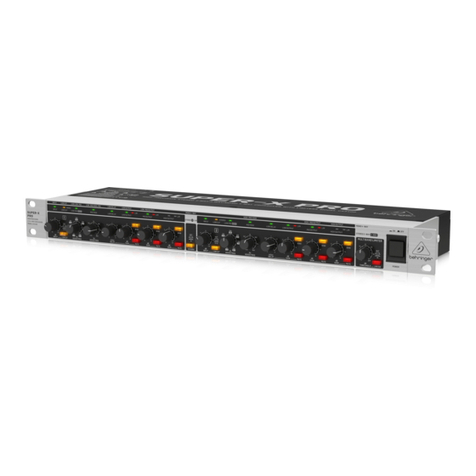
Behringer SUPER-X PRO CX2310 User manual

Behringer

Behringer SUPER-X PRO CX2310 User manual

Behringer Super-X Pro CX3400 User manual

Behringer

Behringer Super-X Pro CX3400 User manual

Behringer Super-X Pro CX3400 User manual

Behringer

Behringer Super-X Pro CX3400 User manual

Behringer SUPER-X PRO CX2310 User manual

Behringer

Behringer SUPER-X PRO CX2310 User manual

Behringer Super-X Pro CX3400 User manual

Behringer

Behringer Super-X Pro CX3400 User manual

Behringer SUPER-X PRO CX2310 User manual

Behringer

Behringer SUPER-X PRO CX2310 User manual

Behringer Super-X Pro CX3400 User manual

Behringer

Behringer Super-X Pro CX3400 User manual

Behringer Super-X Pro CX3400 User manual

Behringer

Behringer Super-X Pro CX3400 User manual

Behringer Super-X Pro CX3400 User manual

Behringer

Behringer Super-X Pro CX3400 User manual

Behringer SUPER-X PRO CX2310 User manual

Behringer

Behringer SUPER-X PRO CX2310 User manual

Behringer Ultra-dyne Pro DSP9024 User manual
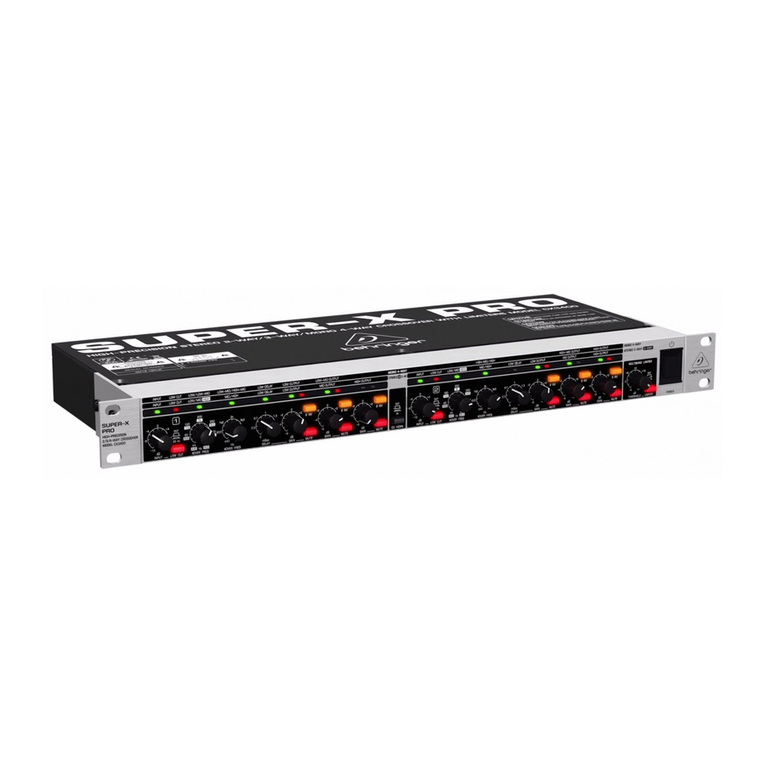
Behringer

Behringer Ultra-dyne Pro DSP9024 User manual

Popular Crossover manuals by other brands

DAPAudio DCX-36 MKII manual

DAPAudio

DAPAudio DCX-36 MKII manual

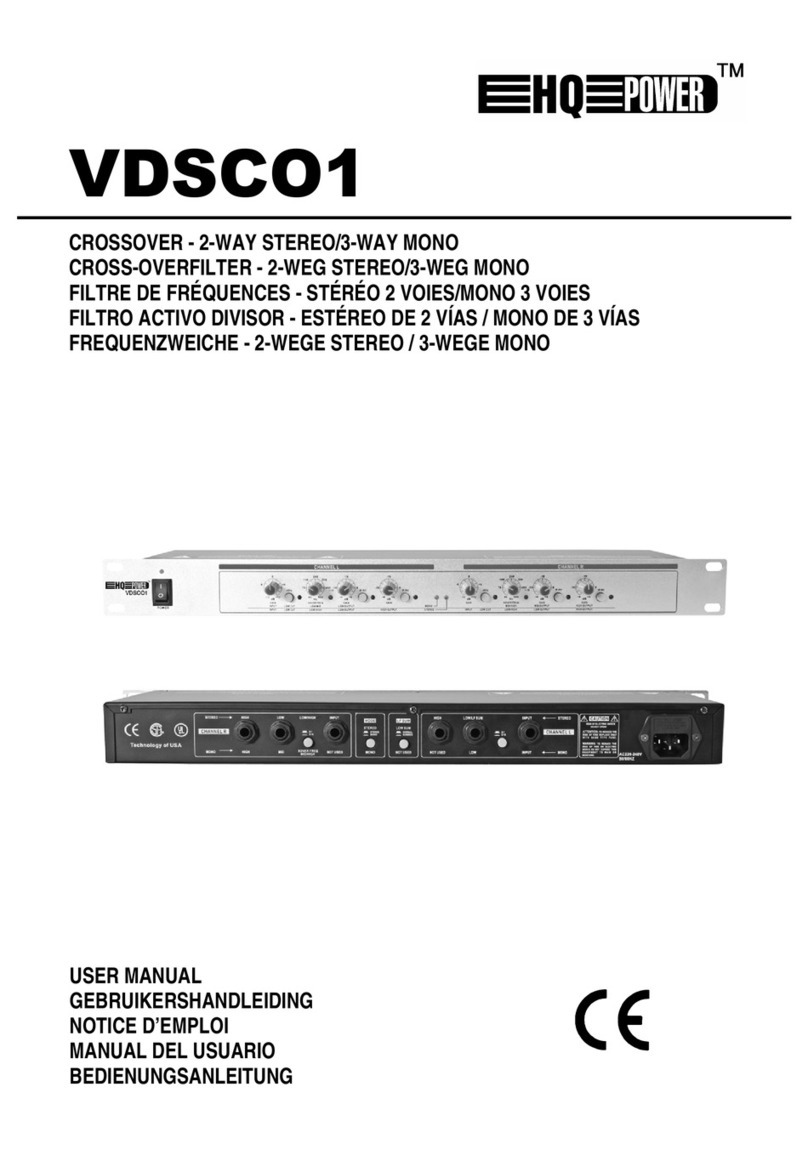
Velleman HQ POWER VDSCO1 user manual

Velleman

Velleman HQ POWER VDSCO1 user manual

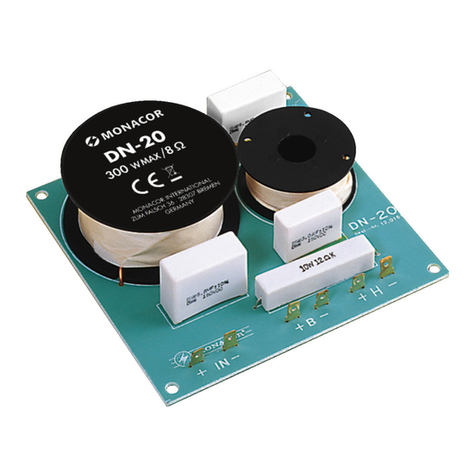
Monacor DN-20 manual

Monacor

Monacor DN-20 manual

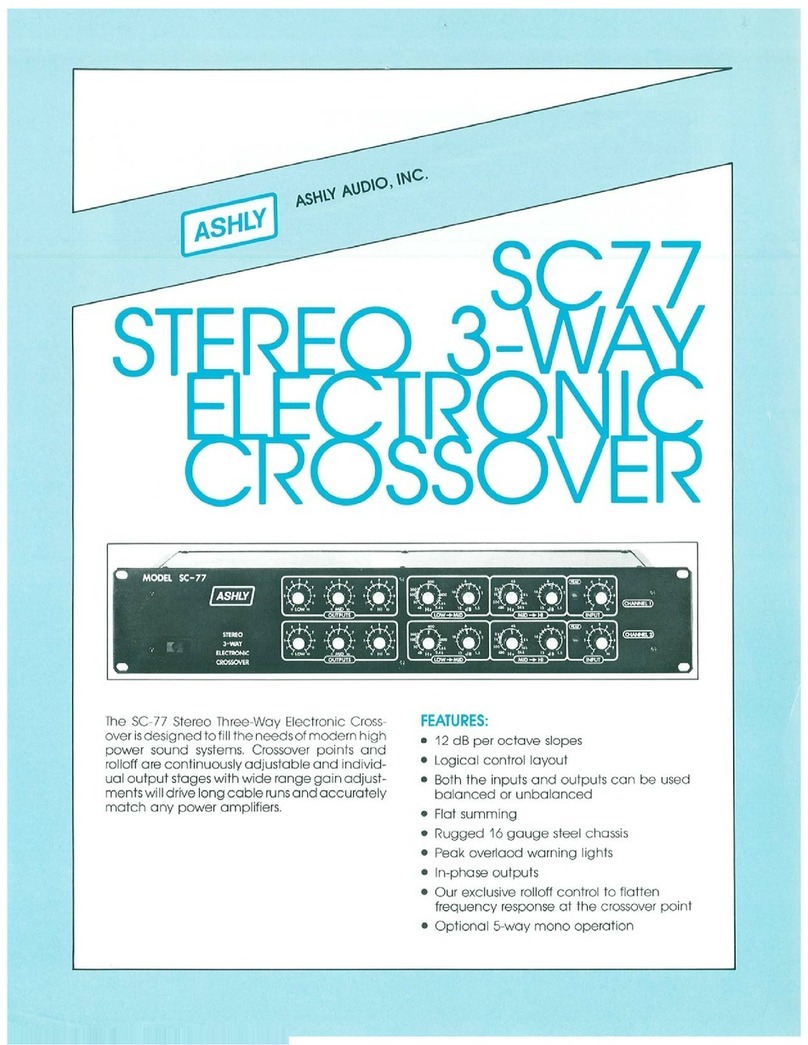
Ashly SC77 product manual

Ashly

Ashly SC77 product manual

Electro-Voice XEQ-2 Specifications

Electro-Voice

Electro-Voice XEQ-2 Specifications

NAIM SNAXO 362BMR owner's manual

NAIM

NAIM SNAXO 362BMR owner's manual

Ranea DC 24 Schematic diagram

Ranea

Ranea DC 24 Schematic diagram

Alto X34 user manual

Alto

Alto X34 user manual

Crown VFX-2 instruction manual

Crown

Crown VFX-2 instruction manual

Soundstream DX-5 owner's manual

Soundstream

Soundstream DX-5 owner's manual

Kenwood KEC-600 instruction manual

Kenwood

Kenwood KEC-600 instruction manual

Lab.gruppen DSP 24B brochure

Lab.gruppen

Lab.gruppen DSP 24B brochure

Kenwood KEC-301 instruction manual

Kenwood

Kenwood KEC-301 instruction manual

QSC XL-1 owner's manual

QSC

QSC XL-1 owner's manual

Rane AC 23B datasheet

Rane

Rane AC 23B datasheet

AudioBahn AX206X operating instructions

AudioBahn

AudioBahn AX206X operating instructions

Zeck Audio CCR24 Service manual

Zeck Audio

Zeck Audio CCR24 Service manual

Peavey VSX user guide

Peavey

Peavey VSX user guide

manuals.online logo
manuals.online logoBrands
  • About & Mission
  • Contact us
  • Privacy Policy
  • Terms and Conditions

Copyright 2025 Manuals.Online. All Rights Reserved.

BehringerMods.com
Instructions for modification of Behringer DCX analog inputs and
outputs
The following instructions will cover the details of fully modifying a unit with analog output and
analog input upgrades. Steps that are specific to these options will be labelled and can be
skipped if you did not purchase them.
These modifications require a high level of assembly and skill. It is not recommended for a
beginner at electronics. If you doubt your ability to complete the mods correctly, please contact
BehringerMods to arrange an installation service. BehringerMods take no responsibility for
damage caused to your equipment by modification.
The modification package should come with the following parts:
Analog Out Mods
Populated PCB(s)
Ribbon signal cable
Ground wire
PCB Stands
Analog Input Mods
Populated PCB(s)
Ribbon signal cable
Ground wire
PCB Stands
Below is a diagram showing how the components should be connected for a fully modified unit. Colours are for visual clarity,
they do not match the actual wire colours.
Blue = Signal ribbon wires (Black, White, Grey, Violet) from the back of the Main PCB >> to the Output Upgrade PCB.
Red = Signal ribbon wires (Yellow, Orange, Red, Brown) from Output Upgrade PCB >> to Output XLRs.
Green = Signal ribbon wires (Black, White, Grey, Violet) from Rear PCB removed capacitors >> to Input Upgrade PCB.
Orange = Signal ribbon wires (Yellow, Orange, Red, Brown) from Input Upgrade PCB >> to the back of the Main PCB.
Yellow = Power ribbon wires (Blue, Green) from Rear PCB >> to 1st Output Upgrade PCB. Additional Upgrade PCBs can be linked
to each other by the ‘V+, V-‘ pads.
Purple = Ground wire from pin1 on the 1st Output XLR >> to 1st Output Upgrade PCB ‘GND1’ pad. Additional Upgrade PCBs can
be linked to each other by the ‘GND1, GND2’ pads.
Ribbon Code:
1) Black = In L +
2) White = In L -
3) Grey = In R +
4) Violet = In R -
5) Blue = V-
6) Green = V+
7) Yellow = Out L +
8) Orange = Out L -
9) Red = Out R +
10) Brown = Out R -
Remove the equipment cover and keep the screws in a dish.
The PCBs will be placed as shown. Input Upgrade PCB left, Output Upgrade PCBs right. The output PCBs come as a
stack of 3 to upgrade 6 channels. The output stack needs 3x 3.5mm holes drilled in the case.
(OUTPUT MODS)
Take one Output Upgrade PCB, hold it carefully in position and mark the 3 holes on the case.
Use sharp pliers to gently remove the glue securing the ribbon connectors on the Main PCB. If your DCX is older you can
also remove the power connector.
The PSU contains deadly voltages! Over 400V DC. Ensure the equipment is disconnected from power.
Disconnect the ribbon cables.
Remove all screws from the Rear PCB.
Remove Rear PCB and keep safe.
If your DCX does not have a detachable PSU connector:
Turn the DCX over and remove 4 screws holding the power supply.
Detach the mains power connector from the power supply.
Remove 4 screws holding Main PCB.
Keep Main PCB and Power Supply in a safe place.
(OUTPUT MODS)
If you have a center punch, use it to mark the PCB hole positions.
(OUTPUT MODS)
Place a piece of wood under the equipment and 3x 3.5mm holes carefully in the correct position.
(OUTPUT MODS)
Use a large drill by hand to remove rough edges on the holes.
(OUTPUT MODS)
Place M3 screw through bottom of case.
(OUTPUT MODS)
Attach the three 5mm PCB Stand in the case.
(OUTPUT MODS)
Ensure the Output Upgrade PCB fits on top.
Replace Main PCB temporarily.
Trim the length of all ribbon cables.
Output Upgrade Ribbons:
Black, White, Grey, Violet - must reach Main PCB Ribbon Socket.
Yellow, Orange, Red, Brown - must reach Output XLRs 1&2, 3&4, 5&6 per PCB ribbon.
Green, Blue - must reach Rear PCB area near output XLR 1. (Connected close to here, but not actually on XLR)
Input Upgrade Ribbon:
Black, White, Grey, Violet - must reach Rear PCB Near Input XLRs.
Yellow, Orange, Red, Brown - must reach Main PCB Ribbon Socket.
Green, Blue - must reach Output Upgrade Top PCB.
Remember: You can cut shorter, but not longer!