manuals.online logo
Brands
  1. Home
  2. •
  3. Brands
  4. •
  5. Belden
  6. •
  7. Enclosure
  8. •
  9. Belden PPC FlexPon User manual

Belden PPC FlexPon User manual

Other Belden Enclosure manuals

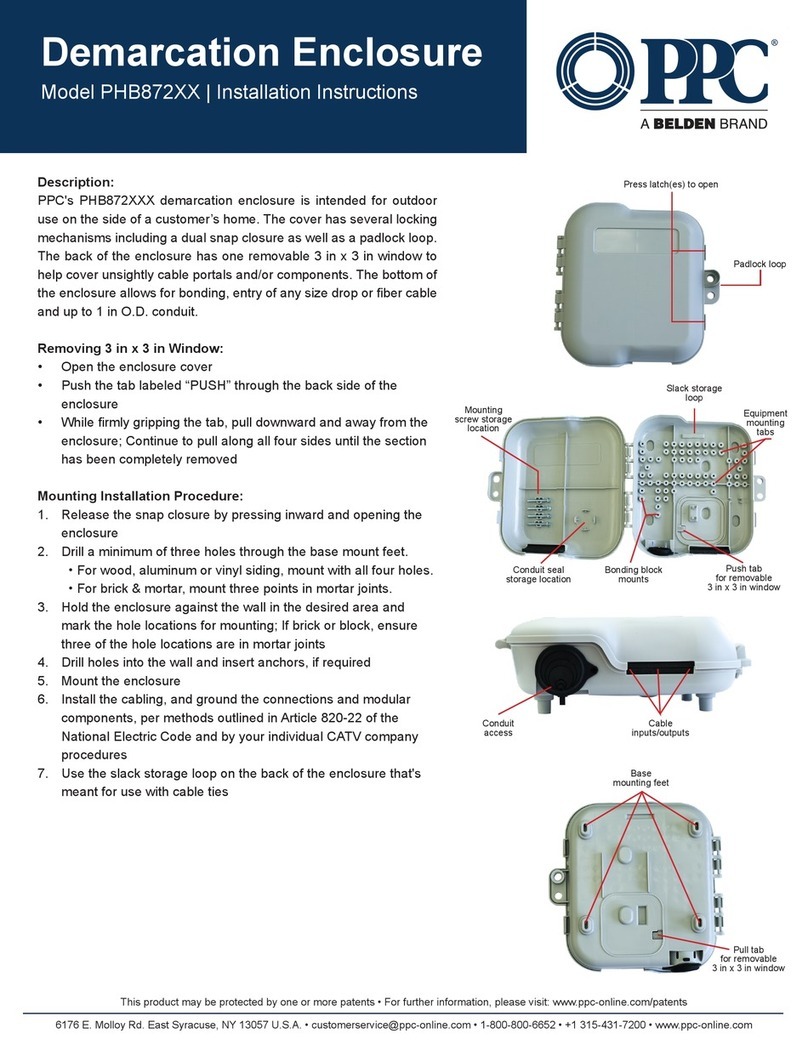
Belden PPC PHB872 Series User manual

Belden

Belden PPC PHB872 Series User manual

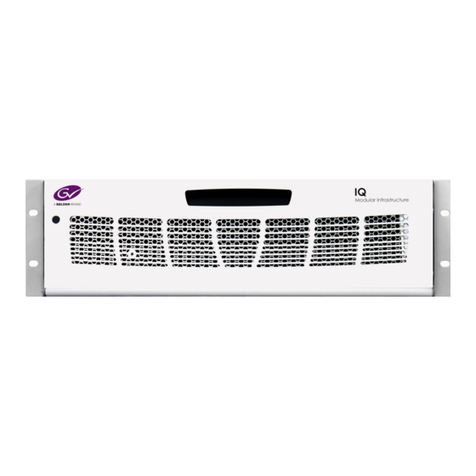
Belden grass valley IQH3B Series User manual

Belden

Belden grass valley IQH3B Series User manual

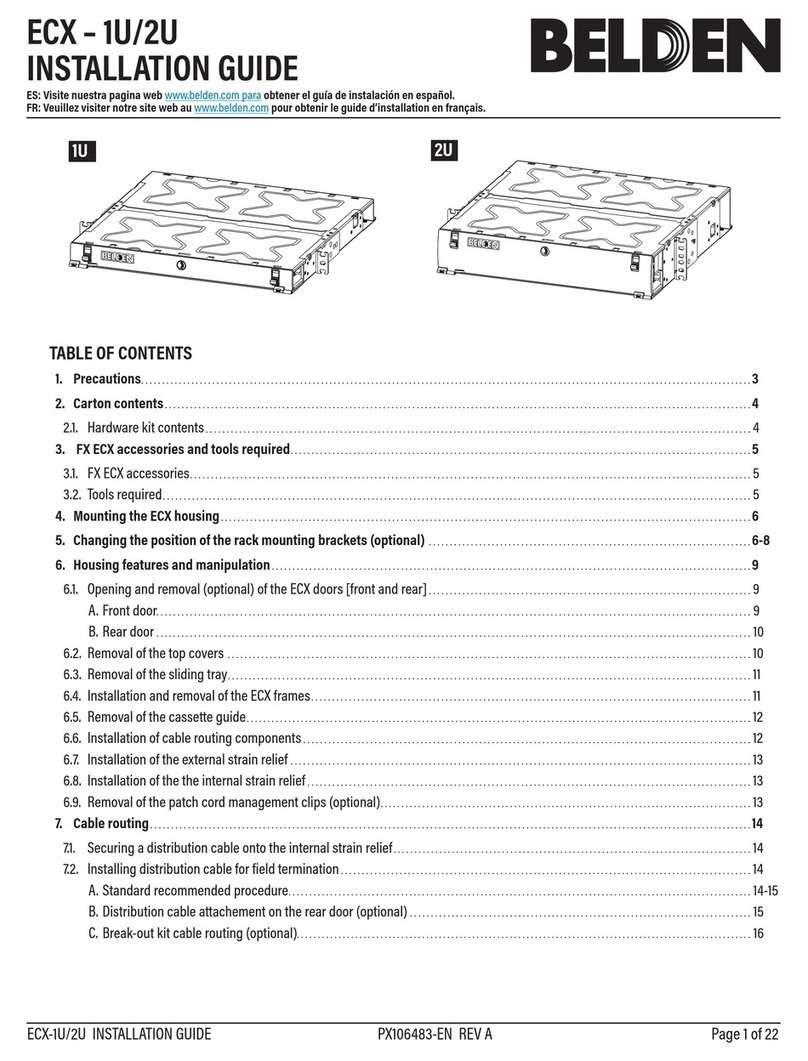
Belden ECX-1U User manual

Belden

Belden ECX-1U User manual

Popular Enclosure manuals by other brands

SilentiumPC Armis AR5 Hardware installation

SilentiumPC

SilentiumPC Armis AR5 Hardware installation

Pulsar 17/TRP80/DSPR Assembly instructions

Pulsar

Pulsar 17/TRP80/DSPR Assembly instructions

Thermaltake V150 TG user manual

Thermaltake

Thermaltake V150 TG user manual

MSI MPG SEKIRA 500X quick start guide

MSI

MSI MPG SEKIRA 500X quick start guide

Antec Dark fleet DF-10 user manual

Antec

Antec Dark fleet DF-10 user manual

Peavey DS 1502 Specifications

Peavey

Peavey DS 1502 Specifications

D-Link ShareCenter Pro DNS-1550-04 user manual

D-Link

D-Link ShareCenter Pro DNS-1550-04 user manual

Rosewill RX82-U(JBOD) user manual

Rosewill

Rosewill RX82-U(JBOD) user manual

QNAP SAS JBOD CLI 1.0 user guide

QNAP

QNAP SAS JBOD CLI 1.0 user guide

GAMDIAS Talos P1 Quick installation guide

GAMDIAS

GAMDIAS Talos P1 Quick installation guide

Auvs KR615 user manual

Auvs

Auvs KR615 user manual

Digitus DA-71114 manual

Digitus

Digitus DA-71114 manual

CommScope FDH 3000 user manual

CommScope

CommScope FDH 3000 user manual

FS FHD-FWME4 quick start guide

FS

FS FHD-FWME4 quick start guide

JBL CS1215T owner's manual

JBL

JBL CS1215T owner's manual

Pulsar ARAD-S4 manual

Pulsar

Pulsar ARAD-S4 manual

Pulsar AWO454 Assembly instruction

Pulsar

Pulsar AWO454 Assembly instruction

NewerTech Voyager S3 user guide

NewerTech

NewerTech Voyager S3 user guide

manuals.online logo
manuals.online logoBrands
  • About & Mission
  • Contact us
  • Privacy Policy
  • Terms and Conditions

Copyright 2025 Manuals.Online. All Rights Reserved.

FlexPon Demarcation Enclosure
Installation
This product may be protected by one or more patents • For further information, please visit: www.ppc-online.com/patents
[email protected] • 1-800-800-6652 • www.ppc-online.com
FlexPon Demarcation
Enclosure Installation
STEP 1
Once mounted, open the enclosure and cut the right
side stepped grommet to t over the end of the ber drop
cable or microduct.
STEP 3
STEP 2
STEP 4
Pull the end of the drop cable into the ber input port
and secure with the band clamp - and strength member
clamp, if applicable.
Position the grommet so it seals the ber input port. Route the excess ber around the slack management
tray and plug the drop ber connector into the bottom of
the SC coupler.
1
This product may be protected by one or more patents • For further information, please visit: www.ppc-online.com/patents
[email protected] • 1-800-800-6652 • www.ppc-online.com
FlexPon Demarcation
Enclosure Installation
STEP 5
Cut the left side stepped grommet to t over the
end of the ber payout cable or microduct.
STEP 7
STEP 6
STEP 8
Clamp the microduct into the ber payout port and
position the grommet so it seals the ber payout
port.
Push or pull the required ber through the ber
payout port.
Pull the connector out from the center of the spool
and make one clockwise wrap around the slack
management.
2
This product may be protected by one or more patents • For further information, please visit: www.ppc-online.com/patents
[email protected] • 1-800-800-6652 • www.ppc-online.com
FlexPon Demarcation
Enclosure Installation
STEP 9
Plug the connector into the top of the SC coupler
and push both sides of the payout ber underneath
the left side retention member.
STEP 11
STEP 10
Lift up on the lid and swing the door shut.
Secure the door closed using a can wrench.
3
For more than 70 years, PPC has
been developing and manufacturing
connectivity solutions for broadband
service providers. Holding more
patents in connector technology than
any other company worldwide, PPC
continues to be a premier driver of
innovation and technical leadership.
HEADQUARTERS
Syracuse, New York
6176 East Molloy Road
East Syracuse, New York 13057
TEL: 315-431-7200
FAX: 315-431-7201
rev2_09182020