4
Stop cycle in Engine Protection MODE (JM5-6 connected together)
The engine stops in one of the following ways:
- Immediately, in case of ALARM (*) (see section 5.0)
- After a delay, if the PRESSURE SWITCH (*) closes the contacts
- Immediately, if the REMOTE TEST switch opens the contacts
(*)Note. The BE26A can shutdown the engine according to parameters [L.07] and [I.01], as described in the
section 8.0.
2.2 MANUAL mode
To control the engine in manual, use the 'START' and 'STOP' pushbuttons. To select the MANUAL mode, turn
the Key-Switch into MAN.
In accordance with the NFPA-20 standard, it is not possible to remove the key in MANUAL mode. The STOP
button is always disabled in NFPA-20 MODE. To stop the engine, turn the key to OFF mode.
2.3 OFF mode
If the key-switch is in the ‘OFF’ position, all operations of Be26A are inhibited, and the engine does not start.
Turn the key-switch to OFF to cancel the alarms and stop the engine. In OFF mode, it is possible to program
the parameters (see section 6.0). It is not possible to remove the key in OFF mode. In OFF mode, the display
turns off automatically afters a few seconds. To restore the display, push the [ALARM RESET] pushbutton: the
display will indicate the HOUR METER.
2.4 TEST of the LAMPS (LED indicators)
Turn the key to OFF. Push and hold for about 5 seconds the [ALARM RESET] pushbutton, the LEDs and
DISPLAY will turn on. Release the button to turn off the indicators and display.
3.0 Front panel description
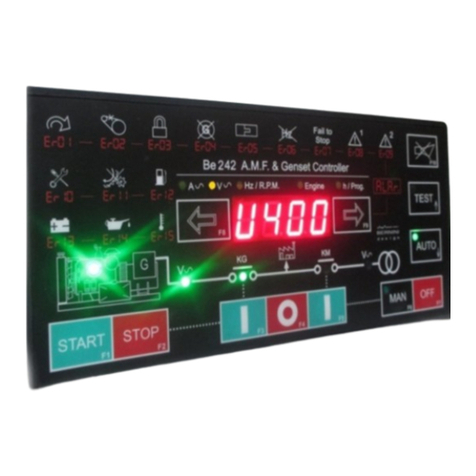
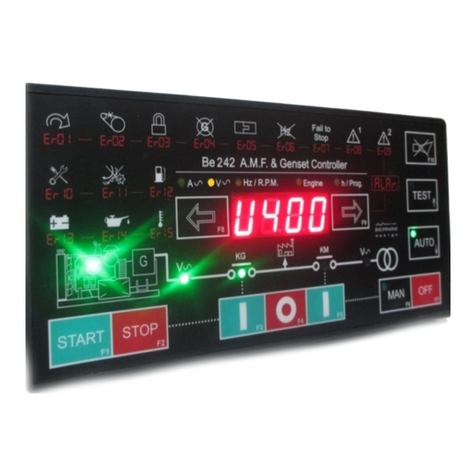
The BE26A features a 3 digit display, pushbuttons, key-switch and Led indicators (see section 17.0). The
display may indicate one of the following:
3.01 Program (hour meter)
The display indicates the number of run hours. The resolution is 1 hour. When the count is over 999, a decimal
point (on the right side of the display) will indicate that the indication has to be multiplied by 10. In order to clear
the hour count, (e.g. after a replacement of the pump) push the ‘STOP’ and ‘ALARM RESET’ pushbutton
simultaneously for at least 10 seconds in ‘MAN’ mode, until the message [dEL.] appears. If the number of
running hours of the engine is over 9999 ([999.] on display) the counter will start to count from zero.
3.02 TIMER indications
The display indicates the count down of the timers [0.5"] (delay to start) and [1.5"] (delay to stop, see section
8.0). The timers are programmable up to 9 minutes. The display indicates the time in the form
[Minutes.Seconds].
3.03 Battery Alarm indications
The display will indicate, in case of failure of the Battery set, the message [bt.1] or [bt.2]. The external low
voltage relays must be connected to the JF4 and JF8 inputs (see section 4.0).
The BE26A removes the message automatically if the battery returns to normal operating range.
3.04 Supply voltage
To display the Vdc supply voltage, push the ‘UP’ and ‘DOWN’ pushbuttons simultaneously. In case of
Low/High supply voltage, the display will blink.