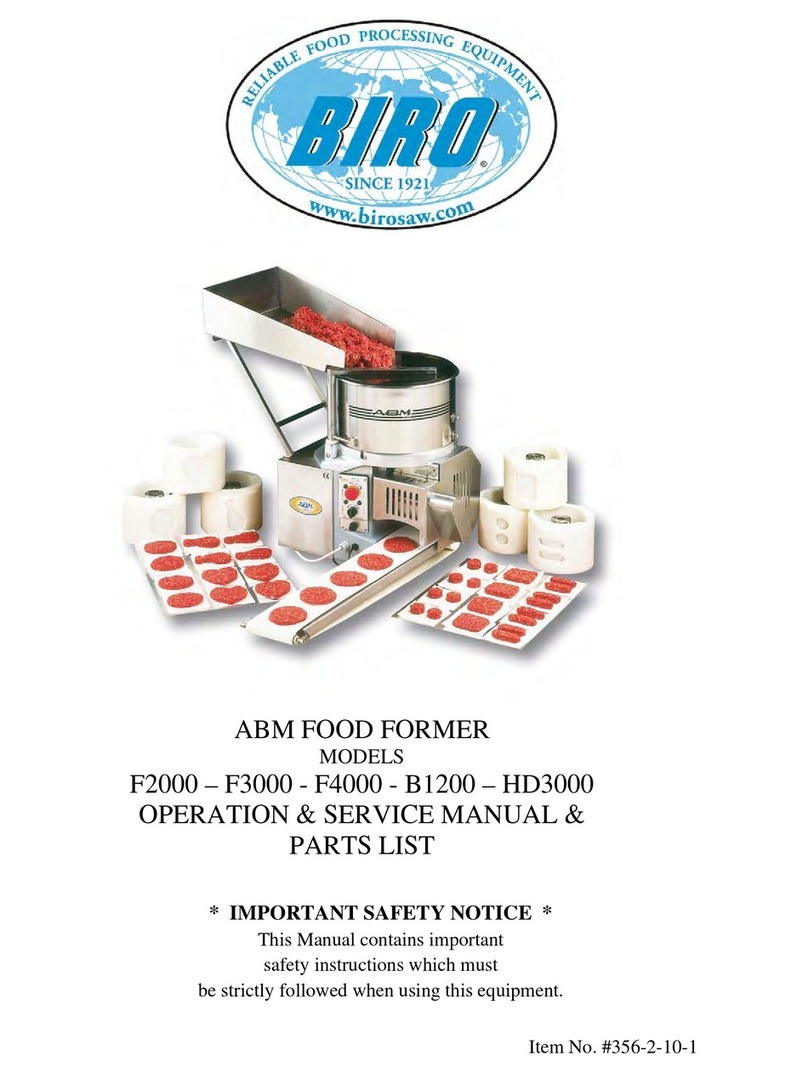
Position the papering attachment, freeing the locking lever (3).
Regulate the center of the paper, turning the centering knob (4).
Product Thickness Regulation
The machine is regulated in the factory with a medium thickness; to obtain another
thickness, follow the instructions indicated below:
Take out the regulation drum by operating on the ring nut clockwise and taking
out the drum.
Loosen the stop knob of the gauging device (I).
Turn the gauging device, to regulate the thickness (2).
Lock the stop knob (1).
Reassemble the drum, inserting it in the guide shaft, until the stop click.
Loading the Product and Use
Open the cover and load the product in the hopper and close the cover again.
Connect the plug to the socket.
Start the machine: push the automatic switch (1).
Regulate the production speed with the regulation handle (2) (only for model with
selector).
During the functionment, operate intermittently, in order to clean the drum from
residual product.
The product will come down on the conveyor belt and will be moved to its end.
To stop the machine, operate on the stop button (I) or open the protections.
To continue, release the stop button and turn the start switch again (2).
CLEANING AND HYGIENE
Complete Cleaning
It is advisable to clean the machine daily or if necessary more frequently, in case it
was very dirty or after long periods of inactivity.
The cleaning must be carefully made for the parts in contact with the product.
Clean the structure of the machine with soft cloths, sponges, and rinse with water
frequently. Finally dry with soft and dry cloths.
Attention: the machine is not protected against steam throws, high pressure throws or
similar systems. In this case there is risk of short circuit or serious damages to the machine.
Disassembly of the Removable Accessories