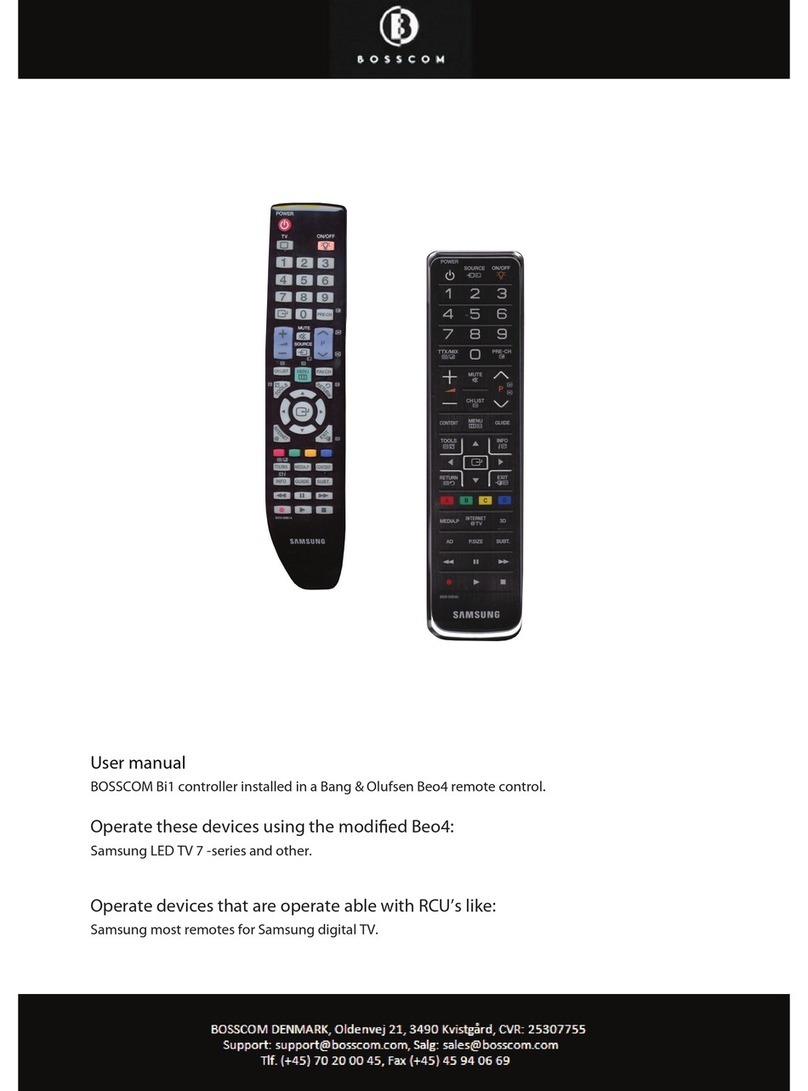
Operating with BOSSCOM
To be able to operate the device optimal with the Beo4 the user has to be familiar with operations with
the original remote control as described in the device’s user manual.
A Beo4 remote control is not equipped with as many keys as most other remote controls. We have
designed a ‘layout’that works logically even when shifting between different BOSSCOM operated devices.
To get a common layout for many devices, we therefore needed to redefine a few of the Beo4 buttons to
other functions:
Coloured buttons functions.
To make room for easy access to more important functions we have moved the coloured buttons to a
lower layer. To send “colour’” command from the device’s original RCU button must be pressed
before the coloured button. This way we are able to assign other functions to the coloured buttons in
direct mode. In BOSSCOM environment the coloured buttons are assigned to these operations:
Guide, EPG or similar
Back, Backup, Return or similar
Programme zapping. P+/P-
Channel up/down or CH+/CH-
Programme stepping, up/ down manoeuvring in menus.
Most set top boxes or TV’s has 4 arrow buttons for moving up, down, left and right in on screen menus.
In addition they have separate programme stepping buttons for zapping through programmes. B&O
remote controls do not have separate buttons for programme zapping. We therefore have chosen the
blue and the yellow buttons to function as programme stepping buttons, in direct mode. The four up,
down, left and right buttons have been assigned for manoeuvring in on screen menus, in our basic setup.
It is possible to use the up and down arrow for programme stepping, refer to the option section, page 6.
“Go”or “Stop”shifted operation.
Some of the buttons has two or three functions. To get to these they have to be preceded with or
. The buttons that have been assigned secondary functions on this controller can be seen in the
operating table on page 2.