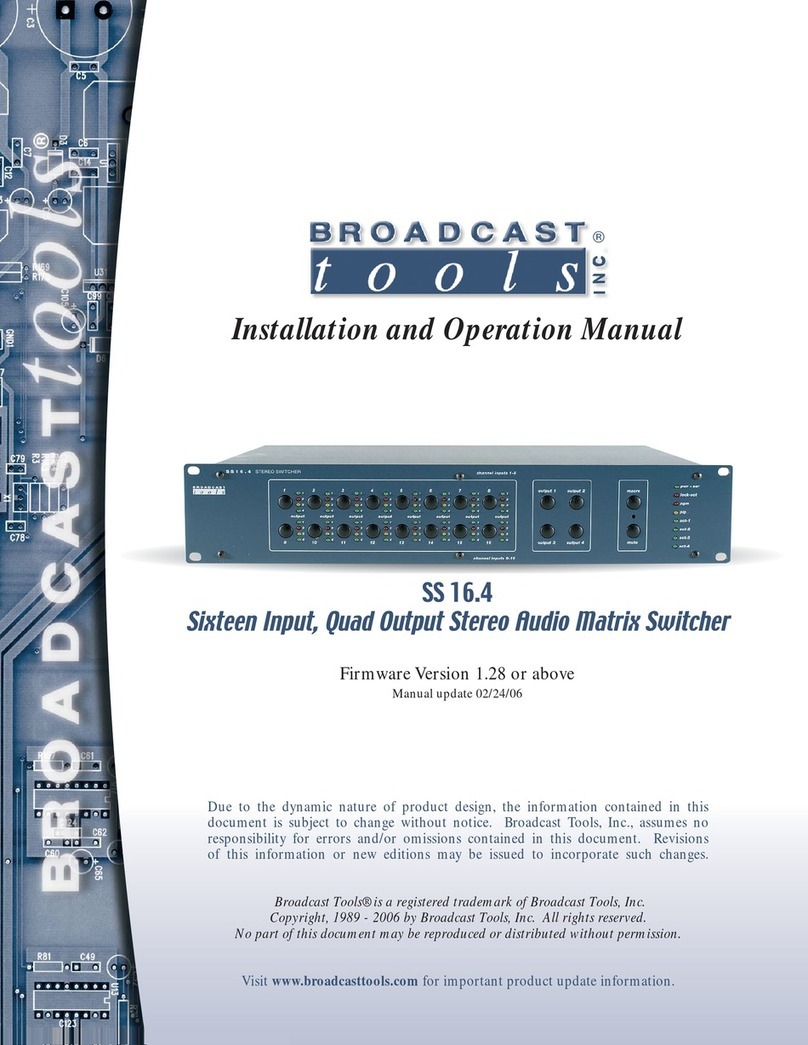
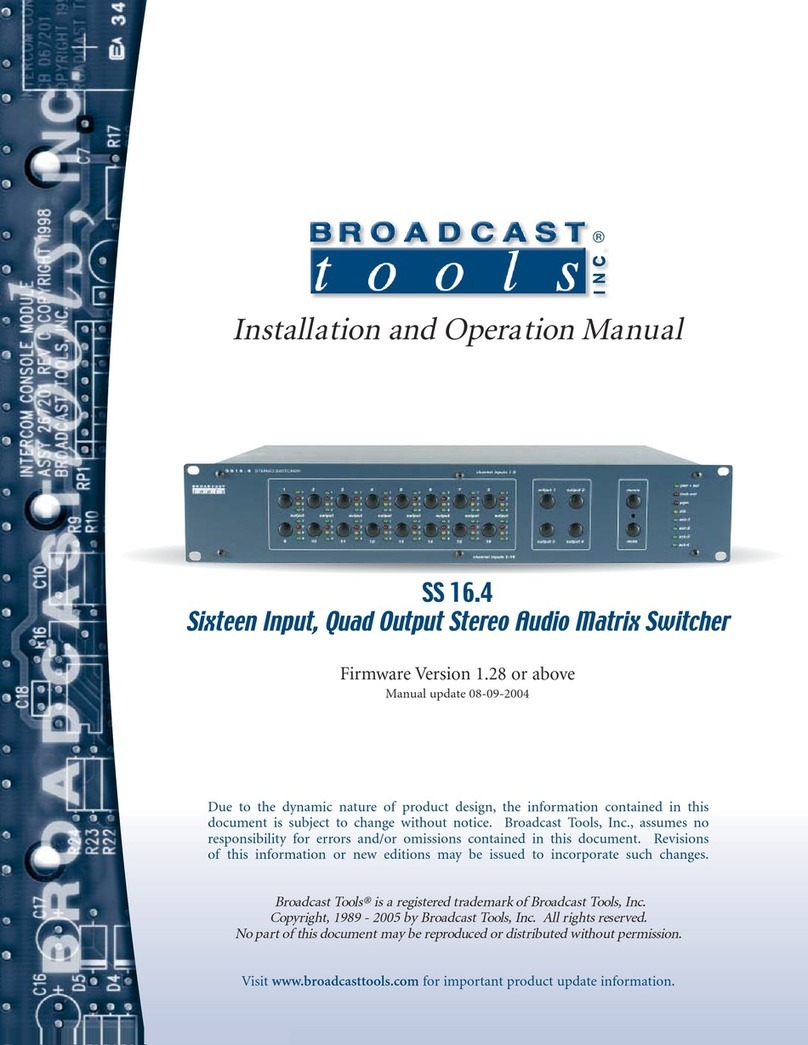
BROADCAST TOOLS® SS 16.4
SIXTEEN INPUT, QUAD OUTPUT STEREO AUDIO MATRIX SWITCHER
Installation and Operation Manual
SS16.4
Page 10
Visit www.broadcasttools.com for important product update information.
INSTALLATION GUIDELINES
Operation
Action Result
•Hold down the Output 1
button
•Push the Channel Button
Channel is connected to output 1. To mute the
active channel, simultaneously hold down the mute
switch and press the desired input channel button.
•Hold down the Output 2
button
•Push the Channel Button
Channel is connected to output 2. To mute the
active channel, simultaneously hold down the mute
switch and press the desired input channel button.
•Hold down the Output 3
button
•Push the Channel Button
Channel is connected to output 3. To mute the
active channel, simultaneously hold down the mute
switch and press the desired input channel button.
•Hold down the Output 4
button
•Push the Channel Button
Channel is connected to output 4. To mute the
active channel, simultaneously hold down the mute
switch and press the desired input channel button.
Power-Up Feature, user programmable: To select a channel configuration at power-up:
1 - Verify that dipswitch 24-7 is OFF.
2 - Select the desired input and output channel configuration.
3 - Press and hold the hidden “PGM” button with a non-metallic object.
4 - Press the output 1 button.
5 - The macro led will flash for 2 seconds.
6 - Release both switches.
7 - Your power up configuration is saved.
Power-Up Feature, last source selected:
1 - Verify that dipswitch 24-7 is ON.
2 – The SS 16.4 will power up with whatever channel configuration was present at power off.
Macro Feature:
Set the input/output configuration desired, press the hidden “PGM” button with a non-metallic object and
then press the macro button along with the desired input channel button.
To recall the macro, press the macro button and any one of the desired stored macro’s using the input
channel buttons.