manuals.online logo
Brands
  1. Home
  2. •
  3. Brands
  4. •
  5. BUDDEE
  6. •
  7. Clock Radio
  8. •
  9. BUDDEE BD903206-BK User manual

BUDDEE BD903206-BK User manual

Other manuals for BD903206-BK

1

Other BUDDEE Clock Radio manuals

BUDDEE BD903205-BK User manual

BUDDEE

BUDDEE BD903205-BK User manual

BUDDEE BD903206-BK User manual

BUDDEE

BUDDEE BD903206-BK User manual

BUDDEE BD903205-BK User manual

BUDDEE

BUDDEE BD903205-BK User manual

Popular Clock Radio manuals by other brands

AEG MRC 4143 instruction manual

AEG

AEG MRC 4143 instruction manual

Philips AJ 3240/00 user manual

Philips

Philips AJ 3240/00 user manual

Sharper Image MI603 instructions

Sharper Image

Sharper Image MI603 instructions

RCA RC127i manual

RCA

RCA RC127i manual

AudioSonic CL-480 instruction manual

AudioSonic

AudioSonic CL-480 instruction manual

Magnavox AJ 3140 FAMILY user manual

Magnavox

Magnavox AJ 3140 FAMILY user manual

Boston Acoustics Recepter user manual

Boston Acoustics

Boston Acoustics Recepter user manual

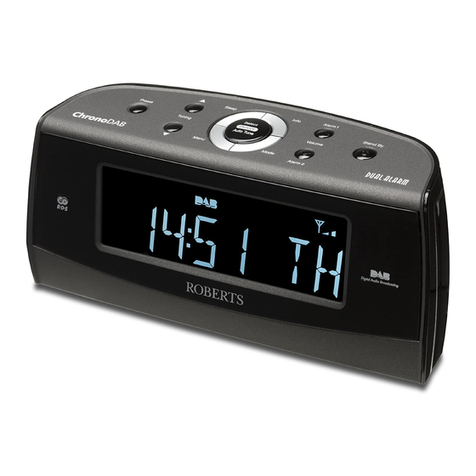
Roberts ChronoDAB user manual

Roberts

Roberts ChronoDAB user manual

Audiovox CE90 Operation instructions

Audiovox

Audiovox CE90 Operation instructions

Sony Dream Machine ICF-C763L operating instructions

Sony

Sony Dream Machine ICF-C763L operating instructions

Sanyo DMP-P6 instruction manual

Sanyo

Sanyo DMP-P6 instruction manual

Yamaha ISX-80 owner's manual

Yamaha

Yamaha ISX-80 owner's manual

Pyle PLMR20W user manual

Pyle

Pyle PLMR20W user manual

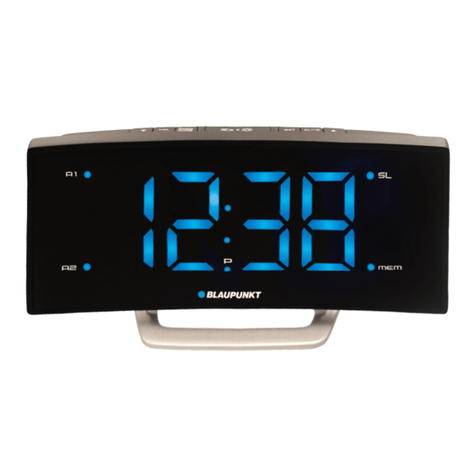
Blaupunkt CR7BK user manual

Blaupunkt

Blaupunkt CR7BK user manual

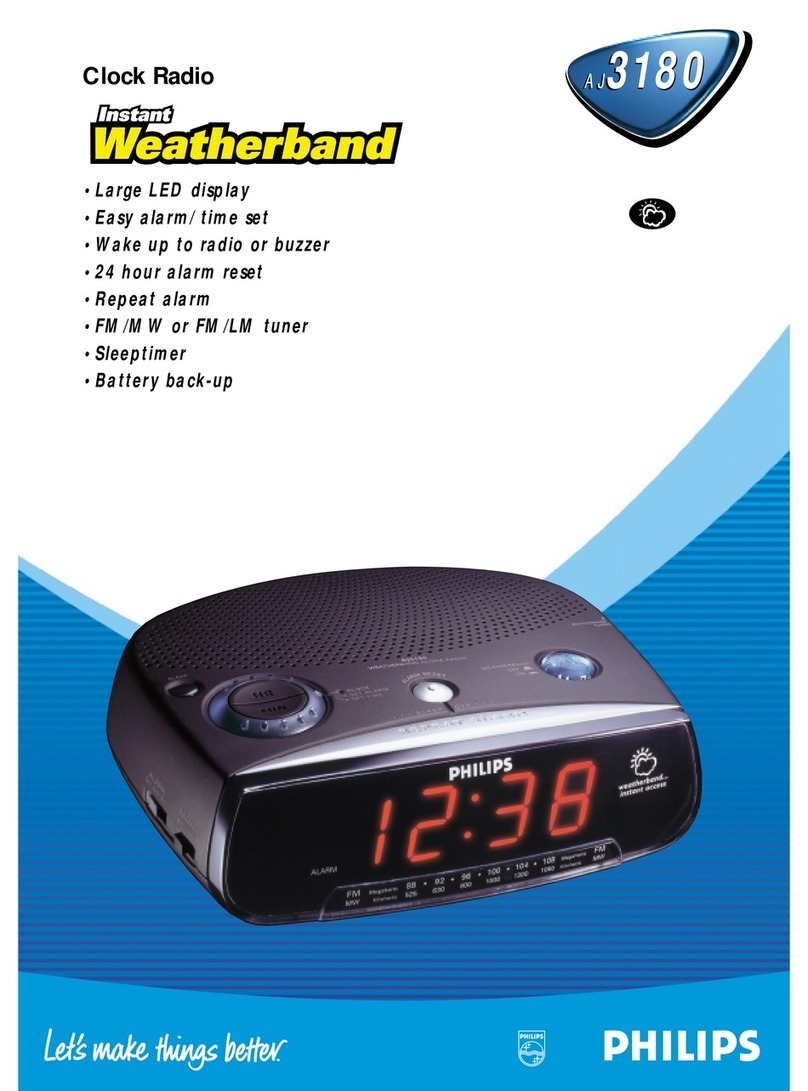
Philips AJ3180 Specifications

Philips

Philips AJ3180 Specifications

HoMedics SS-5500-2EU instruction manual

HoMedics

HoMedics SS-5500-2EU instruction manual

RCA RC66i user manual

RCA

RCA RC66i user manual

AEG MRC 4132 BT instruction manual

AEG

AEG MRC 4132 BT instruction manual

manuals.online logo
manuals.online logoBrands
  • About & Mission
  • Contact us
  • Privacy Policy
  • Terms and Conditions

Copyright 2025 Manuals.Online. All Rights Reserved.

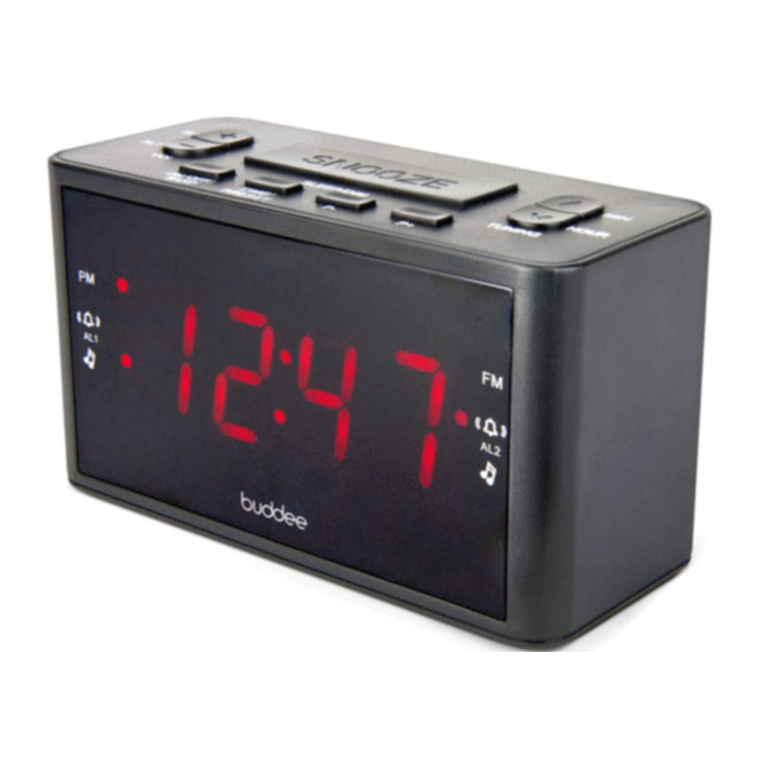
DUAL ALARM DIGITAL CLOCK RADIO
1.2” LED DISPLAY
USER MANUAL
Thank you for purchasing a Buddee Digital Clock Radio.
For optimum performance and safety, read these instructions
carefully before connecting, operating or adjusting this product.
Refer to this manual for future reference.
INTRODUCTION
Wake up how and when you like. With a large 1.2” LED display,
checking the time is easy wherever you are in the room. Set
alarms for multiple times of the day or night to ensure you wake
up on time ready for your important appointments. The stylish
and compact design fits easily on your bedside table, and
simple functionality makes it easy to operate and set the time.
FEATURES
• Dual alarms
• AM/FM radio
• Sleep and snooze functions
• 20 AM and 20 FM radio presets
• Radio or buzzer alarms
• Extra large 1.2” LED display
PACKAGE CONTENTS
Before attempting to use this unit, please check the
packaging and make sure the following items are
contained in the shipping carton:
• Main unit (Dual alarm digital clock radio)
• Power cable
• User manual
DEVICE FUNCTIONS
1. ON/OFF: Press to turn radio on, hold to turn radio off.
BAND: With radio on, press to switch between AM and FM.
2. TIME: Set the time.
PRESET: Set radio station presets.
3. P-: Select preset.
4. P+: Select preset.
5. SLEEP: Set radio to turn off after a specified time.
SNOOZE: Temporarily stop alarm.
DIM: Set display brightness.
6. VOL -: Decrease volume.
AL 1: Set alarm 1.
7. VOL +: Increase volume.
AL 2: Set alarm 2.
8. TUNING: Tune radio down.
HOUR: Set hour.
9. TUNING: Tune radio up.
MIN: Set minute.
10. PM indicator.
11. FM radio indicator.
12. ALARM 1 buzzer indicator.
13. ALARM 1 radio indicator.
14. ALARM 2 buzzer indicator.
15. ALARM 2 radio indicator.
TECHNICAL SPECIFICATIONS
Power supply: AC 220V-240V 50Hz 5W
Battery backup: 1.5V (AAA battery) x2 (not included)
Radio frequency: FM 87.5 - 108MHz
AM: 522 - 1620KHz
10
12 14
13 15
11
1 2 3 4
5
678
9
© Buddee Gear 2016. All rights reserved. All trademarks are
registered trademarks of respective manufacturers listed.
Made in China
POWER
BATTERY BACKUP
This unit requires 2 x AAA batteries as backup in the event
of a power outage.
If there is a power failure, the time, alarm, and memory settings
will not be affected. After AC power is restored, the unit will
function normally with settings maintained.
Note: If the unit will not be used for an extended period of time,
disconnect from AC power and remove the batteries.
SETTING THE TIME
1. In standby mode, press and hold the TIME button, the
display will flash. Set the time using the HR (hours) and MIN
(minutes) buttons.
2. Press the TIME button to confirm and save.
Note: If no button is pressed for 4 seconds while setting the
time, the time displayed will be saved.
SETTING THE ALARMS
1. In standby mode, press ALARM 1 to set alarm to buzzer or
radio. The corresponding indicator will light up and the display
will blink.
2. Set alarm time using the HR and MIN buttons.
3. Press ALARM 1 again to confirm and save.
Repeat steps 1 - 3 with ALARM 2 button to set alarm 2.
STOPPING THE ALARMS
1. Press SNOOZE to temporarily stop the alarm. Alarm will
sound again after 9 minutes.
2. Press OFF or ALARM 1/2 to stop the corresponding alarm.
Alarm will sound again at the same time the next day.
3. In standby mode, press ALARM 1/2 repeatedly until the
alarm indicator light is off to cancel the corresponding alarm
permanently.
SLEEP FUNCTION
To fall asleep to the radio, turn on and tune radio to the desired
station, then press SLEEP repeatedly to set the sleep time
(90-80-70-60-50-40-30-20-10-OFF minutes). The radio will
automatically turn off after the specified time.
To cancel the sleep function, repeatedly press the SLEEP
button until the display shows off.
USING THE RADIO
In standby mode, press the ON/OFF/BAND button to turn on the
radio. The radio will play on the FM band and the FM indicator
will light up. Press the ON/OFF/BAND button to switch between
FM and AM. Adjust the volume using the Volume + and -
buttons. To turn off the radio, hold the ON/OFF/BAND button.
MANUAL SEARCH
Tune to desired radio station using the Tuning + and - buttons.
AUTOMATIC SEARCH
Press and hold either the Tuning + or Tuning - button to
automatically search for stations with strong signals. To search
for stations with weak signals, use manual search as above.
To enhance radio reception, extend the wire antenna or move
to a location where it can capture a stronger signal.
PRESET STATIONS
This unit can store up to 20 radio presets for each AM and FM.
STORE PRESETS
1. Tune to the desired radio station.
2. Hold the PRESET button for 1 second, P01 will blink on
screen.
3. Select the desired preset number using the P+ and P-
buttons.
4. Press the PRESET button to save.
5. Repeat steps 1 - 4 to save up to 19 more presets.
LISTEN TO PRESETS
Press PRESET, P01 will blink on screen.
Press PRESET repeatedly, or P+/P- to reach desired preset.