Table of c ontents
1Notes on the instruction manual ............................................................................................................4
2Safety ..................................................................................................................................................4
3Intended use ........................................................................................................................................5
4Environment.........................................................................................................................................6
4.1 Busch-Jaeger devices................................................................................................................6
5Product description...............................................................................................................................7
5.1 Device type ...............................................................................................................................7
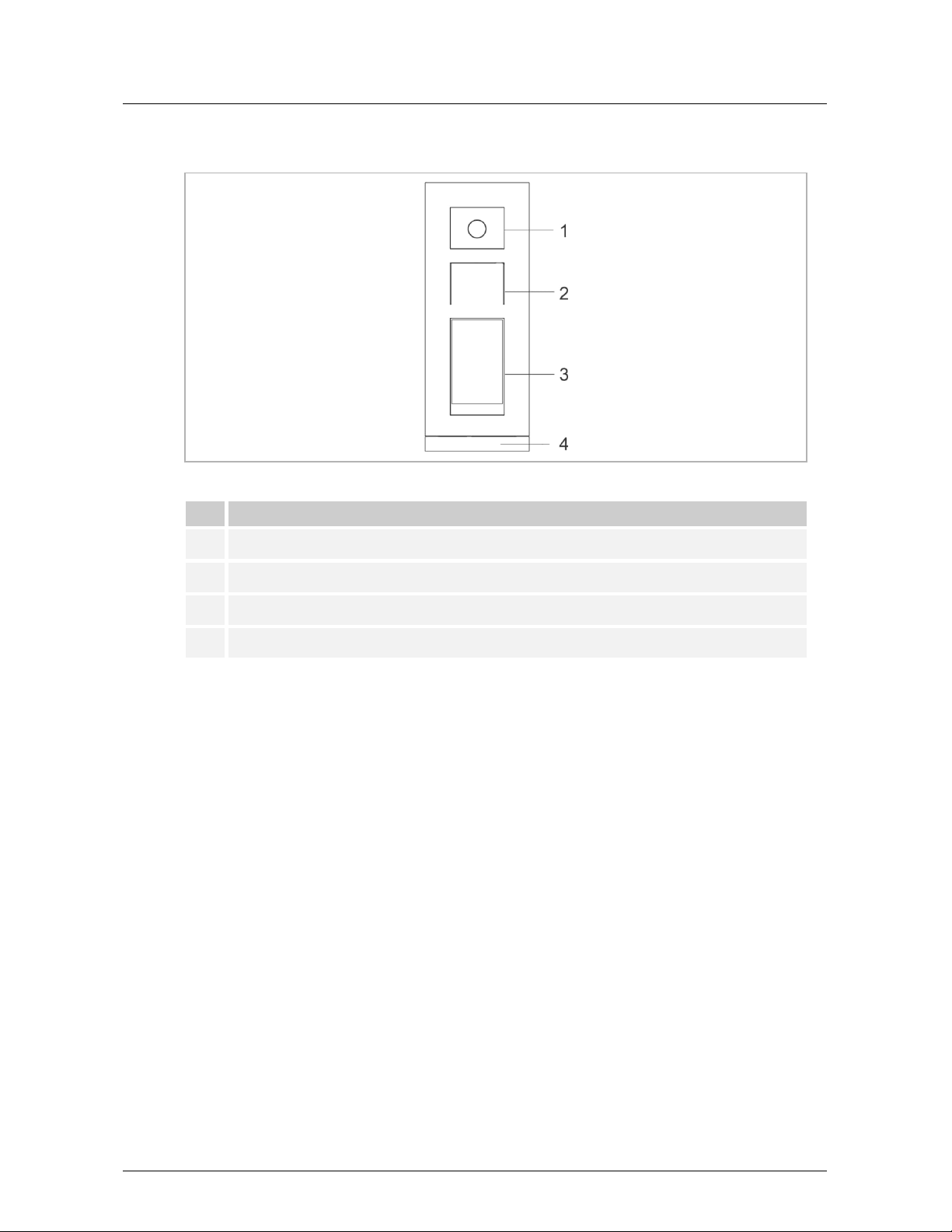
5.2 Control elements........................................................................................................................8
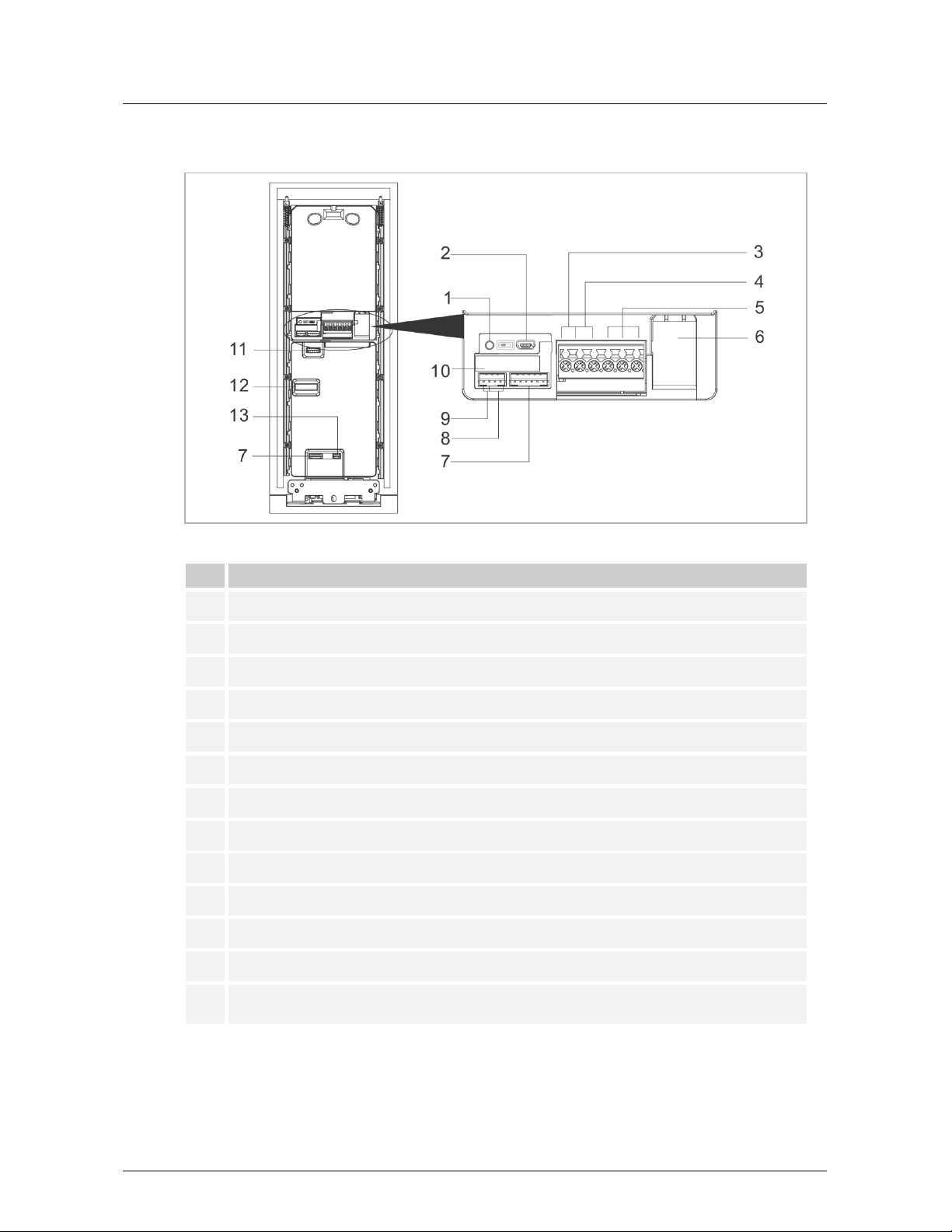
5.3 Terminal description...................................................................................................................9
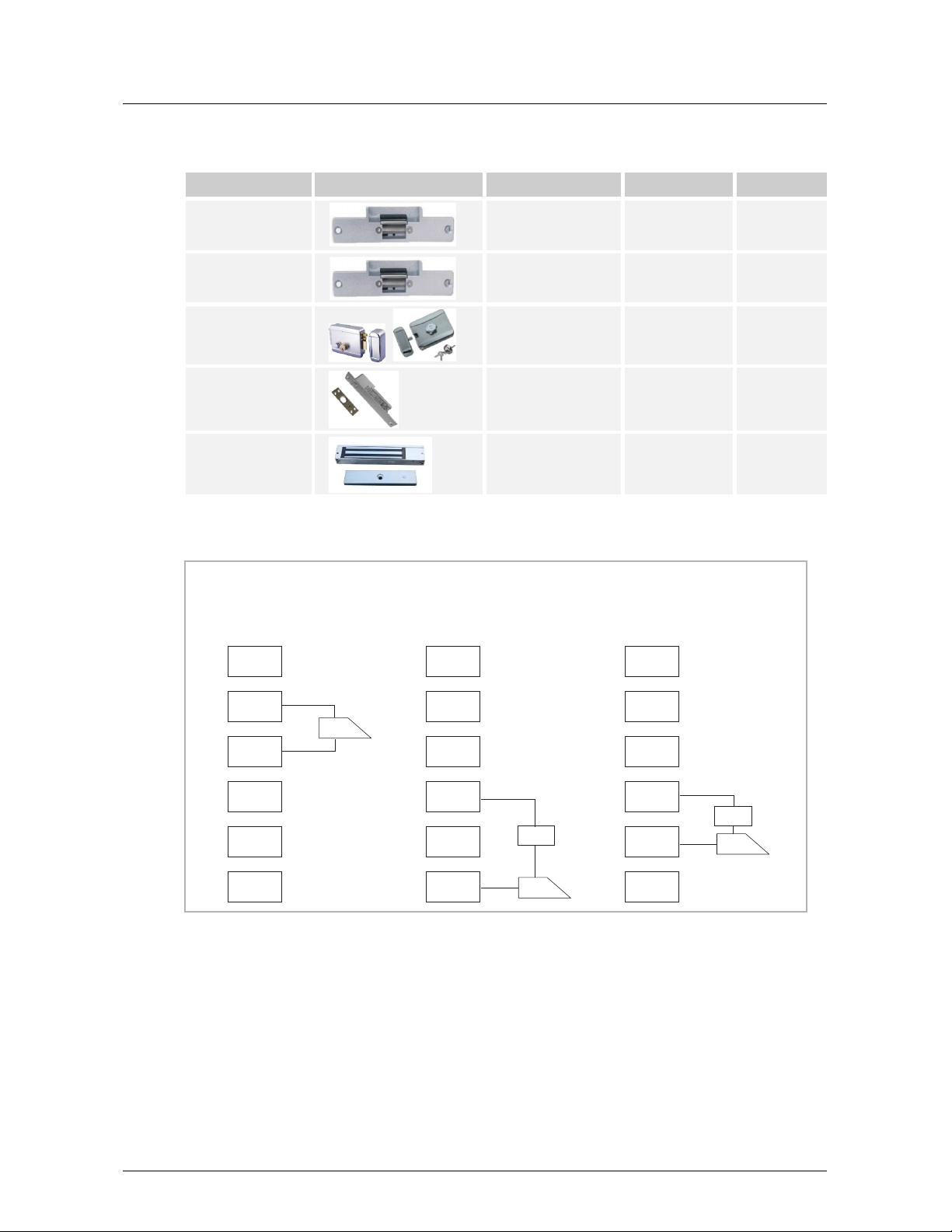
5.4 Lock type and connection.........................................................................................................10
6Technical data....................................................................................................................................11
7Mounting/Installation...........................................................................................................................12
7.1 Requirement for the electrician.................................................................................................12
7.2 Mounting .................................................................................................................................13
7.2.1 Preparation .......................................................................................................................... 13
7.2.2 Installation height.................................................................................................................. 13
7.2.3 Surface-mounted installation ................................................................................................. 15
7.2.4 Flush-mounted installation .................................................................................................... 16
7.2.5 Cavity wall installation........................................................................................................... 18
7.2.6 Dismantling .......................................................................................................................... 19
8Commissioning...................................................................................................................................20
8.1 Welcome screen and home screen...........................................................................................20
8.2 Entering the "Settings" screen ..................................................................................................21
8.3 Engineering settings ................................................................................................................22
8.4 Access control settings ............................................................................................................23
8.5 System settings .......................................................................................................................24
9Operation...........................................................................................................................................27
9.1 Call a resident via keypad ........................................................................................................27
9.2 Call a resident via the address book .........................................................................................30
9.3 Call guard unit .........................................................................................................................32
9.4 Releasing the lock by entering a password ...............................................................................33
9.4.1 Releasing the lock with a password set on the indoor station.................................................. 33
9.4.2 Releasing the lock with a password set on the local outdoor station ........................................ 35
9.4.3 Releasing the lock with a password set on the App ................................................................ 36
9.4.4 Releasing the lock with a password set in the management software ...................................... 37
9.5 Releasing the lock with a QR code set on the App ....................................................................38
9.6 Releasing the lock by swiping IC cards.....................................................................................40
10 Cyber security ....................................................................................................................................42
10.1 Disclaimer ...............................................................................................................................42