6Click to Return to the Table of Contents
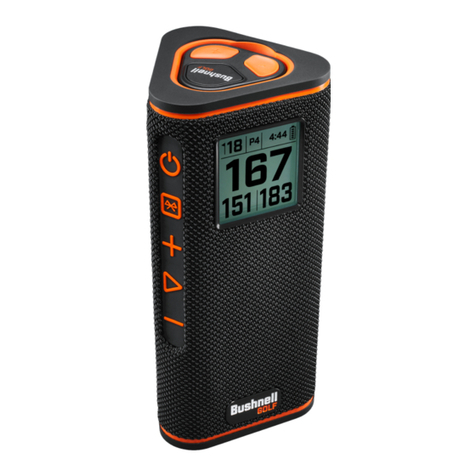
PLAY GOLF MODE BUTTON OPERATION
• Once the Wingman View Speaker and Remote
are paired and registered in your Bushnell Golf
Mobile App account, you can play golf using
your speaker.
• Double-click the Power button to toggle TWS
mode. Press the Bluetooth button to show the
hazard screen for playing the hole. Double-click
the Bluetooth button to put the unit into Hole
Change Mode. While in Hole Change Mode.
Volume Up advances to the next hole. Volume
Down goes back to the previous hole.
WINGMAN VIEW REMOTE FUNCTIONS - GOLF MODE
1. Download the Bushnell Golf Mobile App from the App Store (Apple) or Google Play
(Android), sign up for an account, or log in. NOTE: The Bushnell Golf Mobile App must
be running to the remote in the foreground or background of your phone to control the
Wingman View.
2. Use the remote to control functions on the speaker for Play Golf Mode. Click the top
button once to display GPS yardage. Double-click the top button to play the rst custom
message. Triple-click the top button to play the second custom message. Hold the top
button to enter Bluetooth pairing mode. *Instructions for creating Custom Messages or
Sound Bites can be found on page 7.
3. Press Volume Up and Volume Down together to enter Music Mode for seven seconds.
After the last Music Mode command is given within the seven seconds, the remote
will go back to Golf Mode functions. Putting the remote in Music Mode will allow you
to change songs, pause/play while in a game. See page 5 for full remote Music Mode
commands.
Note: When reconnecting after shutting down the speaker, the remote must be paired with the app again. Open the
Bushnell Golf Mobile App home screen and hold the “Bushnell Golf” button on the remote until a beep indicates the
connection is restored. Both devices will be green in the device list.
BUSHNELL GOLF MOBILE APP FUNCTIONS
DEVICE FUNCTIONS
• Unpair Device: Press to unpair the device from the Bluetooth connection on your
phone.
• Settings: See full explanation on page 7.
• Find Remote: Press Find Remote in Device Functions to help locate a lost remote.
Remote will beep when in range and connected to Bluetooth.
• Sound Bites: See full explanation on page 7.
• TWS Mode: TWS can be toggled On/Off in the app or by double-clicking the speaker’s
Power button. See Page 5 for instructions.
• Software Update: Check for rmware updates for the speaker and remote.
• Support:
— Contact Bushnell Golf product support
— About your speaker
— Product user manual
— Terms and Conditions
• Remove Device: This button lets you remove the device from the Bushnell Golf Mobile
App account. You will also need to remove the device from your phone’s list of available
devices in the Bluetooth Settings.
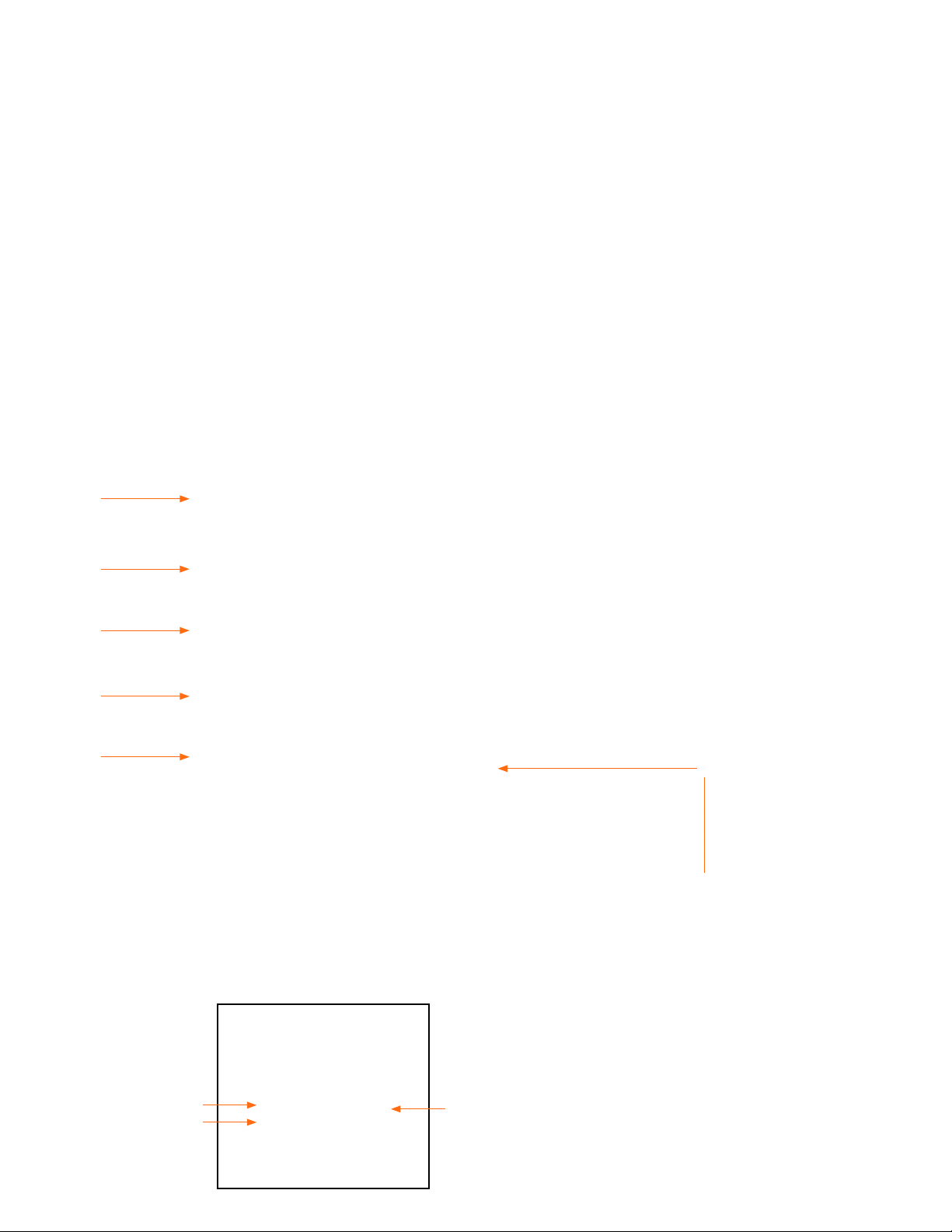
ON/OFF
BLUETOOTH
VOLUME UP
PLAY
VOLUME DOWN
2 CLICKS TOGGLES TWS MODE
1 CLICK SHOWS HAZARD SCREEN
2 CLICKS PUTS SCREEN IN HOLE CHANGE MODE
PRESS + FOR NEXT HOLE OR — FOR PREVIOUS HOLE
NEXT HOLE
PREVIOUS HOLE
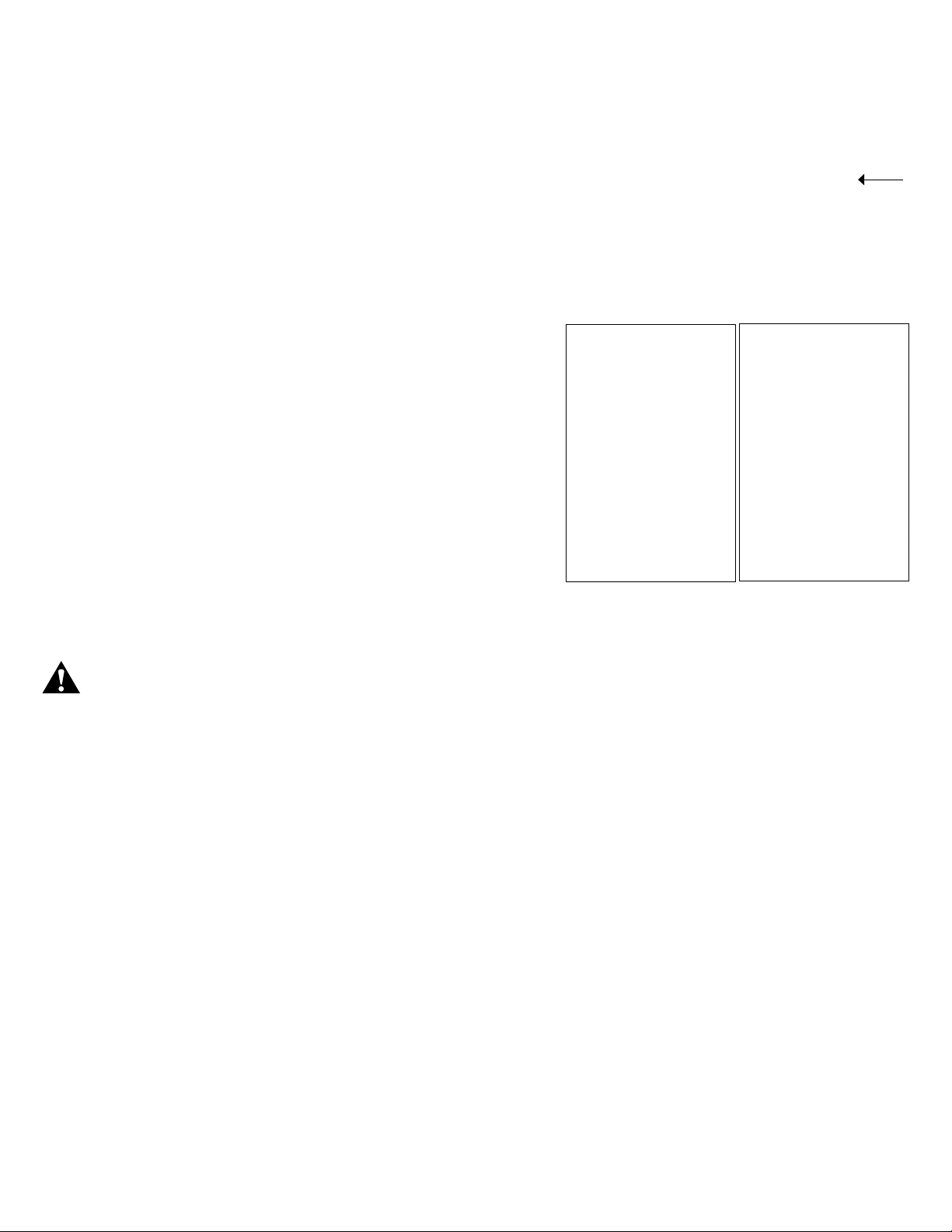
1 CLICK: GPS YARDAGE
2 CLICKS: 1ST CUSTOM MESSAGE
3 CLICKS: 2ND CUSTOM MESSAGE
CLICK & HOLD: REMOTE PAIRING
MODE
VOLUME UP
VOLUME DOWN
PRESS VOL UP & VOL DOWN
TOGETHER TO ENTER MUSIC
MODE BRIEFLY.