C H Byron
34, Sherwood Rd
Aston Fields
Bromsgrove
B60 3DR
Contact Details:
433MHz
R&TTE
APPROVED
CH Byron Electrical United Kingdom. www.chbyron.com
A
B
DK
FIN
F
D
GR
LT
IRL
I
L
NL
P
E
S
UK
BG
CZ
EST
H
IS
LV
M
N
SK
SLO
CH
PL
RO
0560
Tel: 0845 2301231
Fax: 01527 557701
Web: www.chbyron.com
E-mail:
Product Specification:
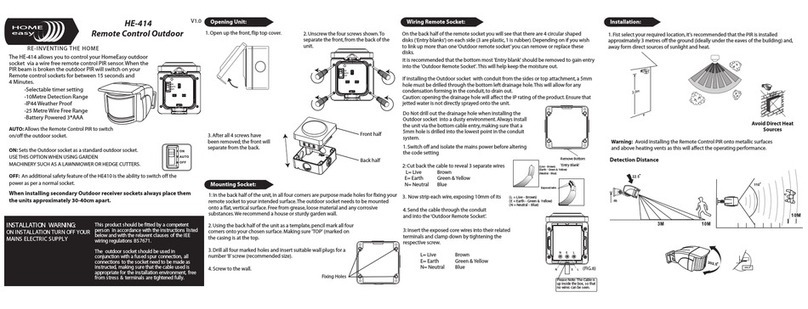
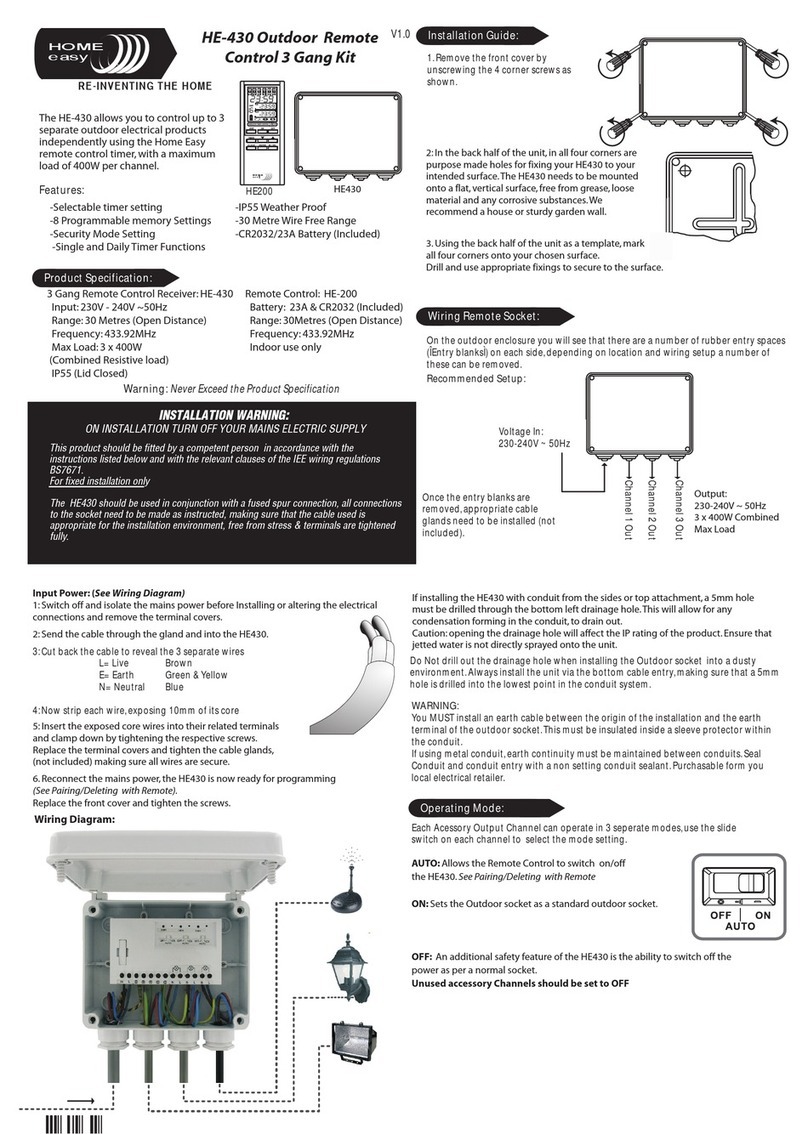
HE-310 Remote Control
& Socket
V1.0
The HE-310 remote control
and 3000W socket receiver.
Remote Control: HE-300
Battery: 3v Cr2032
Range: 30 Metres (Open Distance)
Frequency: 433.92MHz
Indoor Use Only
Warning: Never Exceed the Product Specification
Contact: Helpline: 0845 2301 231
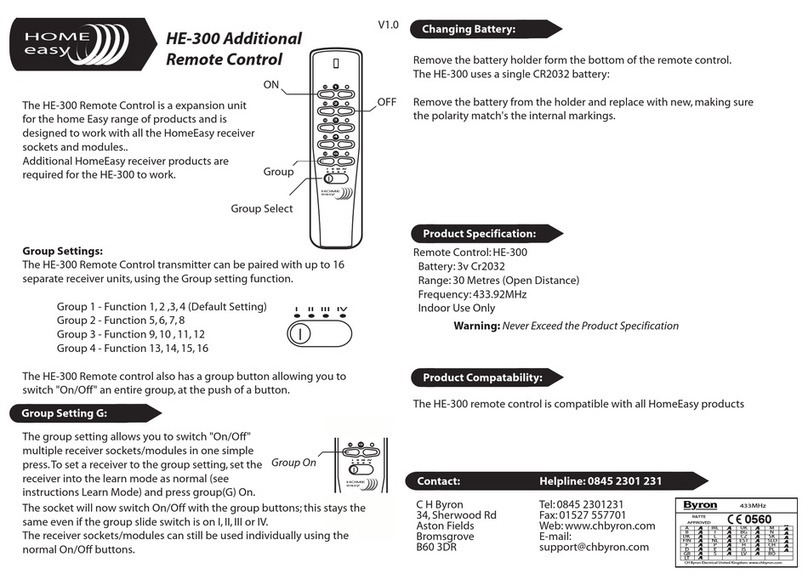
Group Settings:
The HE-300 remote control transmitter can be paired with up to 16 separate
receiver units, using the Group setting function.
Group 1 - Function 1, 2 ,3, 4 (Default Setting)
Group 2 - Function 5, 6, 7, 8
Group 3 - Function 9, 10 , 11, 12
Group 4 - Function 13, 14, 15, 16
The HE-300 also has a group button allowing you to switch "On/Off"
an entire group, at the push of a button.
easy
HOME
1
2
4
3
G
II III
I IV
II III
I IV
Changing Battery:
The HE-300 uses a single CR2032 battery:
Rove move the battery holder form the bottom of the remote control.
Remove the battery from the holder and replace with new, making sure the
polarity maths the internal markings.
easy
HOME
rrr
Up to Six remote control units can be paired with
each receiver socket or module.
To program a socket insert the unit into a plug
socket and switch on the power, now press a the
"Learn" button.
Deleting Remote Control:
To delete a remote control that has been paired with a HE202 receiver socket, simply
press the "Learn" .The LED will start to blink; press the off button on the remote
control, the LED will blink twice to confirm that the remote control has been removed
from the receiver sockets memory.
Remote Socket reset:
To delete all the remote control units from the memory of the receiver socket, hold
the "Learn" button for more than 6 seconds, the LED will start to blink continuously.
Press the learn button again, the LED will blink twice to confirm the deletion of all
remote controls form the receiver memory.
Pairing/Deleting with Remote Control:
Remote Socket: HE-302
MaX Load: 3000W (Max)
Range: 30 Metres (Open Distance)
Indoor Use Only
HOME
easy
Group Setting G:
The group setting allows you to switch "On/Off"
multiple receiver sockets/modules in one simple press.
To set a receiver to the group setting, set the receiver
into the learn mode as normal (see instructions Learn
Mode) and press group(G) On.
easy
HOME
G
II IIII IV
Group On
The socket will now switch On/Off with the group buttons; this stays the same even if
the group slide switch is on I, II, III or IV.The receiver sockets/modules can still be used
individually using the normal On/Off buttons.
The LED will start to flash, now press the selected "ON" button on the remote
control, the LED will stop flashing.The units are now paired together, you can test
this by pressing the selected "ON/OFF" button.