Index…
Scope of Manual ....................................................................................................................................................... 2
Change Document Record ........................................................................................................................................ 2
Index…........................................................................................................................................................................ 3
List of Figures.............................................................................................................................................................. 3
List of Tables............................................................................................................................................................... 4
1Introduction...................................................................................................................................................... 5
General Information ................................................................................................................................................. 6
Ordering Options ...................................................................................................................................................... 6
Accessories ............................................................................................................................................................... 6
Installation Notice..................................................................................................................................................... 7
2RA0002 Functional Description ......................................................................................................................... 8
General Description .................................................................................................................................................. 9
Power Supply .......................................................................................................................................................... 10
Power Supply with Ion R4300P reader........................................................................................................ 10
Startup .................................................................................................................................................................... 11
Input Electrical Description..................................................................................................................................... 12
Reader input interface ................................................................................................................................ 12
Isolated input interface ............................................................................................................................... 13
Output Electrical Description.................................................................................................................................. 14
Switching P mos using reader power .......................................................................................................... 14
Switching N mos using reader power.......................................................................................................... 15
Switching P mos using external power........................................................................................................ 15
Safety Output System ............................................................................................................................................. 16
Using Ion R4300P GPIO Interface ........................................................................................................................... 17
3Connecting the RA0002....................................................................................................................................18
Connect a Photo-Electric Sensor to RA0002 ........................................................................................................... 19
Example n.1 ................................................................................................................................................. 19
Example n.2 ................................................................................................................................................. 21
Connect an Alarm Sounder to RA0002 ................................................................................................................... 22
Connect a Led Signal Tower to RA0002 .................................................................................................................. 24
How to Use Relay Output ....................................................................................................................................... 26
4RA0002 Technical Specifications ......................................................................................................................27
Technical Specifications Table ................................................................................................................................ 28
External Connections .............................................................................................................................................. 29
DB15 female connector............................................................................................................................... 29
RA0002 power connector............................................................................................................................ 30
10-pin terminal block with quick coupling for power and address signals ................................................. 30
24-pin terminal block with quick coupling for power and address signals ................................................. 31
Front Panel LEDs ..................................................................................................................................................... 32
Mechanical Drawings.............................................................................................................................................. 33
List of Figures
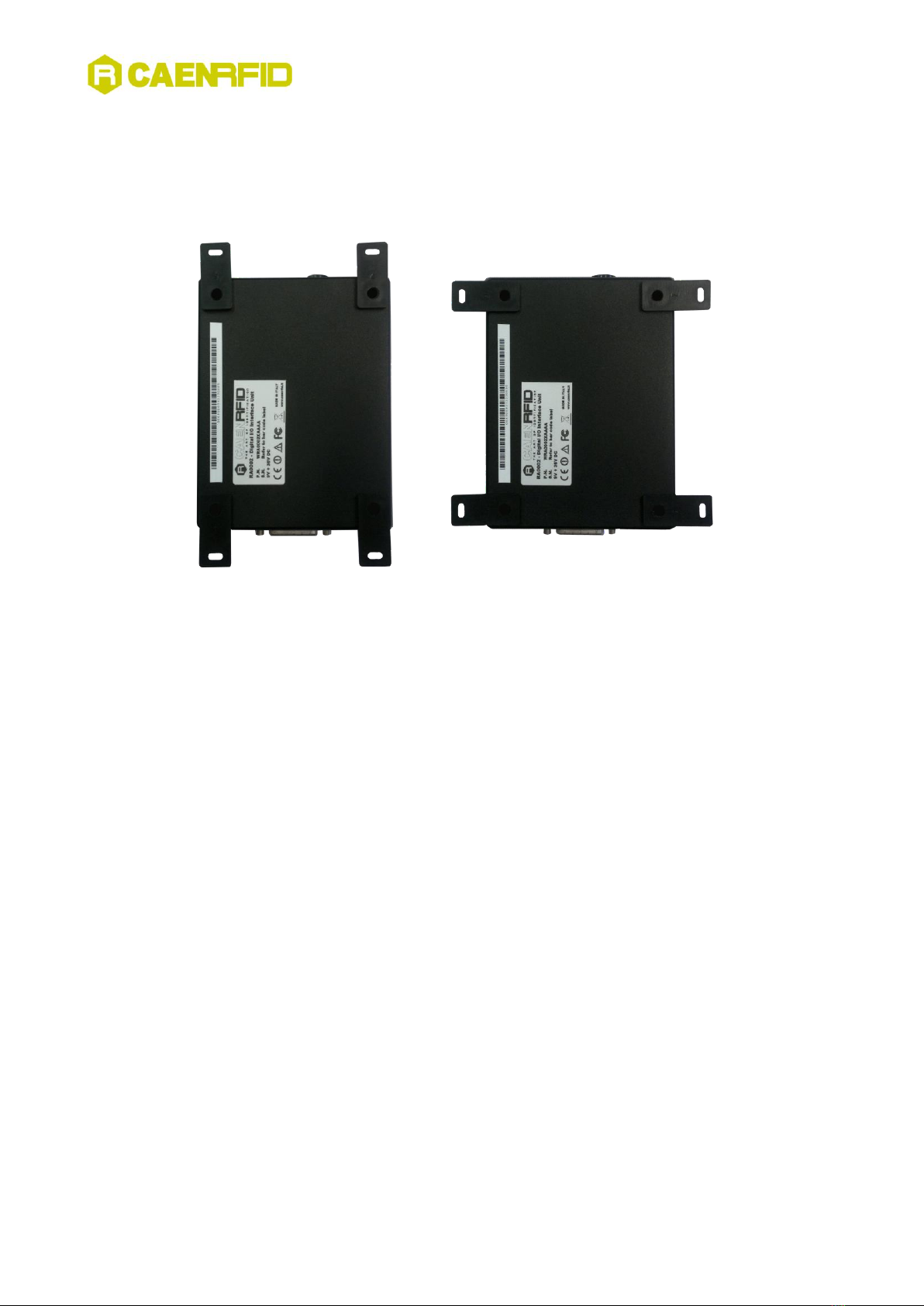
Fig. 1.1: RA0002 Digital I/O Interface Unit...............................................................................................................................................6
Fig. 1.2: RA0002 Wall Mounting ..............................................................................................................................................................7
Fig. 2.1: RA0002: power supply through DB15 connector.....................................................................................................................10
Fig. 2.2: RA0002: dedicated power supply ............................................................................................................................................10
Fig. 2.3: Input electrical diagram ...........................................................................................................................................................12
Fig. 2.4: Reader input interface .............................................................................................................................................................12
Fig. 2.5: Isolated input interface............................................................................................................................................................13
Fig. 2.6: Output electrical diagram ........................................................................................................................................................14
Fig. 2.7: Switching P mos using reader power .......................................................................................................................................14
Fig. 2.8: Switching N mos using reader power.......................................................................................................................................15
Fig. 2.9: Switching P mos using external power.....................................................................................................................................15
Fig. 2.10: Response time of resettable fuse...........................................................................................................................................16
Fig. 4.1: GPIO DB15 socket connector pinout........................................................................................................................................29