#_BAdjusting the Color Tone for the Light Source*
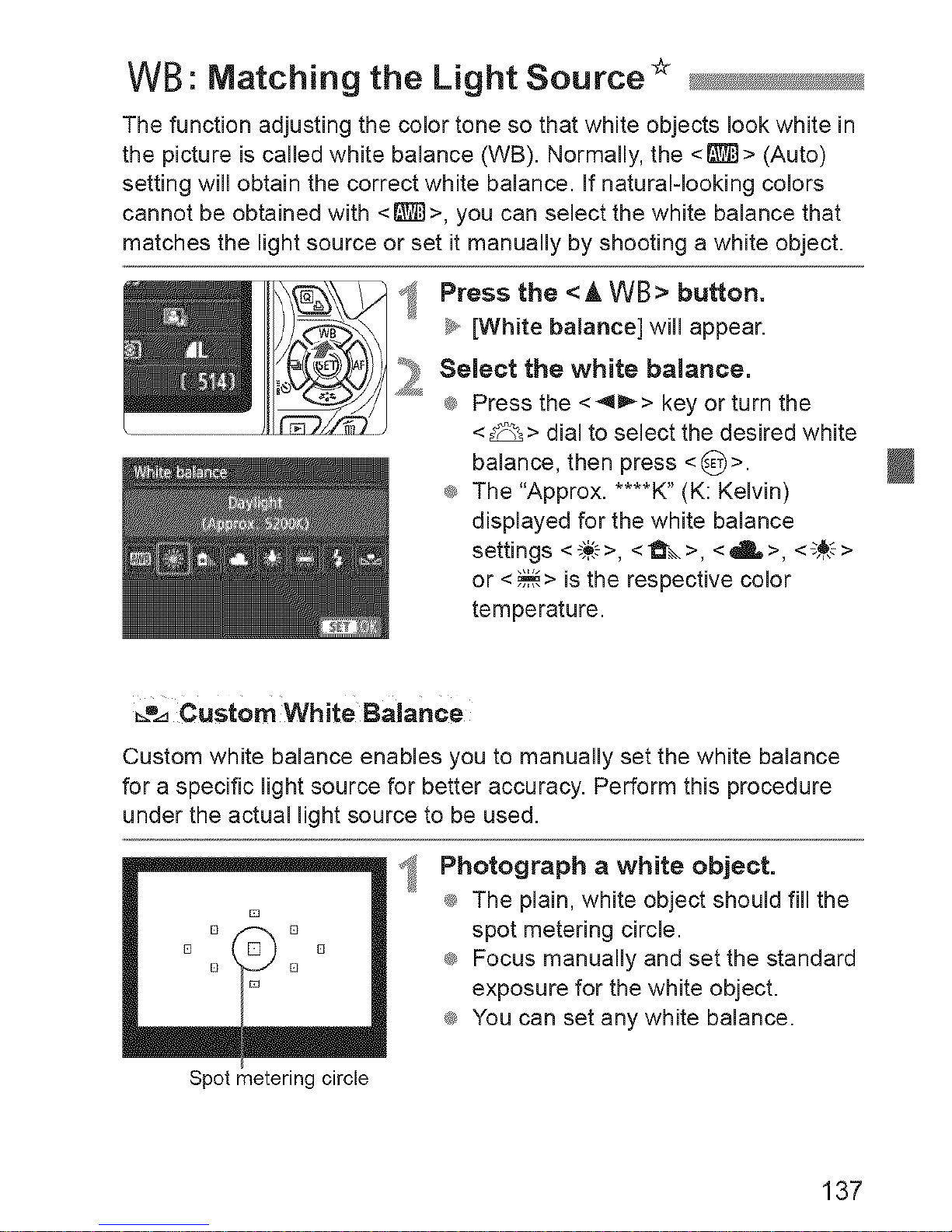
White Balance Auto Bracketing
With just one shot, three images having a different color balance can be
recorded simultaneously. Based on the color temperature of the current white
balance setting, the image will be bracketed with a blue/amber bias or
magenta/green bias. This is called white balance bracketing (WB-BKT). White
balance bracketing is possible up to +3 levels in single-level increments.
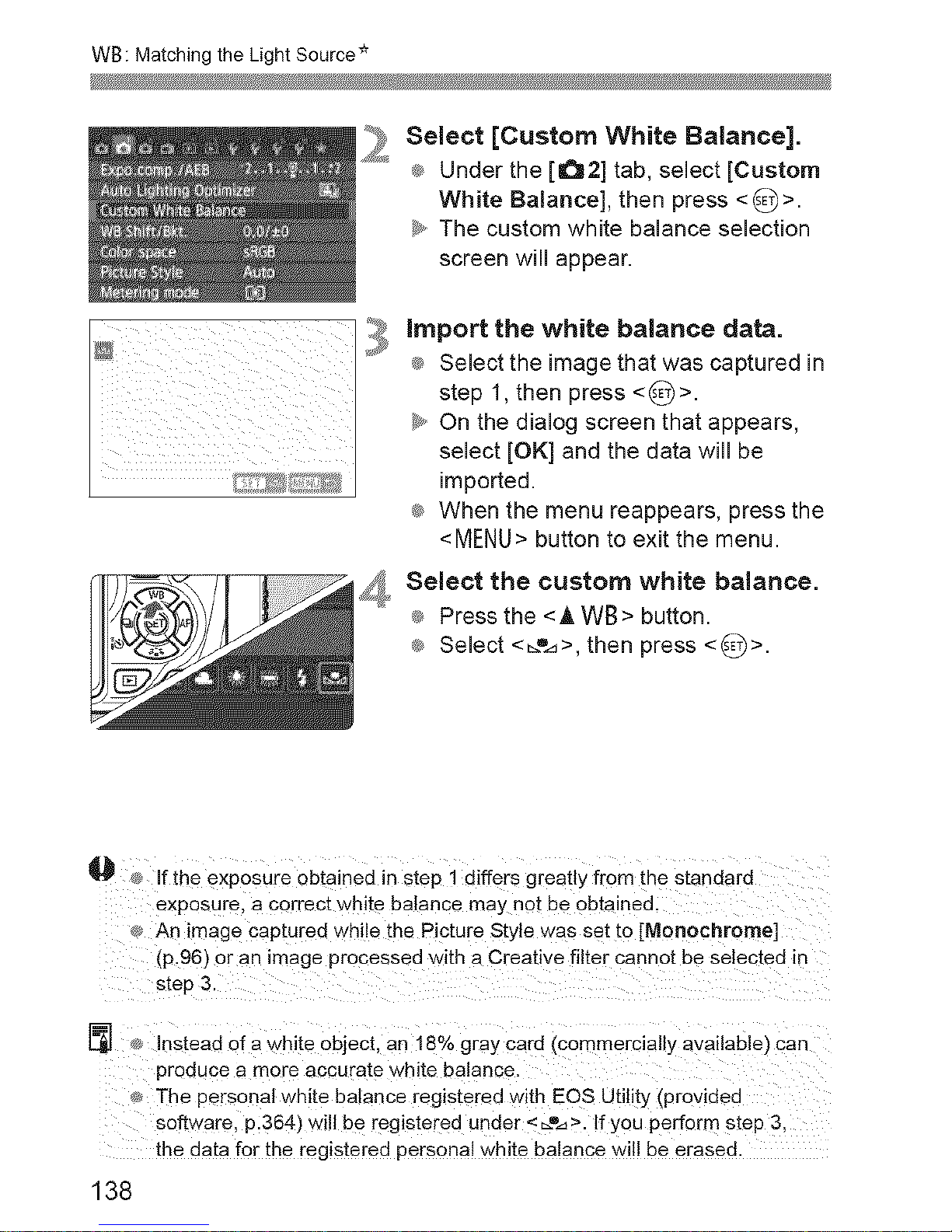
B/A bias _+3levels
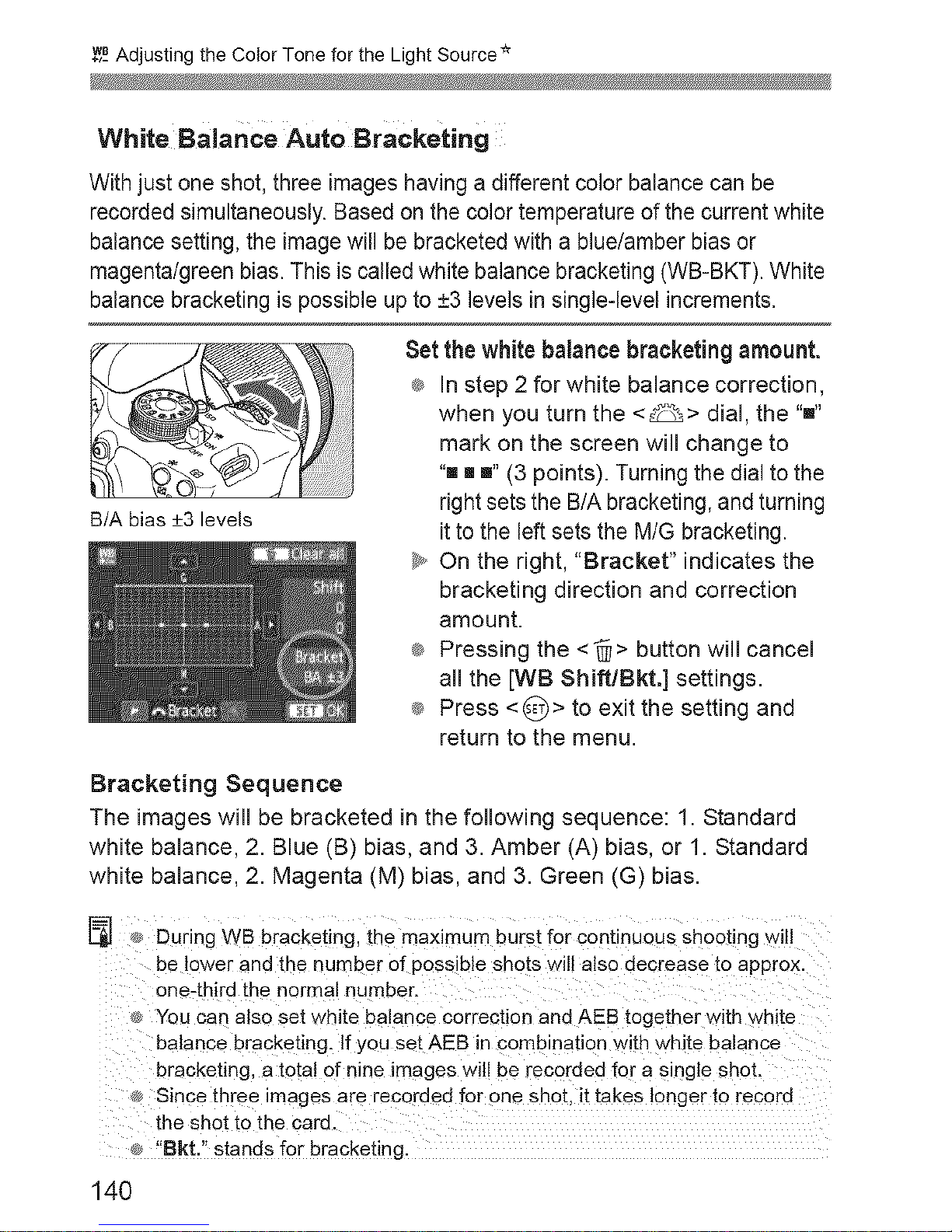
Set the white balance bracketing amount.
_ In step 2 for white balance correction,
when you turn the <_> dial, the "'"
mark on the screen will change to
"" [] "' (3 points). Turning the dial to the
right sets the B/A bracketing, and turning
it to the left sets the M/G bracketing.
_y,,On the right, "Bracket" indicates the
bracketing direction and correction
amount.
_ Pressing the <'@> button will cancel
all the [WB Shift/Bkt.] settings.
_ Press <_)> to exit the setting and
return to the menu.
Bracketing Sequence
The images wiii be bracketed in the following sequence: 1. Standard
white balance, 2. Blue (B) bias, and 3. Amber (A) bias, or 1. Standard
white balance, 2. Magenta (M) bias, and 3. Green (G) bias.
[] During WB bracketing, the maximum burst for continuous shooting will
be lower and the number of possible shots will also decrease to approx.
one-third the normal number.
You can also set white balance correction and AEB together with white
balance bracketing. If you set AEB in combination with white balance
bracketing, a total of nine images will be recorded for a single shot.
Since three images are recordea for one shot. it takes longer to record
Lbeshot to the card.
"8kt." stands for bracketing.
140