9
Programming the Control
Here’s how to connect your time periods with your settings.
Open the lid.1.
Press the days (2. ) button at the bottom of the
thermostat. You will see 1 to 7 ashing on the display.
Select one of the options (1 to 7 , 1 to 5 , 6 to 7 or3.
individual day : 1, 2, 3, 4, 5, 6, 7) by pressing the days
() button until you get your desired option. Select
1 to 7 if your individual day schedules are same.
When you have selected one of the options (1 to 7, 14.
to 5, 6 to 7 or individual day: 1, 2, 3, 4, 5, 6, 7), press the
period ( ) button at the bottom of the thermostat.
P1 will ash on the display.
Select the desired zone by pressing the zone (5. )
button repeatedly.
To change the hours in P1, press the start time (6. )
button at the bottom of the screen.
You will see the hours in 6:00 ashing on the screen.7.
Press the up or down button and stop on the desired
time.
To change the minutes, press start time (8. ) button.
You will see the minutes in 6:00 ashing on the screen.
Press the up or down button and stop on the desired
time.
The“stop time”for period 1 (P1) is also the“start time”9.
for period 2 (P2). Use the instructions in the next step
to change the start time for period 2.
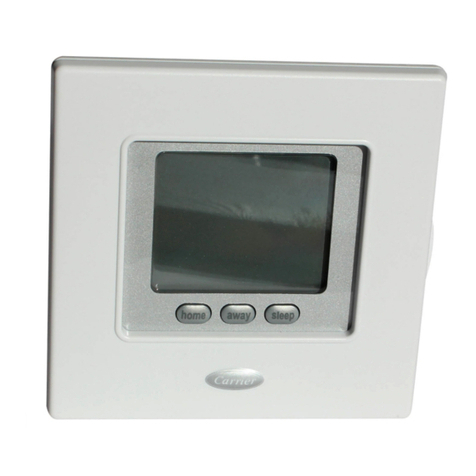
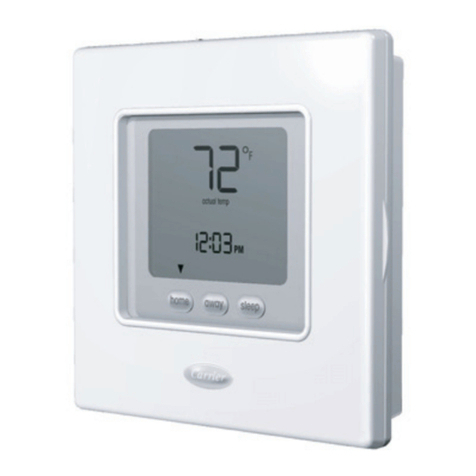
Press the Touch ‘N’Go button – home (10. ), away
() or sleep ( ) – you want to use during
period 1 (P1) from the row of buttons just below the
display. You will see triangle icon ( ) above the
button selected. This tells the thermostat whether you
are home, away, or sleep during P1. The thermostat
will use the heating and cooling temperature settings
you’ve selected for that Touch ‘N’Go button. For
example, if your heating temperature setting for
home is 23 °C, the thermostat will keep the heat at 23
during P1.
For zone 1 and zone 2: press the mode (M) button on11.
the left side of the display.
t*GUIF0''JDPO ) is displayed, Zone mode is OFF,
otherwise is ON.
For zone 1: press the hold (12. ) button on the left side
of the display.
t*GUIF4JMFOU.PEFJDPO ) is displayed, Silent
Mode is ON, otherwise is OFF.
For zone 3: press the hold (13. ) button on the left side
of the display.
tJGCPPTUFSIFBUFSJDPO ) is displayed, booster
heater is enabled, otherwise is disabled.
English