manuals.online logo
Brands
  1. Home
  2. •
  3. Brands
  4. •
  5. Casio
  6. •
  7. Alarm Clock
  8. •
  9. Casio DQ-980 User manual

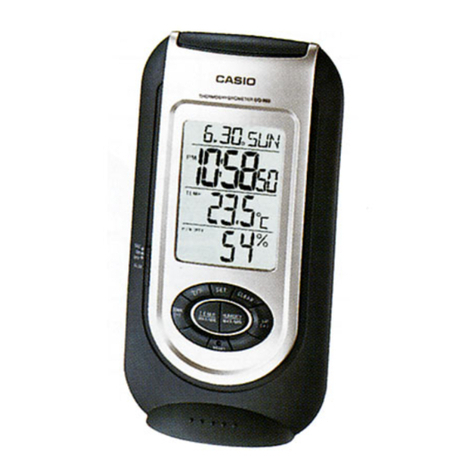
Casio DQ-980 User manual

Other Casio Alarm Clock manuals

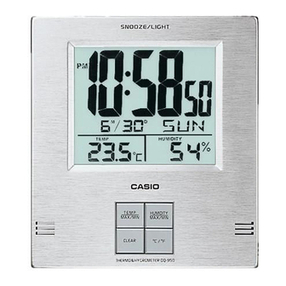
Casio DQ-950 User manual

Casio

Casio DQ-950 User manual

Casio DQD-70B User manual

Casio

Casio DQD-70B User manual

Casio DQR-200U User manual

Casio

Casio DQR-200U User manual

Casio DQ-745 User manual

Casio

Casio DQ-745 User manual

Casio DQ-982N User manual

Casio

Casio DQ-982N User manual

Casio DQ-960 User manual

Casio

Casio DQ-960 User manual

Casio DQ-584 User manual

Casio

Casio DQ-584 User manual

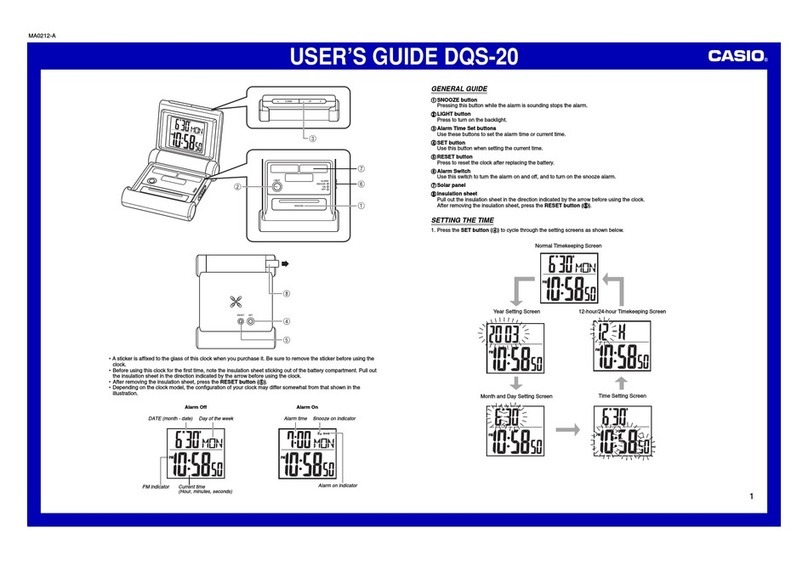
Casio DQS-20 User manual

Casio

Casio DQS-20 User manual

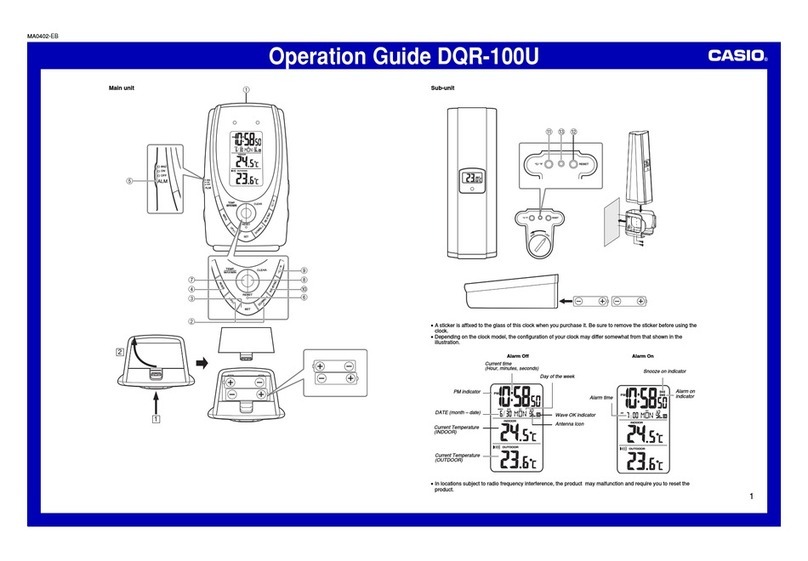
Casio DQR-100U User manual

Casio

Casio DQR-100U User manual

Casio Clock GQ-50 User manual

Casio

Casio Clock GQ-50 User manual

Casio PQ-40 User manual

Casio

Casio PQ-40 User manual

Casio DQD-106 User manual

Casio

Casio DQD-106 User manual

Casio DQ-545 User manual

Casio

Casio DQ-545 User manual

Casio DQ-545B User manual

Casio

Casio DQ-545B User manual

Casio DQR-300 User manual

Casio

Casio DQR-300 User manual

Casio DQD-110B User manual

Casio

Casio DQD-110B User manual

Casio DQ-683 User manual

Casio

Casio DQ-683 User manual

Casio DQS-30 User manual

Casio

Casio DQS-30 User manual

Casio DQR-300U User manual

Casio

Casio DQR-300U User manual

Casio DQ-643 User manual

Casio

Casio DQ-643 User manual

Casio TQ-3591 User manual

Casio

Casio TQ-3591 User manual

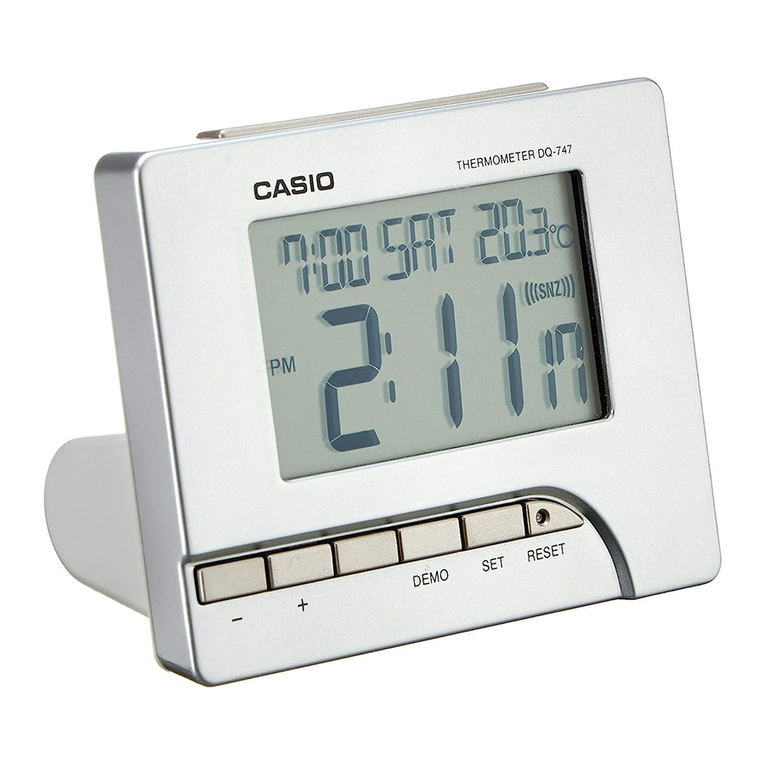
Casio Clock DQ-747 User manual

Casio

Casio Clock DQ-747 User manual

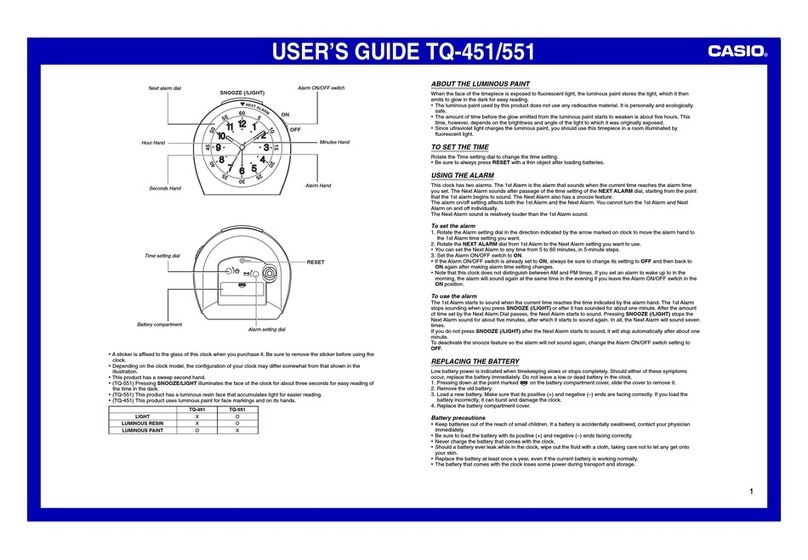
Casio TQ-451/551 User manual

Casio

Casio TQ-451/551 User manual

Casio GQ-500 User manual

Casio

Casio GQ-500 User manual

Popular Alarm Clock manuals by other brands

dyras ALCL-002WH instruction manual

dyras

dyras ALCL-002WH instruction manual

Livoo AR321 user manual

Livoo

Livoo AR321 user manual

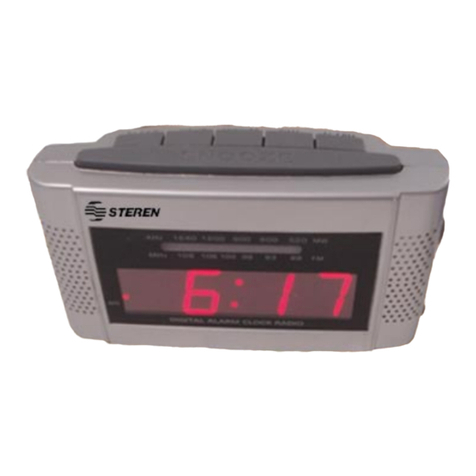
Steren CLK-210 user manual

Steren

Steren CLK-210 user manual

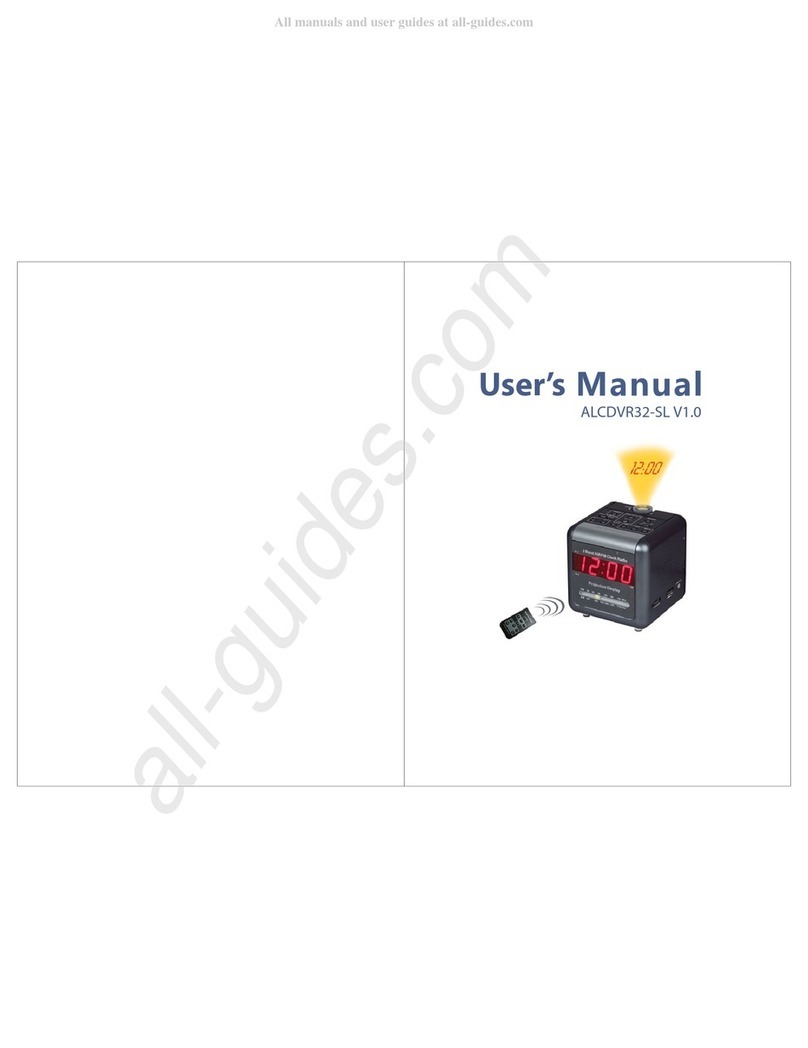
COP-USA ALCDVR32-SL user manual

COP-USA

COP-USA ALCDVR32-SL user manual

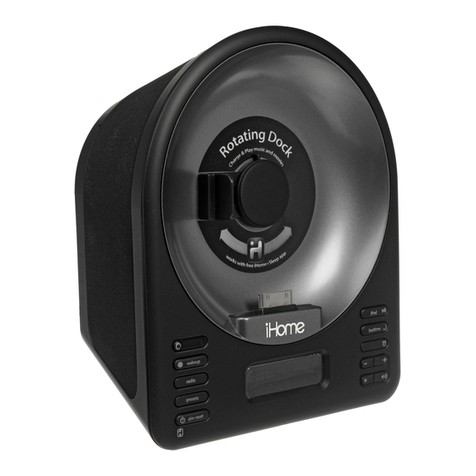
iHome IA63 user manual

iHome

iHome IA63 user manual

ANJANK AC-190 Instruction manual and warranty

ANJANK

ANJANK AC-190 Instruction manual and warranty

Dexford RCT200 operating manual

Dexford

Dexford RCT200 operating manual

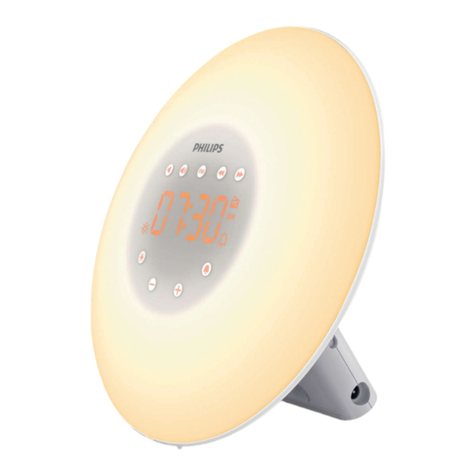
Philips AJL303/37B user manual

Philips

Philips AJL303/37B user manual

RST Q754 Operation manual

RST

RST Q754 Operation manual

Sharper Image 204050 instruction manual

Sharper Image

Sharper Image 204050 instruction manual

Philips HF3505/70 Quick start card

Philips

Philips HF3505/70 Quick start card

SVINZ SCC009 user manual

SVINZ

SVINZ SCC009 user manual

Clas Ohlson 918863 quick guide

Clas Ohlson

Clas Ohlson 918863 quick guide

Timex T128 user manual

Timex

Timex T128 user manual

Krown Visual VibeAlert user manual

Krown

Krown Visual VibeAlert user manual

Coopers 9765 instructions

Coopers

Coopers 9765 instructions

Gro Company groclock How to use

Gro Company

Gro Company groclock How to use

TFA 98.1075 operating instructions

TFA

TFA 98.1075 operating instructions

manuals.online logo
manuals.online logoBrands
  • About & Mission
  • Contact us
  • Privacy Policy
  • Terms and Conditions

Copyright 2025 Manuals.Online. All Rights Reserved.

Operation Guide DQ-980
1
MA1206-EA
ILLUSTRATION
©
2012 CASIO COMPUTER CO., LTD.
•A sticker is affixed to the glass of the clock when you purchase it. Be sure to remove the sticker before using the
clock.
•Depending on the clock model, its configuration may differ somewhat from that shown in the illustration.
Current time
(Hour, minutes,
seconds)
Current
humidity
Day of the week Current
temperature
Date
(month - day)
PM indicator Alarm on
indicator
Snooze on
indicator
Alarm time
Alarm Off Snooze Alarm On
Operation Guide DQ-980
2
GENERAL GUIDE
11
11
1SNOOZE/LIGHT button
•Press this button to illuminate the display for about five seconds.
•Pressing this button while the alarm is sounding stops the alarm.
2 32 3
2 32 3
2 3 +/ –buttons
•Use these buttons to change the setting that is flashing on the display.
44
44
4Alarm Mode selector
SNZ: Snooze alarm on
ON: Alarm on
OFF: Alarm off
55
55
5DEMO button
•Press this button to sound the alarm.
66
66
6SET button
•Use this button when setting the current time.
77
77
7RESET button
•Press this button to reset the clock after replacing its battery.
USING THE CLOCK
1. Press the SET button (6) to cycle through the setting screens as shown below.
12-hour/24-hour Setting Screen Time Setting Screen
Month and Day Setting ScreenYear Setting ScreenNormal Timekeeping Screen
2. While the screen you want is displayed, use the +and –buttons (23) to change the flashing digits.
•Holding down + or –changes the flashing digits at high speed.
•You can set the year in the range of 2000 to 2069. The day of the week is set automatically in accordance
with the date setting.
•Pressing +or –while the Time Setting Screen is on the display causes the seconds count to be reset to 00.
•Each press of +or –while the 12-hour/24-hour Setting Screen is on the display toggles between 12-hour and
24-hour timekeeping.
(+) Increase
(–) Decrease
3. After making the settings you want, use the SET button (6) to display the Normal Timekeeping Screen.
•The clock automatically returns to the Normal Timekeeping Screen if you leave a setting screen on the display
for about five minutes without performing any operation.
USING THE ALARM
The alarm sounds when the alarm time you set is reached. You can also use the Alarm Mode selector (4) to
select the snooze alarm feature.
Setting the Alarm Time
Use the +and – buttons (23) to set the alarm time.
Pressing the +and – buttons (23) causes the alarm time to appear in place of the date on the display.
(+) Increase
(–) Decrease
•Holding down +or – changes the digits at high speed.
Turning the Alarm On and Off
Use the Alarm Mode selector (4) to turn the alarm on and off, and to select the snooze feature.
•The alarm time appears in place of the date on the display whenever the Alarm Mode selector (4) is set to ON
or SNZ.
•The volume of the alarm sound cycles through five levels as it sounds.
Stopping the Alarm
•When the alarm is sounding, press the SNOOZE/LIGHT button (1) to stop it. When the snooze feature is turned
on, the alarm will sound again in about five minutes.
•To turn off the snooze feature, slide the Alarm Mode selector (4) to OFF.
Demo Alarm
Press the DEMO button (5) to sound the alarm.
THERMOMETER FUNCTIONS
•Display Range: –19.9°C (Under: LL) to 49.9°C (Over: HH)
•Guaranteed Range: 0°C to 40°C
HYGROMETER FUNCTIONS
•Display Range: 20% (Under: LL) to 90% (Over: HH)
•Sensor Precision: ±10% when temperature is 5°C to 40°C.
Alarm Mode selector
SNZ ( )
ON ( )
OFF
Description
The alarm sounds at the preset time for one minute, and up to seven more times every
five minutes thereafter. Even if you stop the alarm by pressing the SNOOZE/LIGHT button
(1), the alarm sounds again about five minutes later.
•The indicator flashes on the display to indicate that the snooze feature is
activated.
The alarm sounds at the preset time for one minute.
The alarm does not sound.

Operation Guide DQ-980
3
BATTERY REPLACEMENT
Replace batteries whenever the display becomes dim and difficult to read.
To replace the battery
1. Open the battery compartment cover as shown in the illustration.

2. Remove all of the old batteries.
3. Load a full set of new batteries. Make sure that their positive (+) and negative (–) ends face in the correct
directions. If you load batteries incorrectly, they can burst and damage the clock.
4. Press the RESET button (7). Be sure to press the RESET button (7) after replacing batteries.
5. Replace the battery compartment cover.
Battery precautions
•Keep batteries out of the reach of small children. If a battery is accidentally swallowed, contact your physician
immediately.
•Be sure to load the batteries with their positive (+) and negative (–) ends facing correctly.
•Never mix old and new batteries, or batteries of different brands.
•Never charge the batteries that come with the clock.
•Should batteries ever leak while in the clock, wipe out the fluid with a cloth, taking care not to let any get onto
your skin.
•Replace the batteries at least once a year, even if the current batteries are working properly.
•The batteries that come with the clock lose some of their power during transport and storage.
SPECIFICATIONS
Accuracy at normal temperature: ±60 seconds a month
Calendar system: Auto-calendar pre-programmed from the year 2000 to 2069
Alarm: Daily Alarm, Snooze Alarm (7 repeats), Demo Alarm
Thermometer: Measuring range: 0°C to 40°C (guaranteed); Display range: –19.9°C to 49.9°C
Temperature Sensor Precision: ±2°C in range of 0°C to 40°C
Hygrometer Function: Measuring range: 20% to 90%, when temperature is 0°C to 49.9°C
Humidity Sensor Precision: ±10%, when temperature is 5°C to 40°C
Other: LED light; 12/24-hour timekeeping
Battery: Two AA size batteries (Type: R6P)
Battery life: Approximately 1 year
•1 minute alarm operation per day
•5 seconds light operation per day
Operating temperature: 0°C to 40°C